Tracfone Wireless My Account
TracFone Wireless, Inc.
4.7 ★
store rating
Free
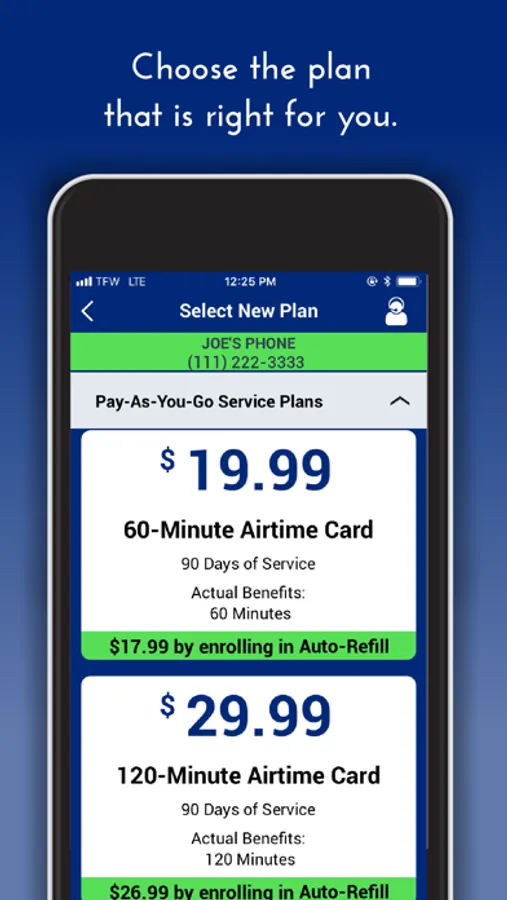
With this app, you can manage your wireless service, refill airtime, view your balance, and update account details. Includes account management, transaction history, and retail locator features.
AppRecs review analysis
AppRecs rating 4.5. Trustworthiness 80 out of 100. Review manipulation risk 26 out of 100. Based on a review sample analyzed.
★★★★☆
4.5
AppRecs Rating
Ratings breakdown
5 star
78%
4 star
18%
3 star
3%
2 star
0%
1 star
1%
What to know
✓
Low review manipulation risk
26% review manipulation risk
✓
Credible reviews
80% trustworthiness score from analyzed reviews
⚠
Pricing complaints
Many low ratings mention paywalls or pricing
About Tracfone Wireless My Account
Take command of your wireless service, anywhere at any time! The TracFone My Account App lets you manage most aspects of your wireless service right from your phone.
Here is how it works:
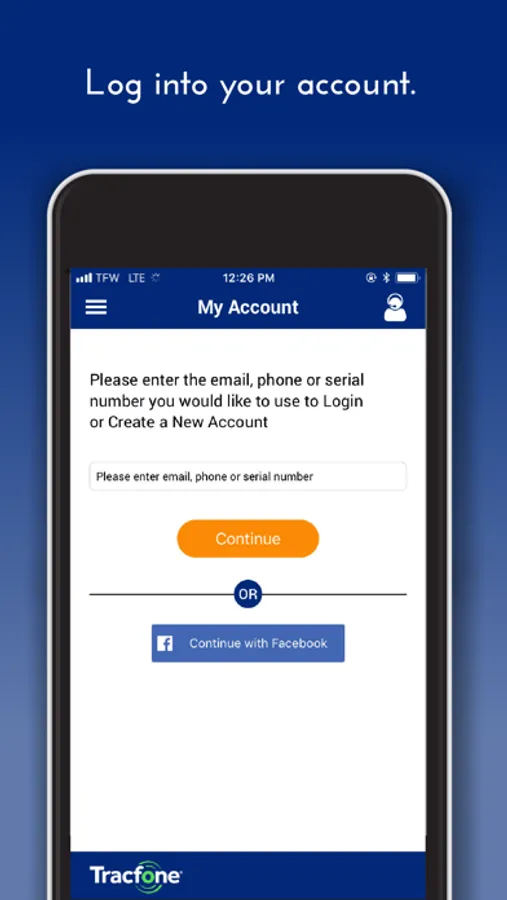
-Once downloaded, open the app and after agreeing with the End User License agreement, you will have the option to log in (if you already have a TracFone Account) or you can create an account by selecting Create an Account.
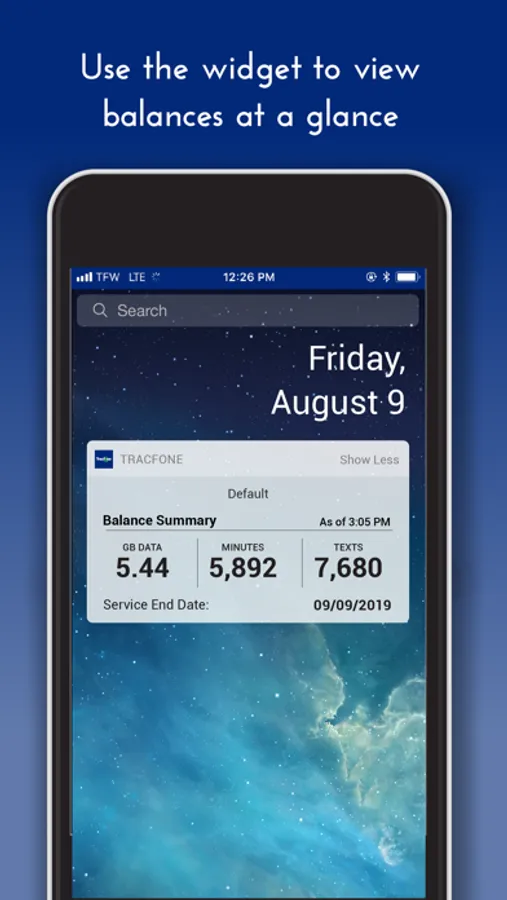
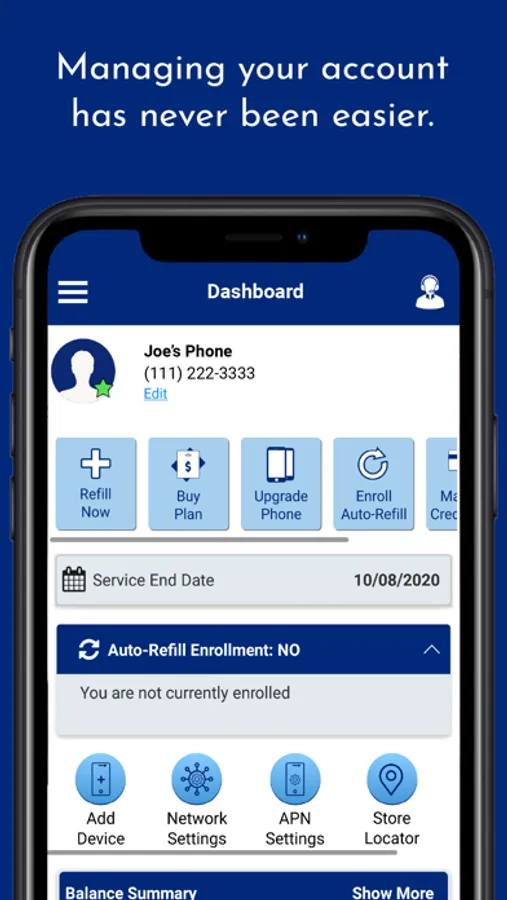
- Once logged in, you will be able to see your Service End Date, keep track of your Balance on your home screen, refill your Airtime by selecting Buy Airtime or Add Airtime if you have an Airtime PIN.
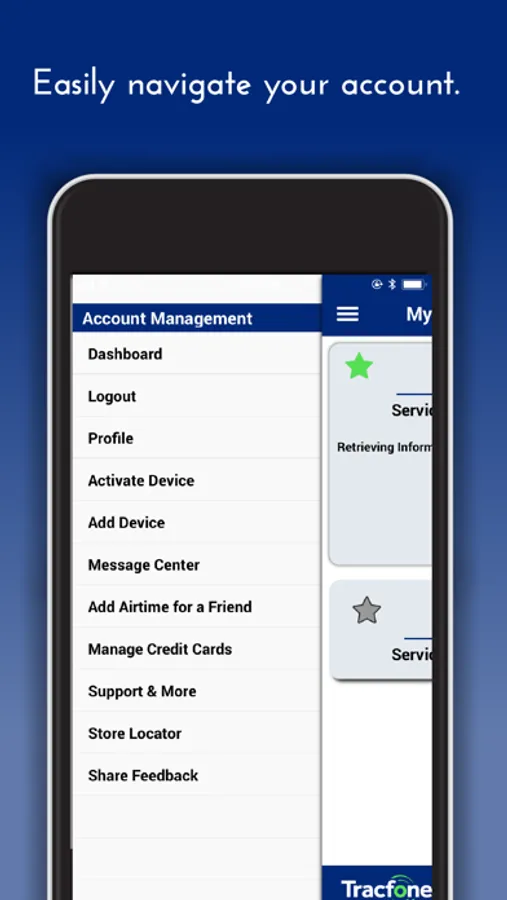
-Other features include Credit Card management, Adding or Deleting a Device from the Account, viewing your transaction history or you can use our retail locator.
Airtime PINs are located on the back of the TracFone Service Card or on your register receipt. To read the PIN on the TracFone Service Card, simply locate the grey strip on the back of the card. Scratch off the gray strip in order to reveal the Service Card PIN.
Service Cards are sold at over 80,000 retail locations across the United States.
Not a TracFone customer? Switch now! Visit us at http://www.tracfone.com/ for more information
Tracfone from TracFone Wireless, a Verizon company.
Here is how it works:
-Once downloaded, open the app and after agreeing with the End User License agreement, you will have the option to log in (if you already have a TracFone Account) or you can create an account by selecting Create an Account.
- Once logged in, you will be able to see your Service End Date, keep track of your Balance on your home screen, refill your Airtime by selecting Buy Airtime or Add Airtime if you have an Airtime PIN.
-Other features include Credit Card management, Adding or Deleting a Device from the Account, viewing your transaction history or you can use our retail locator.
Airtime PINs are located on the back of the TracFone Service Card or on your register receipt. To read the PIN on the TracFone Service Card, simply locate the grey strip on the back of the card. Scratch off the gray strip in order to reveal the Service Card PIN.
Service Cards are sold at over 80,000 retail locations across the United States.
Not a TracFone customer? Switch now! Visit us at http://www.tracfone.com/ for more information
Tracfone from TracFone Wireless, a Verizon company.