AppRecs review analysis
AppRecs rating 4.4. Trustworthiness 77 out of 100. Review manipulation risk 29 out of 100. Based on a review sample analyzed.
★★★★☆
4.4
AppRecs Rating
Ratings breakdown
5 star
90%
4 star
0%
3 star
0%
2 star
0%
1 star
10%
What to know
✓
Low review manipulation risk
29% review manipulation risk
✓
Credible reviews
77% trustworthiness score from analyzed reviews
✓
High user satisfaction
90% of sampled ratings are 5 stars
About JPics
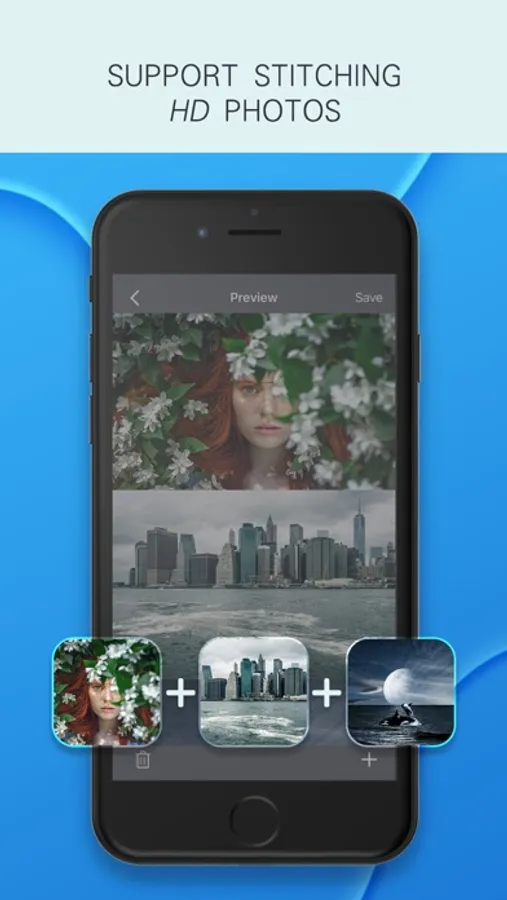
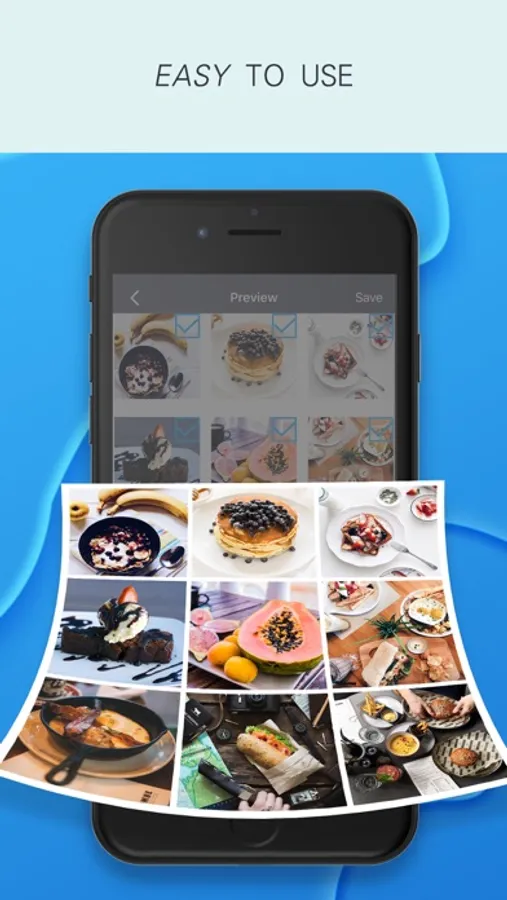
JPics focuses on long image stitching. Support splicing photos taken by SLR, original picture quality output; support full webpage screenshots.
Applicable scenarios: Seamless stitching of chat records, movie lines, web page screenshots, life photos, screenshots, learning materials, landscapes, long Weibo, etc.
【Features】
-Super clear preservation, original picture quality output;
-The page is concise, focusing on long image stitching, no ads, no in-app purchases;
-Stitch up to 24 pictures;
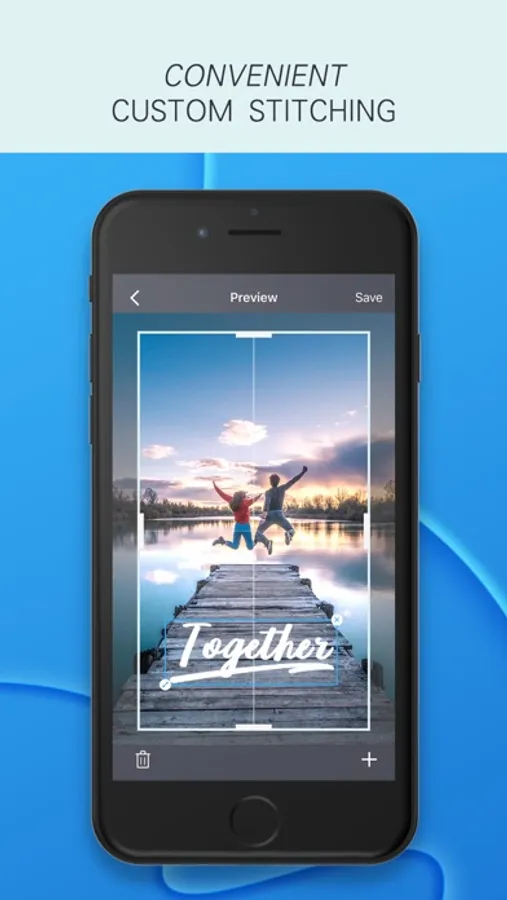
-Support manual stitching to cover overlapping parts of pictures;
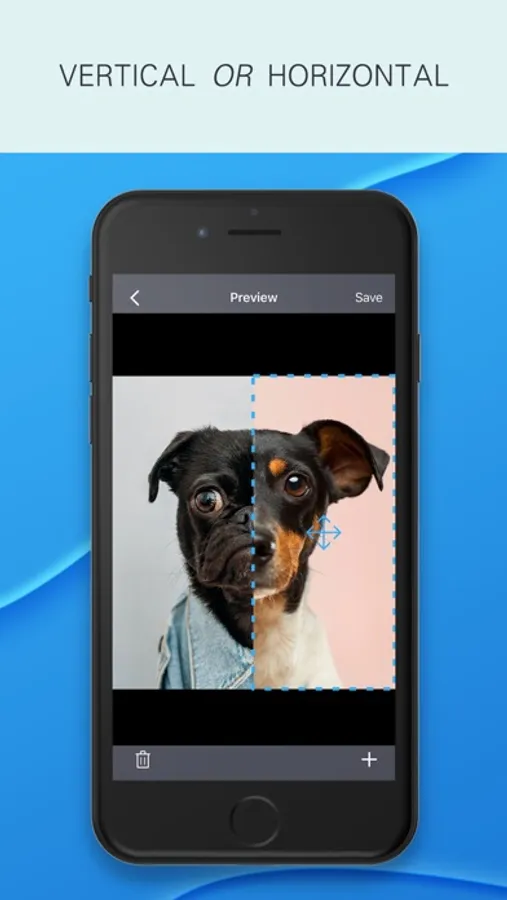
-Support vertical and horizontal stitching of pictures;
-Support picture cut, graffiti, add text;
-Support setting border color and gap;
-Support border style setting (preview page, click "border" in the lower left corner);
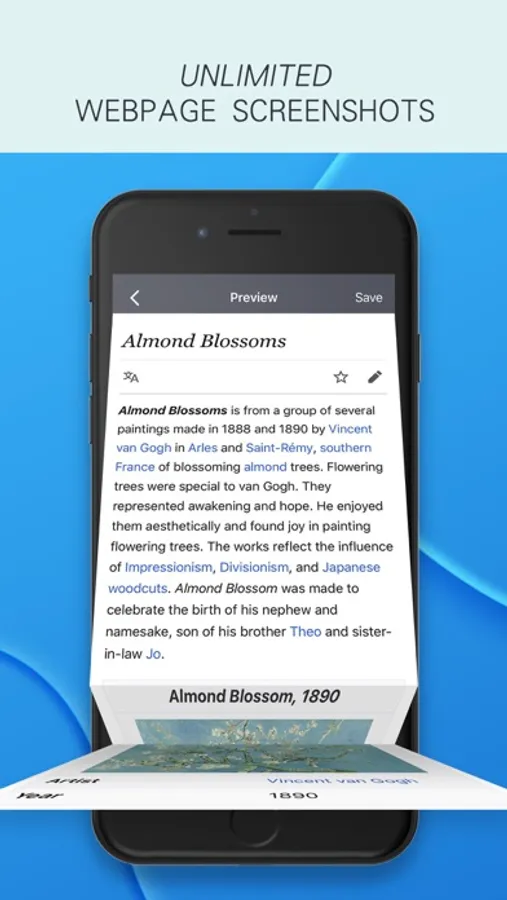
-Support full webpage screenshot (two ways to use: 1. Open JPics plugin in safari browser; 2. Copy webpage link and start JPics);
-Support system photo album plugin, you can directly stitch long images in the system photo album without opening the App, at most 10 pictures at a time (usage: open the album> select multiple pictures> select the share button in the lower left corner> "more" activity > Open "JPics")
-Support custom splicing template. Create custom templates such as movie lines and chat records, and automatically stitch long pictures with one click.
Applicable scenarios: Seamless stitching of chat records, movie lines, web page screenshots, life photos, screenshots, learning materials, landscapes, long Weibo, etc.
【Features】
-Super clear preservation, original picture quality output;
-The page is concise, focusing on long image stitching, no ads, no in-app purchases;
-Stitch up to 24 pictures;
-Support manual stitching to cover overlapping parts of pictures;
-Support vertical and horizontal stitching of pictures;
-Support picture cut, graffiti, add text;
-Support setting border color and gap;
-Support border style setting (preview page, click "border" in the lower left corner);
-Support full webpage screenshot (two ways to use: 1. Open JPics plugin in safari browser; 2. Copy webpage link and start JPics);
-Support system photo album plugin, you can directly stitch long images in the system photo album without opening the App, at most 10 pictures at a time (usage: open the album> select multiple pictures> select the share button in the lower left corner> "more" activity > Open "JPics")
-Support custom splicing template. Create custom templates such as movie lines and chat records, and automatically stitch long pictures with one click.