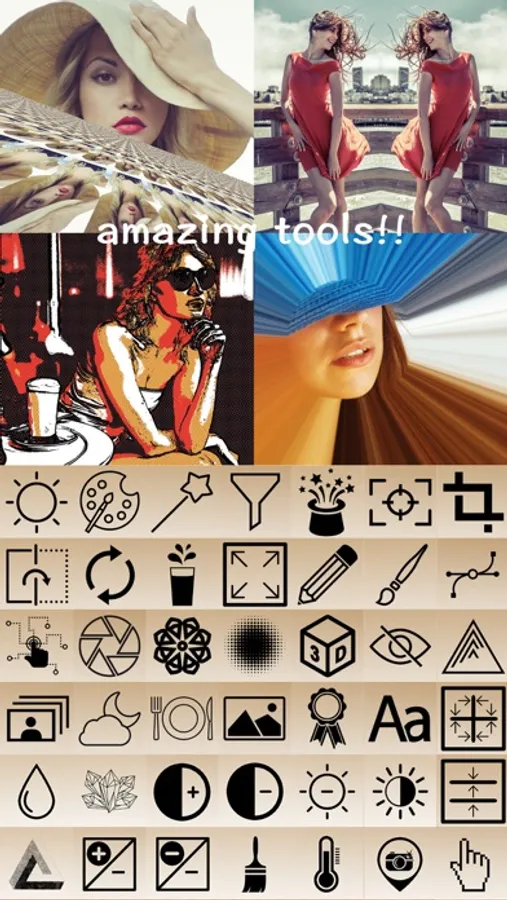
With this photo editor, you can apply filters, adjust brightness and contrast, and add stickers or text to images. Includes sharing options and tools for cropping, rotating, and resizing photos.
AppRecs review analysis
AppRecs rating 3.9. Trustworthiness 45 out of 100. Review manipulation risk 28 out of 100. Based on a review sample analyzed.
★★★☆☆
3.9
AppRecs Rating
Ratings breakdown
5 star
77%
4 star
6%
3 star
7%
2 star
1%
1 star
8%
What to know
✓
Authentic reviews
No red flags detected
About Muse Photo Editor
FUN and SUPER EASY way to create artistic images in seconds!
No matter you are a professional or a novice, you can make beautiful pictures using amazing photo filters and effects.
Features:
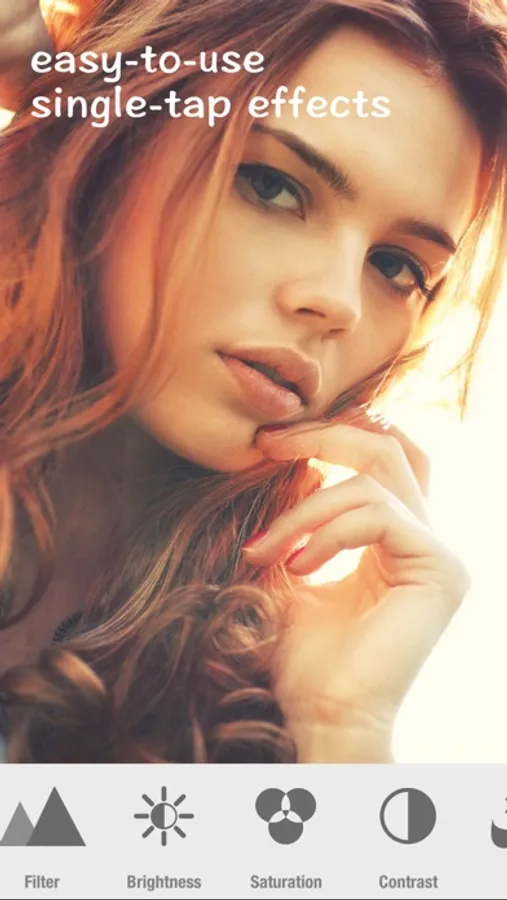
→ Easy-to-use single tap camera effects
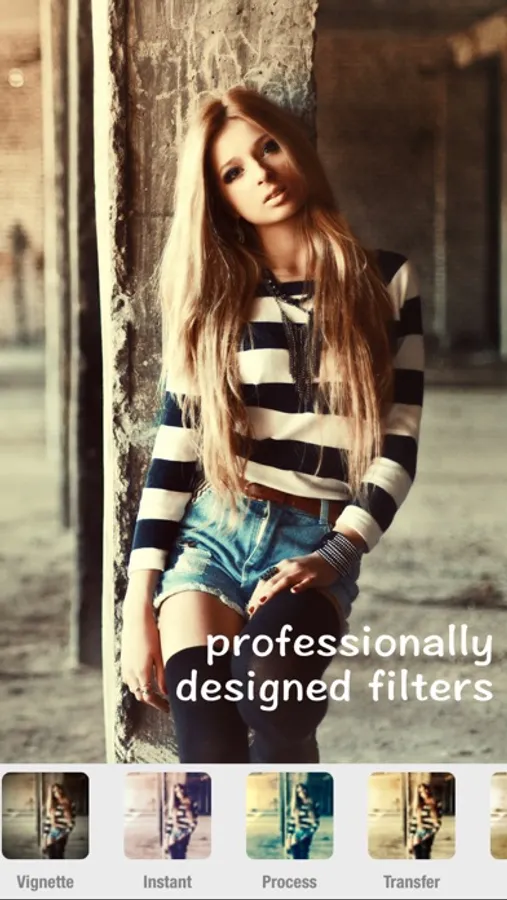
→ Professionally designed camera filters
→ Photo filter suitable for portraits
→ Brightness and contrast adjustment
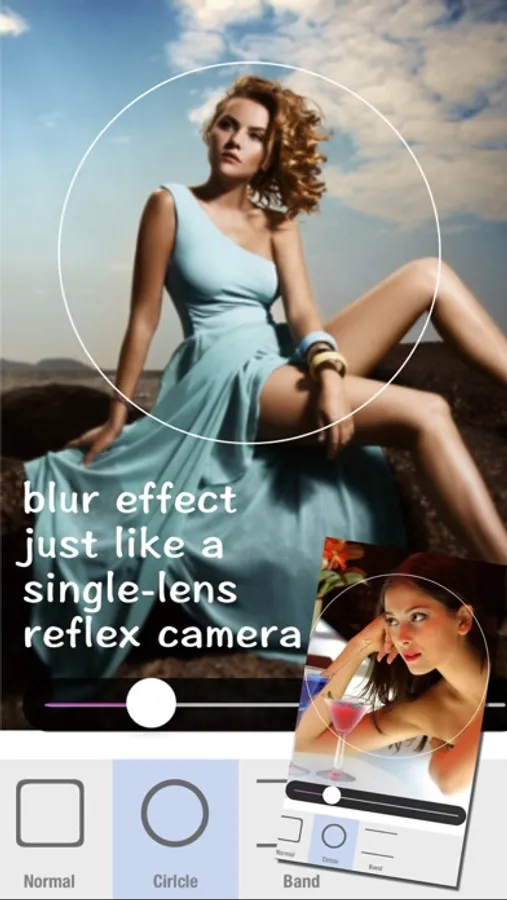
→ Blur and focus
→ Rotate, crop and resizing photos
→ Adjust tone curve
→ Fun and creative stickers
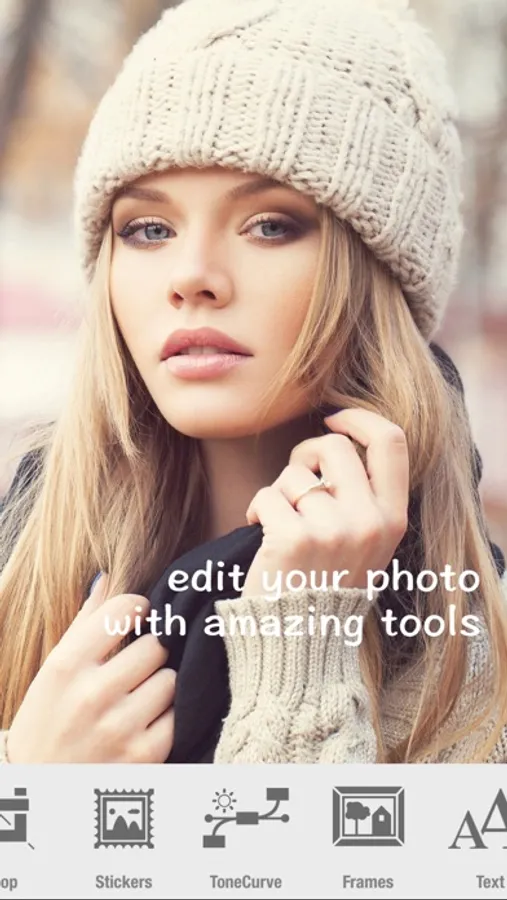
→ Add text
→ User interface improvements
→ Additional effects and filters
→ Additional fun stickers
→ Progressive color and lighting adjustment
→ Image mirroring
→ Create anaglyph 3D photos
→ Overlays with colored gradient
→ Add and customize shapes
→ Draw with adjustable Brush and Color
→ Single tap retouching
→ Share photos to Twitter or Facebook
→ Save photos to Photo Library
→ Print photos
No matter you are a professional or a novice, you can make beautiful pictures using amazing photo filters and effects.
Features:
→ Easy-to-use single tap camera effects
→ Professionally designed camera filters
→ Photo filter suitable for portraits
→ Brightness and contrast adjustment
→ Blur and focus
→ Rotate, crop and resizing photos
→ Adjust tone curve
→ Fun and creative stickers
→ Add text
→ User interface improvements
→ Additional effects and filters
→ Additional fun stickers
→ Progressive color and lighting adjustment
→ Image mirroring
→ Create anaglyph 3D photos
→ Overlays with colored gradient
→ Add and customize shapes
→ Draw with adjustable Brush and Color
→ Single tap retouching
→ Share photos to Twitter or Facebook
→ Save photos to Photo Library
→ Print photos