In this notes and reminders app, you can create colorful sticky notes, set reminders, and attach images to organize your tasks. Includes tagging, password protection, and widget support for quick access.
AppRecs review analysis
AppRecs rating 4.2. Trustworthiness 76 out of 100. Review manipulation risk 23 out of 100. Based on a review sample analyzed.
★★★★☆
4.2
AppRecs Rating
Ratings breakdown
5 star
73%
4 star
12%
3 star
1%
2 star
4%
1 star
9%
What to know
✓
Low review manipulation risk
23% review manipulation risk
✓
Credible reviews
76% trustworthiness score from analyzed reviews
✓
High user satisfaction
85% of sampled ratings are 4+ stars (4.4★ average)
About Notezilla - Notes & Reminders
Notezilla is a product of Conceptworld Corporation.
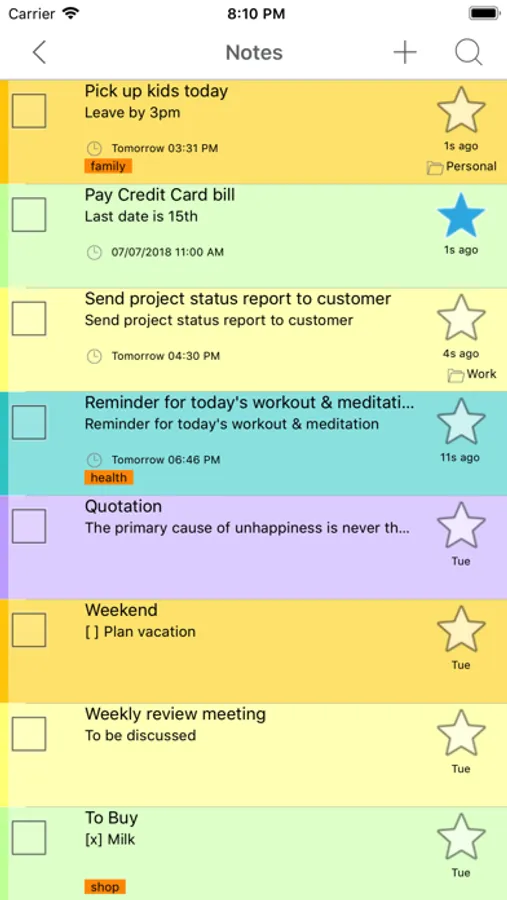
Notezilla is an elegant notes & reminder app with following benefits:
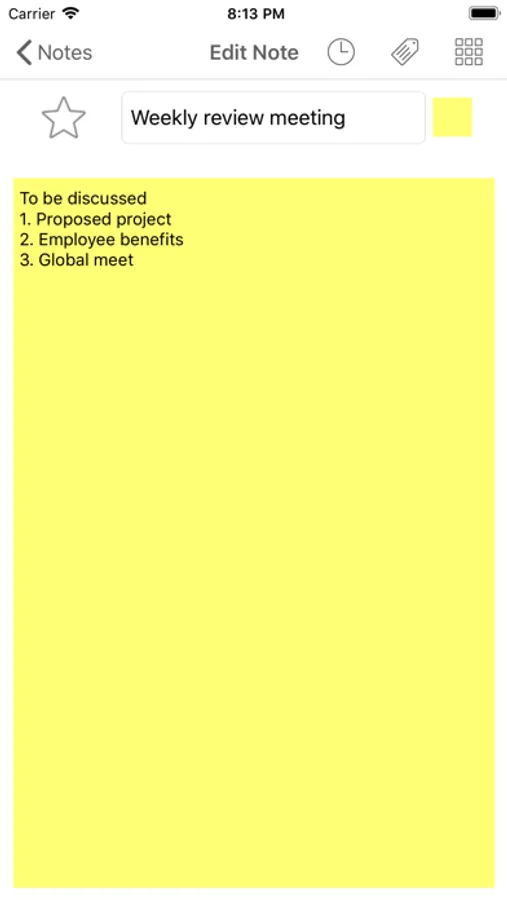
1. Quickly jot down your thoughts & to-do lists on colorful sticky notes. It is an enjoyable experience.
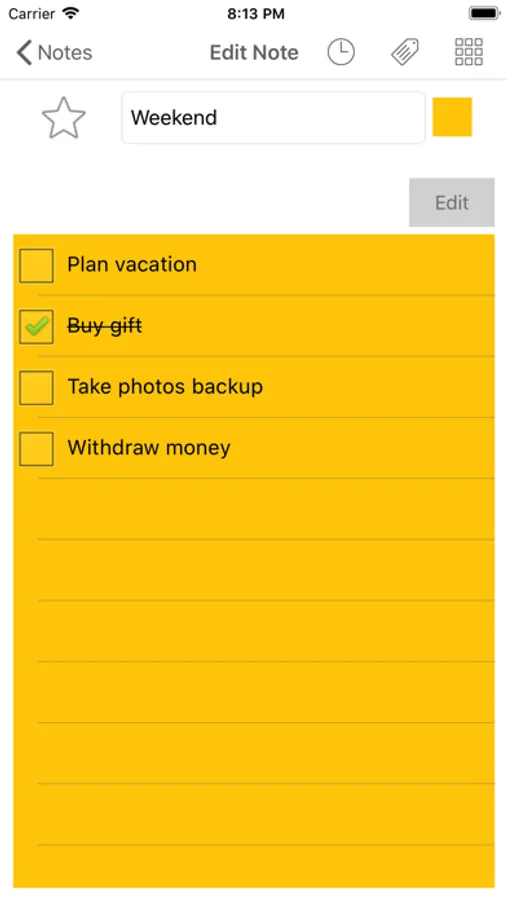
2. Create checklist notes to keep track of pending tasks. Motivates you to reach your goal faster.
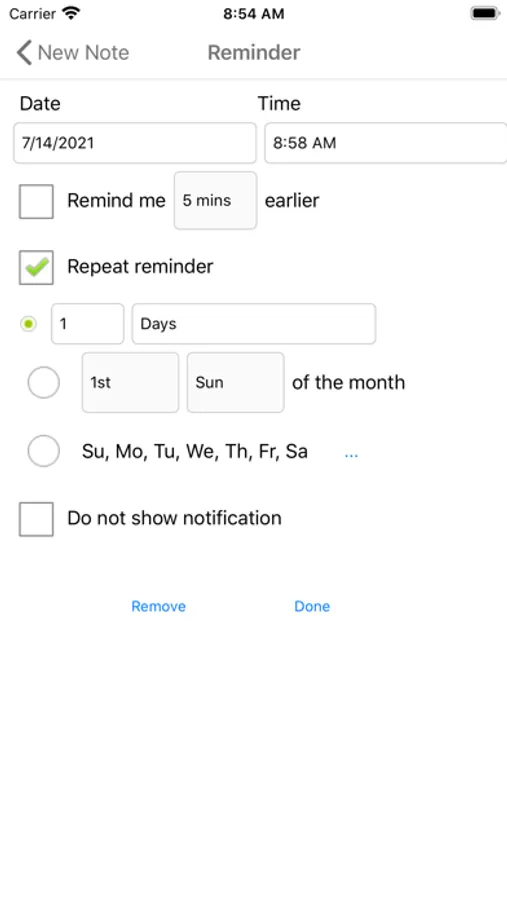
3. Set reminder alarms to notify you automatically about your tasks. Complete important stuff on time.
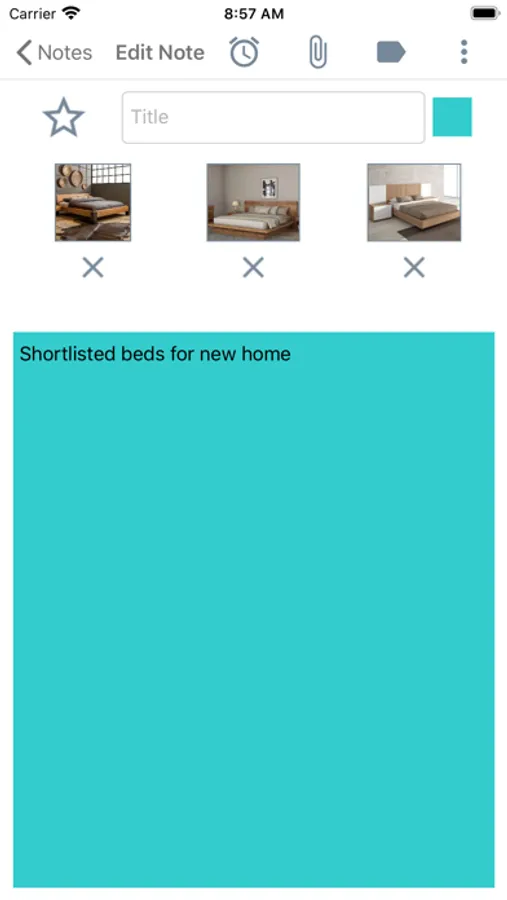
4. Attach pictures to notes from camera or photo gallery.
5. Search & pick the right note when it is needed the most. Helps you in your daily busy schedule.
6. Stick notes to your phone's home screen using widgets.
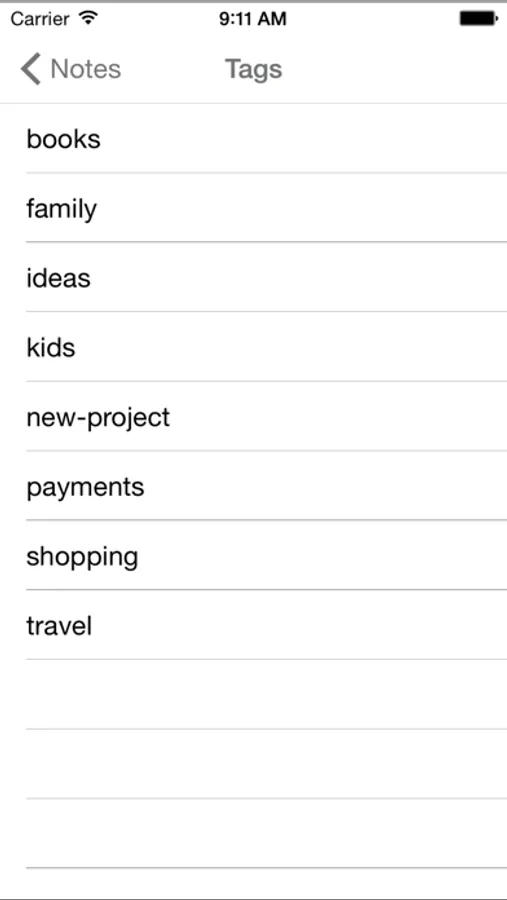
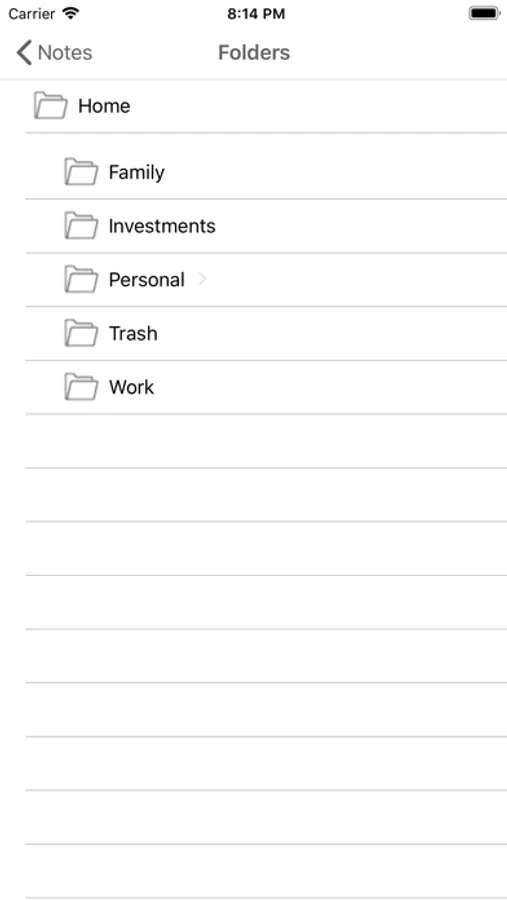
7. Easily set tags on your notes to group them & locate them faster. Gets you organized with least effort.
8. Star notes that are most important at the moment. Keeps you focused on your current task.
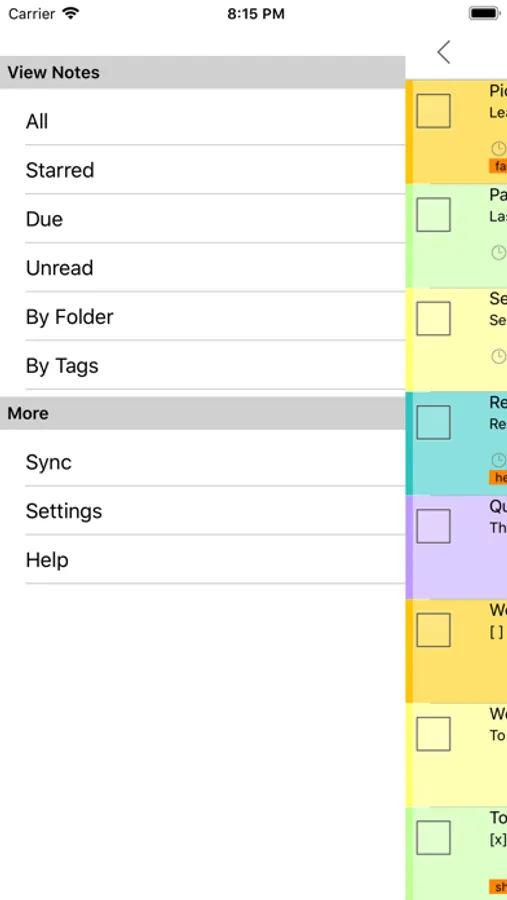
9. The notes list is simple & very intuitive.
10. Protect sensitive notes with a master password. Secure your notes.
When you sync your notes with our cloud (optional), you can reap some more benefits:
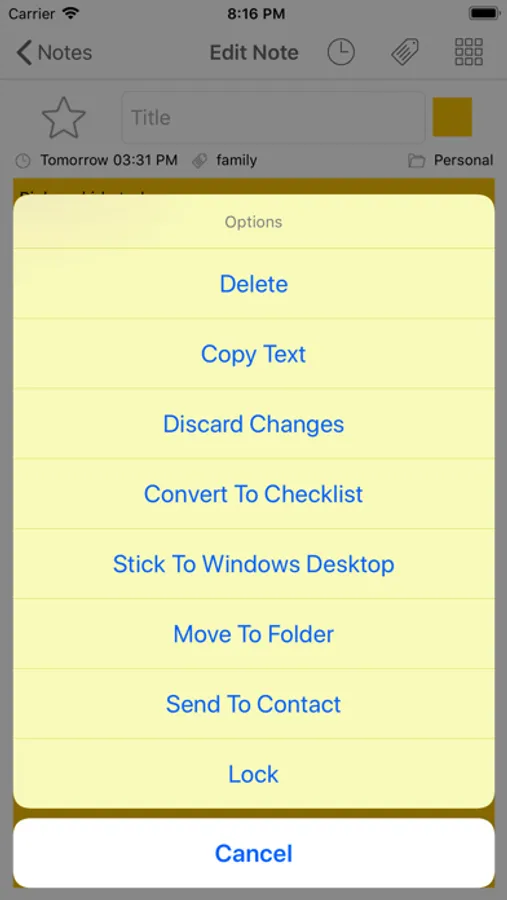
1. Have your notes appear on your Windows desktop as colorful sticky notes using Notezilla app for Windows.
2. Sync & access your notes from any smartphone/tablet, Windows PC, Mac etc.
3. Backup your notes to our secured cloud so that you can restore your notes back when you switch to another phone.
4. Send notes & reminders to other Notezilla users, right to their phone or Windows desktop.
Notezilla is an elegant notes & reminder app with following benefits:
1. Quickly jot down your thoughts & to-do lists on colorful sticky notes. It is an enjoyable experience.
2. Create checklist notes to keep track of pending tasks. Motivates you to reach your goal faster.
3. Set reminder alarms to notify you automatically about your tasks. Complete important stuff on time.
4. Attach pictures to notes from camera or photo gallery.
5. Search & pick the right note when it is needed the most. Helps you in your daily busy schedule.
6. Stick notes to your phone's home screen using widgets.
7. Easily set tags on your notes to group them & locate them faster. Gets you organized with least effort.
8. Star notes that are most important at the moment. Keeps you focused on your current task.
9. The notes list is simple & very intuitive.
10. Protect sensitive notes with a master password. Secure your notes.
When you sync your notes with our cloud (optional), you can reap some more benefits:
1. Have your notes appear on your Windows desktop as colorful sticky notes using Notezilla app for Windows.
2. Sync & access your notes from any smartphone/tablet, Windows PC, Mac etc.
3. Backup your notes to our secured cloud so that you can restore your notes back when you switch to another phone.
4. Send notes & reminders to other Notezilla users, right to their phone or Windows desktop.