SchoolCam. Camera for schools
Bitwise Software SL
4.6 ★
store rating
Free
In this app, you can automatically upload and organize photos and videos to Google Drive, with options to annotate and import existing media. Includes integration with Google Drive, automatic folder organization, and annotation features.
AppRecs review analysis
AppRecs rating 4.9. Trustworthiness 90 out of 100. Review manipulation risk 16 out of 100. Based on a review sample analyzed.
★★★★☆
4.9
AppRecs Rating
Ratings breakdown
5 star
87%
4 star
2%
3 star
2%
2 star
2%
1 star
8%
What to know
✓
Low review manipulation risk
16% review manipulation risk
✓
Credible reviews
90% trustworthiness score from analyzed reviews
✓
High user satisfaction
87% of sampled ratings are 5 stars
About SchoolCam. Camera for schools
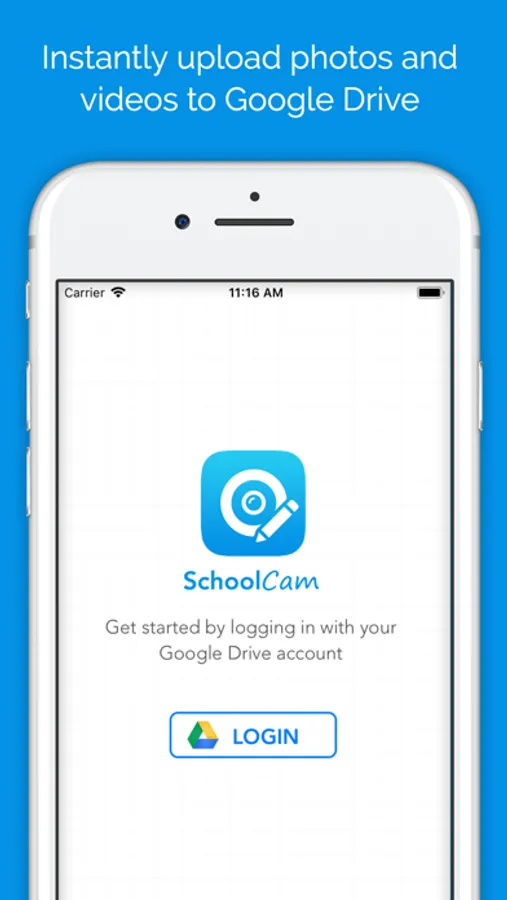
With SchoolCam the photos and videos that you take are automatically stored on Google Drive without being stored on the device. This means full control of photos for the classroom!
Features:
► Use an existing Google Drive - no need to create new accounts
► Keep photos organized and private by uploading them directly to Google Drive
► Organize photos automatically: SchoolCam let's you choose or create folders to upload your new and existing photos
► Import and upload photos and videos from your 'Camera roll': You are not limited by the photos you take with SchoolCam, if you take photos with the default camera app you can import them to SchoolCam to send them to the cloud
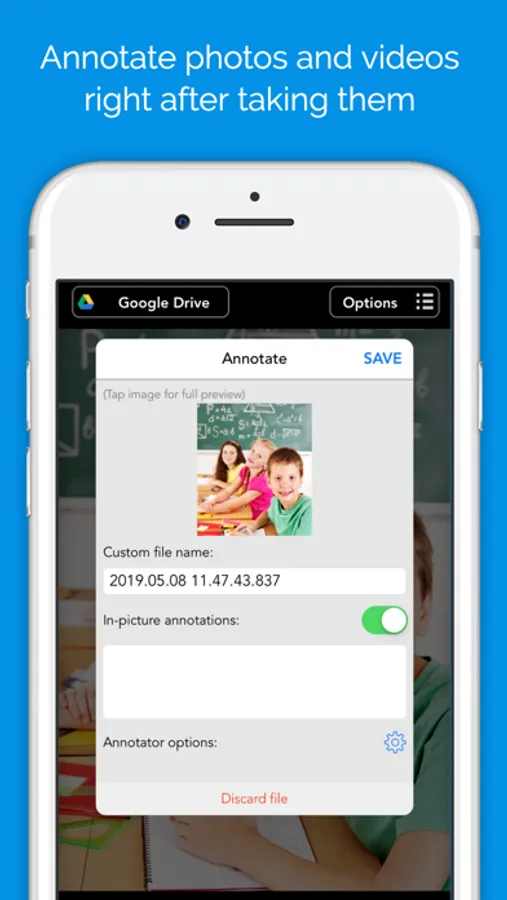
► Annotate photos adding an overlay on top of each photo you take with details like timestamp, location, author, notes, etc
IMPORTANT:
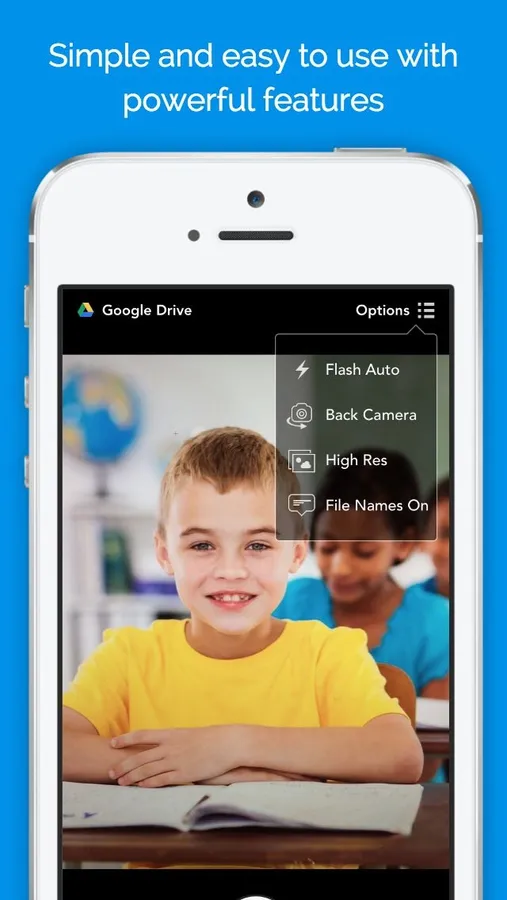
► The FREE version of this app takes and uploads photos and videos in MEDIUM RESOLUTION ONLY. Video mode is also not available in the Free version. Upgrade to the full version to take photos in FULL resolution as well as recording and uploading videos.
► If you choose to purchase the FULL Upgrade subscription, payment will be charged to your iTunes account, and your account will be charged for renewal 24 hours prior to the end of the current period. Auto-renewal may be turned off at any time by going to your settings in the iTunes Store after purchase.
Privacy Policy: https://www.schoolcamapp.com/privacy-policy.php
Terms of Service: https://www.schoolcamapp.com/tos.php
Requirements:
A valid Google Drive is required to use this app
We would love to hear your feedback. Contact us if you have any questions or comments: support@schoolcamapp.com
Features:
► Use an existing Google Drive - no need to create new accounts
► Keep photos organized and private by uploading them directly to Google Drive
► Organize photos automatically: SchoolCam let's you choose or create folders to upload your new and existing photos
► Import and upload photos and videos from your 'Camera roll': You are not limited by the photos you take with SchoolCam, if you take photos with the default camera app you can import them to SchoolCam to send them to the cloud
► Annotate photos adding an overlay on top of each photo you take with details like timestamp, location, author, notes, etc
IMPORTANT:
► The FREE version of this app takes and uploads photos and videos in MEDIUM RESOLUTION ONLY. Video mode is also not available in the Free version. Upgrade to the full version to take photos in FULL resolution as well as recording and uploading videos.
► If you choose to purchase the FULL Upgrade subscription, payment will be charged to your iTunes account, and your account will be charged for renewal 24 hours prior to the end of the current period. Auto-renewal may be turned off at any time by going to your settings in the iTunes Store after purchase.
Privacy Policy: https://www.schoolcamapp.com/privacy-policy.php
Terms of Service: https://www.schoolcamapp.com/tos.php
Requirements:
A valid Google Drive is required to use this app
We would love to hear your feedback. Contact us if you have any questions or comments: support@schoolcamapp.com