MAGic Remote TV remote control
Infomir
1.5 ★
store rating
Free
AppRecs review analysis
AppRecs rating 1.0. Trustworthiness 69 out of 100. Review manipulation risk 24 out of 100. Based on a review sample analyzed.
★☆☆☆☆
1.0
AppRecs Rating
Ratings breakdown
5 star
0%
4 star
12%
3 star
4%
2 star
8%
1 star
77%
What to know
✓
Low review manipulation risk
24% review manipulation risk
⚠
Pricing complaints
Many low ratings mention paywalls or pricing
⚠
Mixed user feedback
Average 1.5★ rating suggests room for improvement
About MAGic Remote TV remote control
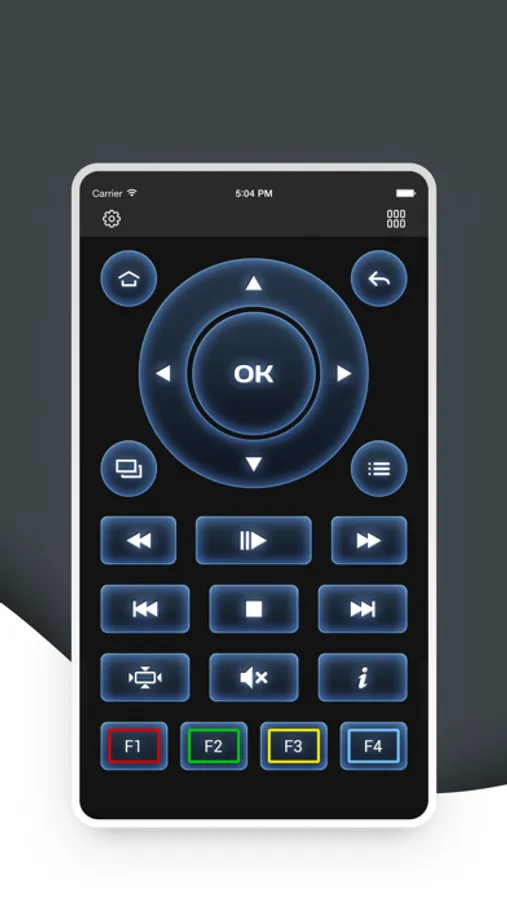
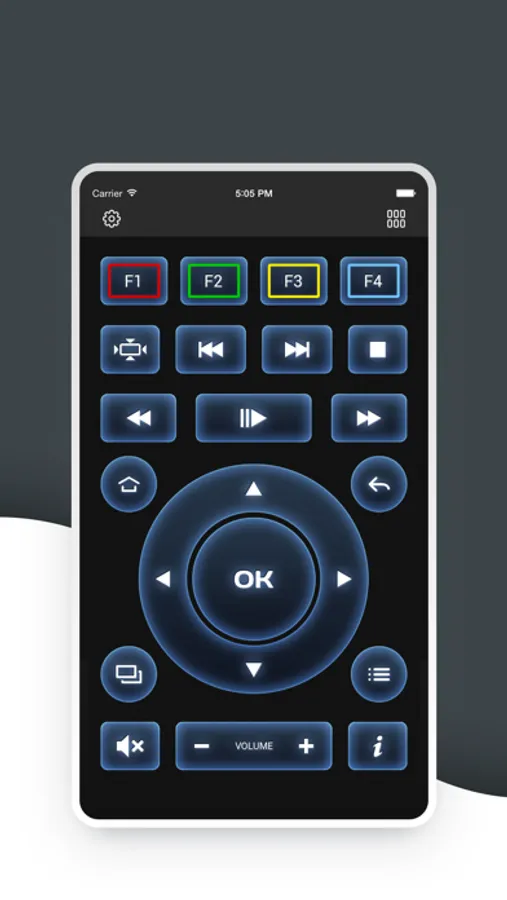
Fully control your set top box MAG series with MAGic TV remote control!
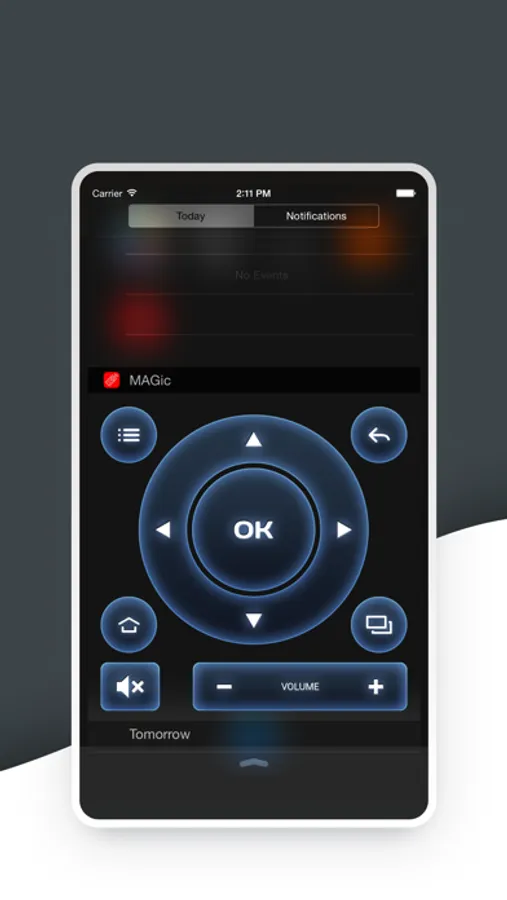
You don't need to look for your remote control to switch channels, turn ON/OFF your STB, control volume, etc...
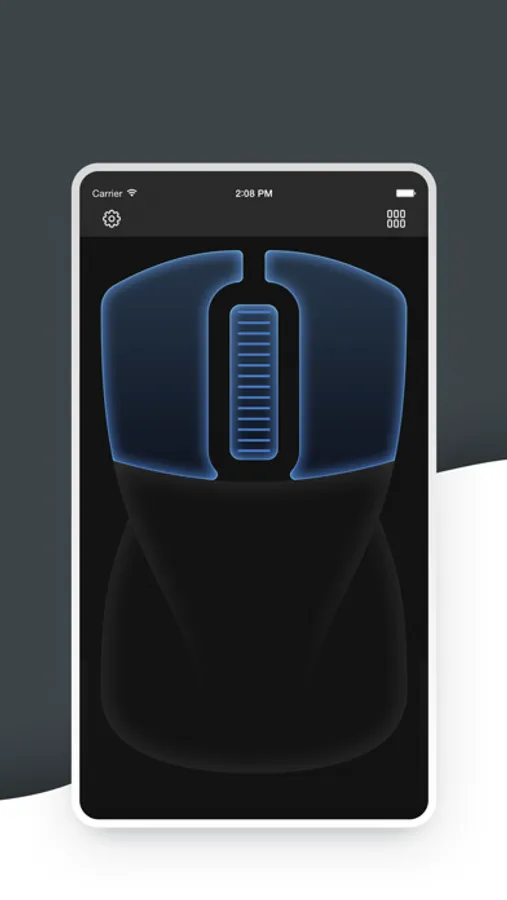
Control your set-top box of MAG series by single tap on your iPhone.
To begin, connect your STB and iOS device to the same Wi-Fi network.
Ensure that the remote control option of your set-top box is turned on.
(Setting→System settings→Remote control).
Compatible with:
MAG245
MAG245D
MAG250
MAG254
MAG255
MAG260
MAG270
MAG275
MAG324
MAG420
MAG520
MAG540
Terms of Use: https://www.apple.com/legal/internet-services/itunes/dev/stdeula/
You don't need to look for your remote control to switch channels, turn ON/OFF your STB, control volume, etc...
Control your set-top box of MAG series by single tap on your iPhone.
To begin, connect your STB and iOS device to the same Wi-Fi network.
Ensure that the remote control option of your set-top box is turned on.
(Setting→System settings→Remote control).
Compatible with:
MAG245
MAG245D
MAG250
MAG254
MAG255
MAG260
MAG270
MAG275
MAG324
MAG420
MAG520
MAG540
Terms of Use: https://www.apple.com/legal/internet-services/itunes/dev/stdeula/