In this photography app, you can automate camera settings to capture images of the northern lights using presets or custom controls. Includes manual mode, focus, ISO, shutter speed, and temperature adjustments.
AppRecs review analysis
AppRecs rating 2.2. Trustworthiness 79 out of 100. Review manipulation risk 27 out of 100. Based on a review sample analyzed.
★★☆☆☆
2.2
AppRecs Rating
Ratings breakdown
5 star
36%
4 star
6%
3 star
3%
2 star
4%
1 star
51%
What to know
✓
Low review manipulation risk
27% review manipulation risk
⚠
Mixed user feedback
Average 2.7★ rating suggests room for improvement
⚠
High negative review ratio
55% of sampled ratings are 1–2 stars
About Northern Lights Photo Taker
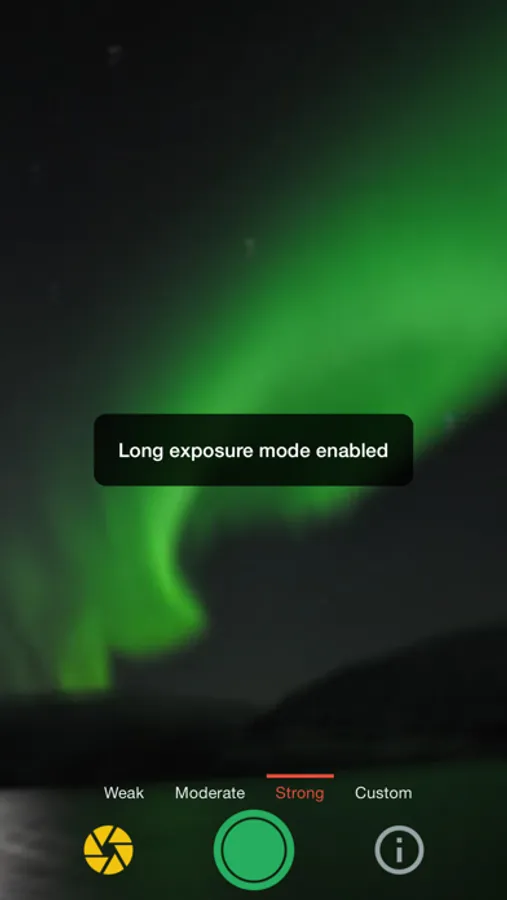
This app only does one thing and that's to help you take better photos of the aurora borealis, aka the northern lights.
Here's the scenario - so you see the northern lights (!! - awesome for you, by the way), but you don't have a fancy digital camera with you. Thankfully, you have your trusty iPhone or iPad!
OK! Now what??
Do you know the tips and tricks to take photos of the northern lights ? Great, if you do! Enable manual mode; set the focus to infinity; change the temperature to a certain number; change the ISO between certain values; change the shutter speed to something else....wait what...?
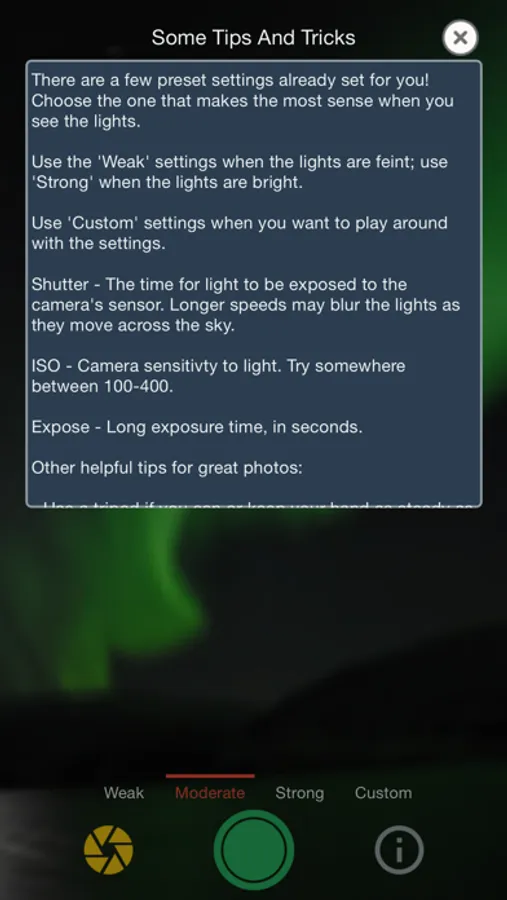
Don't worry, this app does all of that for you so all you have to do is find those lights. ISO, shutter speed, long exposure mode, temperature, check check check. There are 3 presets that you can choose from based on the brightness of the aurora lights that you're seeing. Those don't work? Try out custom mode until you get that 'good-enough-for-me-to-show-to-my-friends' snap and take as many photos as you'd like!
Worth a shot ! (hah..a...was funny when this was typed...)
Here's the scenario - so you see the northern lights (!! - awesome for you, by the way), but you don't have a fancy digital camera with you. Thankfully, you have your trusty iPhone or iPad!
OK! Now what??
Do you know the tips and tricks to take photos of the northern lights ? Great, if you do! Enable manual mode; set the focus to infinity; change the temperature to a certain number; change the ISO between certain values; change the shutter speed to something else....wait what...?
Don't worry, this app does all of that for you so all you have to do is find those lights. ISO, shutter speed, long exposure mode, temperature, check check check. There are 3 presets that you can choose from based on the brightness of the aurora lights that you're seeing. Those don't work? Try out custom mode until you get that 'good-enough-for-me-to-show-to-my-friends' snap and take as many photos as you'd like!
Worth a shot ! (hah..a...was funny when this was typed...)