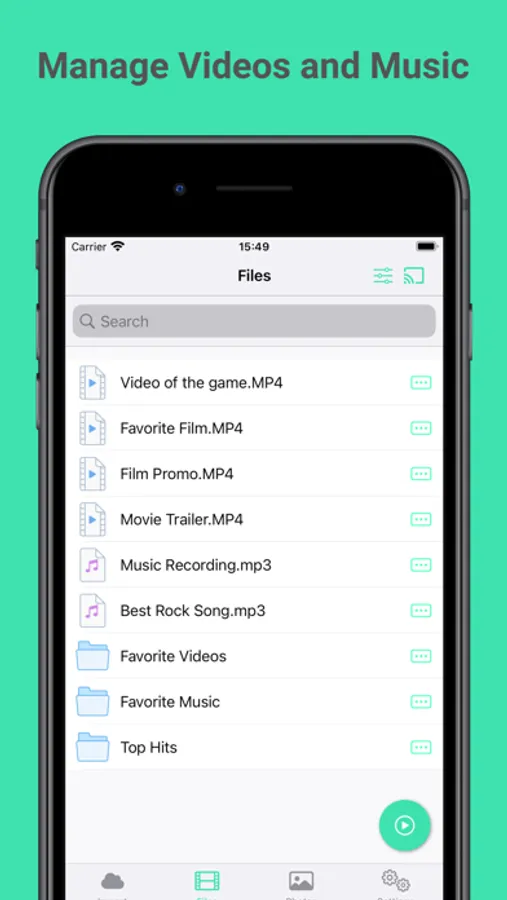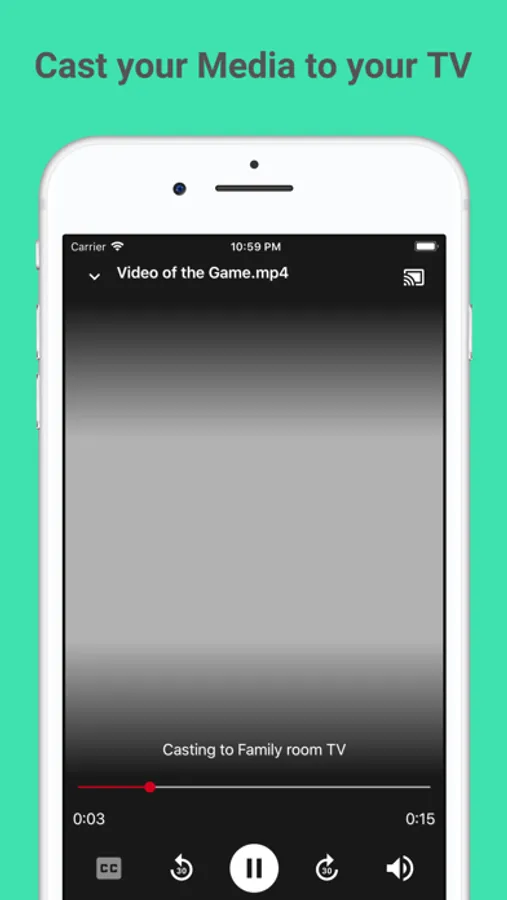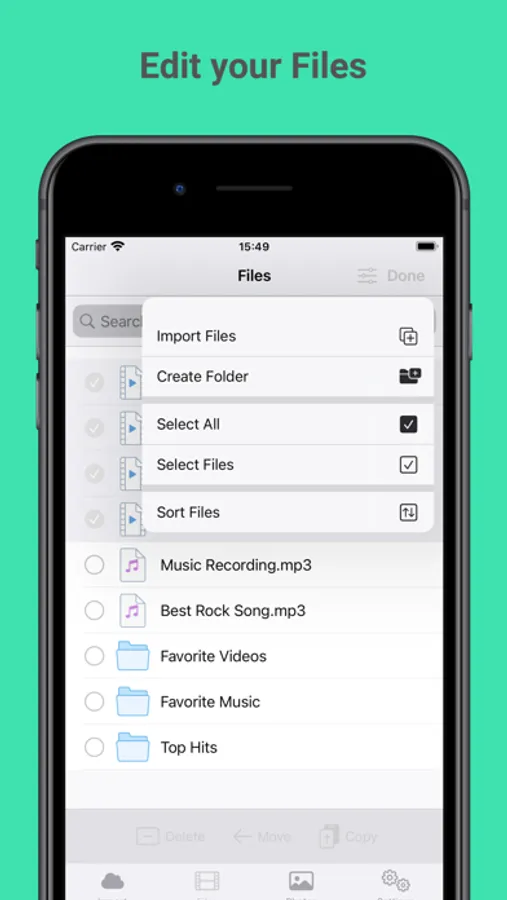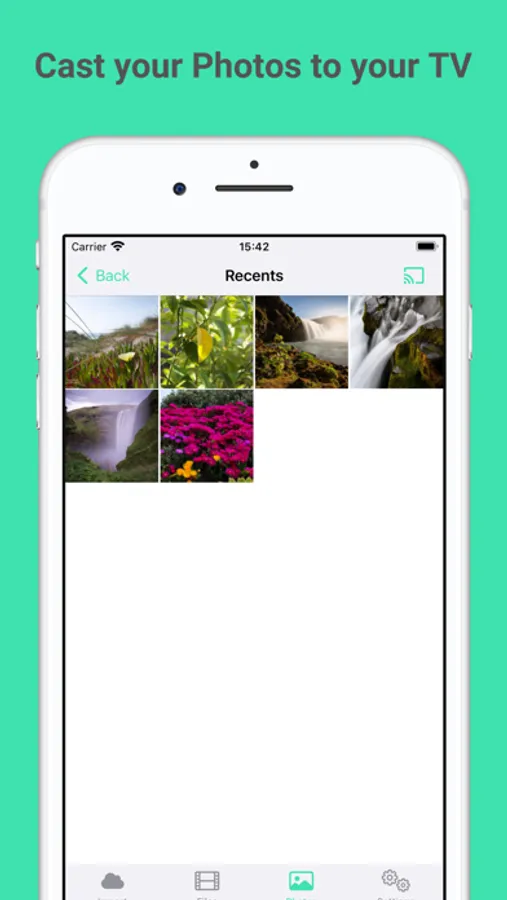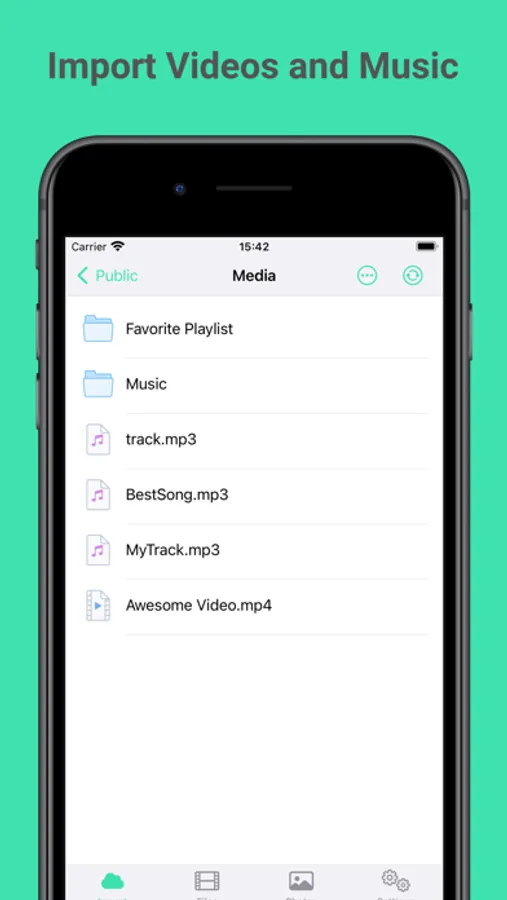
With this media player, you can play videos, music, and images stored locally on your device and organize them into folders or playlists. Includes support for multiple formats, Chromecast connectivity, and file import options from iTunes and Dropbox.
AppRecs review analysis
AppRecs rating 3.7. Trustworthiness 78 out of 100. Review manipulation risk 22 out of 100. Based on a review sample analyzed.
★★★☆☆
3.7
AppRecs Rating
Ratings breakdown
5 star
70%
4 star
9%
3 star
5%
2 star
5%
1 star
10%
What to know
✓
Low review manipulation risk
22% review manipulation risk
✓
Credible reviews
78% trustworthiness score from analyzed reviews
✓
High user satisfaction
79% of sampled ratings are 4+ stars (4.2★ average)
About OfflineMedia - Files Player
Play your iPhone's videos and music with ease!
OfflineMedia allows you to play videos, music and images stored locally on your iPhone and iPad. Playing your favorite movies, clips, music and pictures has never been easier!
OfflineMedia is really easy to use. Simply import your files to the app, organize them into folders, playlists or albums and play them.
FEATURES
→ Play all iOS supported video, audio and image formats.
→ Easily connect to your chromecast device and play your videos, music or pictures in your chromecast.
→ Easily import your files from your device.
→ Supports iTunes File Sharing - Connect your iPhone or iPad to your computer, fire up iTunes and import videos using iTunes file sharing.
→ Import files from Dropbox.
→ Built in File Manager to allow you to create and manage your media library.
→ Organize your music into playlists and albums.
→ Play your music with the built-in music player.
→ Passcode lock with FaceID to protect your privacy.
OfflineMedia allows you to play videos, music and images stored locally on your iPhone and iPad. Playing your favorite movies, clips, music and pictures has never been easier!
OfflineMedia is really easy to use. Simply import your files to the app, organize them into folders, playlists or albums and play them.
FEATURES
→ Play all iOS supported video, audio and image formats.
→ Easily connect to your chromecast device and play your videos, music or pictures in your chromecast.
→ Easily import your files from your device.
→ Supports iTunes File Sharing - Connect your iPhone or iPad to your computer, fire up iTunes and import videos using iTunes file sharing.
→ Import files from Dropbox.
→ Built in File Manager to allow you to create and manage your media library.
→ Organize your music into playlists and albums.
→ Play your music with the built-in music player.
→ Passcode lock with FaceID to protect your privacy.