AppRecs review analysis
AppRecs rating 1.0. Trustworthiness 65 out of 100. Review manipulation risk 29 out of 100. Based on a review sample analyzed.
★☆☆☆☆
1.0
AppRecs Rating
Ratings breakdown
5 star
0%
4 star
0%
3 star
8%
2 star
0%
1 star
92%
What to know
✓
Low review manipulation risk
29% review manipulation risk
⚠
Mixed user feedback
Average 1.2★ rating suggests room for improvement
About AIRSTREAM IR
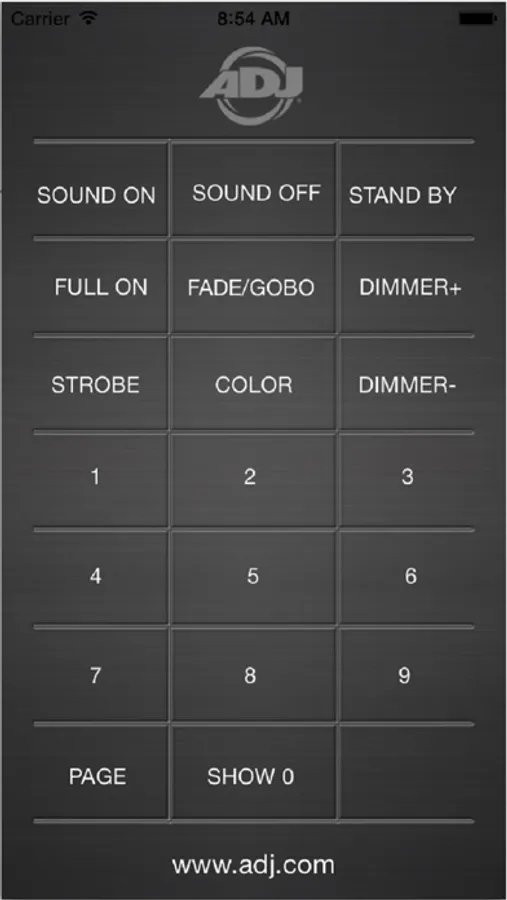
ADJ’s AIRSTREAM IR is developed according to UC-IR remote controller. It is used to control ADJ effect lights with IR feature within 15 feet far away from the fixture.
Show – Press this button, then use button 0 to 9 to change the internal program. Press this button again to deactivate this function.
Sound On – This button is used to activate and deactivate the sound active mode.
Stand by : Pressing this button will blackout the fixture.
FULL ON: Press and Hold this button for temporary full light output.
FADE/GOBO: When sound mode is on, the fixture will fade from one color to the other. For the fixture with gobo, you can select gobo with button 1 to 9 after press FADE/GOBO button.
Dimmer + and Dimmer - : These buttons will increase and decrease the output intensity.
Strobe- Press and hold this button to perform random strobe.
Color- Press this button, then use button 1 to 9 to select different color.
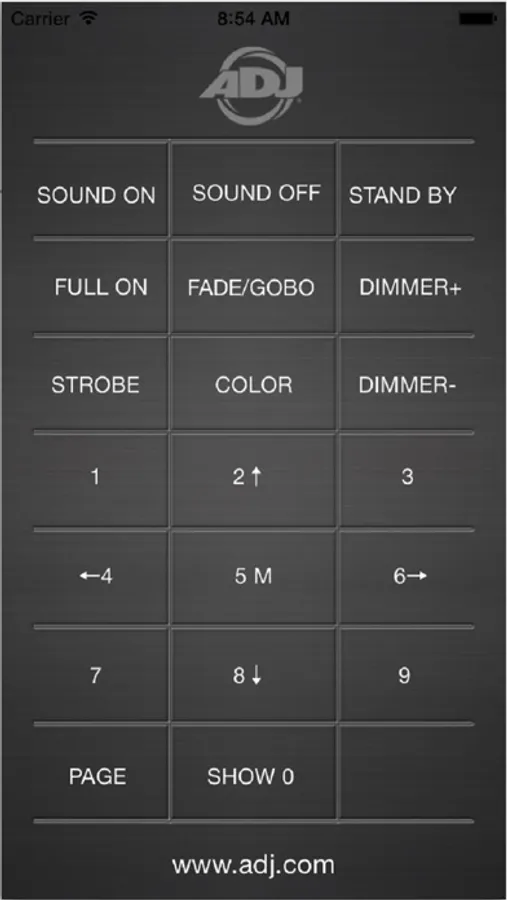
Show – Press this button, then use button 0 to 9 to change the internal program. Press this button again to deactivate this function.
Sound On – This button is used to activate and deactivate the sound active mode.
Stand by : Pressing this button will blackout the fixture.
FULL ON: Press and Hold this button for temporary full light output.
FADE/GOBO: When sound mode is on, the fixture will fade from one color to the other. For the fixture with gobo, you can select gobo with button 1 to 9 after press FADE/GOBO button.
Dimmer + and Dimmer - : These buttons will increase and decrease the output intensity.
Strobe- Press and hold this button to perform random strobe.
Color- Press this button, then use button 1 to 9 to select different color.