AppRecs review analysis
AppRecs rating 2.3. Trustworthiness 77 out of 100. Review manipulation risk 24 out of 100. Based on a review sample analyzed.
★★☆☆☆
2.3
AppRecs Rating
Ratings breakdown
5 star
0%
4 star
0%
3 star
33%
2 star
0%
1 star
67%
What to know
✓
Low review manipulation risk
24% review manipulation risk
✓
Credible reviews
77% trustworthiness score from analyzed reviews
⚠
Mixed user feedback
Average 2.3★ rating suggests room for improvement
About Sundial Mobile Punch
Sundial Mobile Punch is a tool for employees to use for clocking operations with the RealTime software, an Employee Timekeeping solution from Sundial Time Systems.
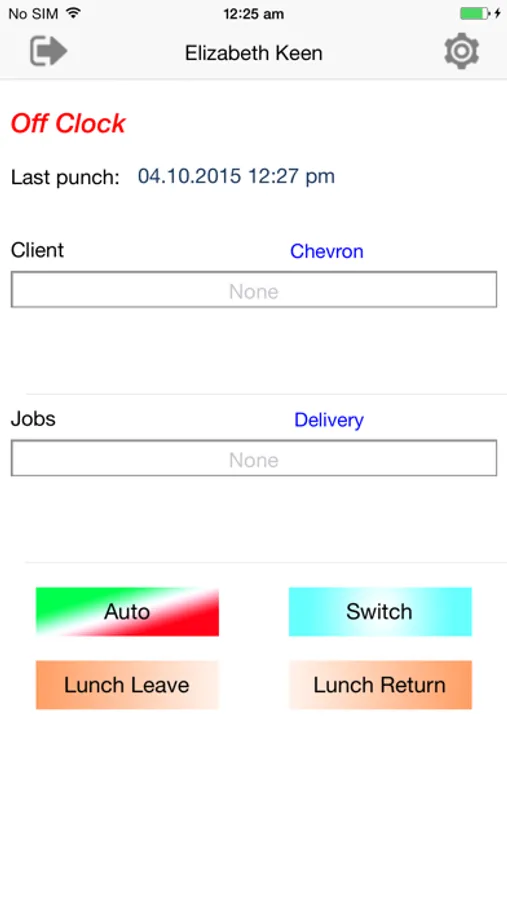
Mobile Punch supports any combination of the Supported Punch Types: IN; OUT, Switch; Lunch Leave; Lunch Return; Break Leave; Break Return; and Auto.
As with the Desktop software and Physical Time Clocks, punches submitted through Mobile Punch are automatically integrated with the rest of the solution, allowing the RealTime software to capture Time and Labor data from whatever sources are most convenient.
Mobile Punch also gives Status Feedback allowing the employee the opportunity to check their current Punch State and see the Timestamp of their Last Punch.
Configuration settings allow the employee to provide as much Job Costing information as needed, up to all 8 tracking levels. For Job Costing purposes, each level for Job Cost entry has a selectable list of available options.
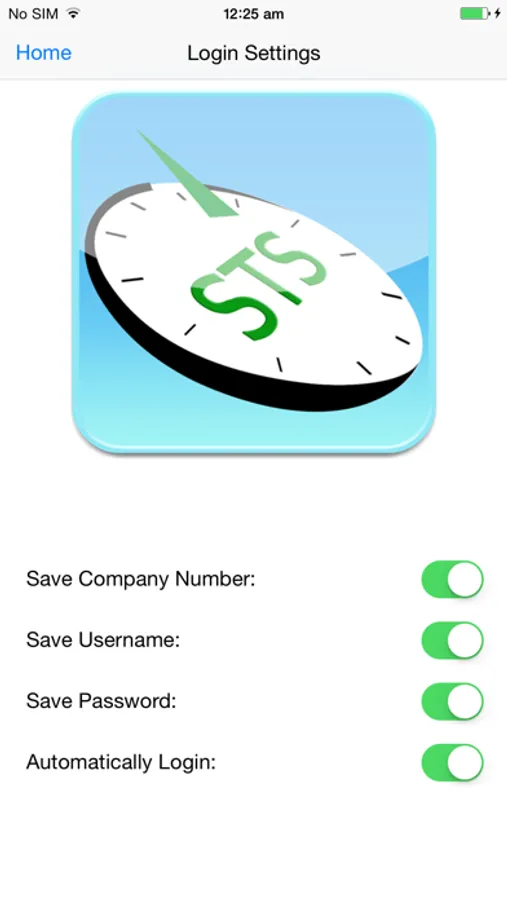
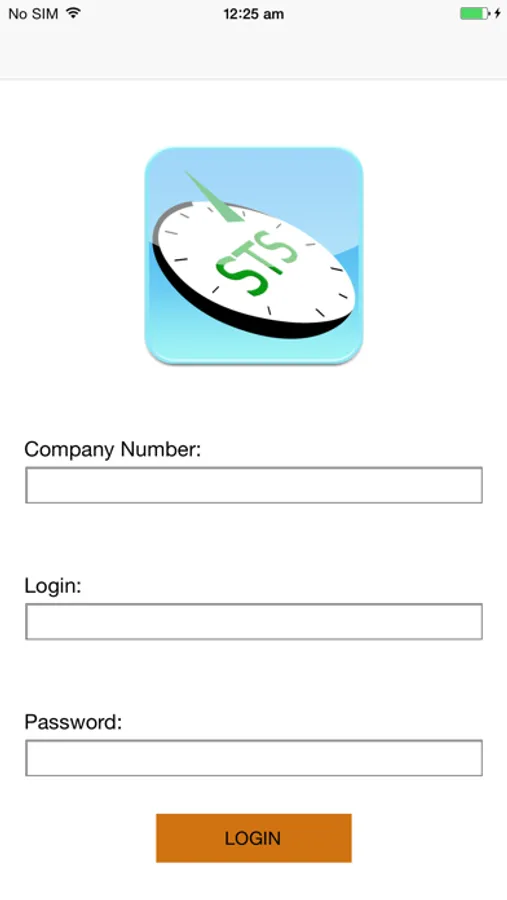
Mobile Punch App is secured via Username and Password. Users can decide to store Username, Password or even AutoLogin.
Offline Operation - Once you've logged in, if you happen travel out of your carriers' cellular service area, you can still perform needed clock operations. The Mobile Punch App will deliver the offline records automatically once you return to an area where you have cellular service.
Mobile Punch supports any combination of the Supported Punch Types: IN; OUT, Switch; Lunch Leave; Lunch Return; Break Leave; Break Return; and Auto.
As with the Desktop software and Physical Time Clocks, punches submitted through Mobile Punch are automatically integrated with the rest of the solution, allowing the RealTime software to capture Time and Labor data from whatever sources are most convenient.
Mobile Punch also gives Status Feedback allowing the employee the opportunity to check their current Punch State and see the Timestamp of their Last Punch.
Configuration settings allow the employee to provide as much Job Costing information as needed, up to all 8 tracking levels. For Job Costing purposes, each level for Job Cost entry has a selectable list of available options.
Mobile Punch App is secured via Username and Password. Users can decide to store Username, Password or even AutoLogin.
Offline Operation - Once you've logged in, if you happen travel out of your carriers' cellular service area, you can still perform needed clock operations. The Mobile Punch App will deliver the offline records automatically once you return to an area where you have cellular service.