AppRecs review analysis
AppRecs rating 3.0. Trustworthiness 0 out of 100. Review manipulation risk 0 out of 100. Based on a review sample analyzed.
★★★☆☆
3.0
AppRecs Rating
Ratings breakdown
5 star
0%
4 star
40%
3 star
40%
2 star
0%
1 star
20%
About OkidoKey
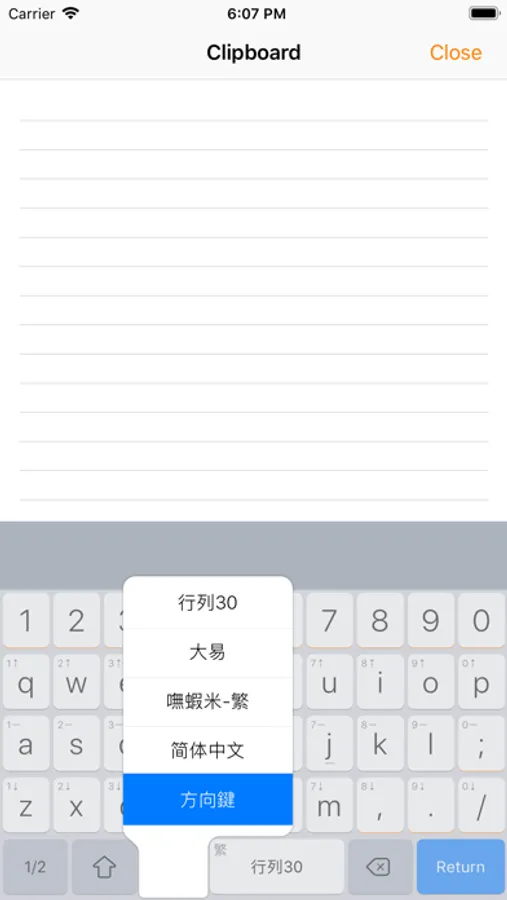
OkidoKey is a keyboard kit designed to use custom input methods not supported by the system.
You can use it with the touchscreen custom keyboard that works seamlessly across the system, or you can use a physical keyboard with the text editor provided by OkidoKey.
The OkidoKey editor can be used in Clip Pad mode with Split-View or multitasking windows. Once you've finished a sentence, simply tap the target and paste it.
Features
- It includes most common and ready-to-use Chinese input methods and keyboards, such as Array, Cangjie, Dayi, Pinyin, and so on.
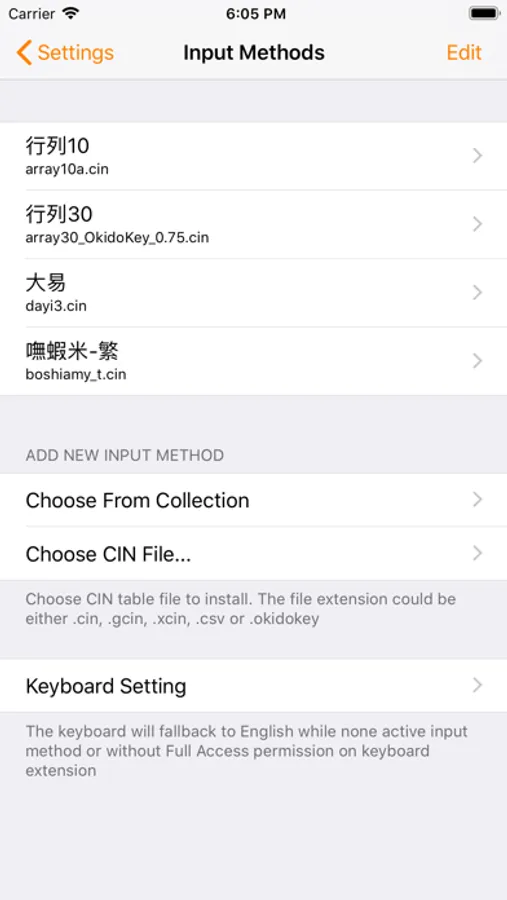
- It supports installing custom input methods using CIN table files.
- It allows installing multiple input methods and keyboards.
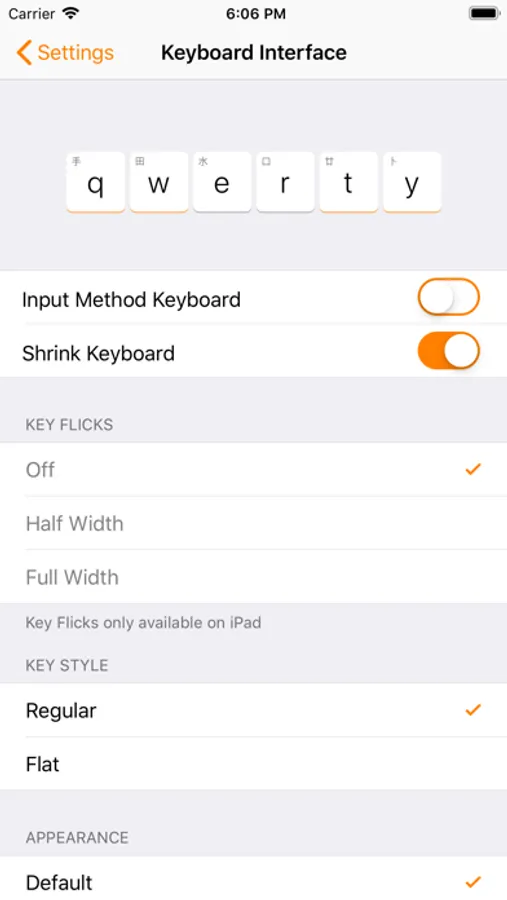
- It has sibling keyboards, and key flicks features.
- It offers a composition prompt option.
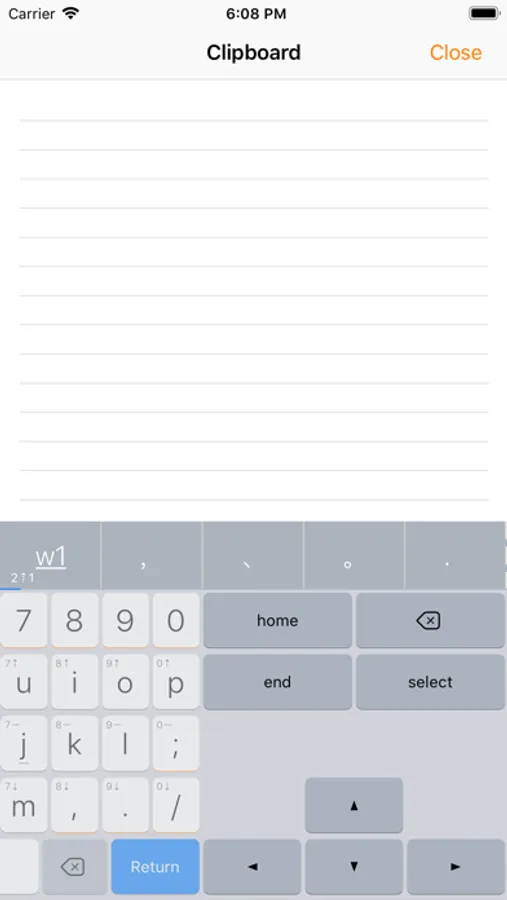
- It includes a navigation keyboard.
- In OkidoKey text editor, it supports physical keyboard inputs.
- It has an auto-copy feature with Clip Pad mode.
- It allows Chinese and English mix-typing triggered by the return key.
- It includes a Chinese lexicon and emojis.
- It provides smart punctuation.
- It offers homophones and phonetics lookup.
- It supports both traditional and simplified Chinese output.
- It allows personalized radicals, phrases, and snippets.
Optimized Input Methods
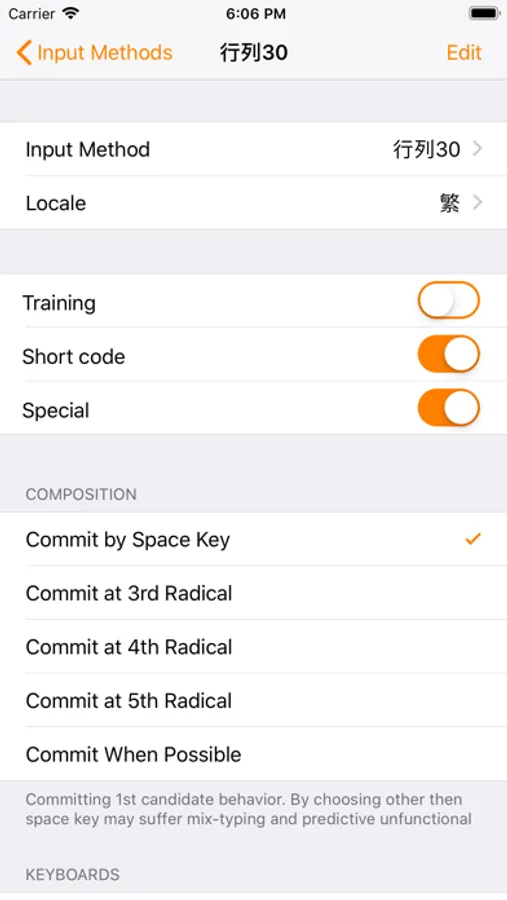
- Fully supports the Array input method and special/shortcode mode.
- Zhuyin input method supports the standard, Et26, Et41, Hsu, and IBM keyboard layouts.
** Lexicon-related features are available on a subscription basis.
You can use it with the touchscreen custom keyboard that works seamlessly across the system, or you can use a physical keyboard with the text editor provided by OkidoKey.
The OkidoKey editor can be used in Clip Pad mode with Split-View or multitasking windows. Once you've finished a sentence, simply tap the target and paste it.
Features
- It includes most common and ready-to-use Chinese input methods and keyboards, such as Array, Cangjie, Dayi, Pinyin, and so on.
- It supports installing custom input methods using CIN table files.
- It allows installing multiple input methods and keyboards.
- It has sibling keyboards, and key flicks features.
- It offers a composition prompt option.
- It includes a navigation keyboard.
- In OkidoKey text editor, it supports physical keyboard inputs.
- It has an auto-copy feature with Clip Pad mode.
- It allows Chinese and English mix-typing triggered by the return key.
- It includes a Chinese lexicon and emojis.
- It provides smart punctuation.
- It offers homophones and phonetics lookup.
- It supports both traditional and simplified Chinese output.
- It allows personalized radicals, phrases, and snippets.
Optimized Input Methods
- Fully supports the Array input method and special/shortcode mode.
- Zhuyin input method supports the standard, Et26, Et41, Hsu, and IBM keyboard layouts.
** Lexicon-related features are available on a subscription basis.