AppRecs review analysis
AppRecs rating 4.6. Trustworthiness 81 out of 100. Review manipulation risk 14 out of 100. Based on a review sample analyzed.
★★★★☆
4.6
AppRecs Rating
Ratings breakdown
5 star
33%
4 star
0%
3 star
33%
2 star
33%
1 star
0%
What to know
✓
Low review manipulation risk
14% review manipulation risk
✓
Credible reviews
81% trustworthiness score from analyzed reviews
About Jellyfish AR/VR
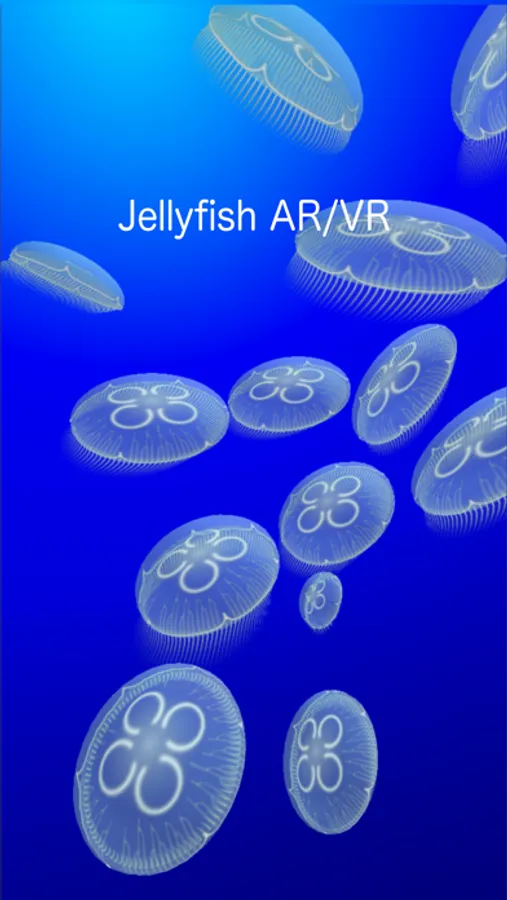
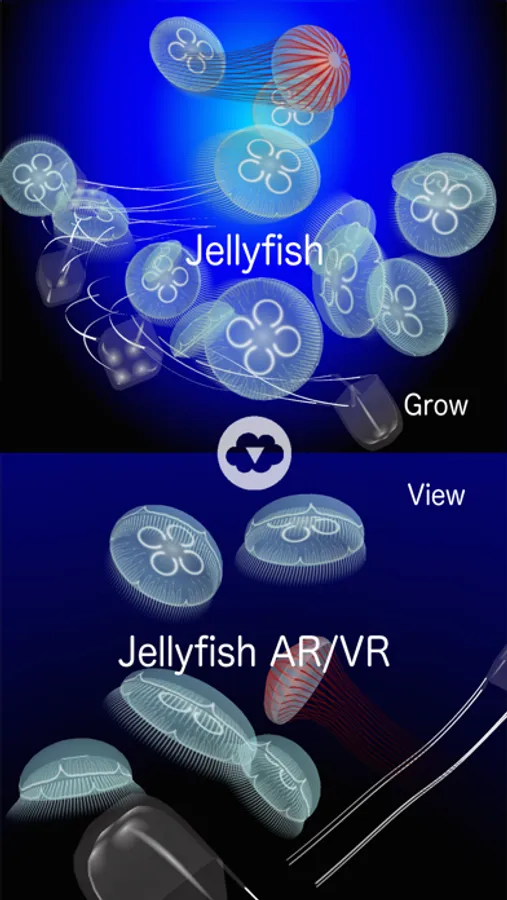
Jellyfish AR/VR is AR/VR app of jellyfish.
You can watch jellyfishes around you by rotating your iOS device.
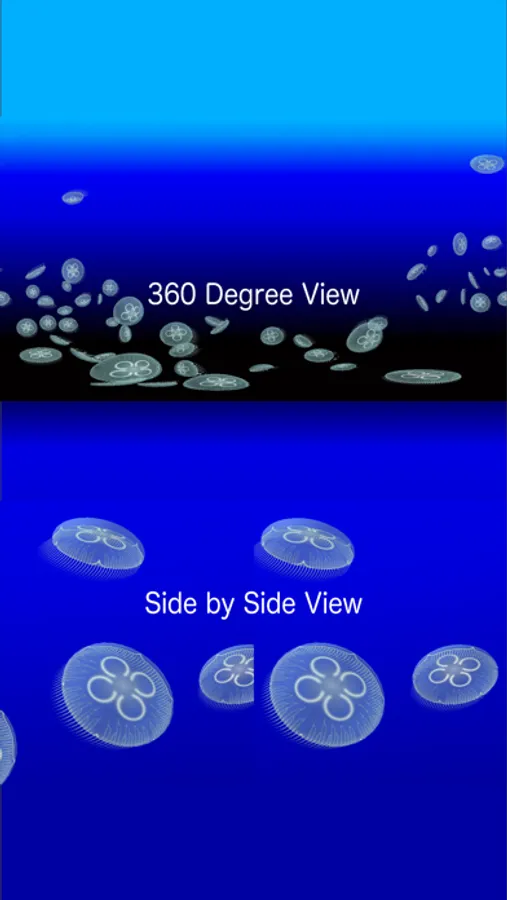
You can switch view mode by tapping switch icon(right bottom of the screen). By switching to side-by-side mode, you can watch jellyfishes in 3D using a VR box for iPhone.
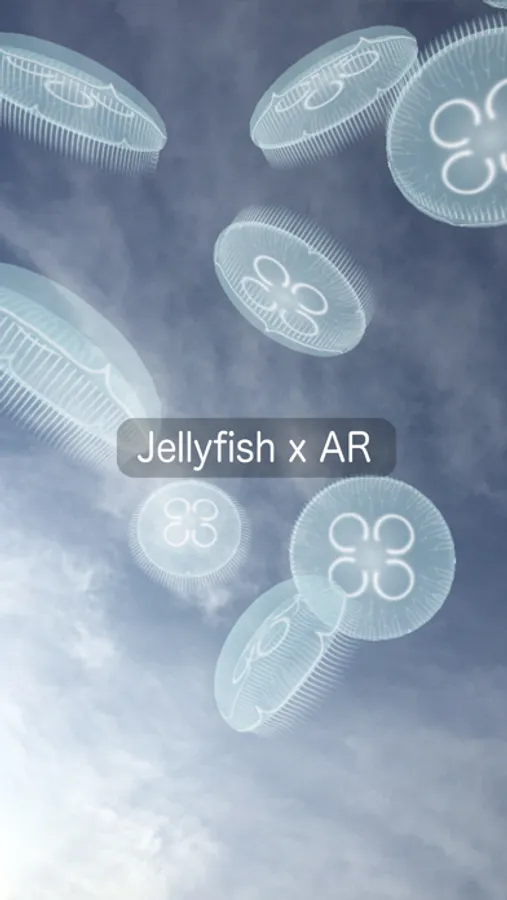
You can also take photos with jellyfishes(camera icon). Front and back camera overlay is now supported.
By tapping face icon(right middle of the screen) in camera mode, you can turn on face detection. Jellyfishes will follow faces!!
3D lens mode is for clip-on 3D lens for iPhone. You can take VR photo with jellyfish overlay.
360 degree mode is the same rendering mode as 360 deg movies. It's just for displaying.
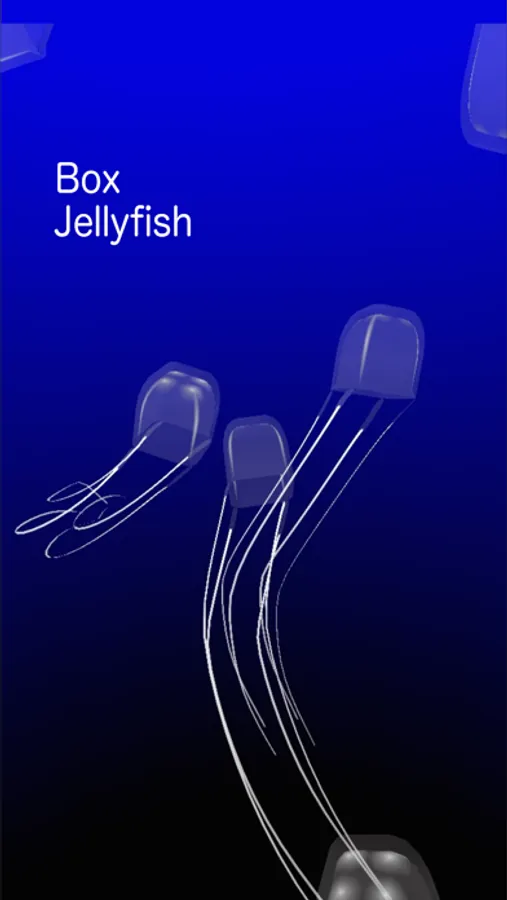
There are three types of jellyfishes.
You can grow jellyfishes via Jellyfish(another app). You can download data from Jellyfish via iCloud and view your own jellyfishes!! There are several kinds of jellyfish you can watch only by this way.
You can load jellyfish data from iCloud by tapping cloud icon(left top of the screen).
You can change VR settings by VR config icon(left bottom of the screen).
You can synchronize contents between multiple iOS devices by tapping sync icon(left middle of the screen) at the same time. Enjoy the same VR contents with your friends/family.
You can watch jellyfishes around you by rotating your iOS device.
You can switch view mode by tapping switch icon(right bottom of the screen). By switching to side-by-side mode, you can watch jellyfishes in 3D using a VR box for iPhone.
You can also take photos with jellyfishes(camera icon). Front and back camera overlay is now supported.
By tapping face icon(right middle of the screen) in camera mode, you can turn on face detection. Jellyfishes will follow faces!!
3D lens mode is for clip-on 3D lens for iPhone. You can take VR photo with jellyfish overlay.
360 degree mode is the same rendering mode as 360 deg movies. It's just for displaying.
There are three types of jellyfishes.
You can grow jellyfishes via Jellyfish(another app). You can download data from Jellyfish via iCloud and view your own jellyfishes!! There are several kinds of jellyfish you can watch only by this way.
You can load jellyfish data from iCloud by tapping cloud icon(left top of the screen).
You can change VR settings by VR config icon(left bottom of the screen).
You can synchronize contents between multiple iOS devices by tapping sync icon(left middle of the screen) at the same time. Enjoy the same VR contents with your friends/family.