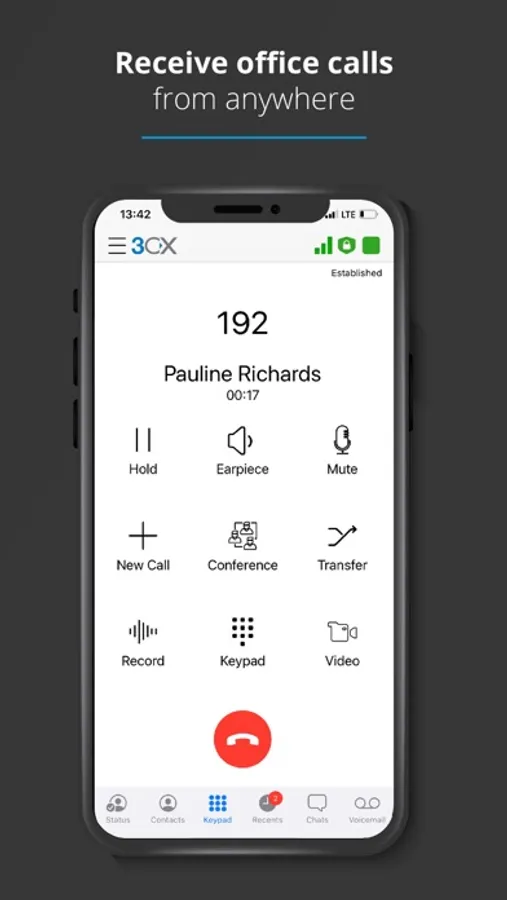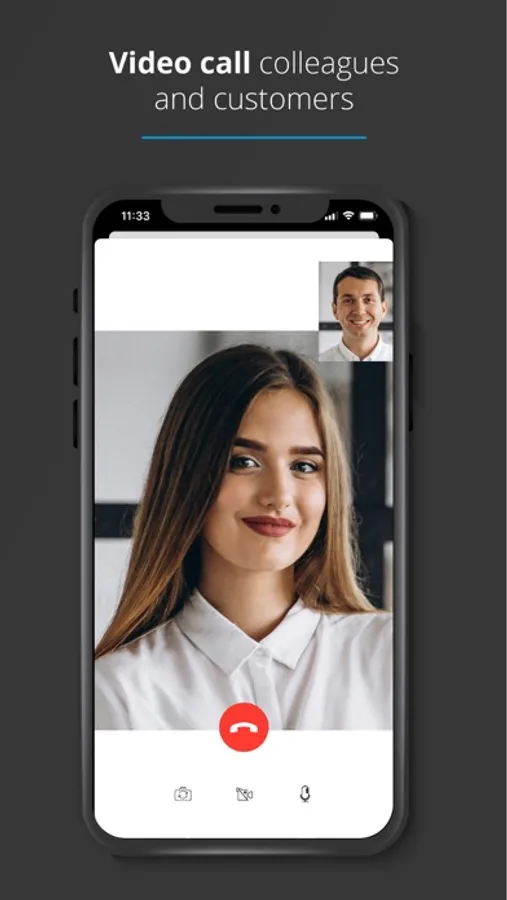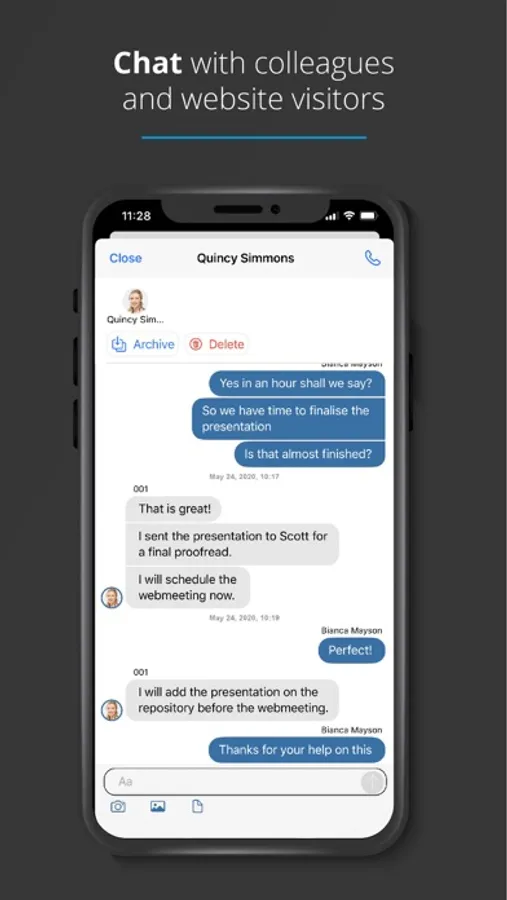
With this app, you can make calls using your office extension, schedule conferences, chat with colleagues, and initiate video calls. Includes features for calling, messaging, scheduling, and remote management.
AppRecs review analysis
AppRecs rating 2.1. Trustworthiness 77 out of 100. Review manipulation risk 22 out of 100. Based on a review sample analyzed.
★★☆☆☆
2.1
AppRecs Rating
Ratings breakdown
5 star
29%
4 star
7%
3 star
6%
2 star
15%
1 star
44%
What to know
✓
Low review manipulation risk
22% review manipulation risk
⚠
Mixed user feedback
Average 2.6★ rating suggests room for improvement
⚠
High negative review ratio
59% of sampled ratings are 1–2 stars
About 3CX
Stay connected and make remote work easier with 3CX. This app allows you to use your office extension from anywhere and not only for calls. Schedule conferences, chat with your colleagues and video call from your iOS device.
Getting Started:
1. Install the app.
2. Open it, read and accept the license agreement and authorize the permissions the app needs (camera, microphone).
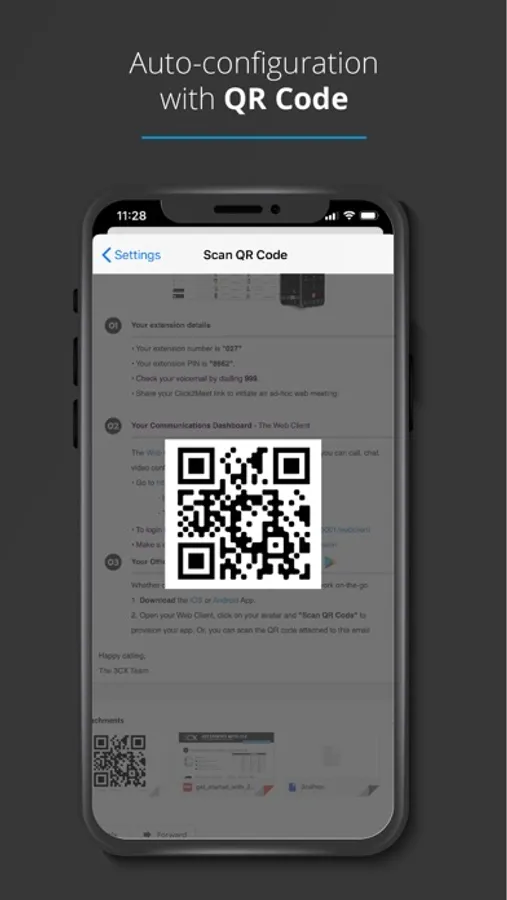
3. Open your web client or desktop app and click on the QR code in the top right corner. Details on how to access your web client are in your 3CX email sent by your administrator.
4. Open your camera on your iOS device and scan the QR code shown on your screen.
5. Your extension is configured and you’re now “Ready for calls”!
Important: This app is only for use with 3CX V20 and is not a standalone app.
More information: https://www.3cx.com/user-manual/installation-iphone/
Getting Started:
1. Install the app.
2. Open it, read and accept the license agreement and authorize the permissions the app needs (camera, microphone).
3. Open your web client or desktop app and click on the QR code in the top right corner. Details on how to access your web client are in your 3CX email sent by your administrator.
4. Open your camera on your iOS device and scan the QR code shown on your screen.
5. Your extension is configured and you’re now “Ready for calls”!
Important: This app is only for use with 3CX V20 and is not a standalone app.
More information: https://www.3cx.com/user-manual/installation-iphone/