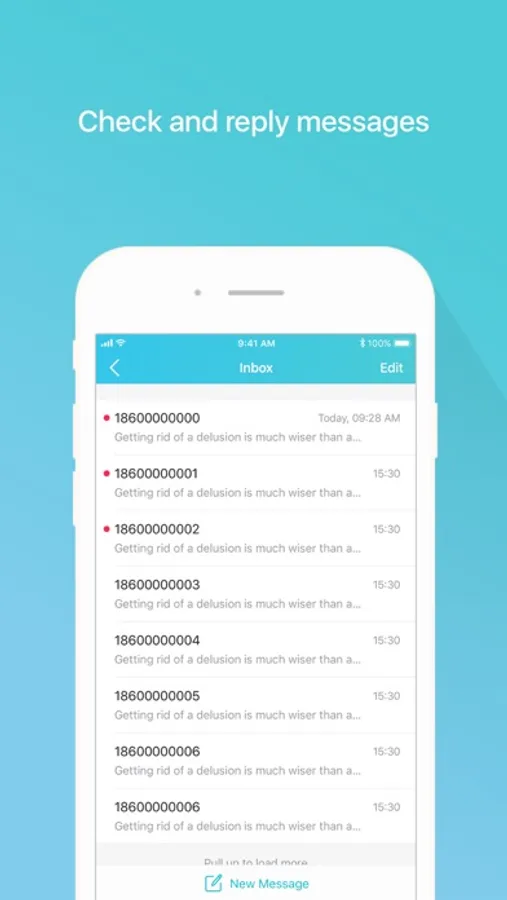
In this app, you can manage your TP-Link Mobile Wi-Fi by controlling data usage, monitoring battery life, and managing connected devices. Includes features for network status, device blocking, file sharing, and settings customization.
AppRecs review analysis
AppRecs rating 3.6. Trustworthiness 69 out of 100. Review manipulation risk 28 out of 100. Based on a review sample analyzed.
★★★☆☆
3.6
AppRecs Rating
Ratings breakdown
5 star
78%
4 star
12%
3 star
4%
2 star
2%
1 star
4%
What to know
✓
Low review manipulation risk
28% review manipulation risk
✓
High user satisfaction
78% of sampled ratings are 5 stars
⚠
Review quality concerns
48% of sampled 5-star reviews are very short
About tpMiFi
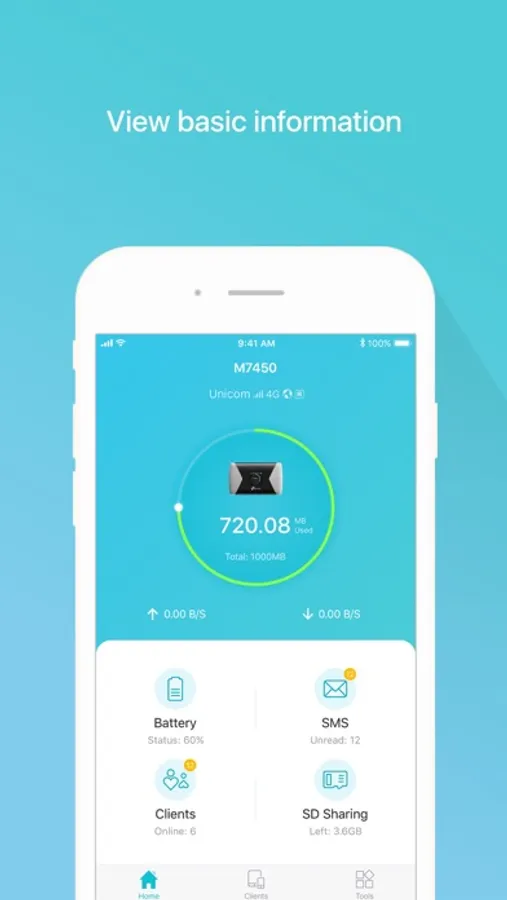
tpMiFi provides the easiest way to manage your TP-Link Mobile Wi-Fi via the connected iPhone. It allows you to manage your Mobile Wi-Fi's data usage, battery life and connected devices with a few taps.
tpMiFi management is available only after the iPhone is connected to the Wi-Fi network of TP-Link Mobile Wi-Fi. Disconnected from the MiFi will appear on the interface if the device is not connected to the Mobile Wi-Fi. Login to take fully control of your Mobile Wi-Fi and the login username and password are the same as the administrator username and password of the Mobile Wi-Fi.
Features:
-Display network status such as carrier information, signal strength and roaming status.
-Control data usage such as currently used data and monthly allowance, and adjust used data at your disposal.
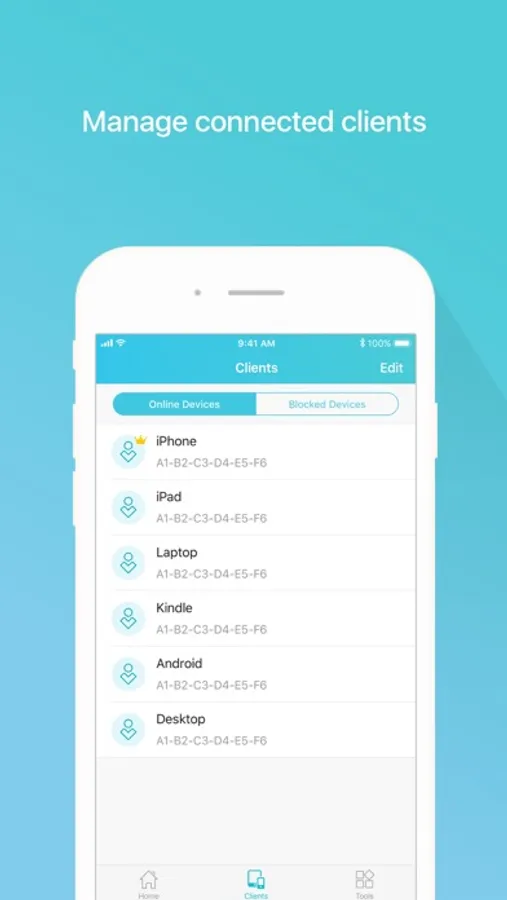
-Manage connected devices, block the unwelcome device by simply sliding the corresponding entry and tap Block.
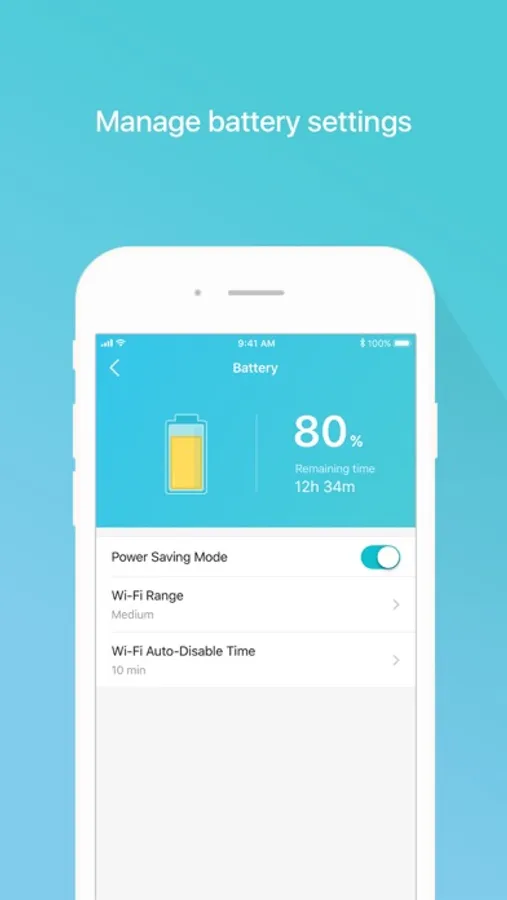
-Monitor your Mobile Wi-Fi's battery life in real-time and switch it to power saving mode.
-Share, download and upload files in the SD card in your Mobile Wi-Fi.
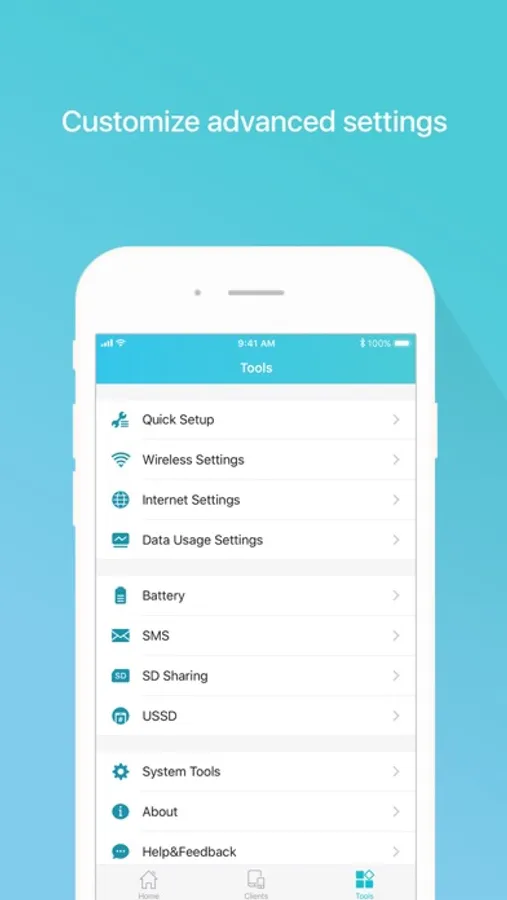
-Customize wireless settings such as your Mobile Wi-Fi's SSID and wireless password.
-Other functionality including firmware upgrade, power off, reboot, and factory default restore.
Compatible List:
tpMiFi can be used on the following devices:
M7650, M7450, M7350, M7310, M7300, M7200, M7010, M7000
tpMiFi management is available only after the iPhone is connected to the Wi-Fi network of TP-Link Mobile Wi-Fi. Disconnected from the MiFi will appear on the interface if the device is not connected to the Mobile Wi-Fi. Login to take fully control of your Mobile Wi-Fi and the login username and password are the same as the administrator username and password of the Mobile Wi-Fi.
Features:
-Display network status such as carrier information, signal strength and roaming status.
-Control data usage such as currently used data and monthly allowance, and adjust used data at your disposal.
-Manage connected devices, block the unwelcome device by simply sliding the corresponding entry and tap Block.
-Monitor your Mobile Wi-Fi's battery life in real-time and switch it to power saving mode.
-Share, download and upload files in the SD card in your Mobile Wi-Fi.
-Customize wireless settings such as your Mobile Wi-Fi's SSID and wireless password.
-Other functionality including firmware upgrade, power off, reboot, and factory default restore.
Compatible List:
tpMiFi can be used on the following devices:
M7650, M7450, M7350, M7310, M7300, M7200, M7010, M7000