Scanner App- Scan PDF Document
Office Lens: Android Tool, Translate, Scanner, PDF
4.4 ★
133K ratings
10,000,000+
downloads
Free
+ in-app
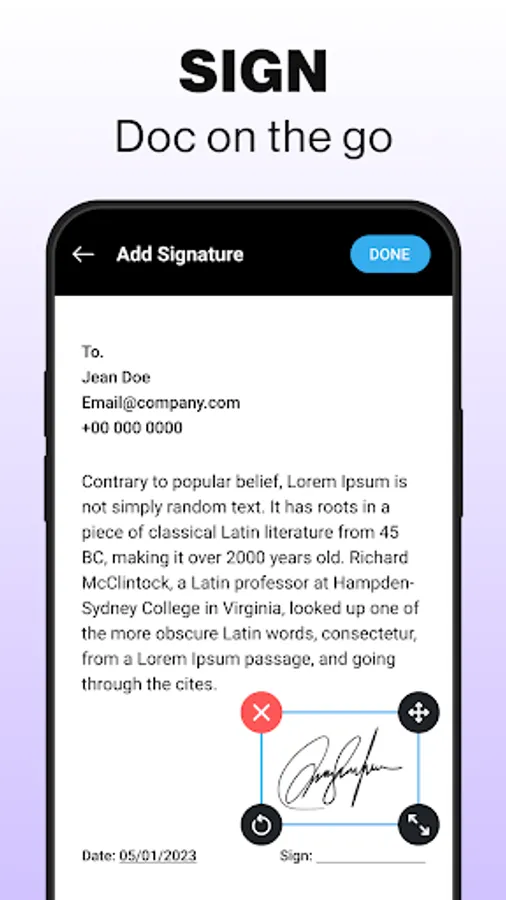
In this document scanner app, you can scan, convert, and organize various physical documents using your smartphone. Includes OCR text recognition, PDF editing, and cloud sharing features.
AppRecs review analysis
AppRecs rating 4.4. Trustworthiness 65 out of 100. Review manipulation risk 40 out of 100. Based on a review sample analyzed.
★★★★☆
4.4
AppRecs Rating
Ratings breakdown
5 star
77%
4 star
10%
3 star
3%
2 star
1%
1 star
9%
What to know
⚠
Ad complaints
Many low ratings mention excessive ads
⚠
Questionable review patterns
40% review manipulation risk - some review patterns appear unusual
⚠
Limited rating diversity
87% high ratings in sampled reviews
About Scanner App- Scan PDF Document
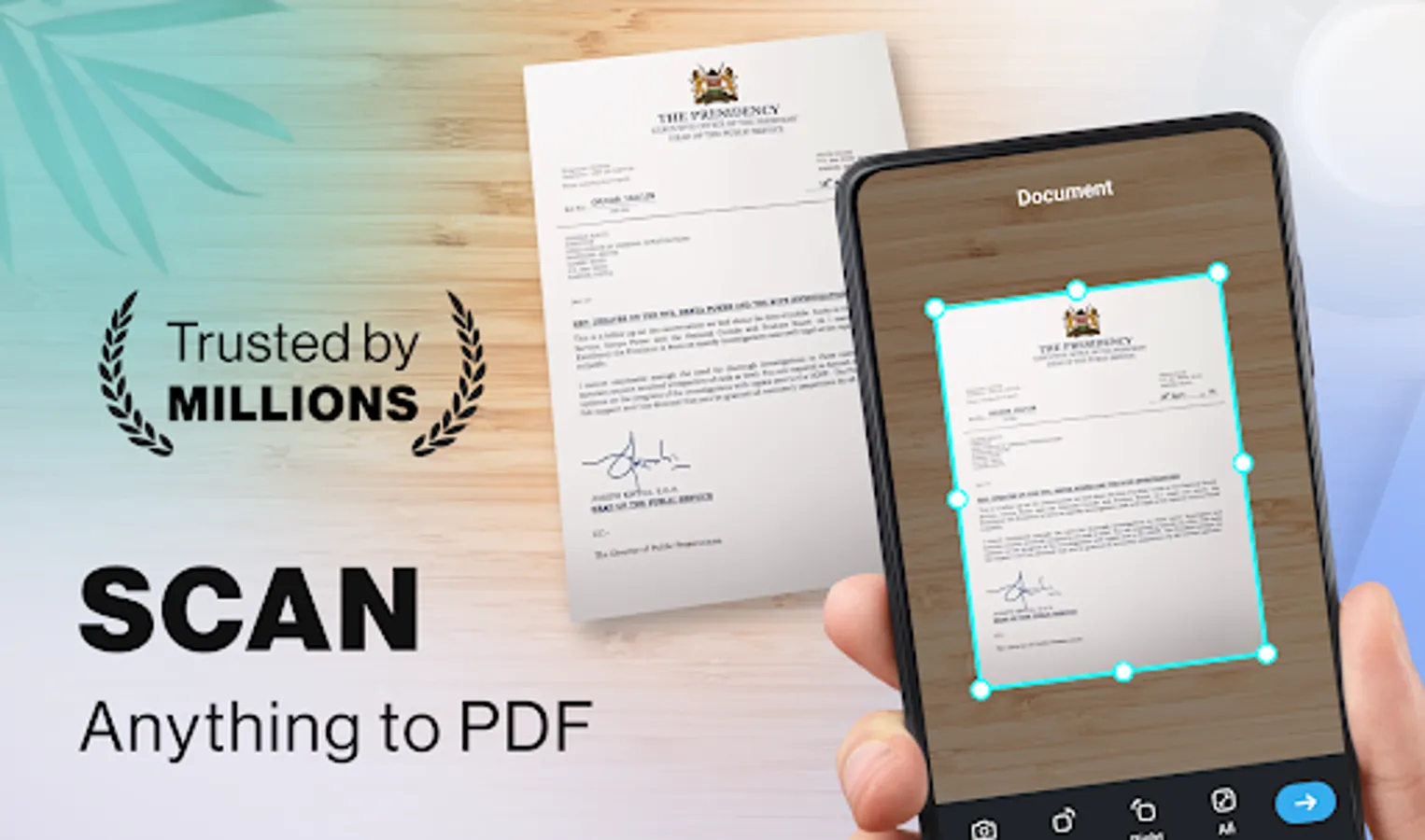
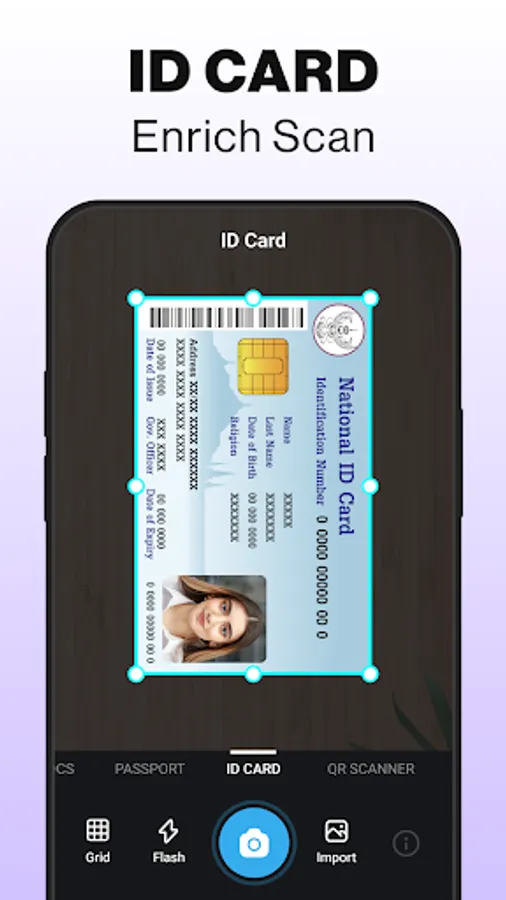
Turn your smartphone into a powerful portable scanner with this all-in-one PDF Scanner App. From documents, receipts, ID cards, passports, contracts, and certificates to business cards, books, photos, and class notes, scan anything instantly with advanced mobile scanning technology.
No need to carry heavy scanners anymore. With just your phone, you can scan, convert, edit, organize, and share documents in seconds. Designed for students, professionals, teachers, freelancers, and businesses, this free app makes document management faster, simpler, and more secure.
Key Features:
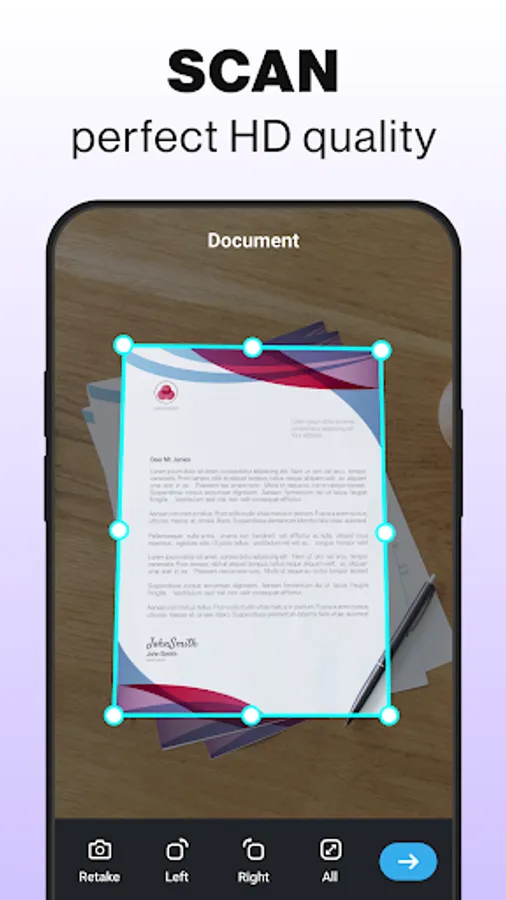
Smart Document Scanner: Scan notes, resumes, invoices, letters & certificates in high-quality resolution.
PDF Converter & Maker: Convert images and photos into portable PDF files.
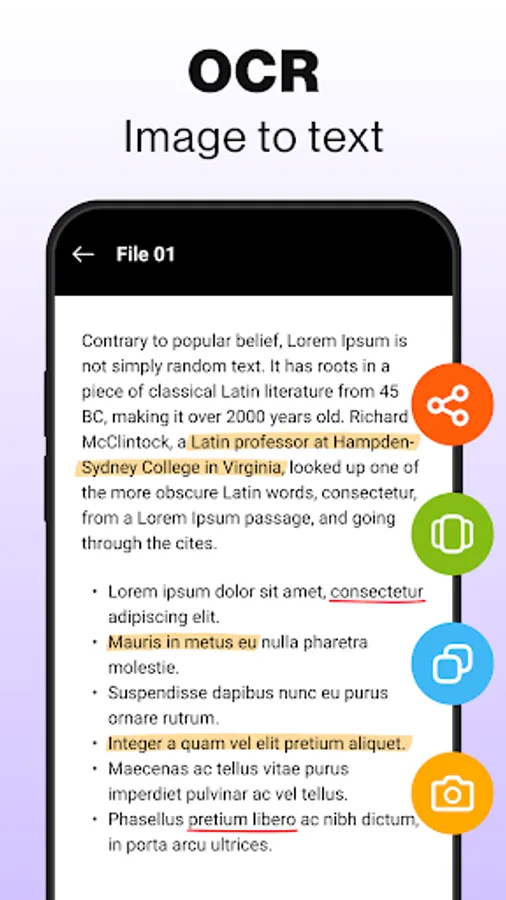
OCR Text Recognition: Extract, edit, copy, and reuse text directly from scanned images.
PDF Editing Tools: Merge, split, crop, reorder, rotate, and compress PDF pages with ease.
Auto Filters & Enhancements: Edge detection + color filters (B/W, grayscale, magic color) for crystal-clear scans.
File Organizer: Rename, categorize, and manage all scanned files in folders.
Password Lock: Encrypt sensitive documents for maximum privacy and security.
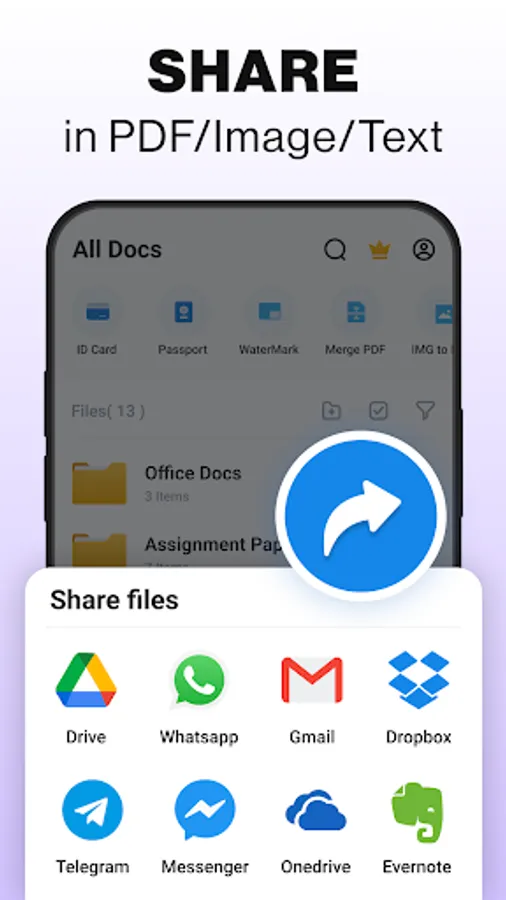
Quick Share & Cloud Sync: Instantly share via Gmail, WhatsApp, Google Drive, Dropbox, OneDrive, and more.
OCR Scanner - Extract Text
Say goodbye to typing! With OCR (Optical Character Recognition), easily copy and edit text from receipts, books, notes, or printed documents. Create searchable PDFs for quick access to important information.
Image to PDF Converter & Editor
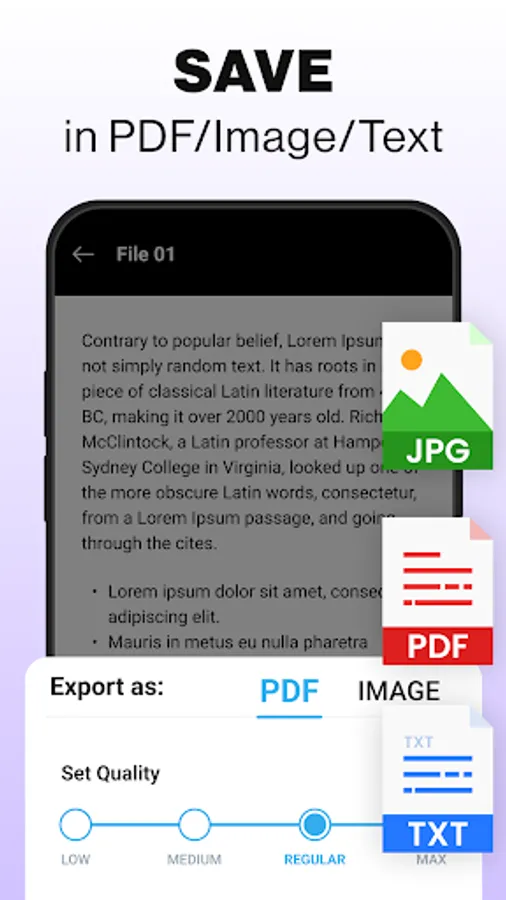
Quickly turn gallery images, photos, and screenshots into professional PDF documents. Merge multiple images into one file, split pages into smaller parts, or export them individually. Perfect for digital submissions, project reports, ID proofs, and class notes.
Document Security & Privacy
Your sensitive files are safe. Protect personal and professional documents with password encryption so only you can access them. Works offline to ensure maximum privacy and zero data leakage.
Why Choose This Scanner App?
All-in-one solution: PDF scanner, OCR tool, editor & converter
Best alternative to CamScanner, Adobe Scan, and Microsoft Lens
Lightweight, fast, and easy to use, no bulky hardware needed
Works completely offline for anytime scanning
Trusted by students, teachers, professionals & businesses worldwide
Popular Use Cases:
Students & Teachers: Scan assignments, lecture notes, research papers & study material.
Professionals: Scan resumes, contracts, reports, agreements & presentations.
Businesses: Manage invoices, bills, receipts, purchase orders, and ID proofs.
Daily Use: Store certificates, passports, photos, business cards & personal documents.
Download & Get Started:
Turn your phone into a smart pocket scanner and manage your documents like a pro. With the PDF Scanner App - Scan PDF Document, you can:
Get high-quality scans in seconds
Convert photos to PDF instantly
Securely protect sensitive files
Organize documents efficiently
Share with anyone, anywhere
Download now and experience fast, clear & secure scanning all in one app.
Support & Feedback: mindmovertech@gmail.com
No need to carry heavy scanners anymore. With just your phone, you can scan, convert, edit, organize, and share documents in seconds. Designed for students, professionals, teachers, freelancers, and businesses, this free app makes document management faster, simpler, and more secure.
Key Features:
Smart Document Scanner: Scan notes, resumes, invoices, letters & certificates in high-quality resolution.
PDF Converter & Maker: Convert images and photos into portable PDF files.
OCR Text Recognition: Extract, edit, copy, and reuse text directly from scanned images.
PDF Editing Tools: Merge, split, crop, reorder, rotate, and compress PDF pages with ease.
Auto Filters & Enhancements: Edge detection + color filters (B/W, grayscale, magic color) for crystal-clear scans.
File Organizer: Rename, categorize, and manage all scanned files in folders.
Password Lock: Encrypt sensitive documents for maximum privacy and security.
Quick Share & Cloud Sync: Instantly share via Gmail, WhatsApp, Google Drive, Dropbox, OneDrive, and more.
OCR Scanner - Extract Text
Say goodbye to typing! With OCR (Optical Character Recognition), easily copy and edit text from receipts, books, notes, or printed documents. Create searchable PDFs for quick access to important information.
Image to PDF Converter & Editor
Quickly turn gallery images, photos, and screenshots into professional PDF documents. Merge multiple images into one file, split pages into smaller parts, or export them individually. Perfect for digital submissions, project reports, ID proofs, and class notes.
Document Security & Privacy
Your sensitive files are safe. Protect personal and professional documents with password encryption so only you can access them. Works offline to ensure maximum privacy and zero data leakage.
Why Choose This Scanner App?
All-in-one solution: PDF scanner, OCR tool, editor & converter
Best alternative to CamScanner, Adobe Scan, and Microsoft Lens
Lightweight, fast, and easy to use, no bulky hardware needed
Works completely offline for anytime scanning
Trusted by students, teachers, professionals & businesses worldwide
Popular Use Cases:
Students & Teachers: Scan assignments, lecture notes, research papers & study material.
Professionals: Scan resumes, contracts, reports, agreements & presentations.
Businesses: Manage invoices, bills, receipts, purchase orders, and ID proofs.
Daily Use: Store certificates, passports, photos, business cards & personal documents.
Download & Get Started:
Turn your phone into a smart pocket scanner and manage your documents like a pro. With the PDF Scanner App - Scan PDF Document, you can:
Get high-quality scans in seconds
Convert photos to PDF instantly
Securely protect sensitive files
Organize documents efficiently
Share with anyone, anywhere
Download now and experience fast, clear & secure scanning all in one app.
Support & Feedback: mindmovertech@gmail.com