Simple Scan - PDF Scanner App
Easy inc.
4.7 ★
422K ratings
10,000,000+
downloads
Free
+ in-app
In this PDF scanner app, you can capture documents, photos, or receipts and save them as image or PDF files. Includes cloud upload, OCR text recognition, and file organization features.
AppRecs review analysis
AppRecs rating 4.4. Trustworthiness 68 out of 100. Review manipulation risk 35 out of 100. Based on a review sample analyzed.
★★★★☆
4.4
AppRecs Rating
Ratings breakdown
5 star
88%
4 star
4%
3 star
1%
2 star
1%
1 star
5%
What to know
✓
High user satisfaction
88% of sampled ratings are 5 stars
⚠
Ad complaints
Many low ratings mention excessive ads
About Simple Scan - PDF Scanner App
Want a moving scanner?
The Simple Scanner is a PDF document scanner application that turns your phone into a portable scanner. you can scan documents, photos, receipts, reports, or just about anything. The scan will be saved to the device in image or PDF format. Name and organize your scan to a folder, or share it in the following ways:
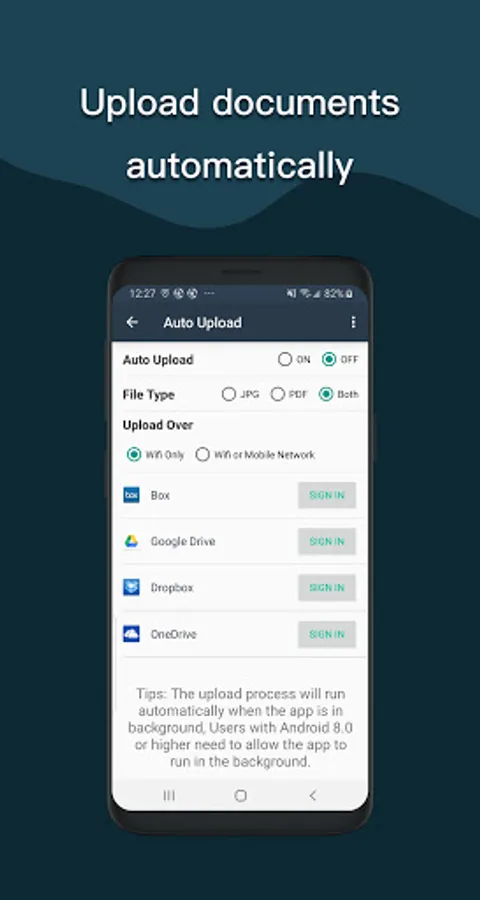
-Automatically upload JPG and PDF files to the cloud disk
-Backup and restore synchronization files between multiple devices
- E-mail, print, Fax
- Dropbox, Evernote, Google Drive, WhatsApp, or more
- Wifi connects directly to your computer
- Support importing PDF files into JPG.
- Support for adding tags for quick file search.
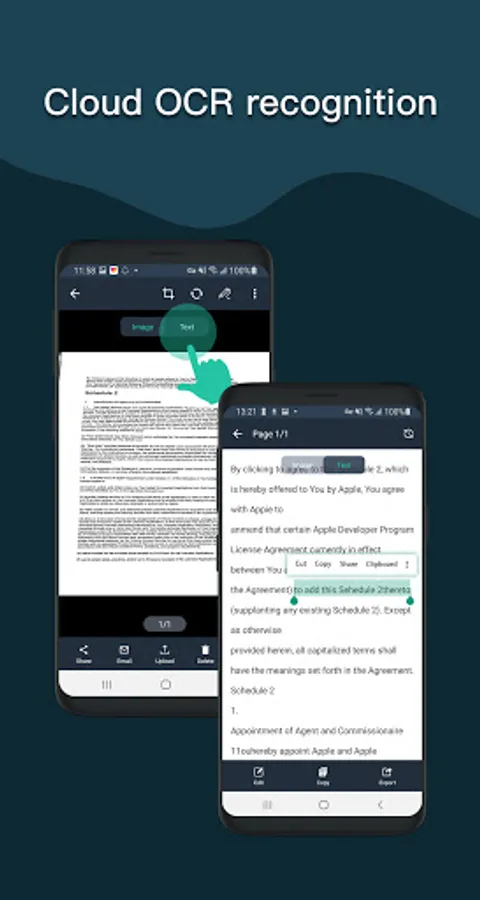
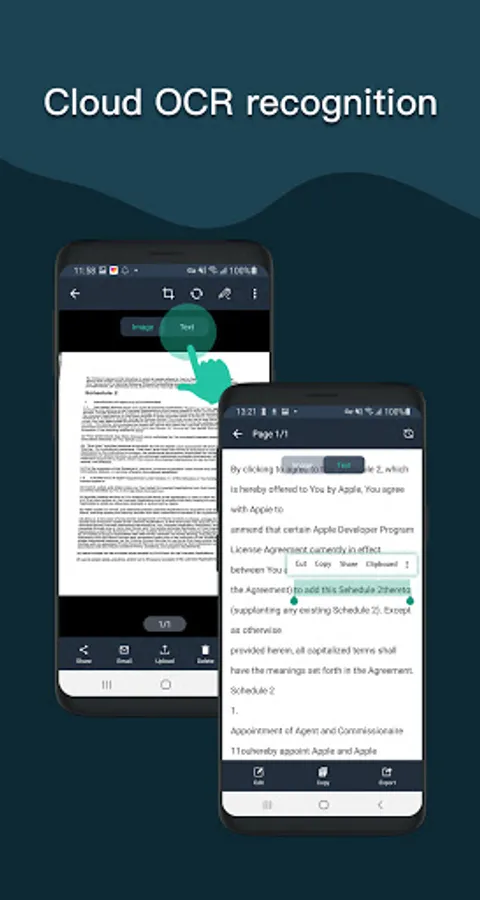
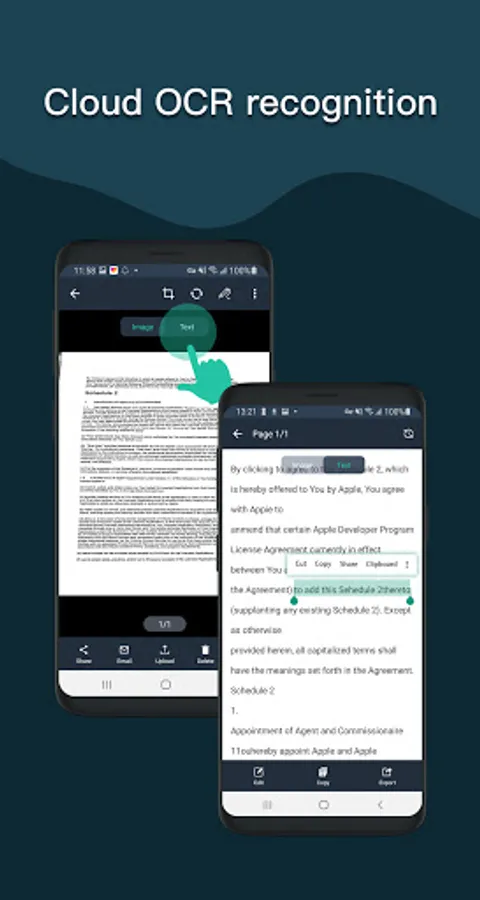
- Support OCR text recognition, export text.
The Document Scanner application has all the features you need:
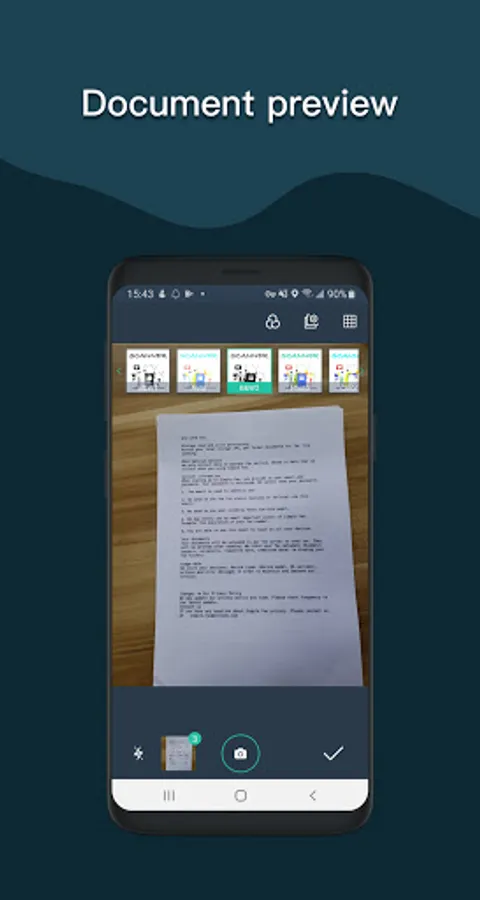
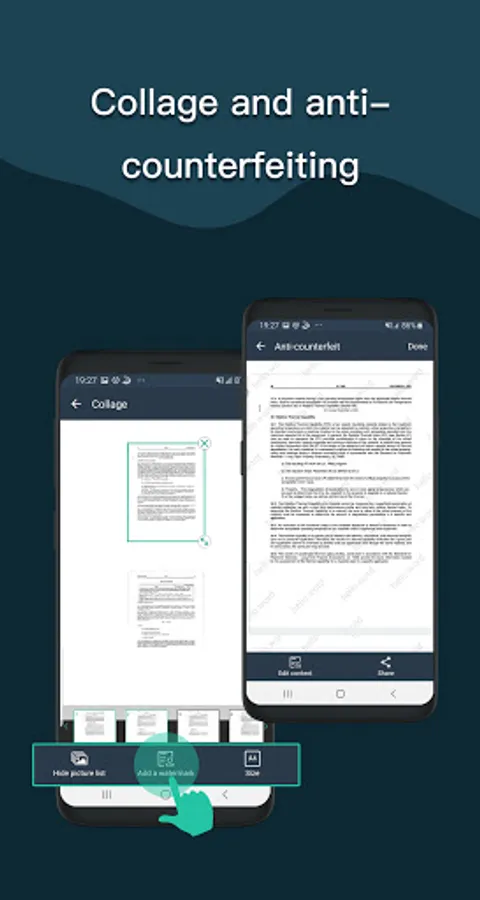
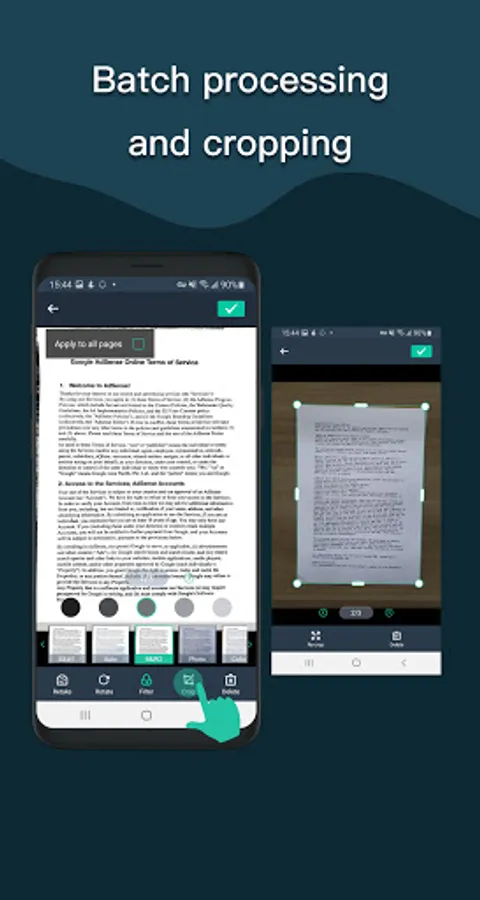
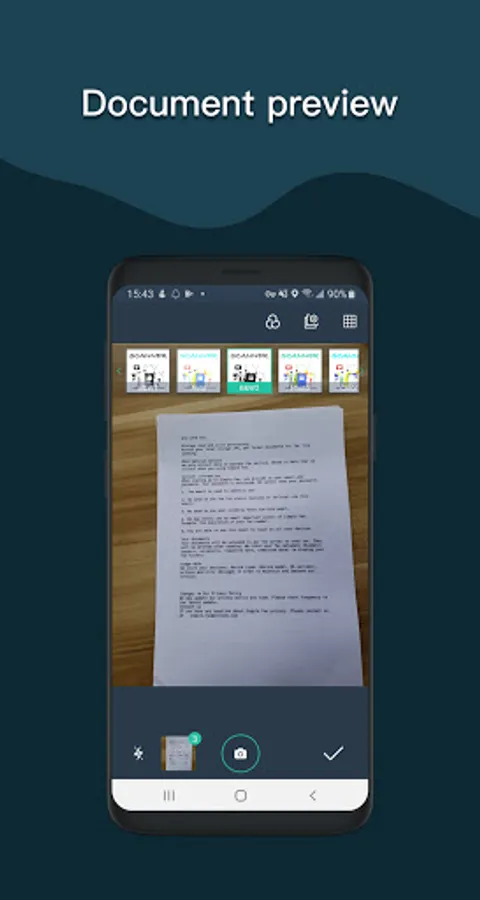
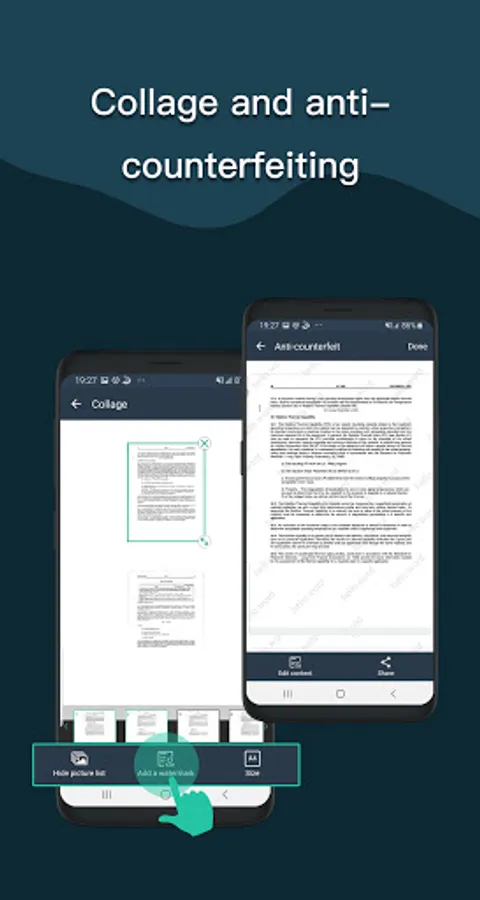
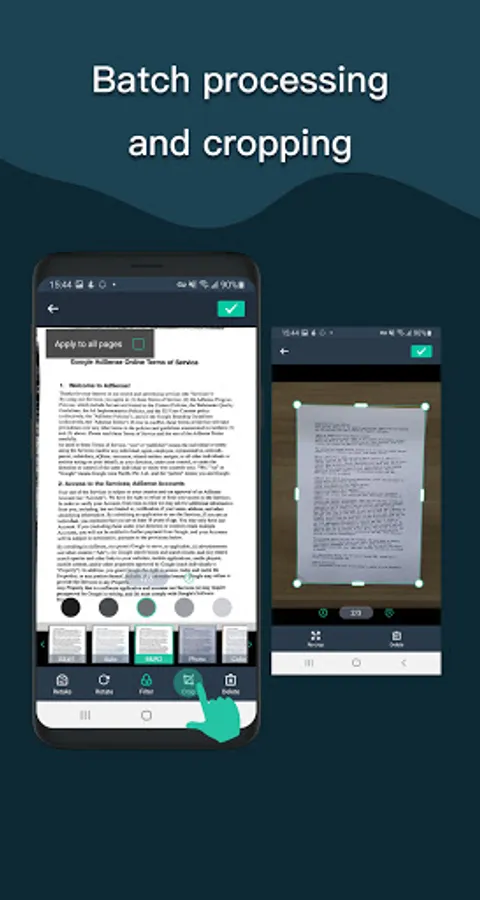
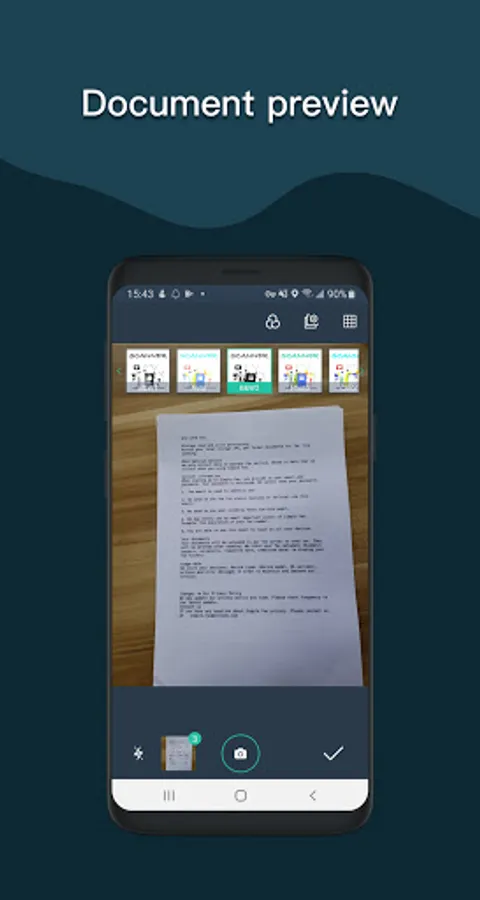
- Mobile phone document, automatically remove the clutter background, generate high-definition JPEG pictures or PDF files.
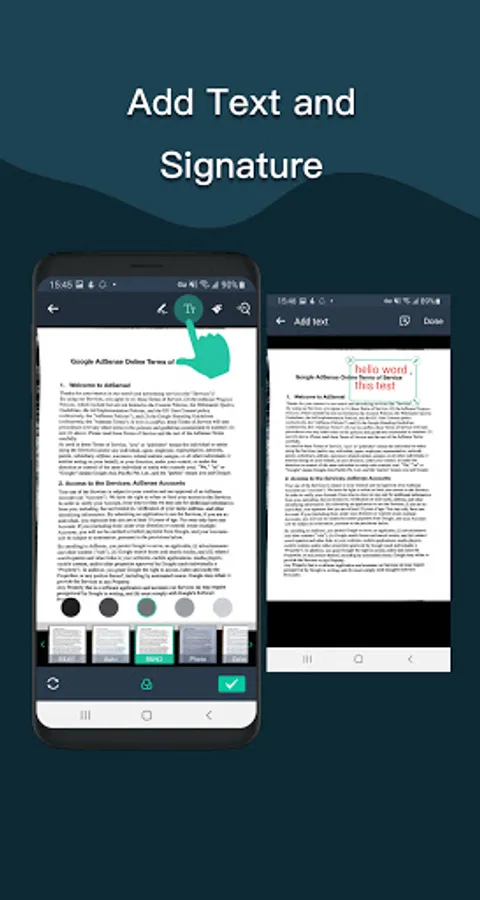
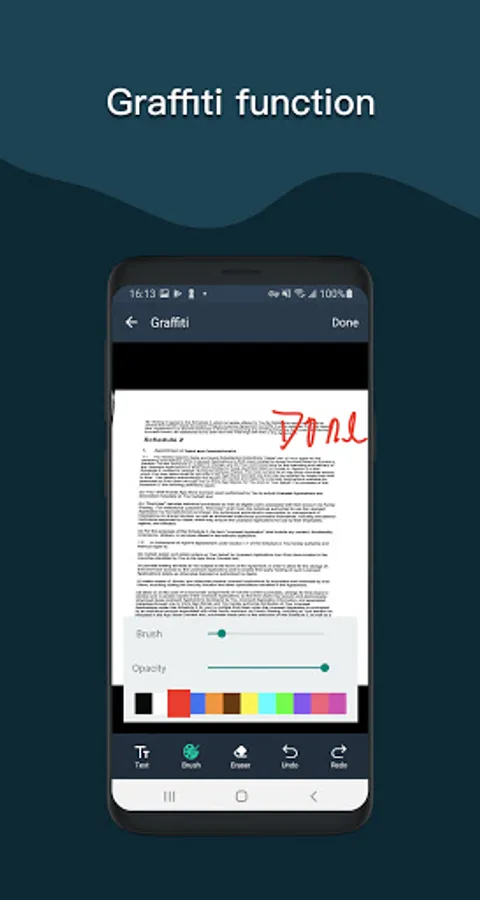
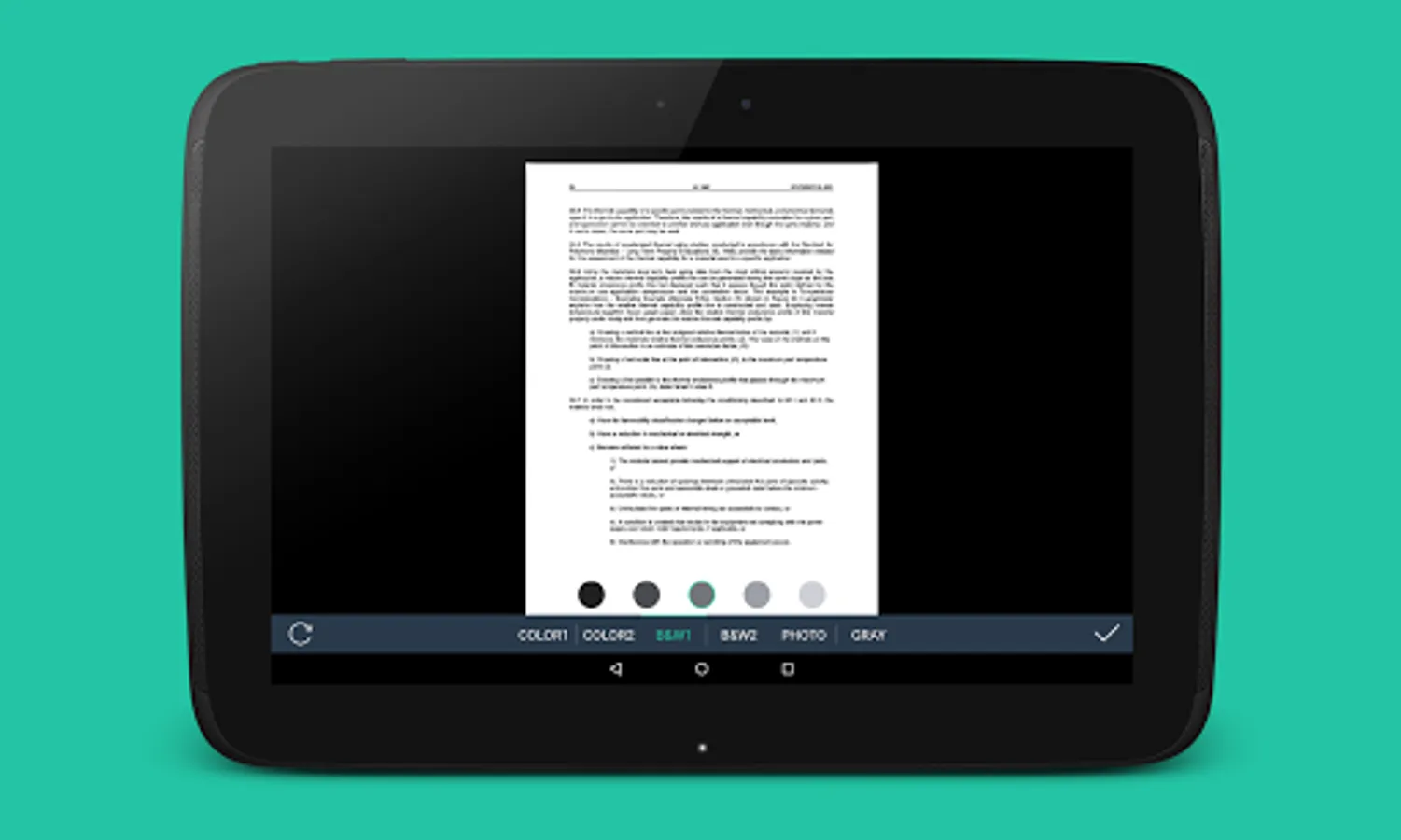
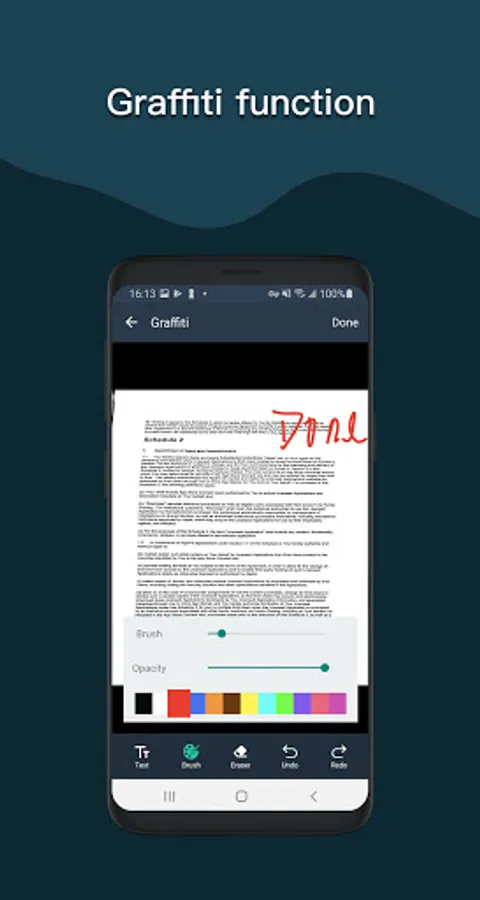
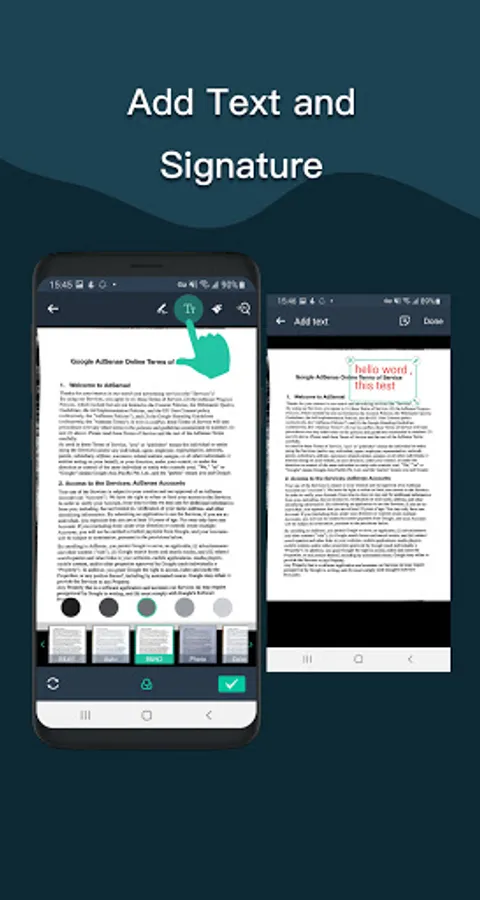
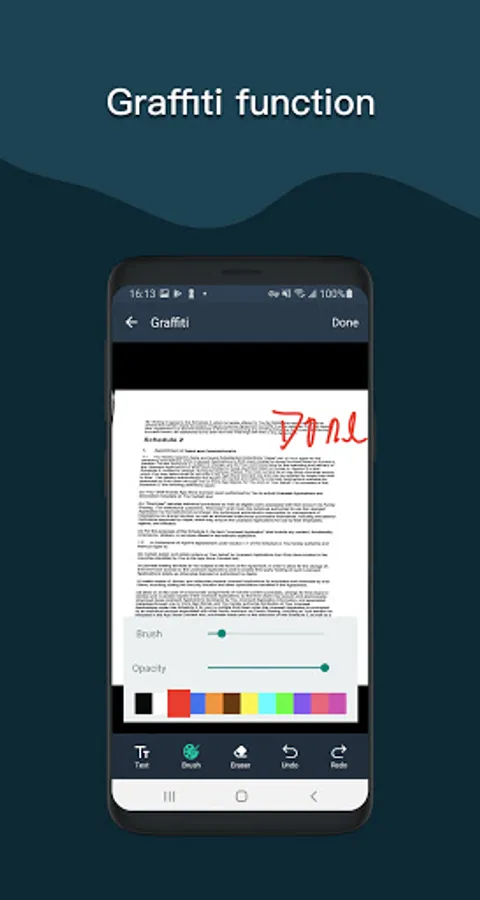
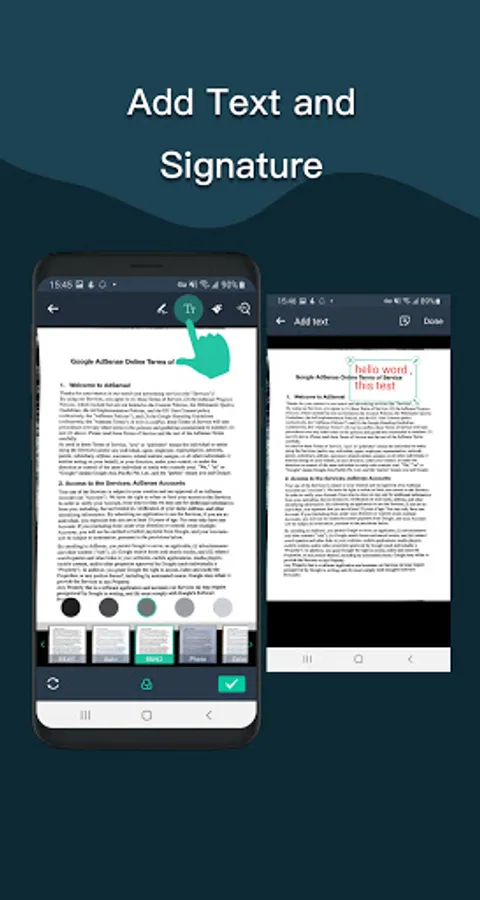
- A variety of image processing mode, you can manually adjust the image parameters, with a mobile phone can be paper documents, quickly turned into a clear electronic draft.
- Scan color, grayscale, or black and white
- Can be used in office, school, home and any place you want
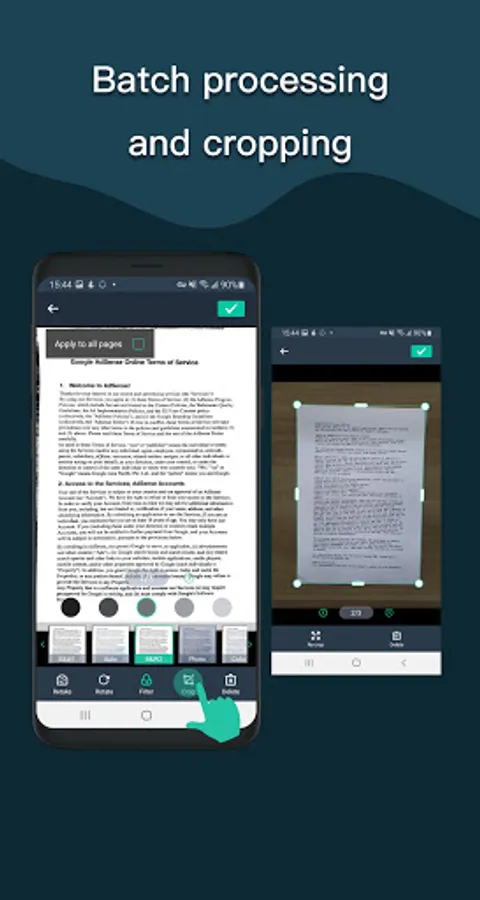
- Automatically detects page edges
- 5 levels of contrast for clear monochrome text
- Set the PDF page size (Letter, Legal, A4, etc.)
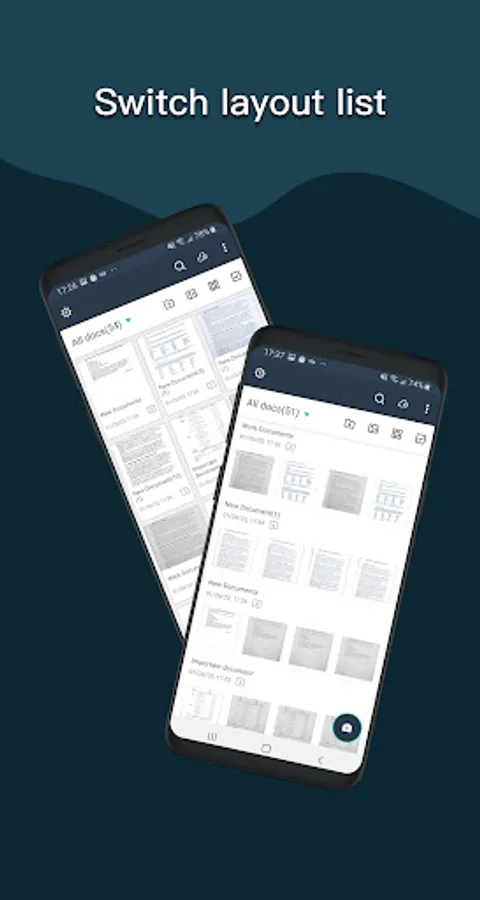
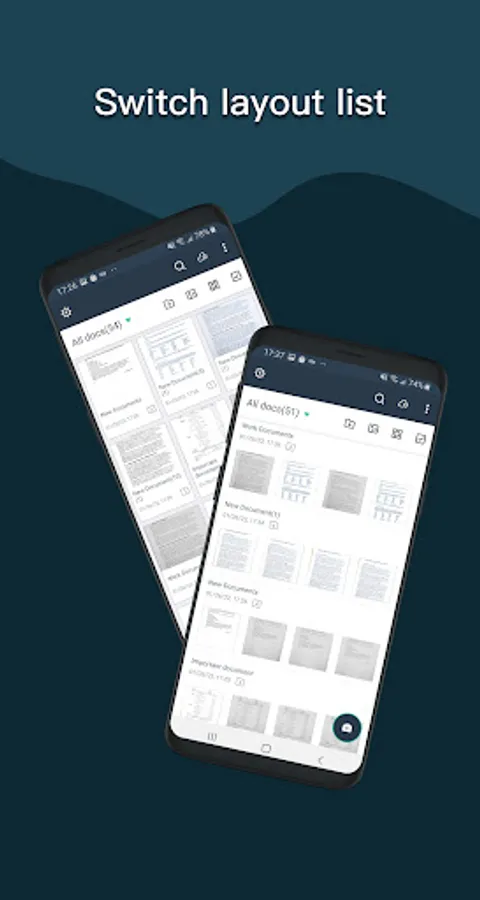
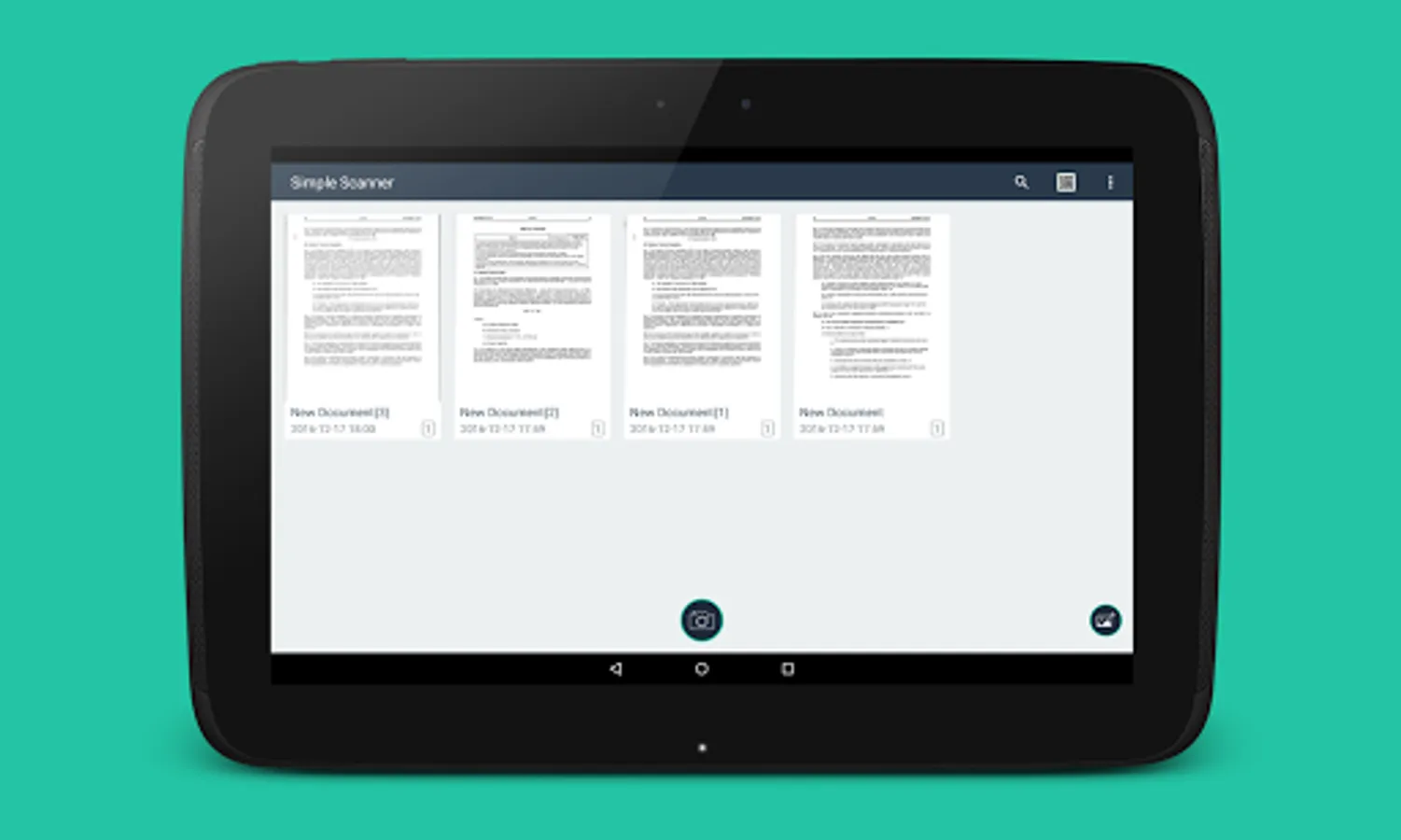
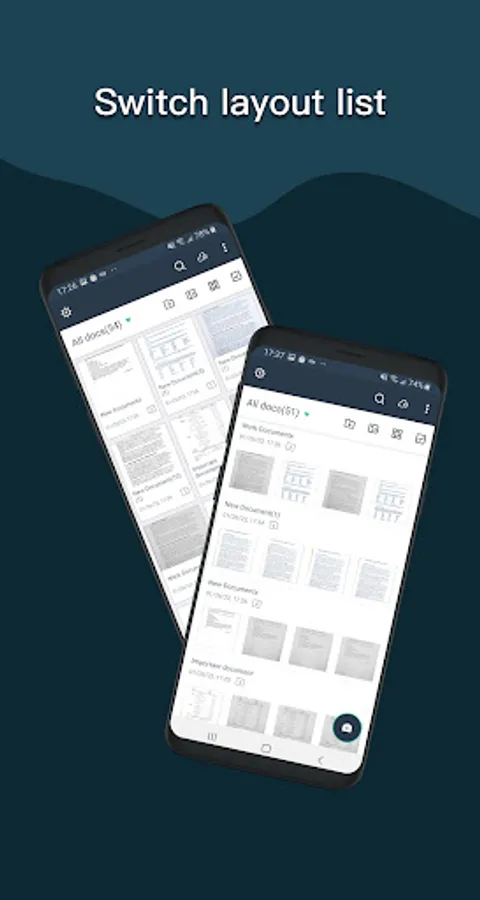
- Thumbnail or list view, sorted by date or title
- Simple scanner are optimized to run very fast.
- Quick search by document title
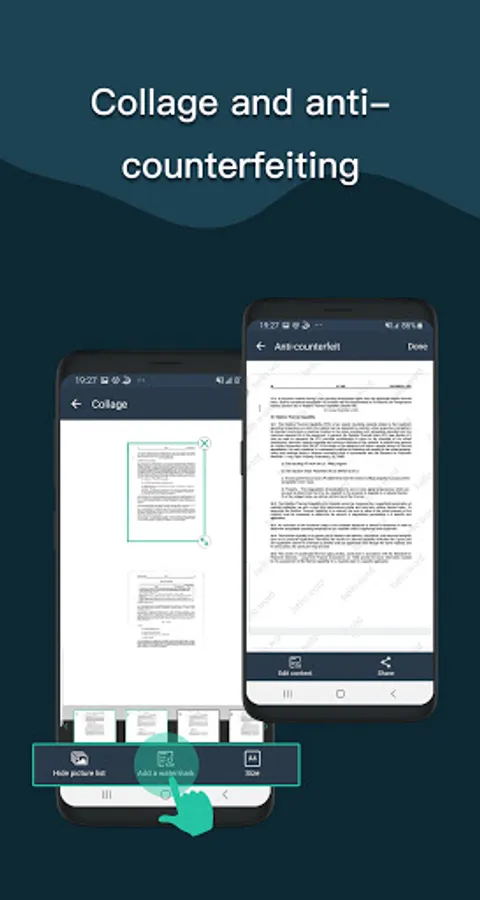
- Use a password to protect your documents
- General - A single application that works on your phone!
For users above Android 11, files are stored in a private directory and cannot be changed. This is determined by Google's latest storage policy. For mobile phones below Android 11, the external storage option can still be selected.
If you like simple scanner or have any other comments, please take a moment to write us a comment, or simply email us at simple.scanner@outlook.com, which will help us improve our products and give you a better experience. .
The Simple Scanner is a PDF document scanner application that turns your phone into a portable scanner. you can scan documents, photos, receipts, reports, or just about anything. The scan will be saved to the device in image or PDF format. Name and organize your scan to a folder, or share it in the following ways:
-Automatically upload JPG and PDF files to the cloud disk
-Backup and restore synchronization files between multiple devices
- E-mail, print, Fax
- Dropbox, Evernote, Google Drive, WhatsApp, or more
- Wifi connects directly to your computer
- Support importing PDF files into JPG.
- Support for adding tags for quick file search.
- Support OCR text recognition, export text.
The Document Scanner application has all the features you need:
- Mobile phone document, automatically remove the clutter background, generate high-definition JPEG pictures or PDF files.
- A variety of image processing mode, you can manually adjust the image parameters, with a mobile phone can be paper documents, quickly turned into a clear electronic draft.
- Scan color, grayscale, or black and white
- Can be used in office, school, home and any place you want
- Automatically detects page edges
- 5 levels of contrast for clear monochrome text
- Set the PDF page size (Letter, Legal, A4, etc.)
- Thumbnail or list view, sorted by date or title
- Simple scanner are optimized to run very fast.
- Quick search by document title
- Use a password to protect your documents
- General - A single application that works on your phone!
For users above Android 11, files are stored in a private directory and cannot be changed. This is determined by Google's latest storage policy. For mobile phones below Android 11, the external storage option can still be selected.
If you like simple scanner or have any other comments, please take a moment to write us a comment, or simply email us at simple.scanner@outlook.com, which will help us improve our products and give you a better experience. .