PDF Scanner app - TapScanner
Tap AI
4.6 ★
3M ratings
100,000,000+
downloads
Free
+ in-app
In this PDF scanner app, you can capture, edit, and organize documents with automatic edge detection and image correction. Includes OCR text recognition, cloud backup options, and sharing features.
AppRecs review analysis
AppRecs rating 4.3. Trustworthiness 58 out of 100. Review manipulation risk 40 out of 100. Based on a review sample analyzed.
★★★★☆
4.3
AppRecs Rating
Ratings breakdown
5 star
82%
4 star
7%
3 star
3%
2 star
1%
1 star
7%
What to know
✓
High user satisfaction
82% of sampled ratings are 5 stars
✓
Proven track record
Strong volume of user ratings
⚠
Pricing complaints
Many low ratings mention paywalls or pricing
About PDF Scanner app - TapScanner
TapScanner: Scan, Edit & Manage PDFs with Ease
Turn your device into a high‑quality document scanner and PDF toolkit trusted by millions worldwide. TapScanner lets you capture, organize, and share paperwork quickly, securely, and professionally.
Why Choose TapScanner?
High‑Quality Scans
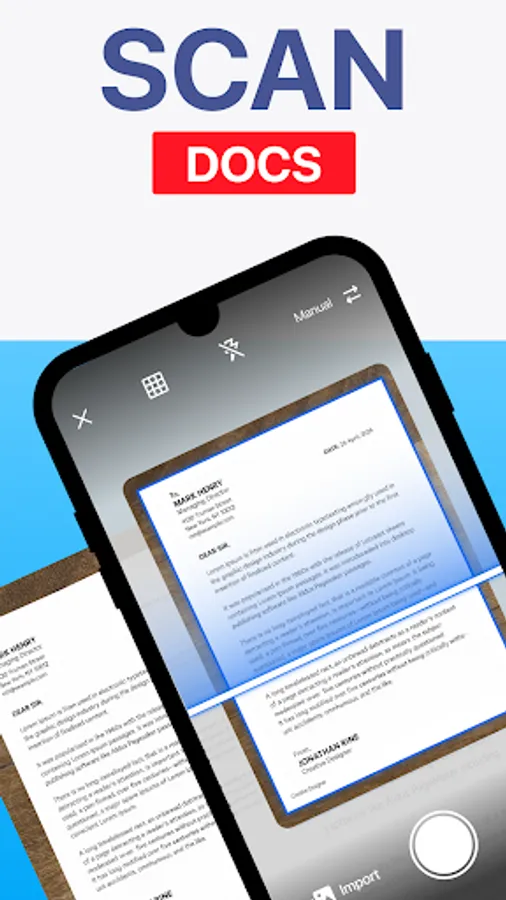
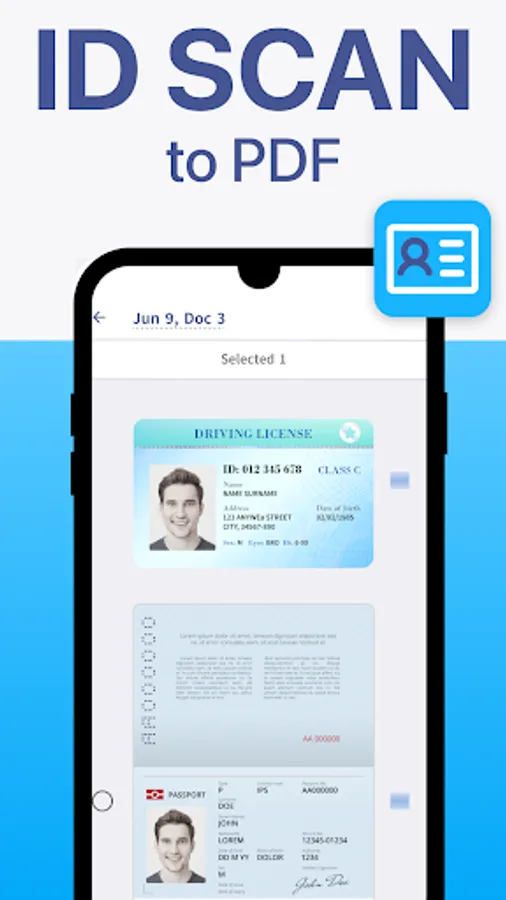
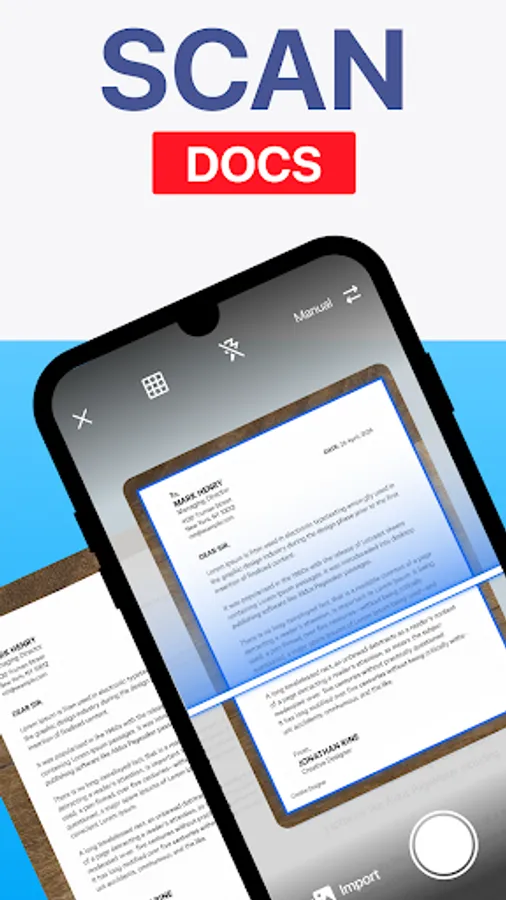
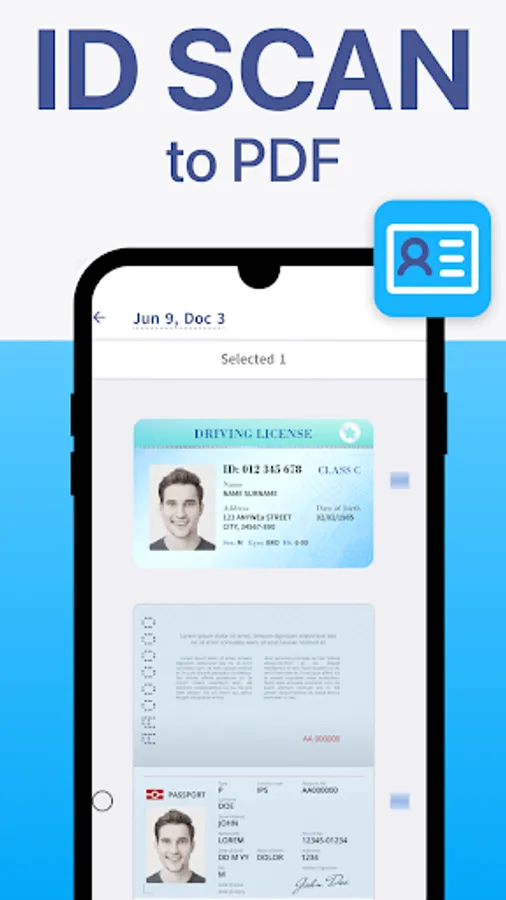
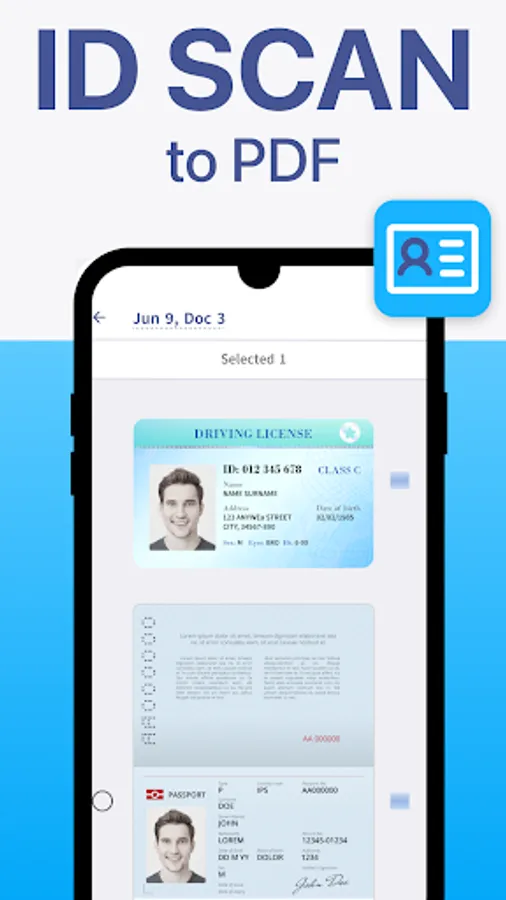
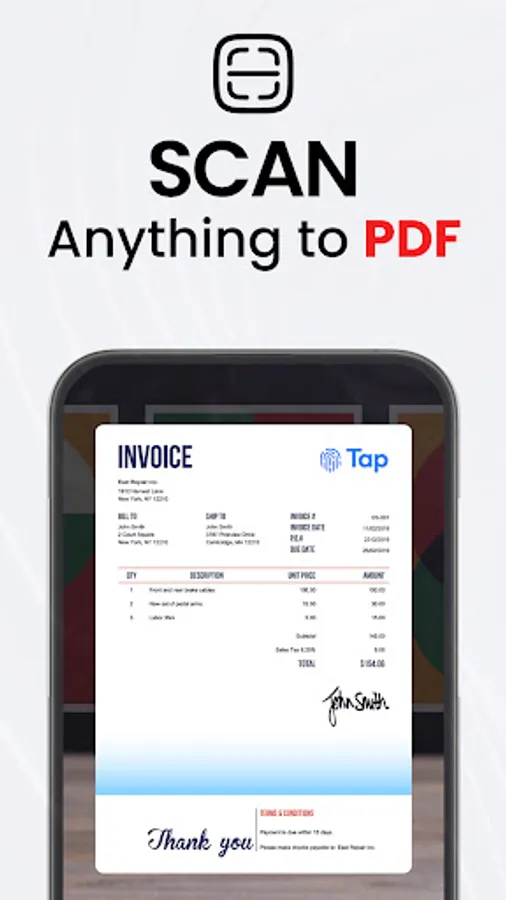
Automatic edge detection and smart image correction create clear, professional scans of receipts, business cards, contracts, and multi‑page documents.
Complete PDF Workspace
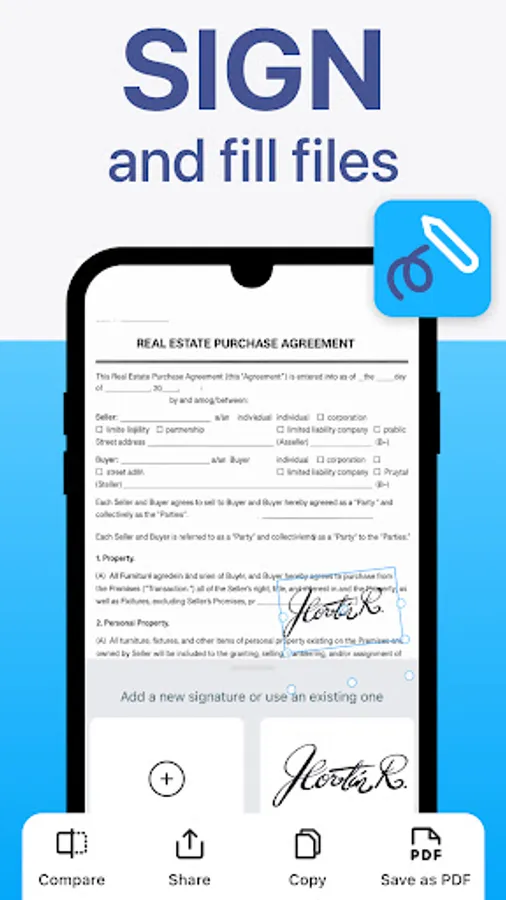
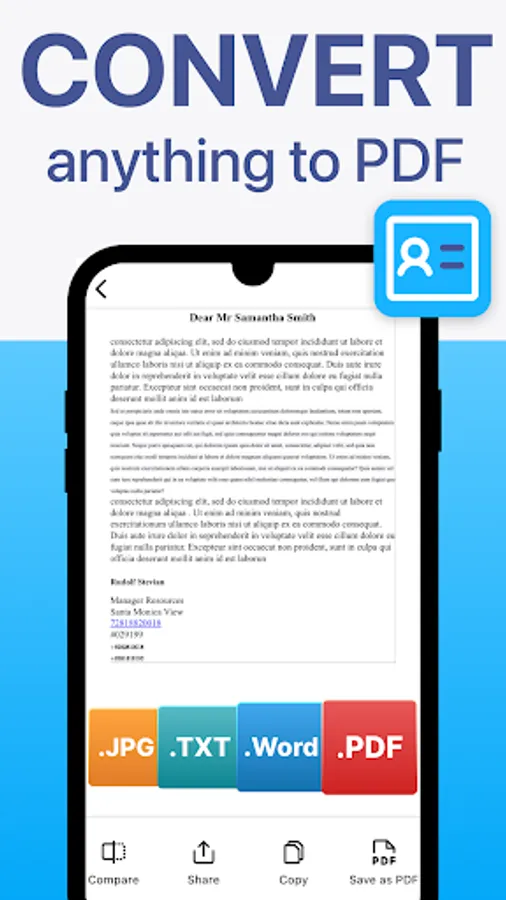
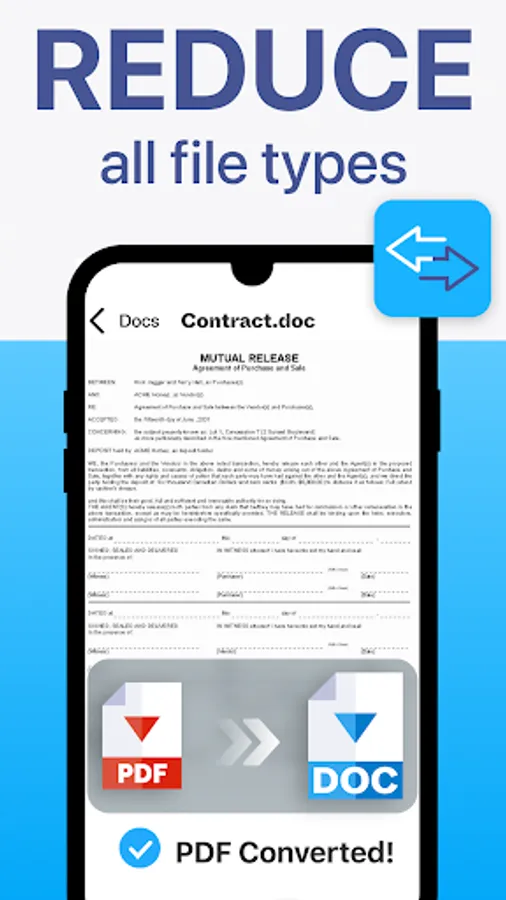
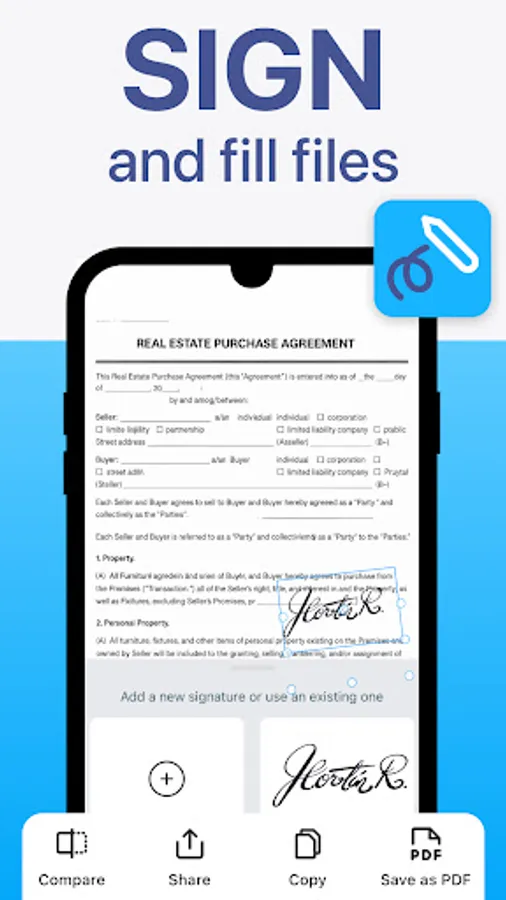
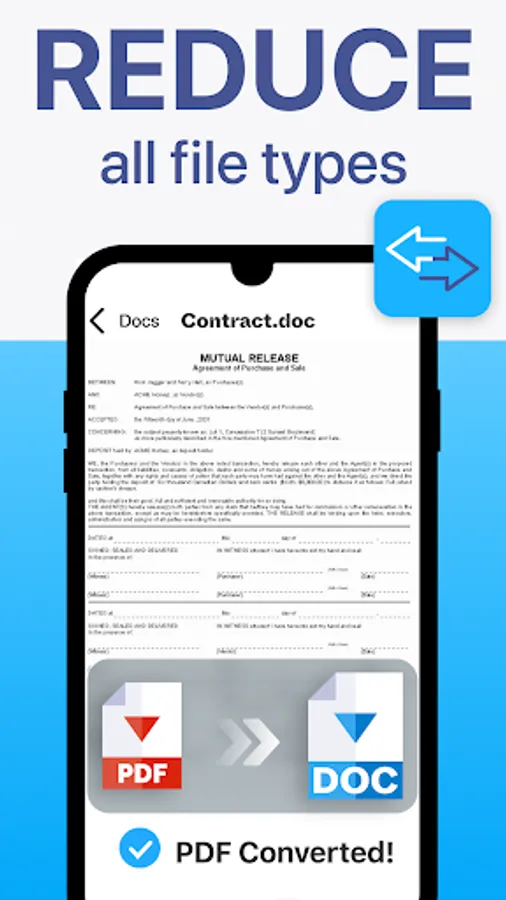
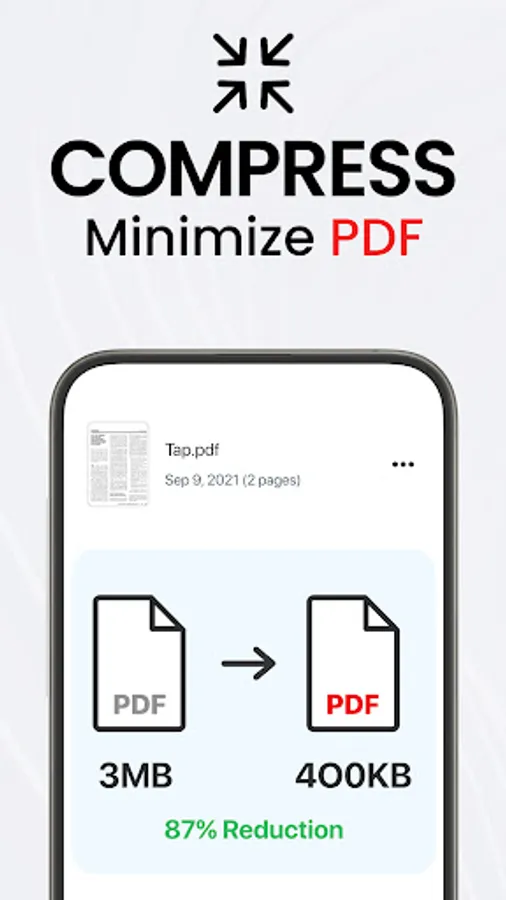
Merge, split, reorder, sign, and annotate PDFs directly in the app. Export to standard PDF formats with no quality loss.
OCR Text Recognition
Convert images into searchable, editable text in over 110 languages.
Productivity Boosters
Save time with batch scanning, one‑tap renaming, and automated file organization.
Secure Cloud Backup
Sync scans to Google Drive, Dropbox, OneDrive, and more. Add password protection for sensitive documents.
Multi‑Page Support
Scan dozens of pages and compile them into a single, neatly ordered PDF.
Image Enhancements
Adjust brightness and contrast, remove shadows, and apply filters for optimal results.
Instant Sharing & Printing
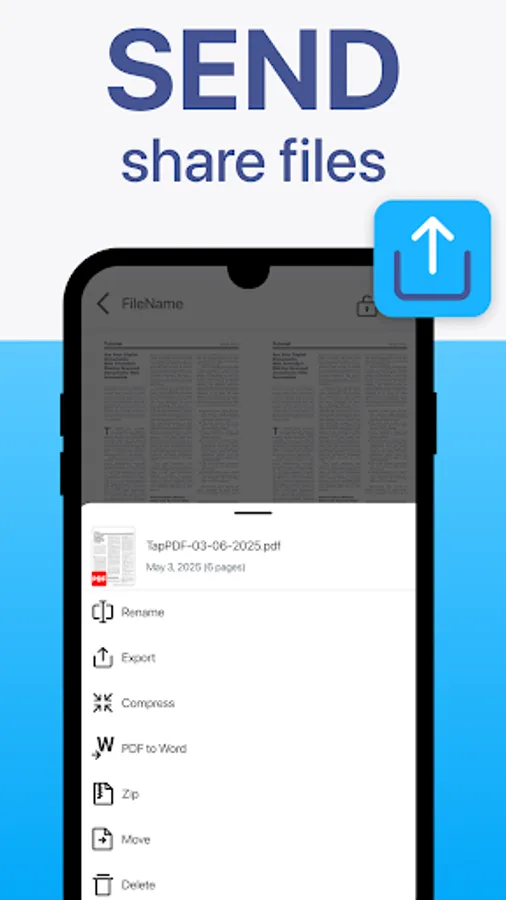
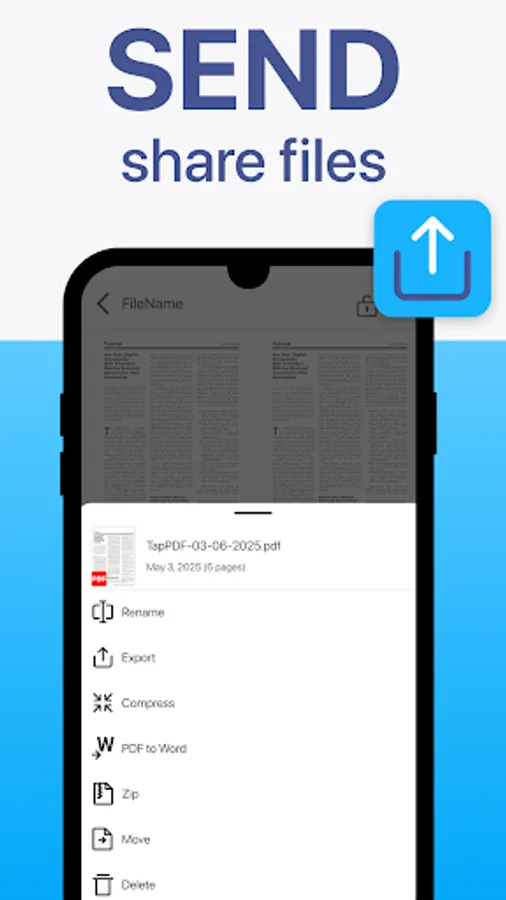
Send scans via email, messaging apps, or print directly to any Wi‑Fi printer.
User‑Friendly Interface
Clean design makes advanced tools easy for professionals, students, and everyday users alike.
Download TapScanner and streamline your paperwork today!
Free Trial & Subscription Details
After the free trial period, if the user does not cancel, the subscription will automatically convert to the paid version and be billed at the selected package price.
You can cancel the subscription at any time via the Google Play app by tapping the profile icon > Payments & subscriptions > Subscriptions.
Privacy Policy - https://tap.pm/privacy-policy-v5/
Service Terms - https://tap.pm/terms-of-service/
Turn your device into a high‑quality document scanner and PDF toolkit trusted by millions worldwide. TapScanner lets you capture, organize, and share paperwork quickly, securely, and professionally.
Why Choose TapScanner?
High‑Quality Scans
Automatic edge detection and smart image correction create clear, professional scans of receipts, business cards, contracts, and multi‑page documents.
Complete PDF Workspace
Merge, split, reorder, sign, and annotate PDFs directly in the app. Export to standard PDF formats with no quality loss.
OCR Text Recognition
Convert images into searchable, editable text in over 110 languages.
Productivity Boosters
Save time with batch scanning, one‑tap renaming, and automated file organization.
Secure Cloud Backup
Sync scans to Google Drive, Dropbox, OneDrive, and more. Add password protection for sensitive documents.
Multi‑Page Support
Scan dozens of pages and compile them into a single, neatly ordered PDF.
Image Enhancements
Adjust brightness and contrast, remove shadows, and apply filters for optimal results.
Instant Sharing & Printing
Send scans via email, messaging apps, or print directly to any Wi‑Fi printer.
User‑Friendly Interface
Clean design makes advanced tools easy for professionals, students, and everyday users alike.
Download TapScanner and streamline your paperwork today!
Free Trial & Subscription Details
After the free trial period, if the user does not cancel, the subscription will automatically convert to the paid version and be billed at the selected package price.
You can cancel the subscription at any time via the Google Play app by tapping the profile icon > Payments & subscriptions > Subscriptions.
Privacy Policy - https://tap.pm/privacy-policy-v5/
Service Terms - https://tap.pm/terms-of-service/