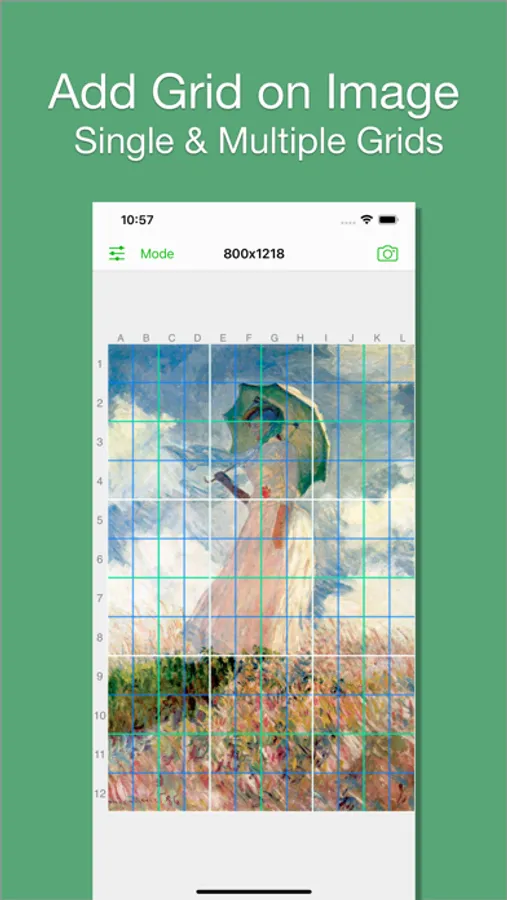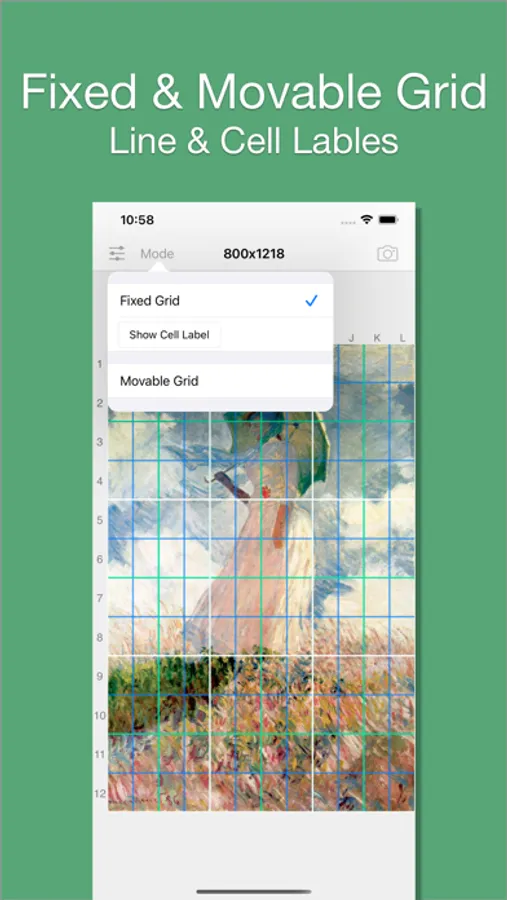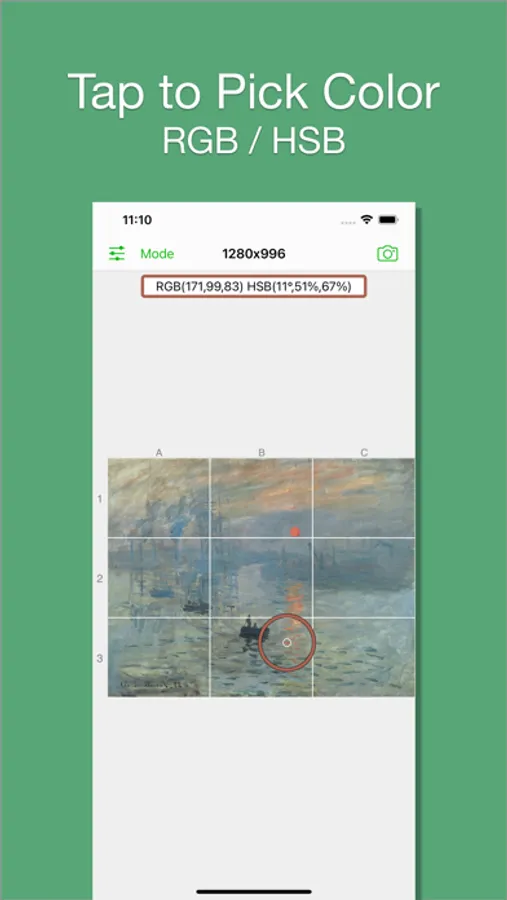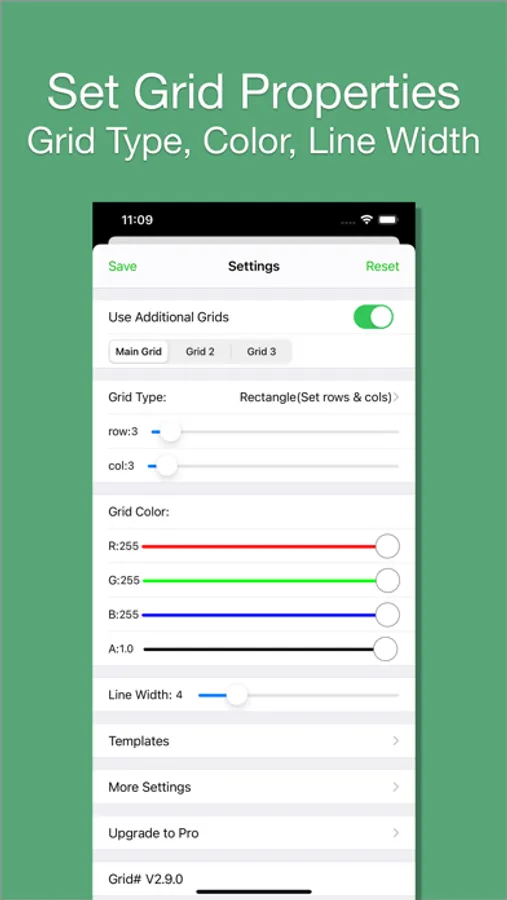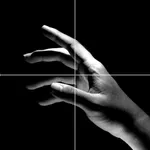
With this image editing app, you can add customizable grids to images, select from different grid types, and adjust colors and transparency. Includes options for multiple grids, color picking from images, and movable or fixed grid modes.
AppRecs review analysis
AppRecs rating 4.4. Trustworthiness 77 out of 100. Review manipulation risk 25 out of 100. Based on a review sample analyzed.
★★★★☆
4.4
AppRecs Rating
Ratings breakdown
5 star
81%
4 star
10%
3 star
3%
2 star
1%
1 star
4%
What to know
✓
Low review manipulation risk
25% review manipulation risk
✓
Credible reviews
77% trustworthiness score from analyzed reviews
✓
High user satisfaction
81% of sampled ratings are 5 stars
About Grid # - Add grid on image
I believe there are always some people in this world who want to add grids to images, just like me. That's why I developed Grid#. Hope it helps.
Features:
1. Add grid on image.
2. There are 5 types of grids you can choose:
- a. Rectangle(Set rows & cols)
- b. Square(Set rows only)
- c. Square(Set cols only)
- d. Rectangle(Set row height & col width)
- e. Square(Set row height only)[pro feature]
3. The lines can be colourful. Use whatever RGB color you like. You can change lines' transparency.
4. You can change line width (from 1 to 20).
5. You can add multiple grids(at most 3) on the image.
[grid 3 is pro feature]
6. You can pick colors from image.
7. There are 2 modes:
- a. Fixed Grid: Grid cannot be moved nor be rotated.
- b. Movable Grid[pro feature]: Grid can be move, or be rotated (Move two fingers around each other to rotate the grid)
Features:
1. Add grid on image.
2. There are 5 types of grids you can choose:
- a. Rectangle(Set rows & cols)
- b. Square(Set rows only)
- c. Square(Set cols only)
- d. Rectangle(Set row height & col width)
- e. Square(Set row height only)[pro feature]
3. The lines can be colourful. Use whatever RGB color you like. You can change lines' transparency.
4. You can change line width (from 1 to 20).
5. You can add multiple grids(at most 3) on the image.
[grid 3 is pro feature]
6. You can pick colors from image.
7. There are 2 modes:
- a. Fixed Grid: Grid cannot be moved nor be rotated.
- b. Movable Grid[pro feature]: Grid can be move, or be rotated (Move two fingers around each other to rotate the grid)