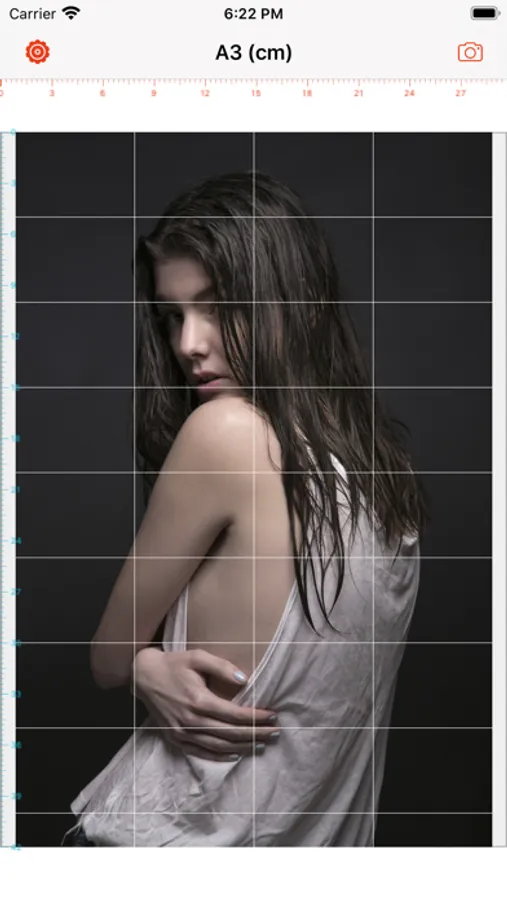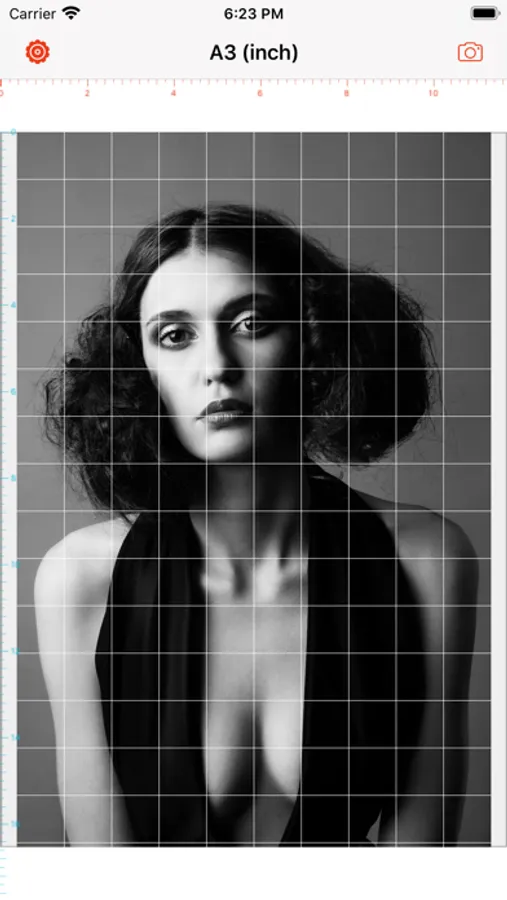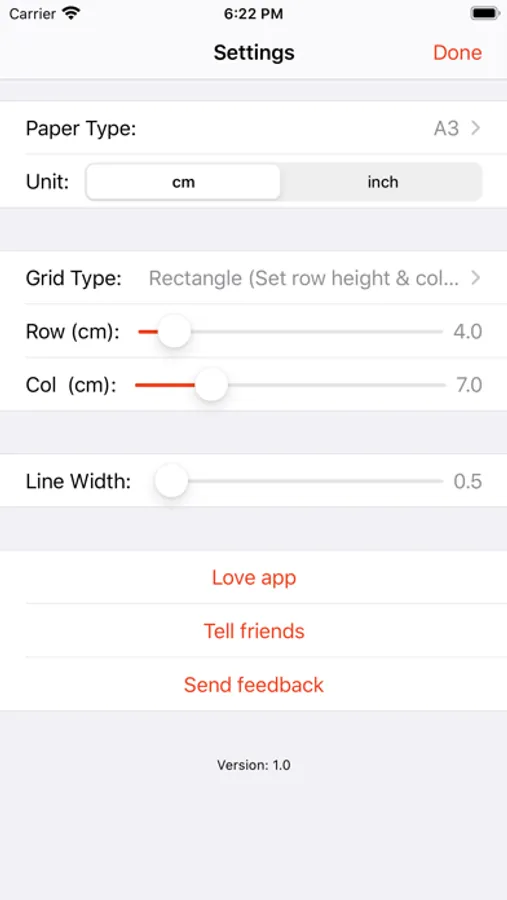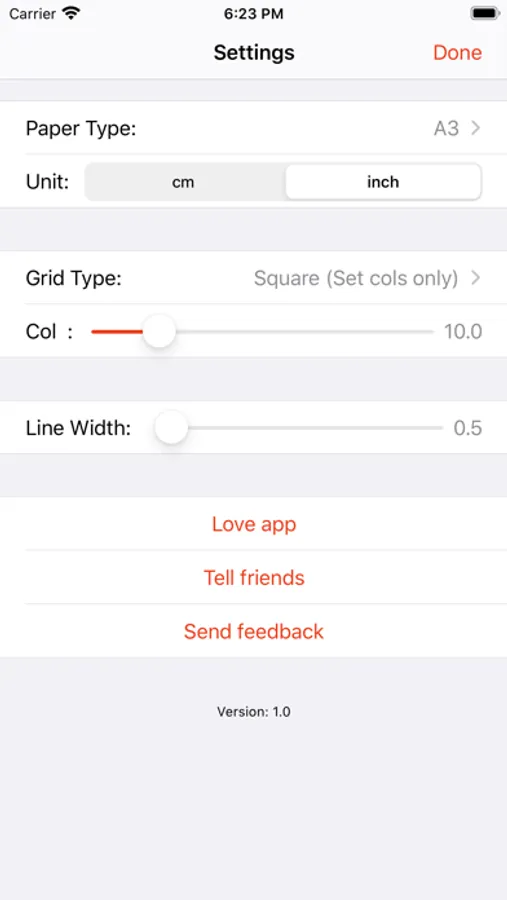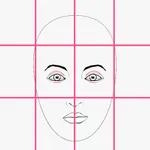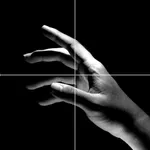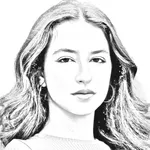
With this image editing app, you can add customizable grids to overlay on your images and adjust line color, width, and grid type. Includes six grid styles, six paper sizes, and saving options for Pro users.
AppRecs review analysis
AppRecs rating 4.4. Trustworthiness 76 out of 100. Review manipulation risk 22 out of 100. Based on a review sample analyzed.
★★★★☆
4.4
AppRecs Rating
Ratings breakdown
5 star
77%
4 star
10%
3 star
2%
2 star
2%
1 star
11%
What to know
✓
Low review manipulation risk
22% review manipulation risk
✓
Credible reviews
76% trustworthiness score from analyzed reviews
✓
High user satisfaction
86% of sampled ratings are 4+ stars (4.4★ average)
About Draw Grid on Image
This grid tool will help you keep proportion of drawing object. We can draw a layer of grid on top of your image. Hope it helps.
Features:
1. Add grid on image.
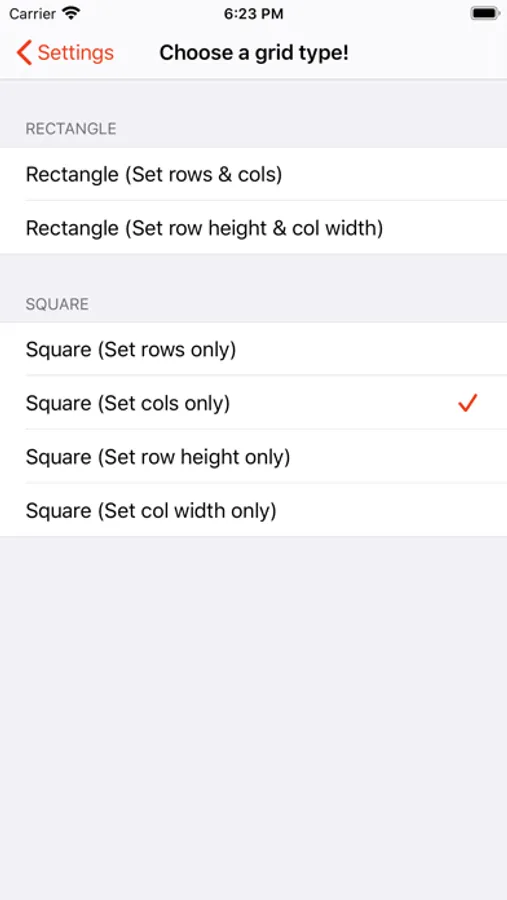
2. There are 6 types of grids you can choose:
- Rectangle (Set rows & cols)
- Rectangle (Set row height & col width)
- Square (Set rows only)
- Square (Set cols only)
- Square (Set row height only)
- Square (Set col width only)
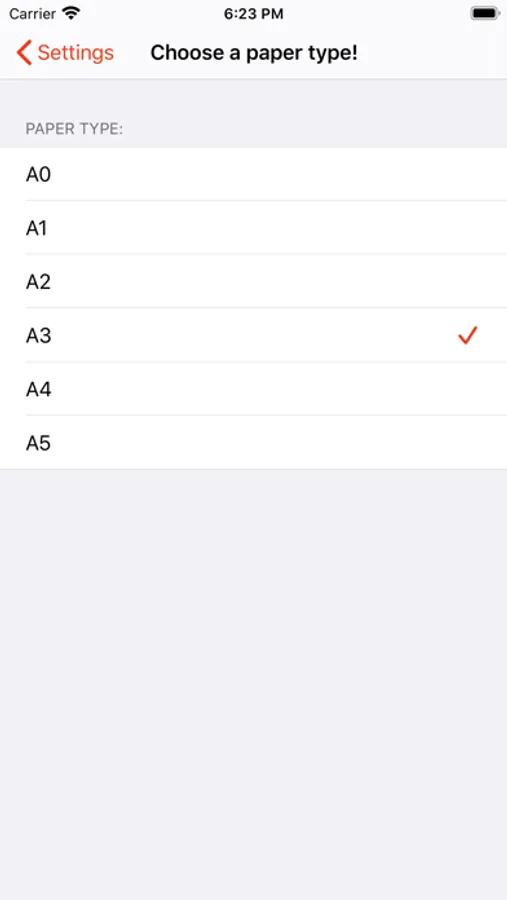
3. There are 6 paper sizes (A0, A1, A2, A3, A4, A5) with 2 unit types (cm, inch).
4. You can change line width (from 0.5 to 10).
5. You can change line color.
6. Save grid image to Camera Roll (Pro version only).
Features:
1. Add grid on image.
2. There are 6 types of grids you can choose:
- Rectangle (Set rows & cols)
- Rectangle (Set row height & col width)
- Square (Set rows only)
- Square (Set cols only)
- Square (Set row height only)
- Square (Set col width only)
3. There are 6 paper sizes (A0, A1, A2, A3, A4, A5) with 2 unit types (cm, inch).
4. You can change line width (from 0.5 to 10).
5. You can change line color.
6. Save grid image to Camera Roll (Pro version only).