About Rice Fish AR/VR
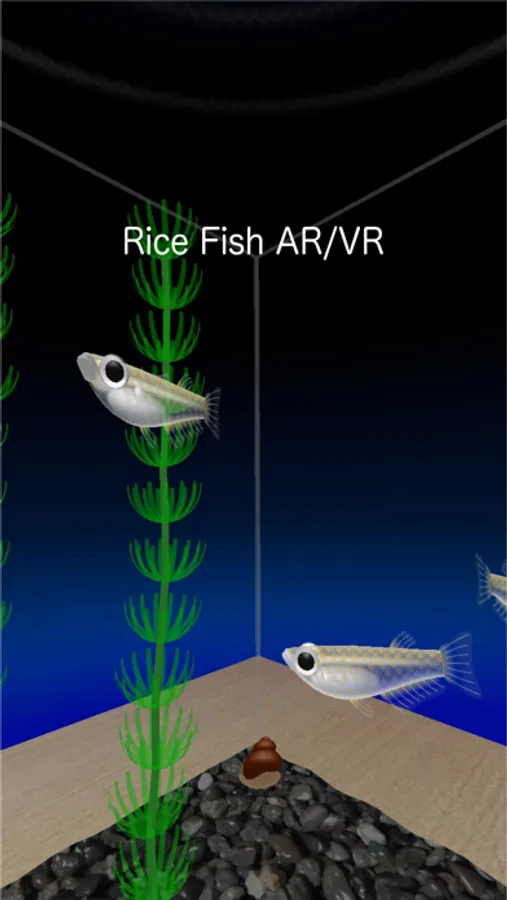
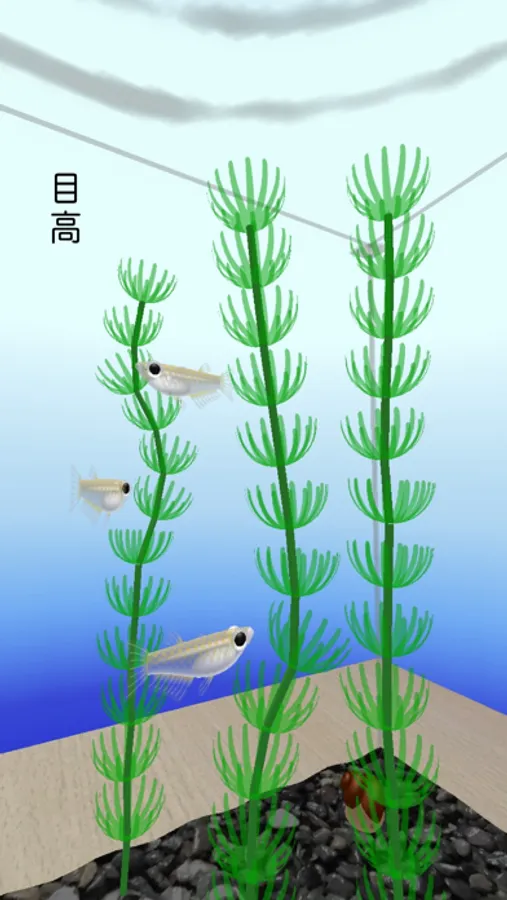
This is VR app provides experience of viewing rice fishes from inside of the tank.
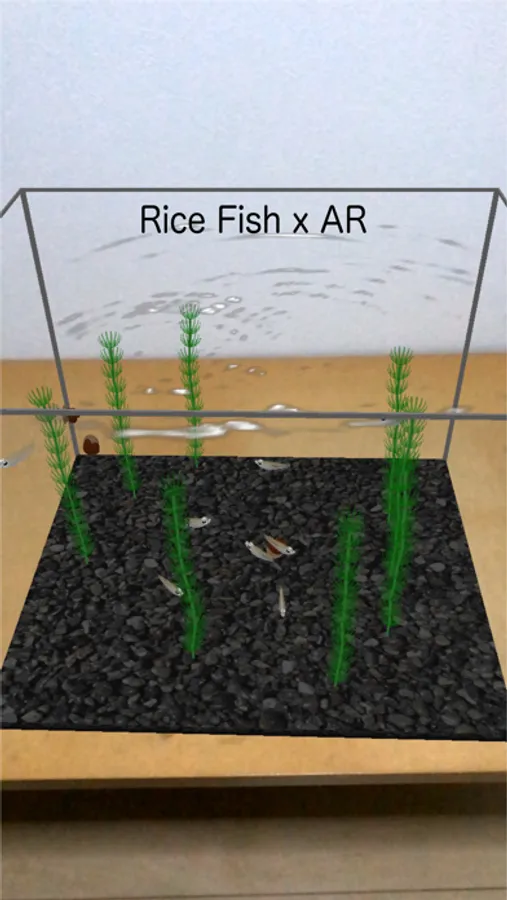
It also has AR mode and you can put your fish tank on any surface recognized.You can also move the fish tank by pushing it's bottom.
It supports seven view modes. Tap switch icon(right bottom) to change view modes.
1. Normal view
2. Back camera view(camera overlay)
3. Front camera view(selfie)
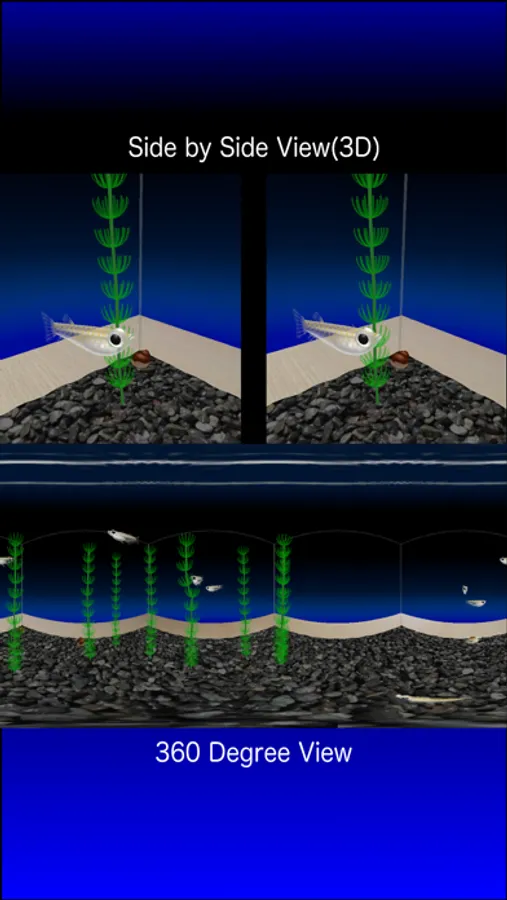
4. Side by side view(for VR headset)
5. 3D Lens
6. 360 degree
7. AR mode
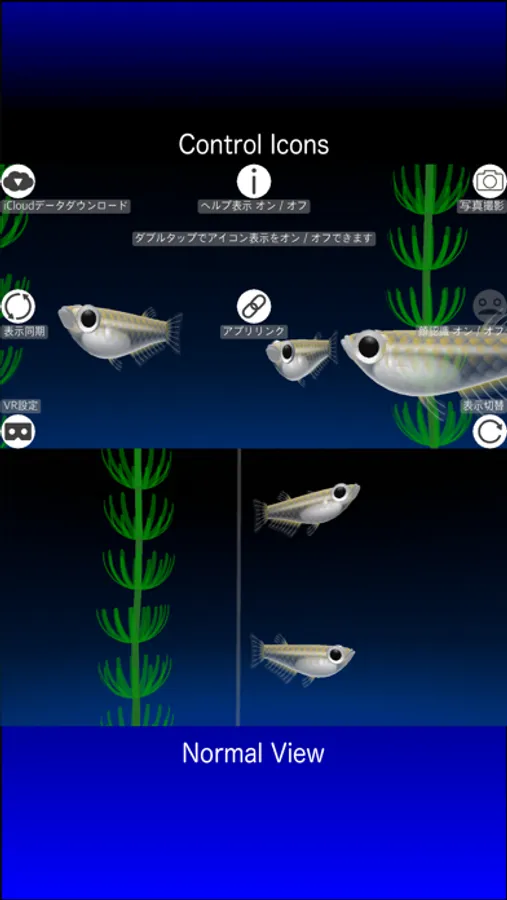
There are 8 icons.
1. Switch View(right bottom) : switch view modes
2. Camera(right top) : take photo/screen capture
3. Face(right middle): turn on/off face detection
4. iCloud(left top): view your own aquarium of "Rice Fish" app.
5. VR Config(left bottom) : change VR config
6. Info(top middle) : show/hide help message
7. Synchronize : sync view between multiple devices
8. App Link : Link to other apps.
It also has AR mode and you can put your fish tank on any surface recognized.You can also move the fish tank by pushing it's bottom.
It supports seven view modes. Tap switch icon(right bottom) to change view modes.
1. Normal view
2. Back camera view(camera overlay)
3. Front camera view(selfie)
4. Side by side view(for VR headset)
5. 3D Lens
6. 360 degree
7. AR mode
There are 8 icons.
1. Switch View(right bottom) : switch view modes
2. Camera(right top) : take photo/screen capture
3. Face(right middle): turn on/off face detection
4. iCloud(left top): view your own aquarium of "Rice Fish" app.
5. VR Config(left bottom) : change VR config
6. Info(top middle) : show/hide help message
7. Synchronize : sync view between multiple devices
8. App Link : Link to other apps.