Microsoft SharePoint
Microsoft Corporation
4.6 ★
store rating
Free
AppRecs review analysis
AppRecs rating 4.1. Trustworthiness 74 out of 100. Review manipulation risk 29 out of 100. Based on a review sample analyzed.
★★★★☆
4.1
AppRecs Rating
Ratings breakdown
5 star
83%
4 star
8%
3 star
3%
2 star
1%
1 star
5%
What to know
✓
Low review manipulation risk
29% review manipulation risk
✓
Credible reviews
74% trustworthiness score from analyzed reviews
⚠
Ad complaints
Many low ratings mention excessive ads
About Microsoft SharePoint
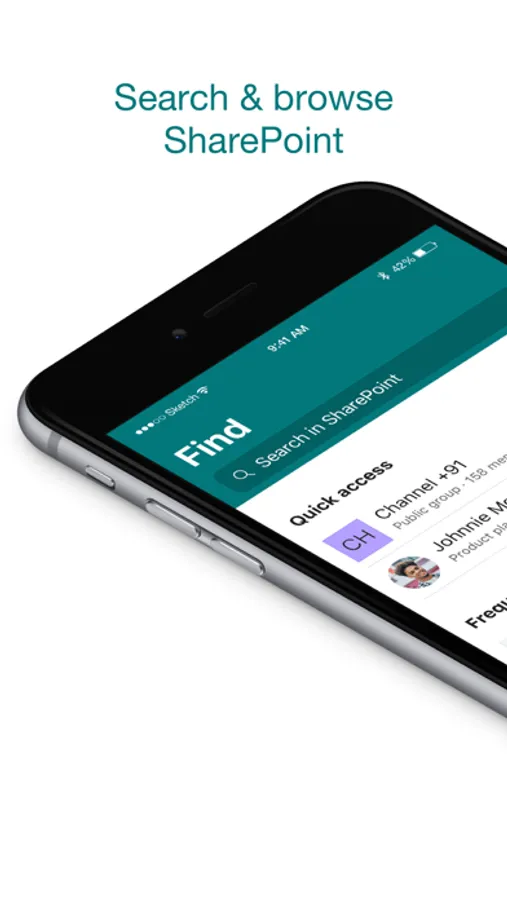
Find files, news, sites and people - personalized for you and your organization. SharePoint infuses AI into the mobile app experience to keep you focused and productive while on the go. AI builds an understanding of what you work on, how you work, and how your colleagues' work relates to you. When you need expertise, content, or resources when you're on the go, SharePoint is a great place to start looking.
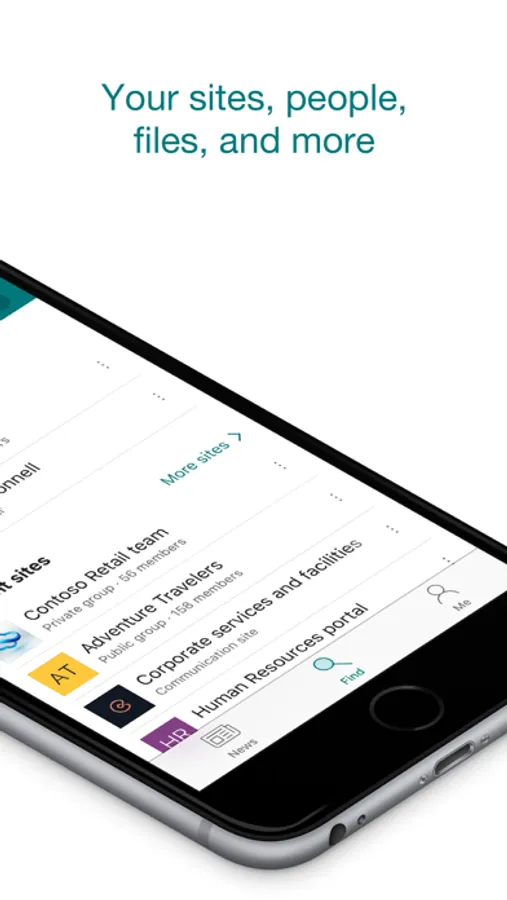
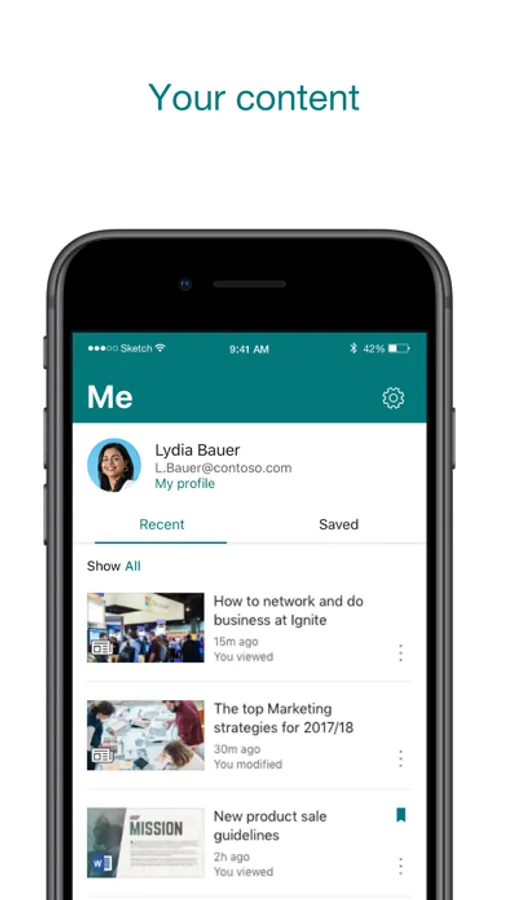
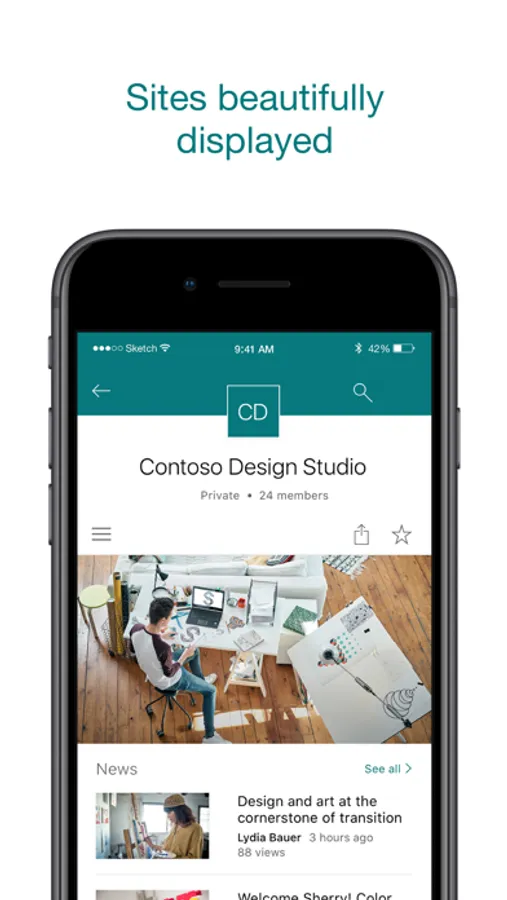
· Browse your sites, files, people and more to get back to what you were working on
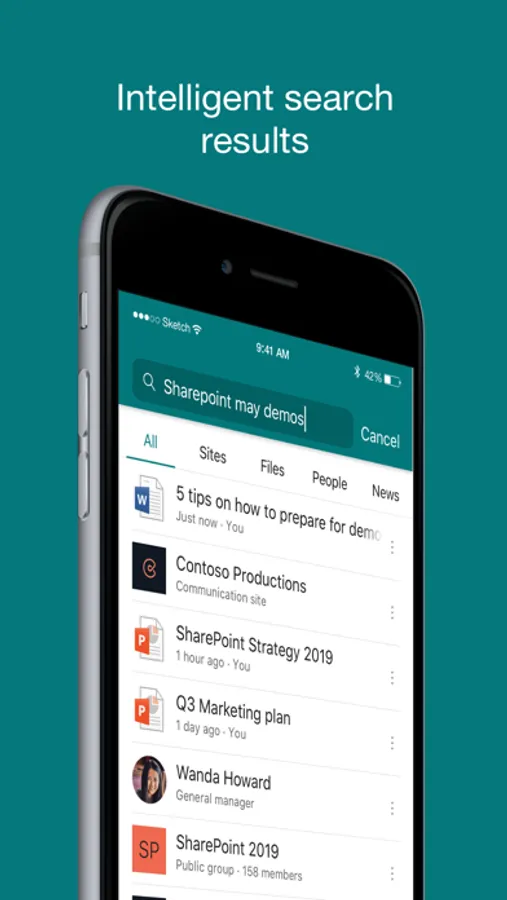
· Use search to find and discover important content
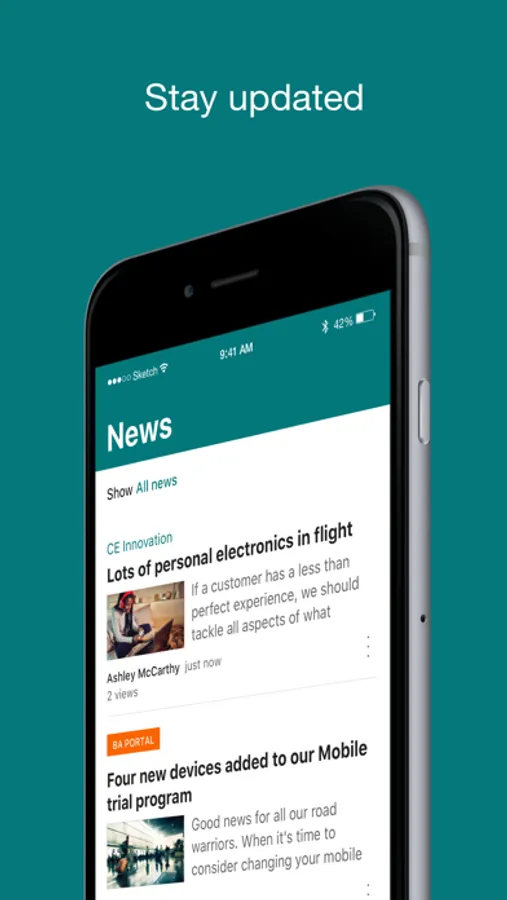
· Access your personalized view of team sites, communication sites, and news posts
· Tap on a user to get to their contact card and see who they work with and what they are working on
· Create news posts on the go and share your updates, reports, status, and experiences with your team
· Sign in to your SharePoint sites, whether they're in the cloud or on-premises. The app works with SharePoint Online and SharePoint Server versions 2013 and higher
· Add multiple accounts, and easily switch between them
What people are saying:
The SharePoint mobile app has been featured in TechCrunch, The Verge, ZDNet, PCWorld and Computerworld.
Over 2 years of app store reviews:
"making collaboration easier than ever!!"""
"keeps me connected with my office documents and coworkers"
"seamless integration with other Office apps"
"it's so easy and simple to use!!"
Note: To sign in to SharePoint, your organization needs to have an Office 365 subscription that includes SharePoint Online or an on-premises SharePoint Server.
This app is provided by Microsoft. Data provided through the use of this store and this app may be accessible to Microsoft and transferred to, stored, and processed in the United States or any other country where Microsoft or its affiliates maintain facilities.
· Browse your sites, files, people and more to get back to what you were working on
· Use search to find and discover important content
· Access your personalized view of team sites, communication sites, and news posts
· Tap on a user to get to their contact card and see who they work with and what they are working on
· Create news posts on the go and share your updates, reports, status, and experiences with your team
· Sign in to your SharePoint sites, whether they're in the cloud or on-premises. The app works with SharePoint Online and SharePoint Server versions 2013 and higher
· Add multiple accounts, and easily switch between them
What people are saying:
The SharePoint mobile app has been featured in TechCrunch, The Verge, ZDNet, PCWorld and Computerworld.
Over 2 years of app store reviews:
"making collaboration easier than ever!!"""
"keeps me connected with my office documents and coworkers"
"seamless integration with other Office apps"
"it's so easy and simple to use!!"
Note: To sign in to SharePoint, your organization needs to have an Office 365 subscription that includes SharePoint Online or an on-premises SharePoint Server.
This app is provided by Microsoft. Data provided through the use of this store and this app may be accessible to Microsoft and transferred to, stored, and processed in the United States or any other country where Microsoft or its affiliates maintain facilities.