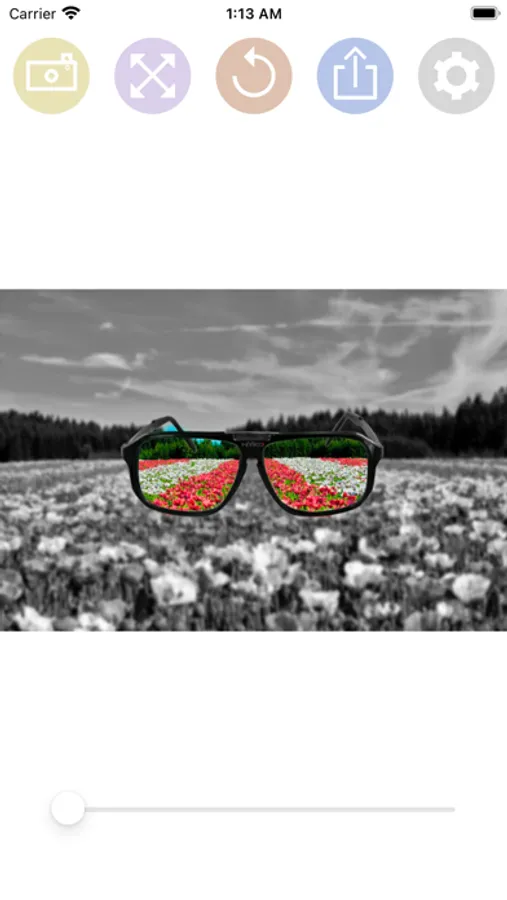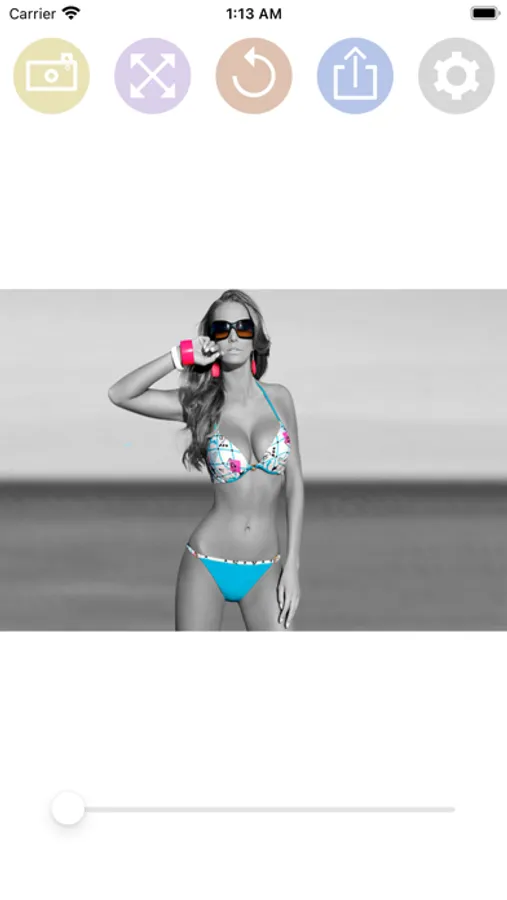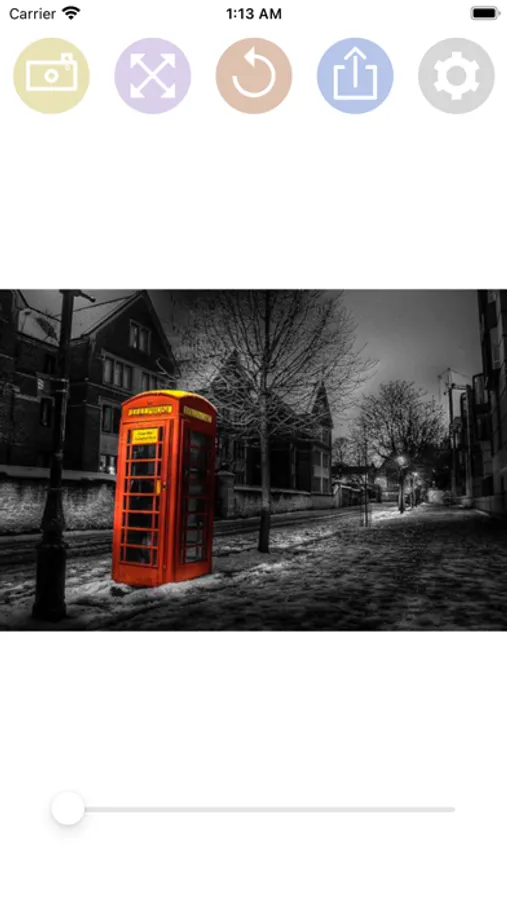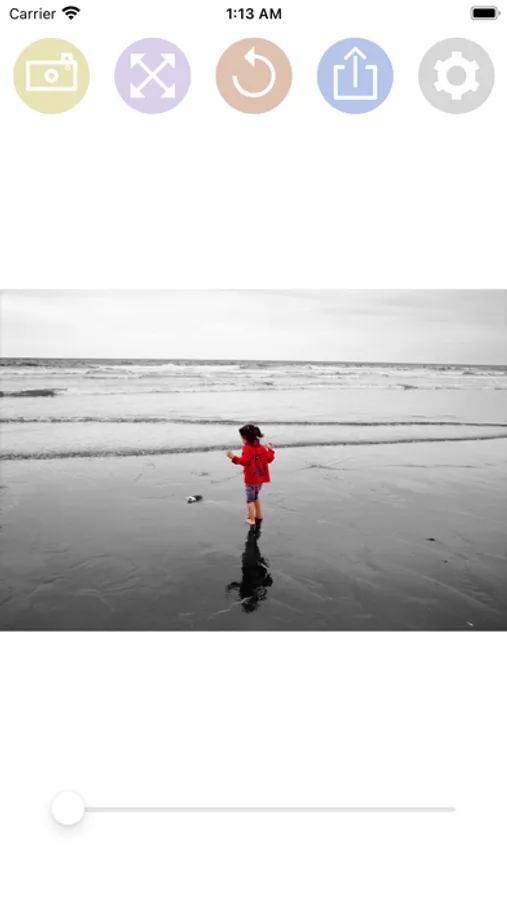
Color Splash effect eraser
Mireia Lluch Ortola
2.0 ★
store rating
Free
AppRecs review analysis
AppRecs rating 1.5. Trustworthiness 65 out of 100. Review manipulation risk 28 out of 100. Based on a review sample analyzed.
★☆☆☆☆
1.5
AppRecs Rating
Ratings breakdown
5 star
0%
4 star
0%
3 star
0%
2 star
100%
1 star
0%
What to know
✓
Low review manipulation risk
28% review manipulation risk
⚠
Mixed user feedback
Average 2.0★ rating suggests room for improvement
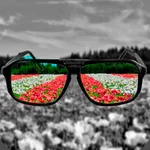
About Color Splash effect eraser
HOW TO USE:
- Select a photo from the gallery by pressing the camera button.
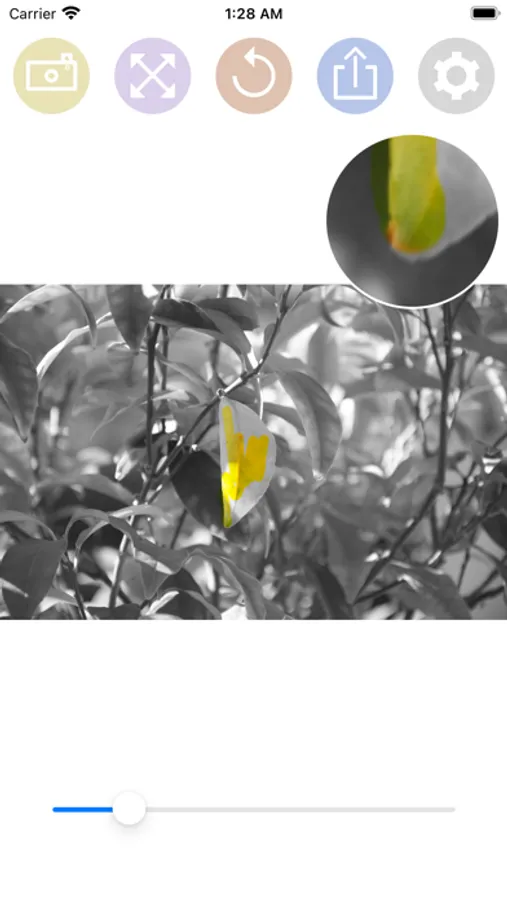
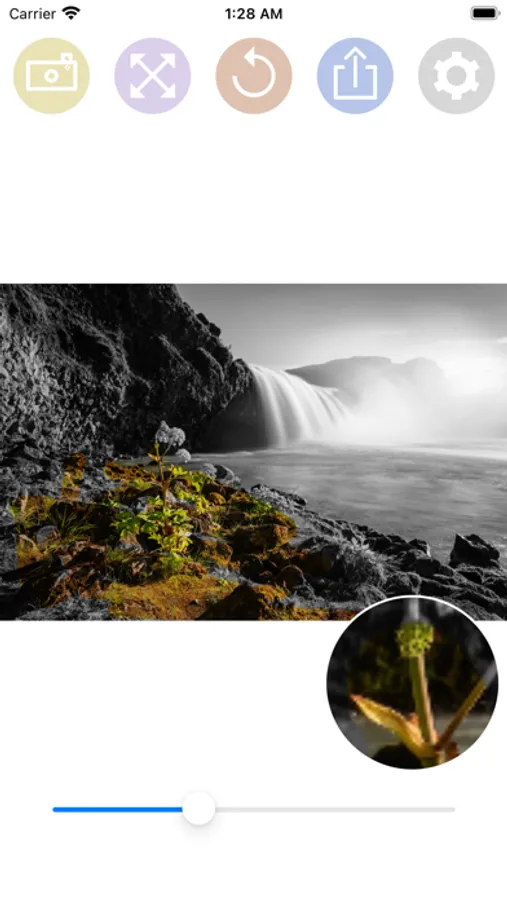
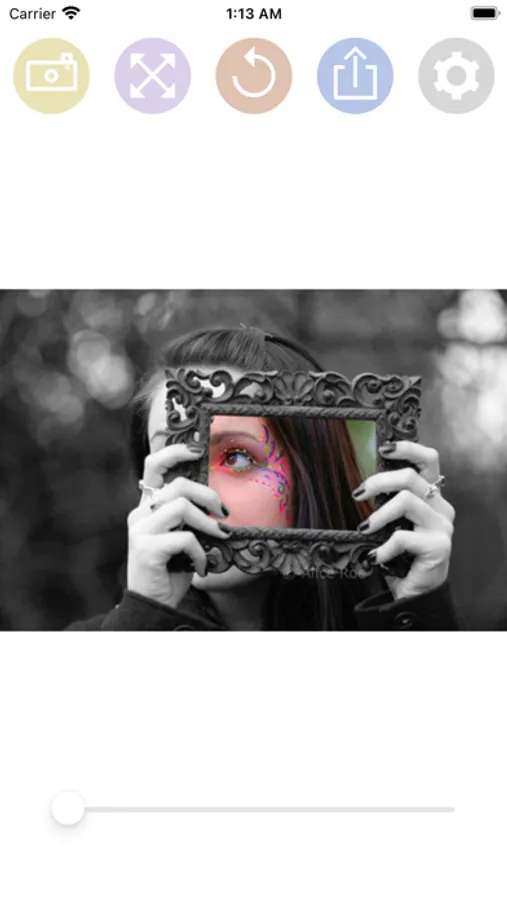
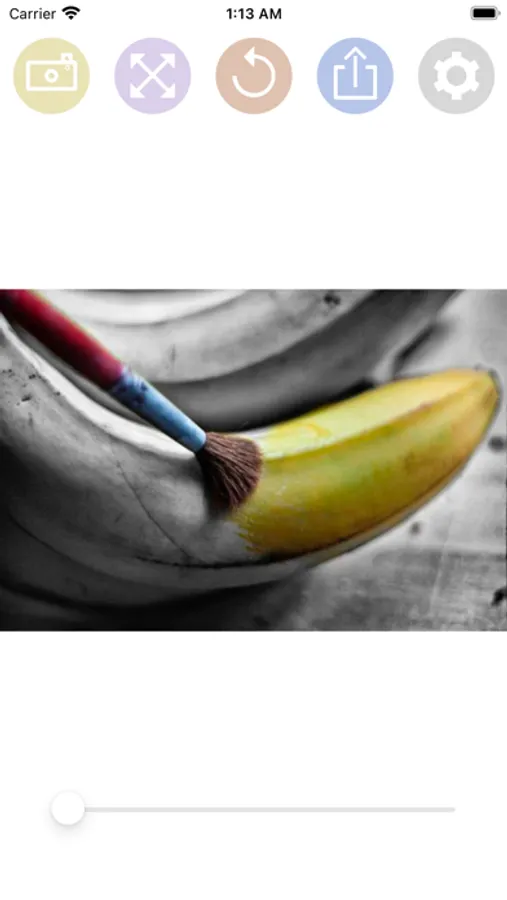
- Paint with your finger the part of the photo that you want to be colored.
- You can change the size of the brush with the slider bar.
- You can zoom the photo and move it to better paint the areas of the photo in color.
- If you move the photo, you can press the button with the four arrows to put the photo back in place.
- If you have made a mistake in a stroke, you can press the undo button.
- You have a magnifying glass window to better see what you are painting with your finger.
- Share the photo with your friends on your social networks or through messaging applications.
- Select a photo from the gallery by pressing the camera button.
- Paint with your finger the part of the photo that you want to be colored.
- You can change the size of the brush with the slider bar.
- You can zoom the photo and move it to better paint the areas of the photo in color.
- If you move the photo, you can press the button with the four arrows to put the photo back in place.
- If you have made a mistake in a stroke, you can press the undo button.
- You have a magnifying glass window to better see what you are painting with your finger.
- Share the photo with your friends on your social networks or through messaging applications.