Colorfader Lite
michele barbieri
2.3 ★
store rating
Free
AppRecs review analysis
AppRecs rating 2.1. Trustworthiness 76 out of 100. Review manipulation risk 20 out of 100. Based on a review sample analyzed.
★★☆☆☆
2.1
AppRecs Rating
Ratings breakdown
5 star
33%
4 star
14%
3 star
5%
2 star
5%
1 star
43%
What to know
✓
Low review manipulation risk
20% review manipulation risk
✓
Credible reviews
76% trustworthiness score from analyzed reviews
⚠
Mixed user feedback
Average 2.3★ rating suggests room for improvement
About Colorfader Lite
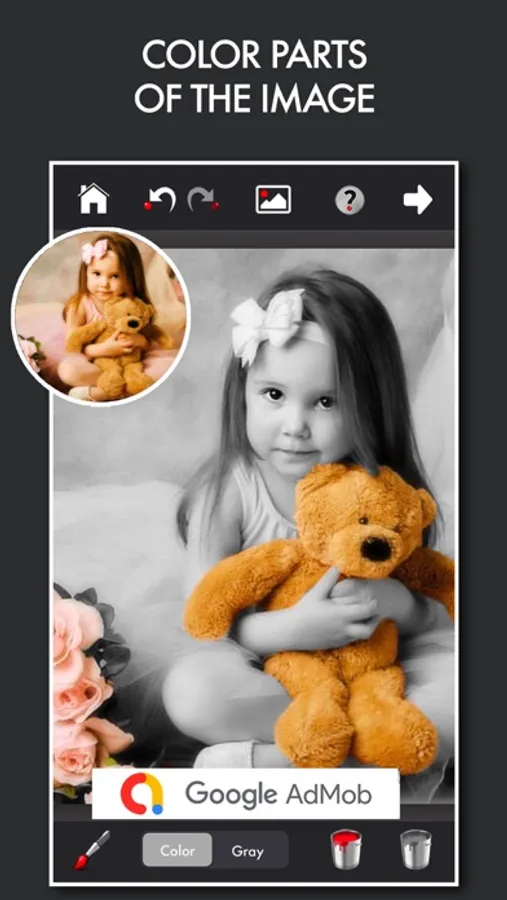
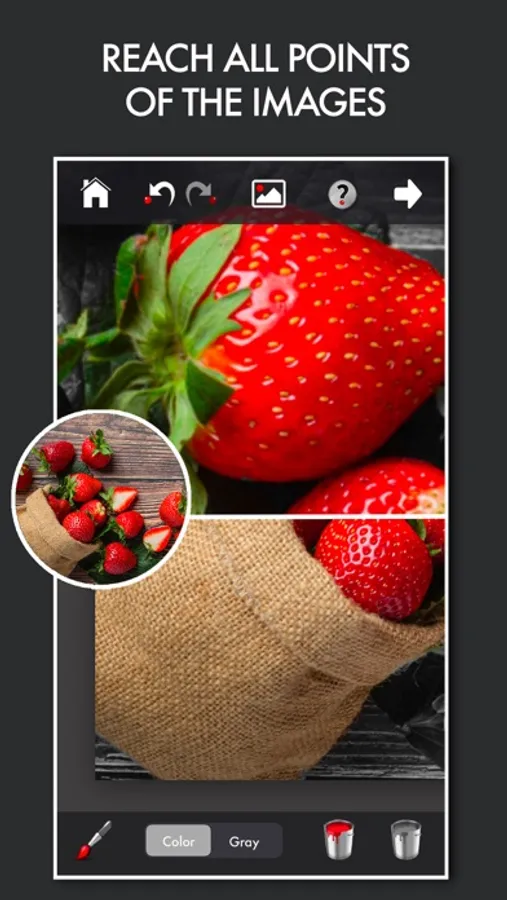
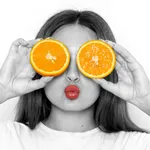
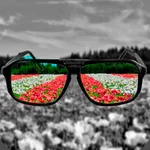
ColorFader Light is an application that enable you to emphasize some particular objects or color parts of an image that is converted to black and white.The outcome is a very striking effect that helps you to give an artistic touch to your images.
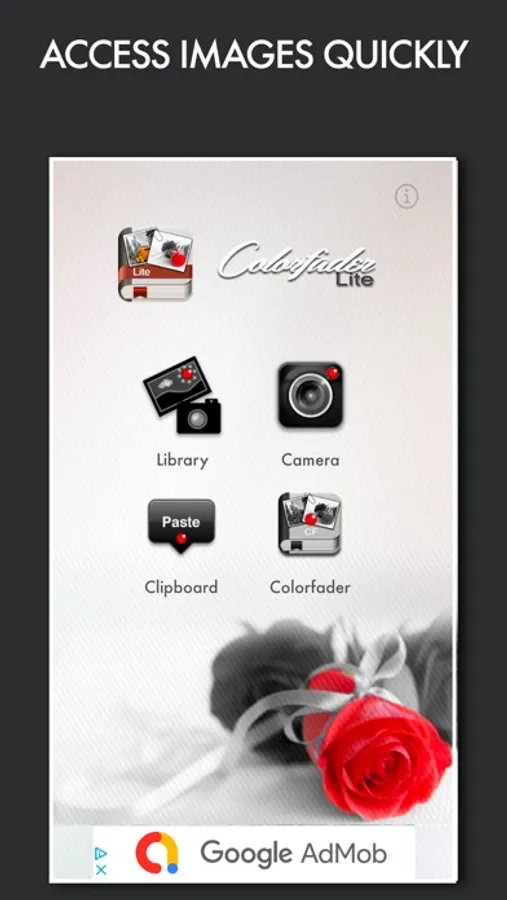
It's very easy, in a couple of minutes you'll be able to save fantastic images.Open an existing image or take a new one with the camera. Use two fingers to move around an image or zoom in. Use only one finger to paint upon the image. If color tab is selected you'll paint color strokes, otherwise, if Gray tab is selected, you'll paint in black and white
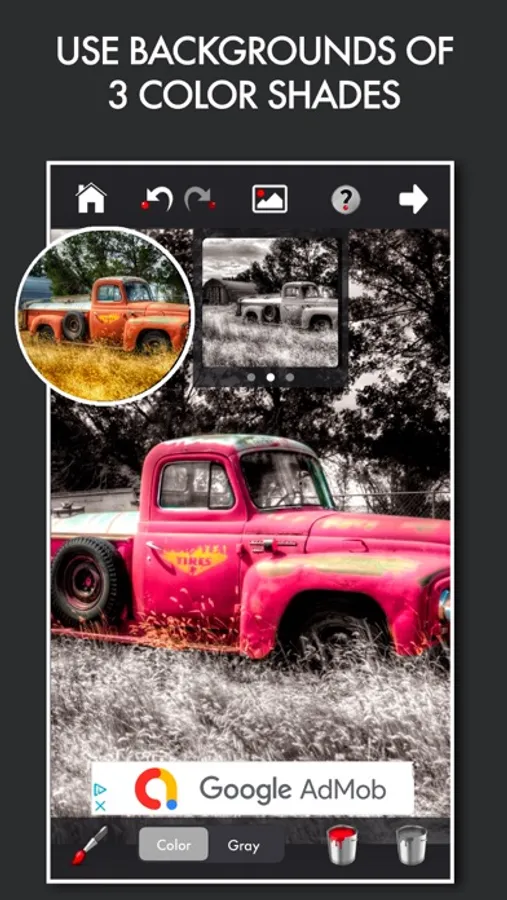
You can also change background image color if black & white is not the effect you want to set for your image.
Key features:
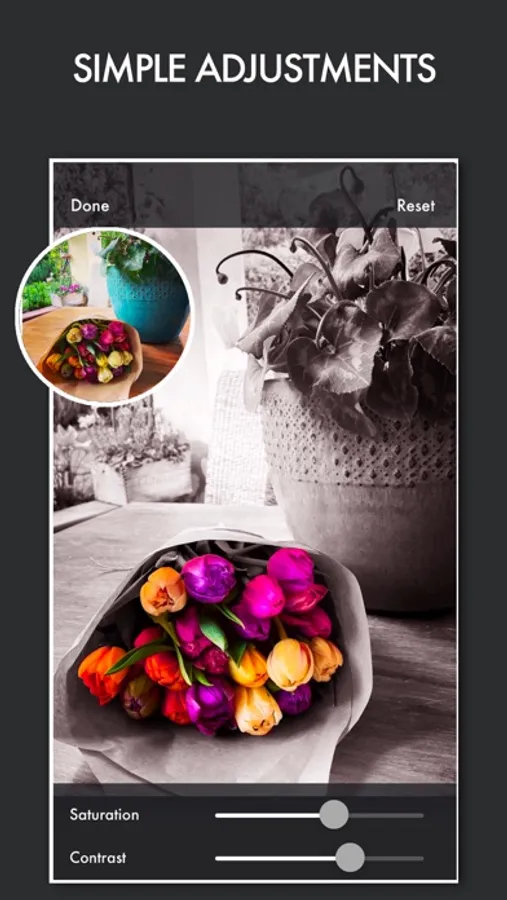
-Possibility to change saturation and contrast of original images
-Undo/Redo function to delete unwanted strokes above the image
-User friendly interface
-Possibility to regulate width and hardness of the strokes
-Change background image color with black and white and other 2 colors
What do I get more in paid version?
-Saved images scale 1/1 with original images
-Projects saving to use multiple working sessions
-Change background image color with sephia and other 8 colors
-Social media upload
-iAd removal
-Possibility to add blur and vignetting on final image
It's very easy, in a couple of minutes you'll be able to save fantastic images.Open an existing image or take a new one with the camera. Use two fingers to move around an image or zoom in. Use only one finger to paint upon the image. If color tab is selected you'll paint color strokes, otherwise, if Gray tab is selected, you'll paint in black and white
You can also change background image color if black & white is not the effect you want to set for your image.
Key features:
-Possibility to change saturation and contrast of original images
-Undo/Redo function to delete unwanted strokes above the image
-User friendly interface
-Possibility to regulate width and hardness of the strokes
-Change background image color with black and white and other 2 colors
What do I get more in paid version?
-Saved images scale 1/1 with original images
-Projects saving to use multiple working sessions
-Change background image color with sephia and other 8 colors
-Social media upload
-iAd removal
-Possibility to add blur and vignetting on final image