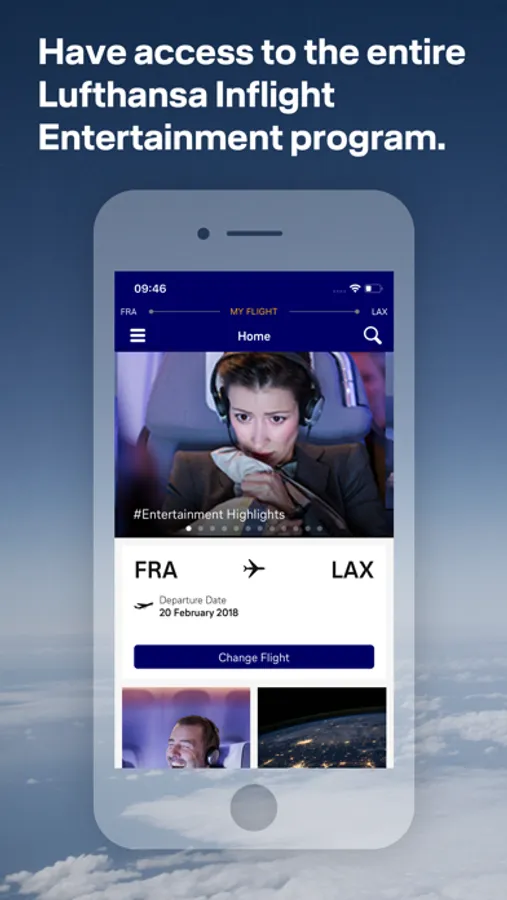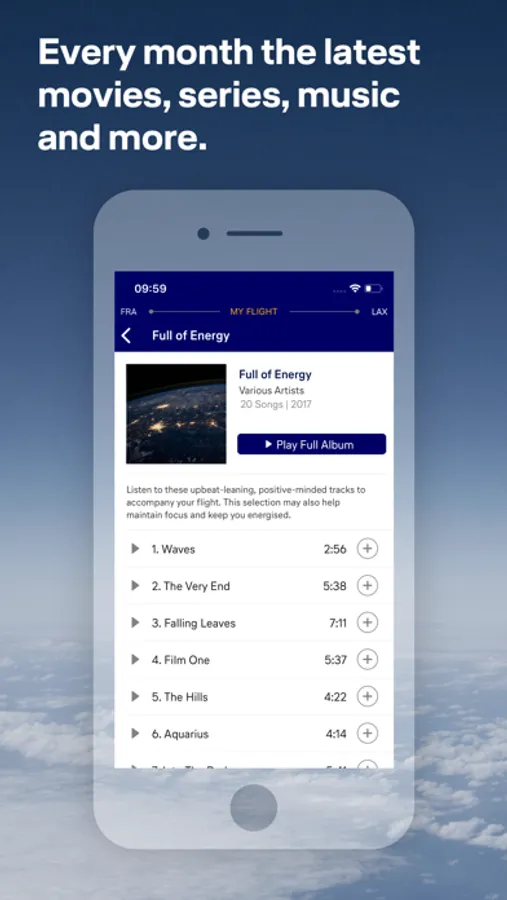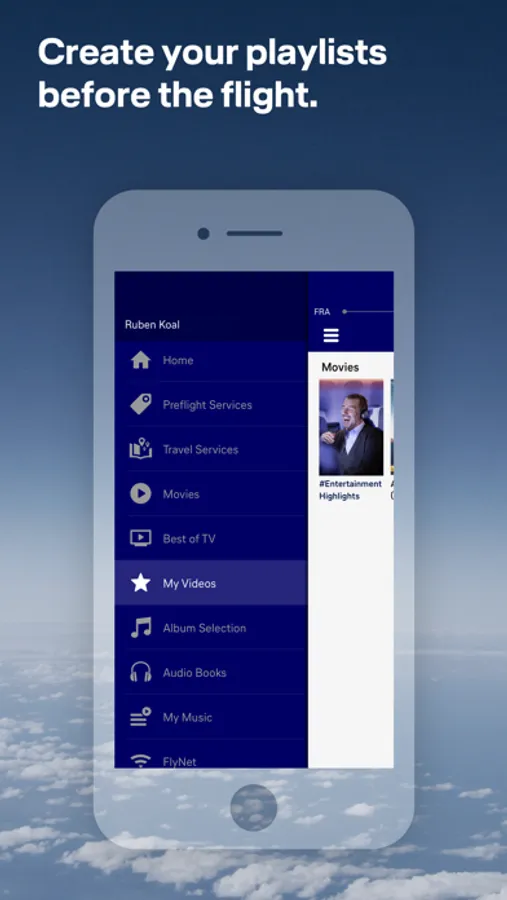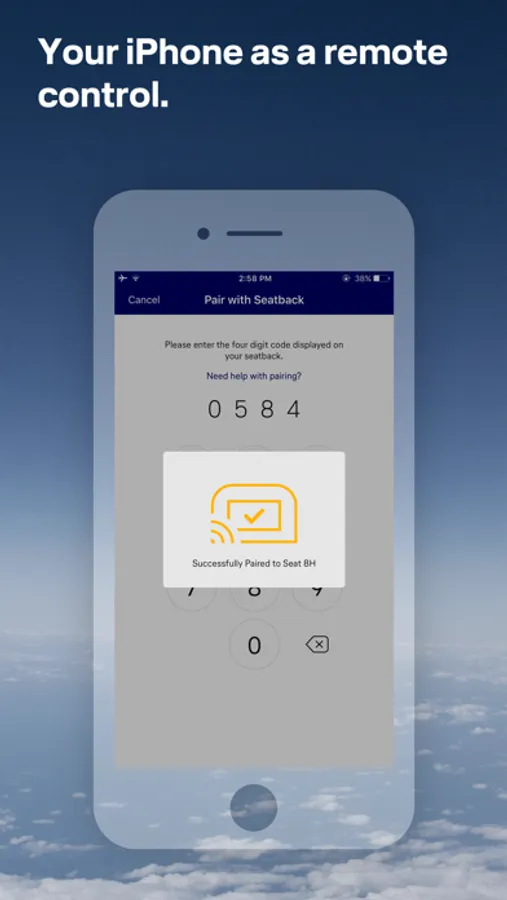
With this app, you can control in-flight entertainment, create playlists, and access flight information. Includes remote control functionality, playlist sync, and real-time flight updates.
AppRecs review analysis
AppRecs rating 1.0. Trustworthiness 67 out of 100. Review manipulation risk 27 out of 100. Based on a review sample analyzed.
★☆☆☆☆
1.0
AppRecs Rating
Ratings breakdown
5 star
7%
4 star
4%
3 star
0%
2 star
4%
1 star
85%
What to know
⚠
Ad complaints
Many low ratings mention excessive ads
⚠
Mixed user feedback
Average 1.4★ rating suggests room for improvement
⚠
High negative review ratio
89% of sampled ratings are 1–2 stars
About LH Entertainment
On flights with Lufthansa A350, A330, B747-8 and B787, enjoy a piece of home on board with the LH Entertainment App. Control your seat screen conveniently with your own smartphone or tablet.
Create your personal playlists from the comfort of your device before your flight from home or on the way to your flight. Your selection will be synchronized with the in-flight entertainment system as soon as you have connected to your in-seat screen.
The LH Entertainment app also provides you with up-to-date flight information and a moving map.
To use the LH Entertainment app as a remote control for the in-flight entertainment system on board your flight, first connect to the "Telekom_FlyNet" WiFi on board and then pair your personal device with the in-seat screen.
Please note that this app only works on flights with a Lufthansa Airbus A350, A330, B747-8 or B787.
On Lufthansa flights an Airbus A330, A340 or B747-400 you need another version of the Entertainment App. You can find this in the App Store under Lufthansa Entertainment, recognizable by a gray app icon.
Create your personal playlists from the comfort of your device before your flight from home or on the way to your flight. Your selection will be synchronized with the in-flight entertainment system as soon as you have connected to your in-seat screen.
The LH Entertainment app also provides you with up-to-date flight information and a moving map.
To use the LH Entertainment app as a remote control for the in-flight entertainment system on board your flight, first connect to the "Telekom_FlyNet" WiFi on board and then pair your personal device with the in-seat screen.
Please note that this app only works on flights with a Lufthansa Airbus A350, A330, B747-8 or B787.
On Lufthansa flights an Airbus A330, A340 or B747-400 you need another version of the Entertainment App. You can find this in the App Store under Lufthansa Entertainment, recognizable by a gray app icon.