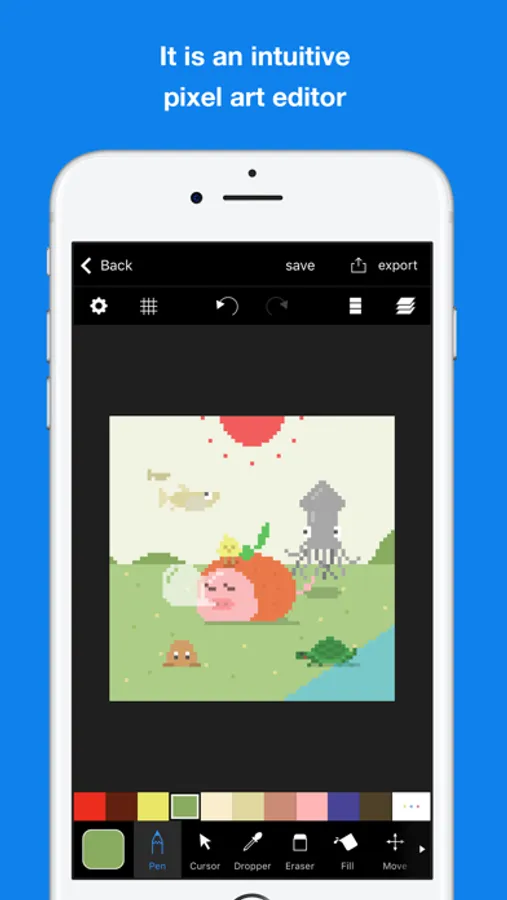
In this pixel art editor, you can create detailed pixel images using tools like pen, fill, and transfer, along with layer and color management features. Includes layer editing, color making, animated GIF export, and canvas resizing.
AppRecs review analysis
AppRecs rating 4.5. Trustworthiness 72 out of 100. Review manipulation risk 24 out of 100. Based on a review sample analyzed.
★★★★☆
4.5
AppRecs Rating
Ratings breakdown
5 star
83%
4 star
11%
3 star
4%
2 star
1%
1 star
1%
What to know
✓
Low review manipulation risk
24% review manipulation risk
✓
Credible reviews
72% trustworthiness score from analyzed reviews
⚠
Ad complaints
Many low ratings mention excessive ads
About Pixelable - Pixel Art Editor
Here is a pleasant pixel art editor!
This is an app which pursue the stress-free and intuitively drawing of pixel art.
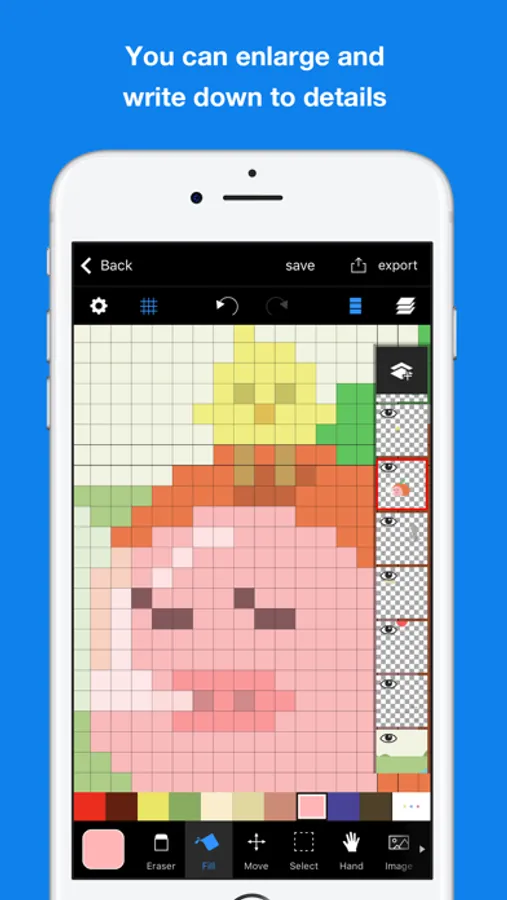
The app has genuine functions, like layer editing, color making, and various tools. Also, you can operate intuitively. For example you can enlarge and reduce the canvas by pinch in or pinch out.
Main functions are below.
- Layer editing
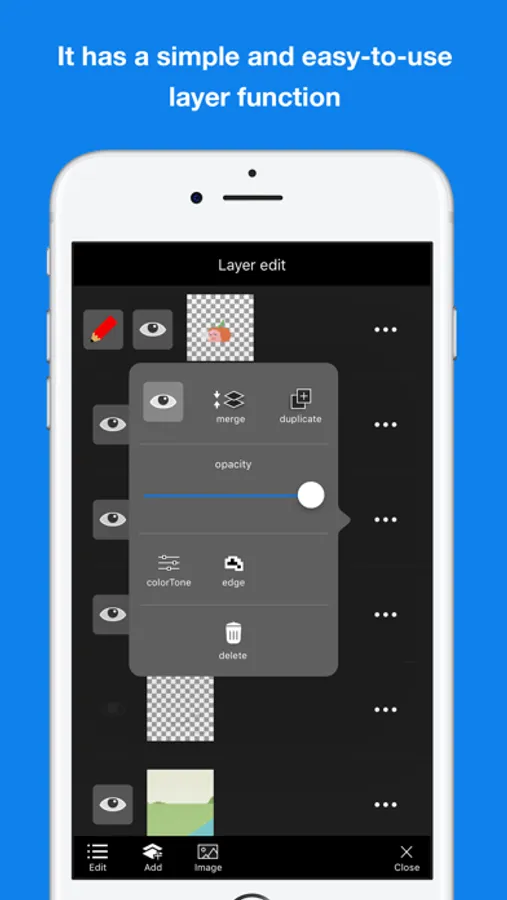
You can add and erase, and copy layers. Also, you can select display or non-display mode, change the order of layers, and make a layer transparent.
- Tools
The app has basic tools to draw pixel arts. (For example, pen, spuit, filling and transfer)
・Undo and redo
You can cancel drawing.
- Animated GIF export
Each layer is going to be one frame.
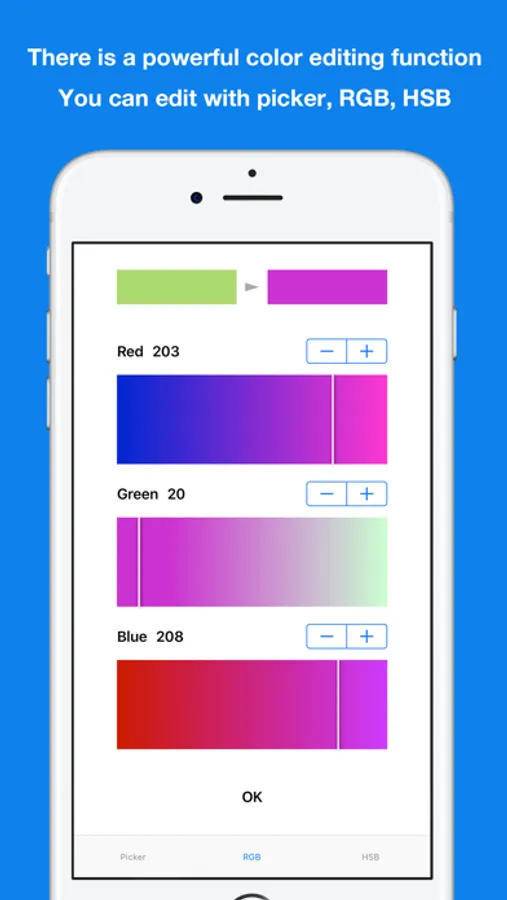
- Color making
You can make your favorite color easily.
You can save 150 colors in maximum by a work.
- Pinch in and pinch out
You can enlarge and reduce the canvas by pinch in and out. It enables you to draw more details.
- Saving multiple pictures
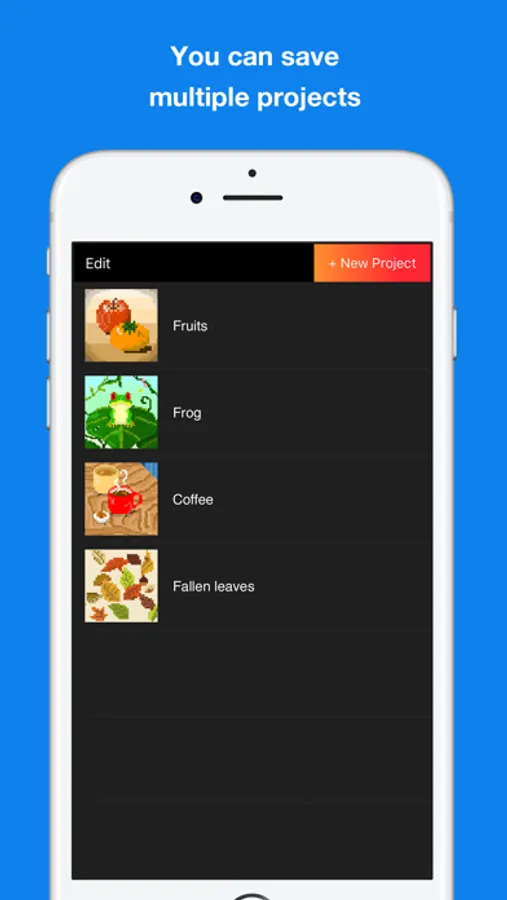
You can save several projects, so that you can edit other projects later.
- Setting canvas size
You can select the size of canvas from 5*5 to 256*256.
- Setting a exporting pixel size
You can select exporting size. Pictures will be saved to camera roll as a png file.
- Reflection function
You can reflect the selected layer vertical and horizontal.
※There is another flunked app, ‘Dottable’.
※To prevent a crash, you need more than 150MB of free space to make a new project. Sorry for the inconvenience.
This is an app which pursue the stress-free and intuitively drawing of pixel art.
The app has genuine functions, like layer editing, color making, and various tools. Also, you can operate intuitively. For example you can enlarge and reduce the canvas by pinch in or pinch out.
Main functions are below.
- Layer editing
You can add and erase, and copy layers. Also, you can select display or non-display mode, change the order of layers, and make a layer transparent.
- Tools
The app has basic tools to draw pixel arts. (For example, pen, spuit, filling and transfer)
・Undo and redo
You can cancel drawing.
- Animated GIF export
Each layer is going to be one frame.
- Color making
You can make your favorite color easily.
You can save 150 colors in maximum by a work.
- Pinch in and pinch out
You can enlarge and reduce the canvas by pinch in and out. It enables you to draw more details.
- Saving multiple pictures
You can save several projects, so that you can edit other projects later.
- Setting canvas size
You can select the size of canvas from 5*5 to 256*256.
- Setting a exporting pixel size
You can select exporting size. Pictures will be saved to camera roll as a png file.
- Reflection function
You can reflect the selected layer vertical and horizontal.
※There is another flunked app, ‘Dottable’.
※To prevent a crash, you need more than 150MB of free space to make a new project. Sorry for the inconvenience.