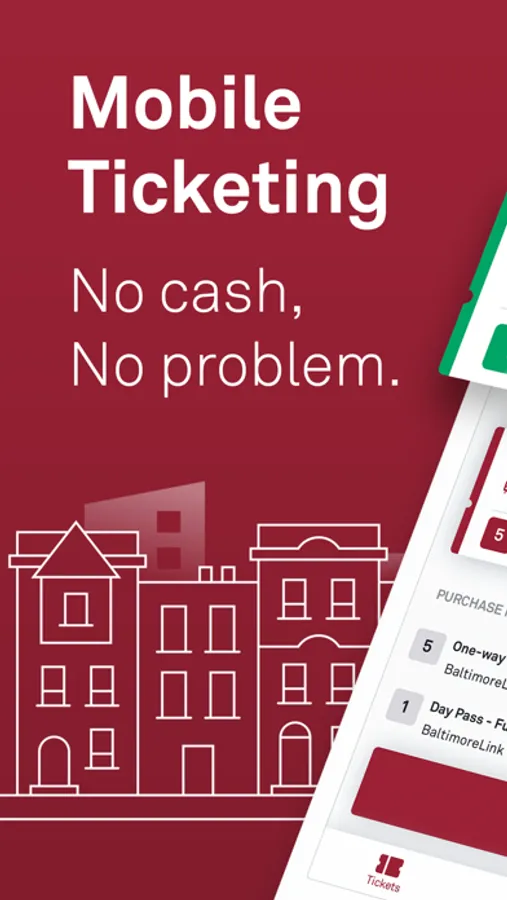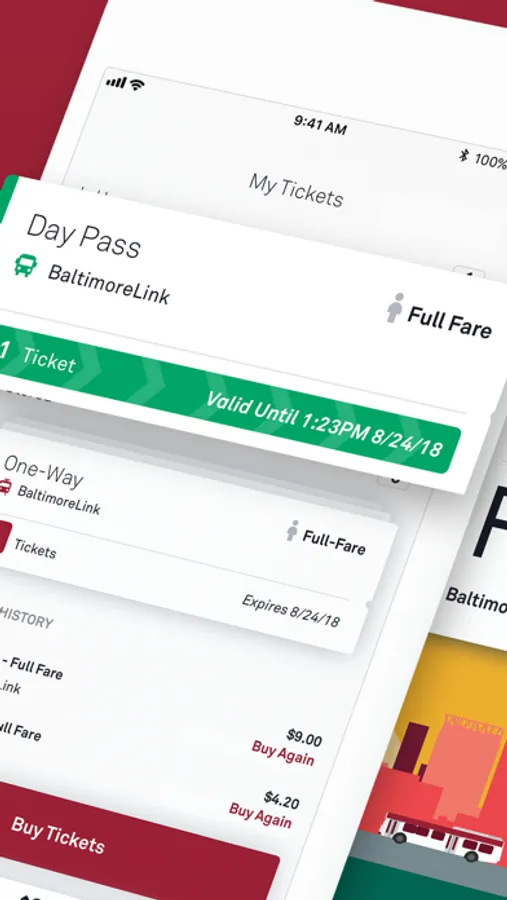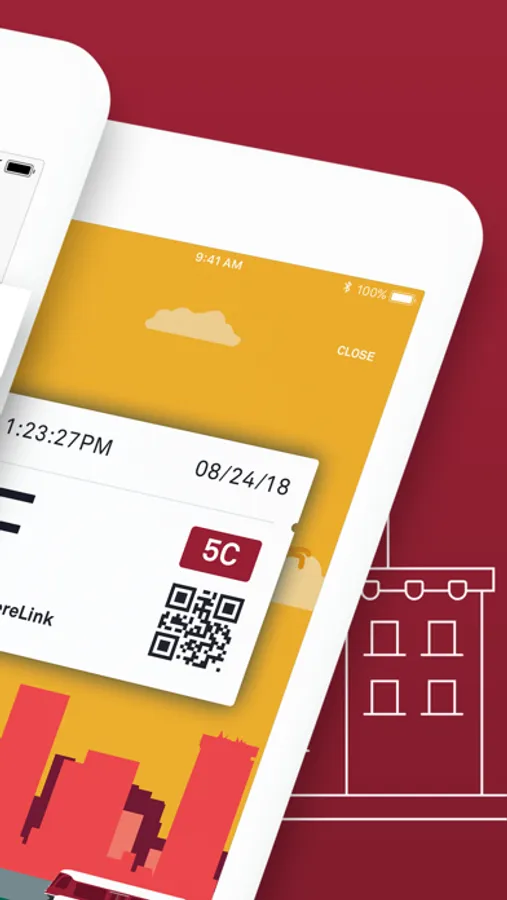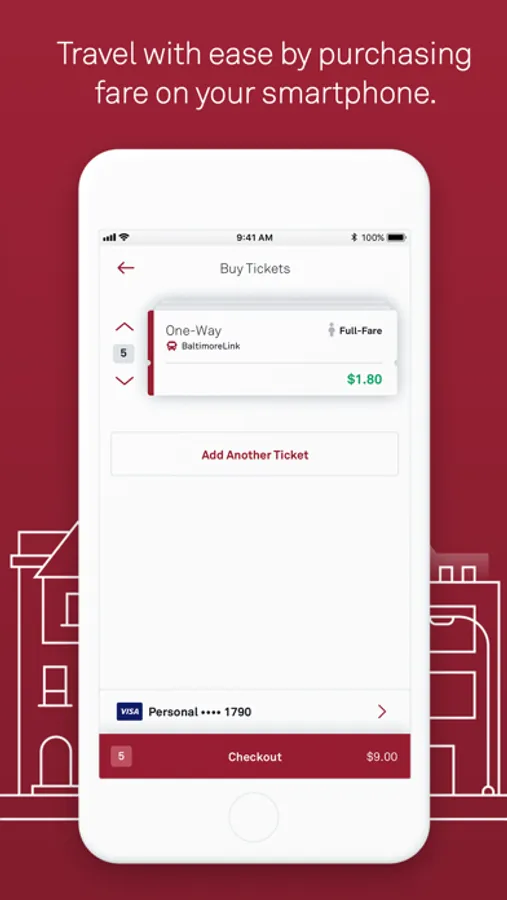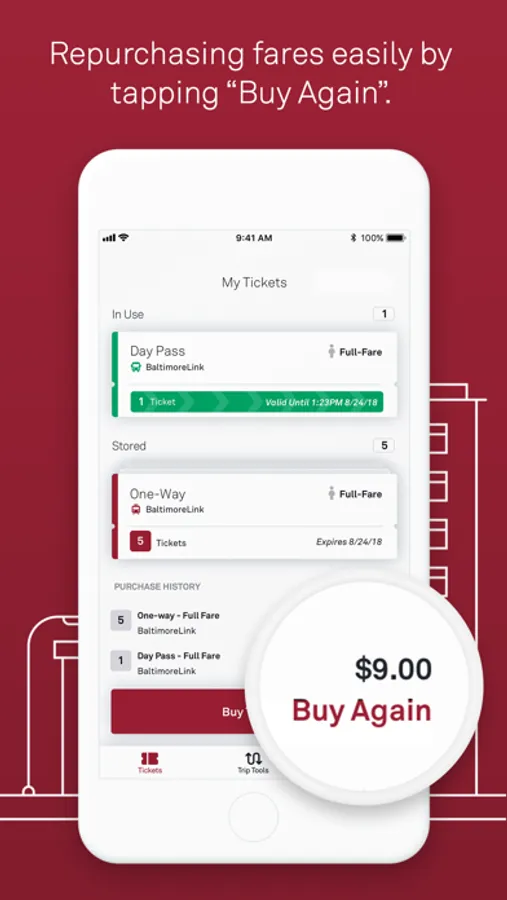
With this transit app, you can purchase and activate fares instantly using a debit, credit card, or PayPal; it supports BaltimoreLink Local Service, MARC Train, and Commuter Bus tickets. Includes secure registration, group fares, offline ticket activation, and multiple payment options.
AppRecs review analysis
AppRecs rating 4.4. Trustworthiness 80 out of 100. Review manipulation risk 24 out of 100. Based on a review sample analyzed.
★★★★☆
4.4
AppRecs Rating
Ratings breakdown
5 star
93%
4 star
5%
3 star
1%
2 star
0%
1 star
1%
What to know
✓
Low review manipulation risk
24% review manipulation risk
✓
Credible reviews
80% trustworthiness score from analyzed reviews
⚠
Ad complaints
Many low ratings mention excessive ads
About CharmPass
The CharmPass app lets you purchase and use fares instantly on your phone—anywhere, anytime. Just download the free app, register your debit/credit card or PayPal account in our secure system, and you're ready to go.
WHY YOU'LL LOVE THIS APP:
• No paper fares to track.
• Purchase BaltimoreLink Local Service, MARC Train, and Commuter Bus tickets all from one app.
• No need to carry cash, count exact change, or find a ticket machine.
• Buy and use fares instantly using a debit/credit card or your PayPal account.
• Pay a single fare or multiple fares for a group of riders.
HOW IT WORKS:
1. CHOOSE SERVICE
2. CHOOSE FARE
3. SELECT TICKET TYPE
4. CHOOSE QUANTITY
5. CHECK OUT
COMMON QUESTIONS:
Q: Do I need to be connected to the Internet?
A: Cellular network or a wireless Internet connection is required to purchase tickets, but you can activate your pre-purchased tickets offline.
Q: What if my battery dies?
A: Just like with paper tickets, you're responsible for making sure you have a valid fare at all times, so be sure to plan ahead!
IMPORTANT REMINDERS:
• Don't uninstall the CharmPass app or erase your phone while you have active tickets on it. Your tickets are stored on your phone (which makes it possible to use them without a cellular network or a wireless Internet connection), so uninstalling the app can permanently erase your tickets!
• Purchase your ticket anytime and activate your fare as you’re boarding.
• Show your ticket to the operator of the vehicle.
• Watch your battery level! Just like with paper tickets, you're responsible for making sure you have a valid fare at all times.
WHY YOU'LL LOVE THIS APP:
• No paper fares to track.
• Purchase BaltimoreLink Local Service, MARC Train, and Commuter Bus tickets all from one app.
• No need to carry cash, count exact change, or find a ticket machine.
• Buy and use fares instantly using a debit/credit card or your PayPal account.
• Pay a single fare or multiple fares for a group of riders.
HOW IT WORKS:
1. CHOOSE SERVICE
2. CHOOSE FARE
3. SELECT TICKET TYPE
4. CHOOSE QUANTITY
5. CHECK OUT
COMMON QUESTIONS:
Q: Do I need to be connected to the Internet?
A: Cellular network or a wireless Internet connection is required to purchase tickets, but you can activate your pre-purchased tickets offline.
Q: What if my battery dies?
A: Just like with paper tickets, you're responsible for making sure you have a valid fare at all times, so be sure to plan ahead!
IMPORTANT REMINDERS:
• Don't uninstall the CharmPass app or erase your phone while you have active tickets on it. Your tickets are stored on your phone (which makes it possible to use them without a cellular network or a wireless Internet connection), so uninstalling the app can permanently erase your tickets!
• Purchase your ticket anytime and activate your fare as you’re boarding.
• Show your ticket to the operator of the vehicle.
• Watch your battery level! Just like with paper tickets, you're responsible for making sure you have a valid fare at all times.