SmarTrip
Washington Metropolitan Area Transit Authority
2.6 ★
store rating
Free
AppRecs review analysis
AppRecs rating 2.3. Trustworthiness 0 out of 100. Review manipulation risk 0 out of 100. Based on a review sample analyzed.
★★☆☆☆
2.3
AppRecs Rating
Ratings breakdown
5 star
33%
4 star
0%
3 star
8%
2 star
14%
1 star
45%
What to know
⚠
Ad complaints
Many low ratings mention excessive ads
⚠
Pricing complaints
Many low ratings mention paywalls or pricing
⚠
Mixed user feedback
Average 2.6★ rating suggests room for improvement
About SmarTrip
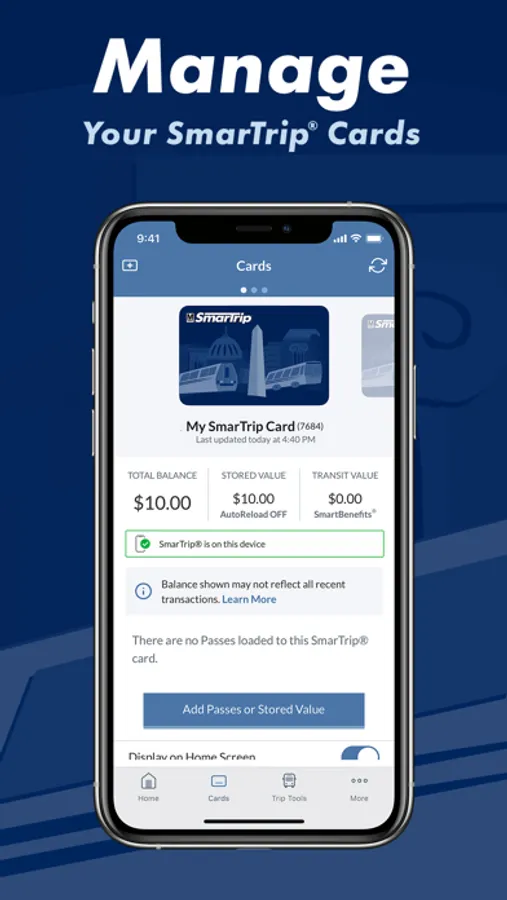
This app is an OPTIONAL tool that allows you to manage your SmarTrip® card and account. This app can NOT be used to pay your transit or parking fares. You do NOT need to setup a SmarTrip account to use SmarTrip in Apple Wallet.
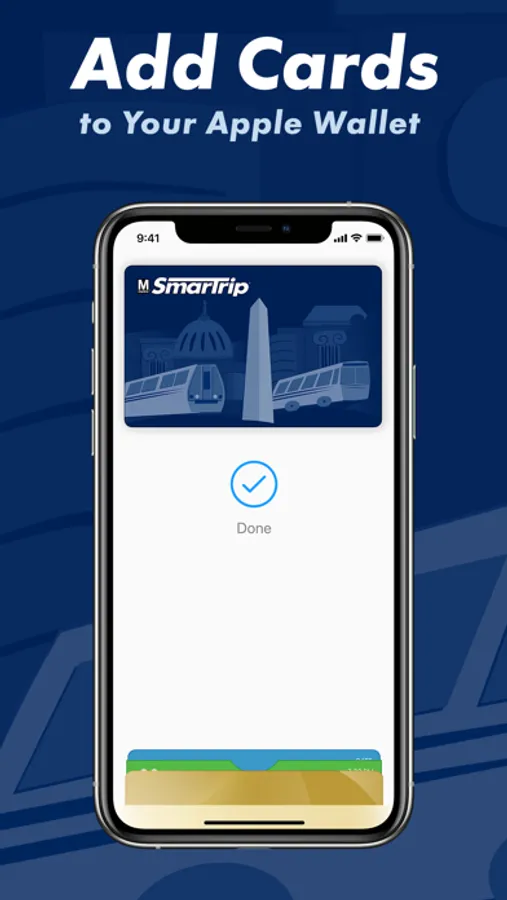
Add SmarTrip to Apple Wallet:
- Open Apple Wallet on iPhone or Apple Watch
- Tap “+”, choose “Transit Card”, select “SmarTrip”
- In less than a minute you’ll have a new SmarTrip card in your Apple Wallet and be ready to tap to pay for rides or parking anywhere SmarTrip is accepted.
If you need to do account management, then:
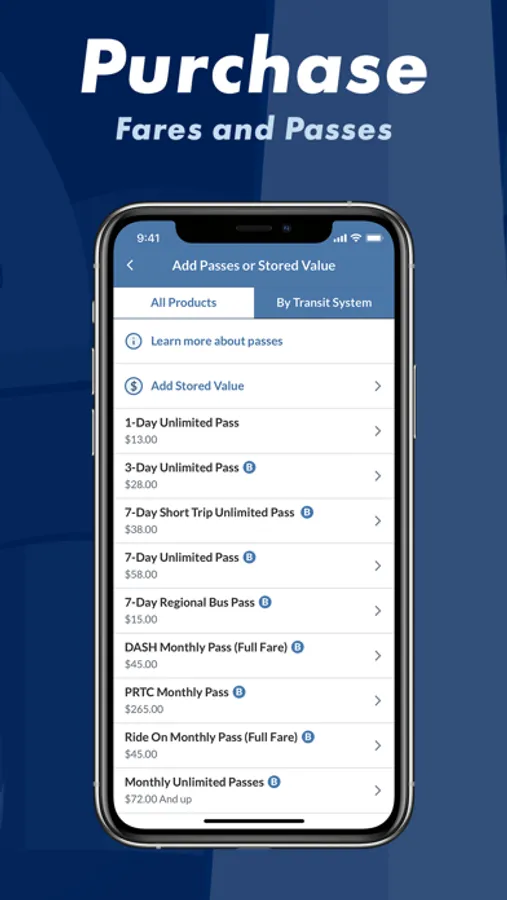
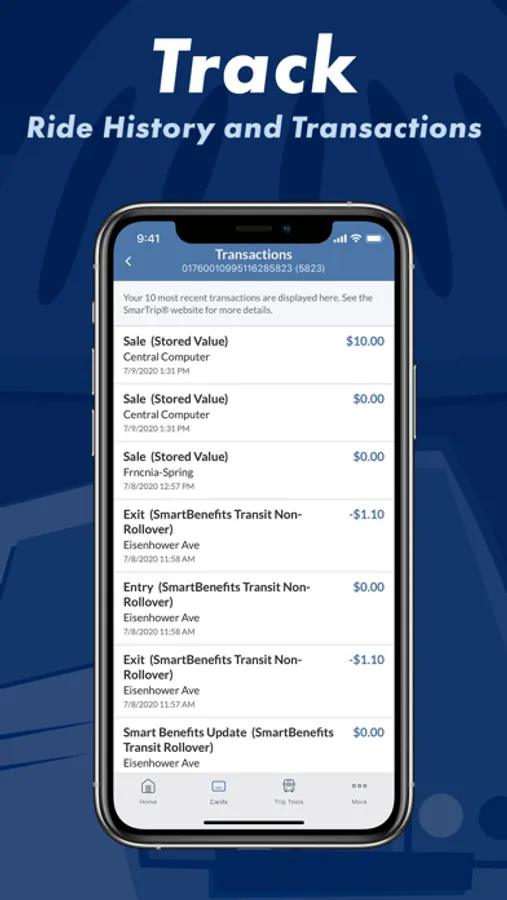
- Install this optional SmarTrip app to register your card for account balance protection, check SmartBenefits, setup Auto-Reload, or buy money-saving unlimited transit passes.
Chat with us at WMATA.COM/CHAT or call 888-SMARTRIP (888-762-7874)
Add SmarTrip to Apple Wallet:
- Open Apple Wallet on iPhone or Apple Watch
- Tap “+”, choose “Transit Card”, select “SmarTrip”
- In less than a minute you’ll have a new SmarTrip card in your Apple Wallet and be ready to tap to pay for rides or parking anywhere SmarTrip is accepted.
If you need to do account management, then:
- Install this optional SmarTrip app to register your card for account balance protection, check SmartBenefits, setup Auto-Reload, or buy money-saving unlimited transit passes.
Chat with us at WMATA.COM/CHAT or call 888-SMARTRIP (888-762-7874)