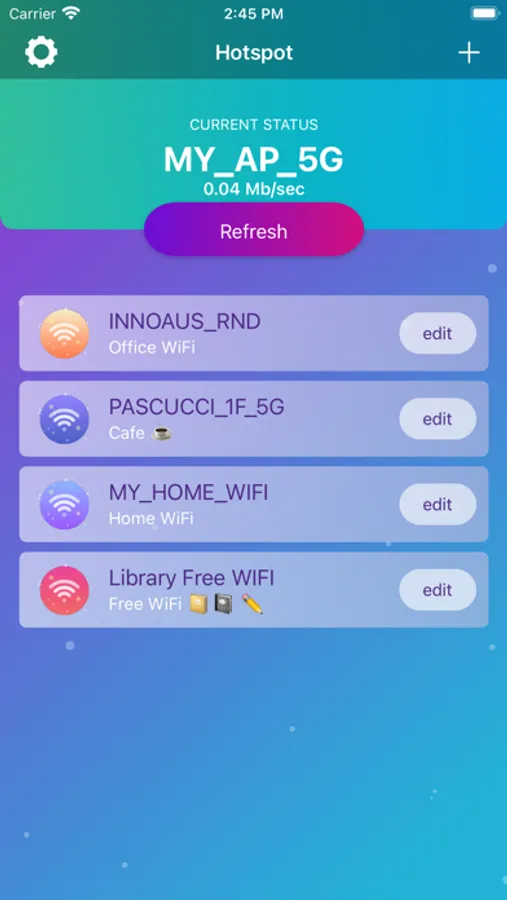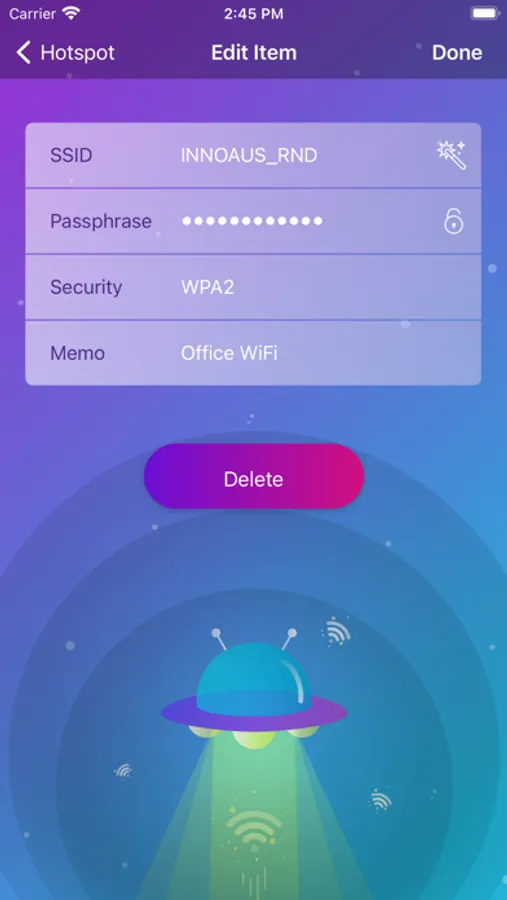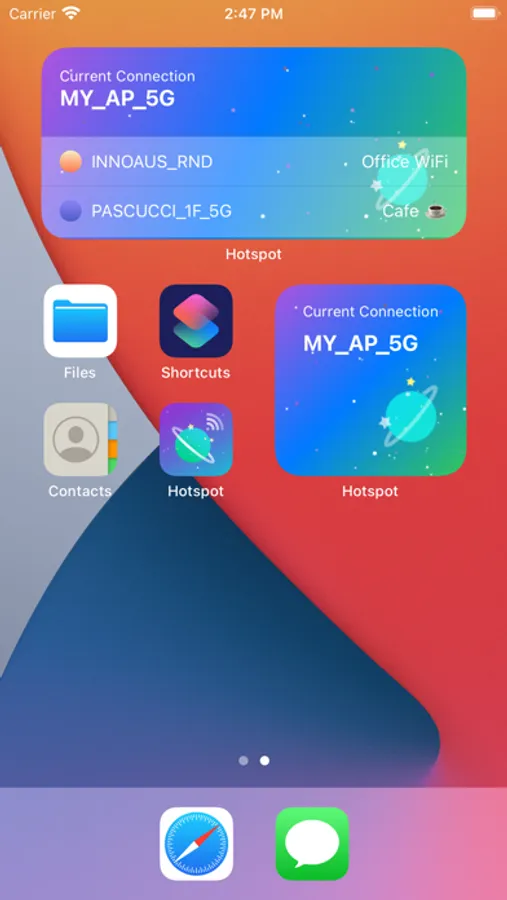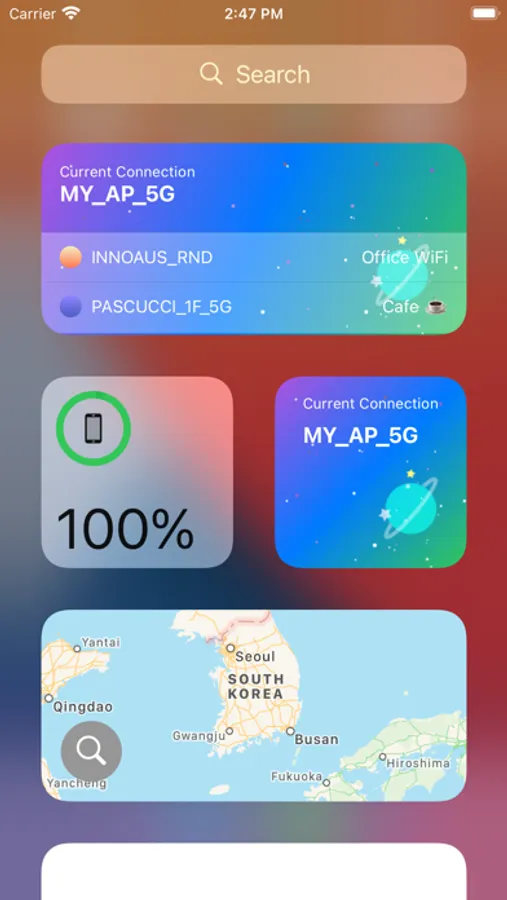
With this app, you can register and manage WiFi networks, connect directly from the widget, and view current connection status. Includes WiFi security support, widget connectivity, and network management features.
AppRecs review analysis
AppRecs rating 3.0. Trustworthiness 66 out of 100. Review manipulation risk 26 out of 100. Based on a review sample analyzed.
★★★☆☆
3.0
AppRecs Rating
Ratings breakdown
5 star
57%
4 star
4%
3 star
3%
2 star
4%
1 star
31%
What to know
✓
Low review manipulation risk
26% review manipulation risk
✓
Good user ratings
61% positive sampled reviews
⚠
High negative review ratio
36% of sampled ratings are 1–2 stars
About Hotspot Planet
Register WiFi what you know and Click item to connect!
Even if the WiFi button is off
- If you select Hotspot, WiFi is automatically turned on and connected.
Connect directly from the widget.
- You can connect directly to the hotspot from the widget.
- The widget displays up to 3 hotspots.
Current Wi-Fi
- Connected WiFi name is displayed.
# Information
* WEP, WPA, WPA2 security supported.
* Press and hold to edit the list item order.
* If the current status has not changed, you can check it by pressing the 'Refresh' button.
* If the registered Wi-Fi is not nearby, it will not be connected.
* Developers do not collect Wi-Fi information that you have enrolled in the app.
# Show 'Current Wi-Fi'
* Starting in iOS13, this app requires location permission by Apple Developer Document.
* You can deny location permission. But you can see "current Wi-Fi" if you grant location permission.
* If you want to keep your Wi-Fi up-to-date on the widget at all times, make sure your location permission is Always Allow.
Even if the WiFi button is off
- If you select Hotspot, WiFi is automatically turned on and connected.
Connect directly from the widget.
- You can connect directly to the hotspot from the widget.
- The widget displays up to 3 hotspots.
Current Wi-Fi
- Connected WiFi name is displayed.
# Information
* WEP, WPA, WPA2 security supported.
* Press and hold to edit the list item order.
* If the current status has not changed, you can check it by pressing the 'Refresh' button.
* If the registered Wi-Fi is not nearby, it will not be connected.
* Developers do not collect Wi-Fi information that you have enrolled in the app.
# Show 'Current Wi-Fi'
* Starting in iOS13, this app requires location permission by Apple Developer Document.
* You can deny location permission. But you can see "current Wi-Fi" if you grant location permission.
* If you want to keep your Wi-Fi up-to-date on the widget at all times, make sure your location permission is Always Allow.