AppRecs review analysis
AppRecs rating 2.0. Trustworthiness 71 out of 100. Review manipulation risk 25 out of 100. Based on a review sample analyzed.
★★☆☆☆
2.0
AppRecs Rating
Ratings breakdown
5 star
25%
4 star
0%
3 star
13%
2 star
0%
1 star
63%
What to know
✓
Low review manipulation risk
25% review manipulation risk
✓
Credible reviews
71% trustworthiness score from analyzed reviews
⚠
Mixed user feedback
Average 2.3★ rating suggests room for improvement
About SwiPic - Panoramic Photos -
Show off a huge horizontal image on Instagram /
SwiPic is a great tool for splitting and slicing panoramic photographs !
Use the post feature to quickly and simply post straight to Instagram, Twitter or other social networks.
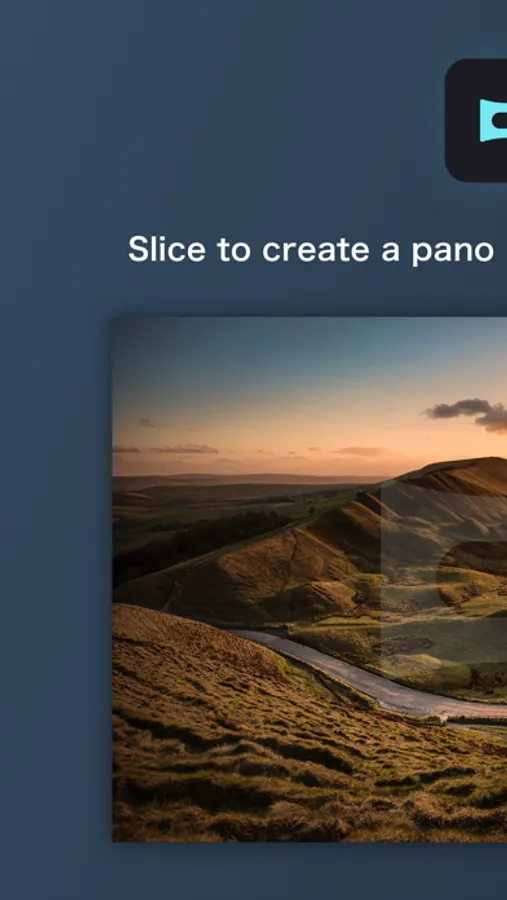
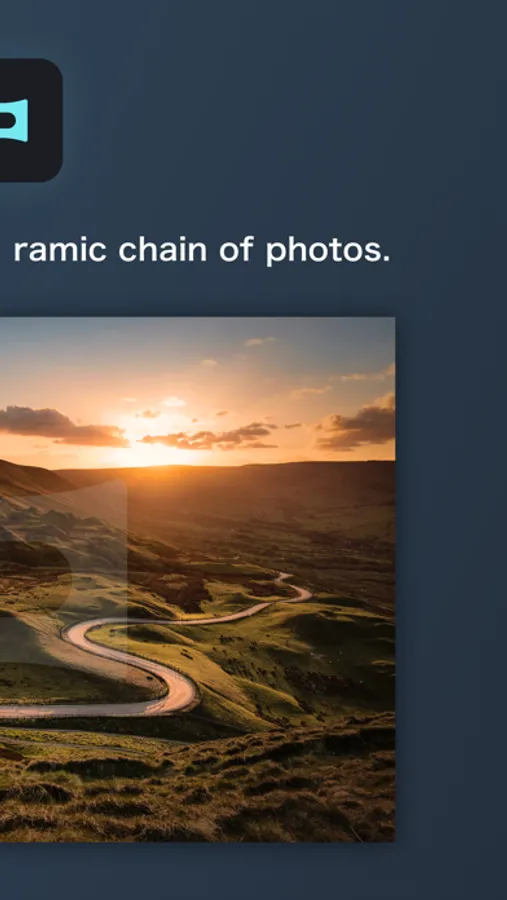
Slice up panoramic photos, and make them more accessible to the world.
* The App for people who want to display huge images on social networks *
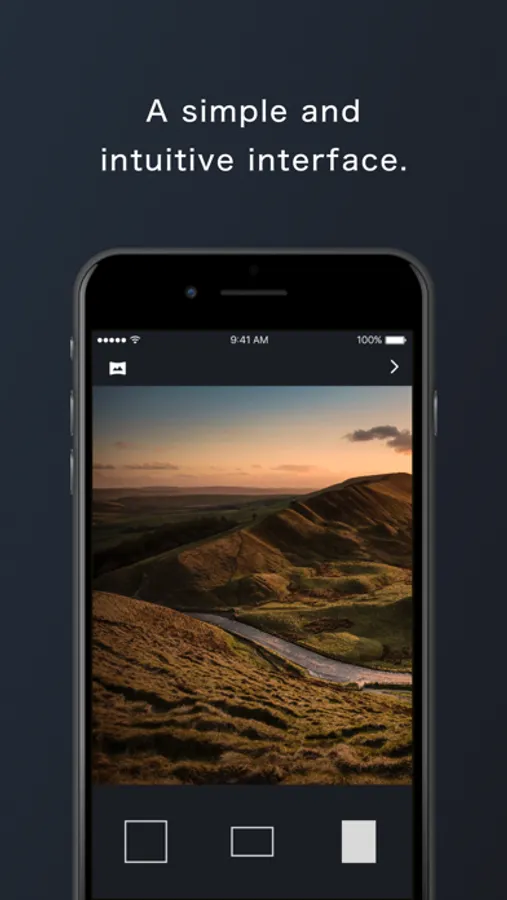
- Select an image straight from your camera roll.
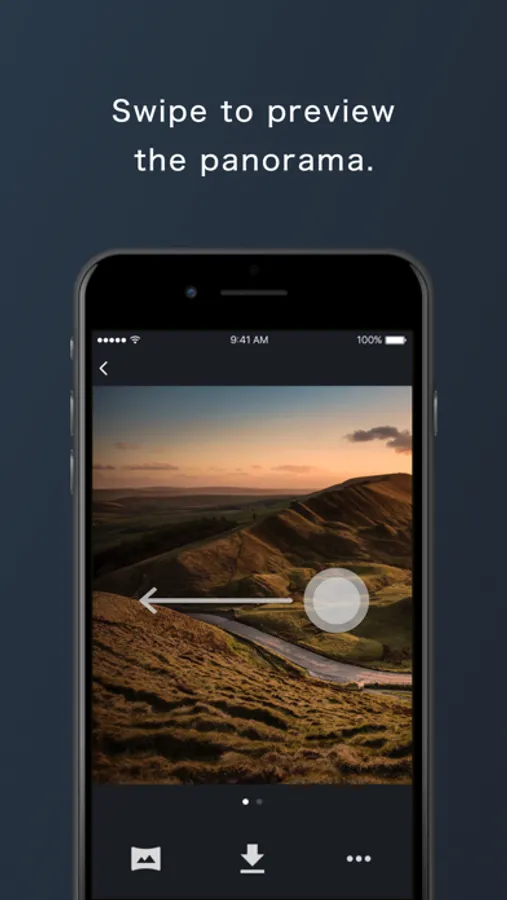
- Choose where you want to slice, and use the swipe preview to view how it will look.
- Select from 1:1, 3:2 or 4:5 aspect ratios.
- All image processing is done within your phone, protecting your privacy.
* How to slice up your photo (for Instagram) *
① Use the multiple image upload feature on Instagram, to select a couple of photos you have sliced using SwiPic.
② Swiping the posted images will show them connected, as if it were a dynamic panoramic photo.
Split up photos without reducing quality.
This app keeps your data secure - all processing is done within your device and there is no uploading to external servers.
Convert your photos into a panorama of photos perfect for social media !
SwiPic is a great tool for splitting and slicing panoramic photographs !
Use the post feature to quickly and simply post straight to Instagram, Twitter or other social networks.
Slice up panoramic photos, and make them more accessible to the world.
* The App for people who want to display huge images on social networks *
- Select an image straight from your camera roll.
- Choose where you want to slice, and use the swipe preview to view how it will look.
- Select from 1:1, 3:2 or 4:5 aspect ratios.
- All image processing is done within your phone, protecting your privacy.
* How to slice up your photo (for Instagram) *
① Use the multiple image upload feature on Instagram, to select a couple of photos you have sliced using SwiPic.
② Swiping the posted images will show them connected, as if it were a dynamic panoramic photo.
Split up photos without reducing quality.
This app keeps your data secure - all processing is done within your device and there is no uploading to external servers.
Convert your photos into a panorama of photos perfect for social media !