AppRecs review analysis
AppRecs rating 3.0. Trustworthiness 55 out of 100. Review manipulation risk 28 out of 100. Based on a review sample analyzed.
★★★☆☆
3.0
AppRecs Rating
Ratings breakdown
5 star
0%
4 star
0%
3 star
0%
2 star
0%
1 star
100%
About SQLite-Pro
SQLite-Pro is a professional SQLite database manager which allows you to graphically open and manage SQLite database files on the iPhone, iPad, and MacBook.
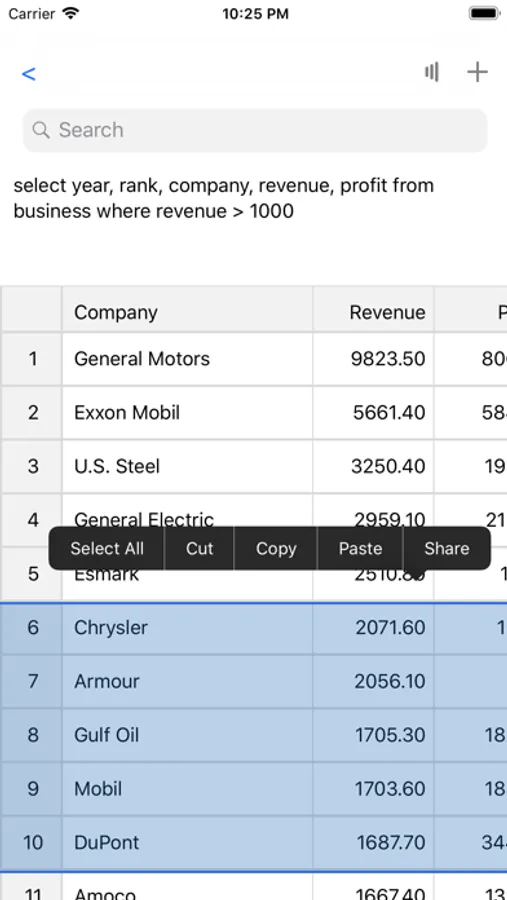
The app combines the power and flexibility of SQLite with an intuitive graphical interface for tapping to view all tables and rows. You can also tap on the search icon to enter advanced SQL queries and get results immediately.
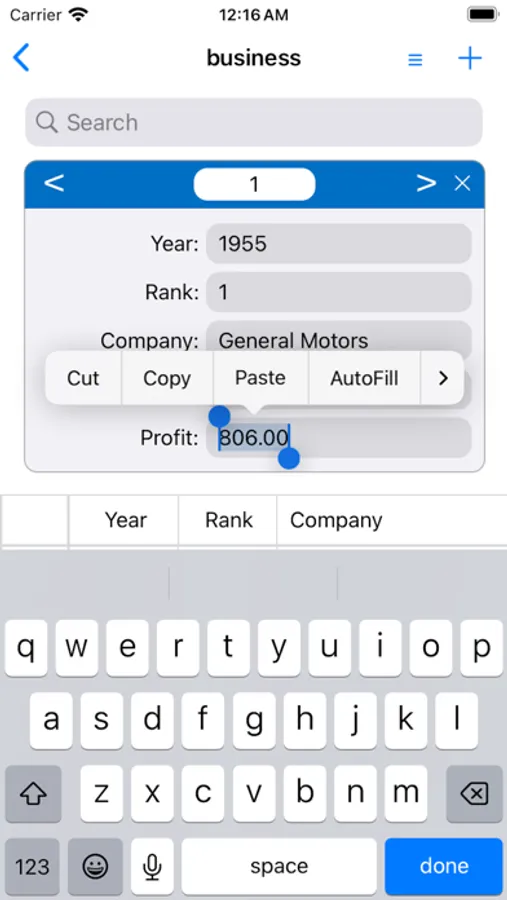
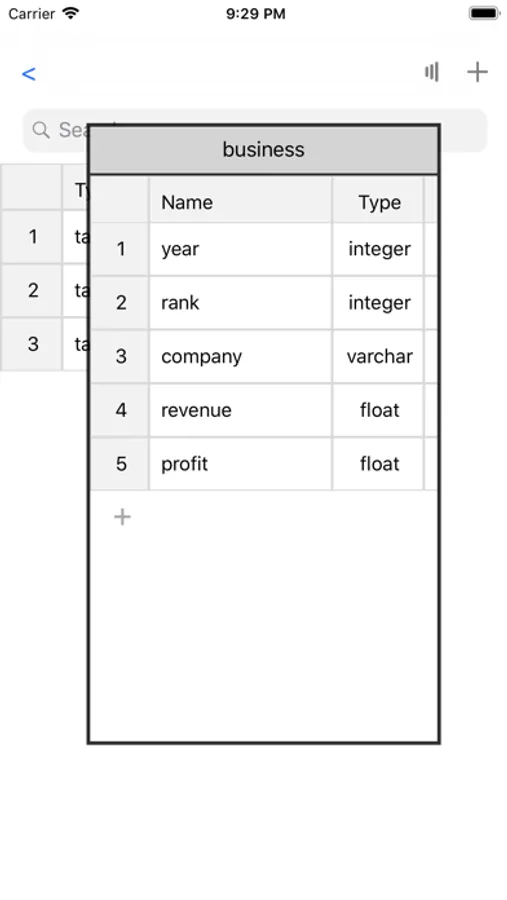
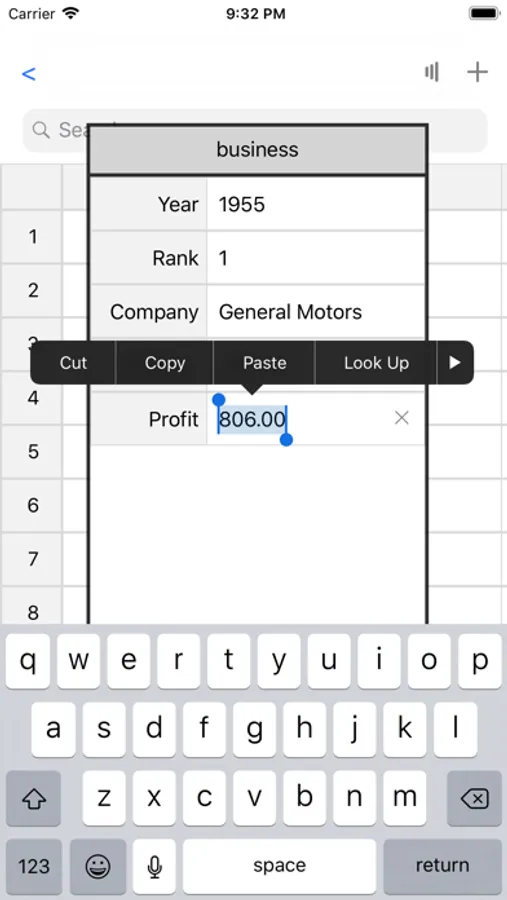
You can create a new table easily with the Create Table panel, and add new rows with the Add Row panel.
You can also tap and drag to highlight any table or rows for copy, paste, and share. The app also automatically formats SQLite query results to fit each column perfectly for thousands of rows in a few seconds.
An innovative, powerful, and easy-to-use SQLite database app. This is the solution that SQLite-Pro delivers for you today.
Features:
- Opens all SQLite database files
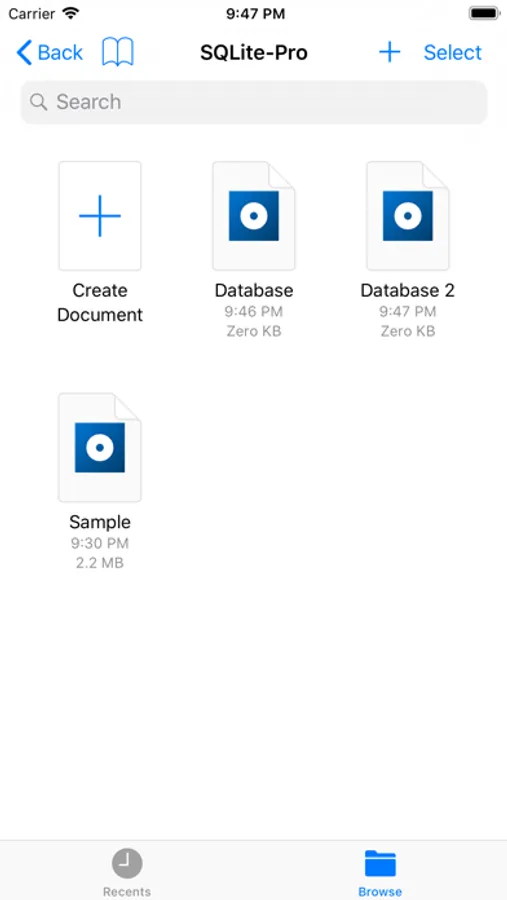
- View and manage multiple SQLite database files from the iCloud drive
- Tap on a table name to view the table
- Tap on a column title to sort by the column
- Tap on the search icon to enter advanced SQL queries and get results immediately
- Create a new table with the Create Table panel or create SQL command
- Add a new row with the Add Row panel or insert SQL command
- Tap and drag to highlight any table or rows for copy, paste, and share
- Built-in iCloud integration for automatically synchronizing SQLite database files
- Automatically formats SQL query results to fit each column perfectly
- E-mail any SQLite database file instantly
- Works anywhere online or offline
- Works with all international text
SQLite-Pro runs on the iPhone, iPad, and MacBook.
Subscription is auto-renewable which means that once purchased it will be auto-renewed. Payment will be charged to iTunes Account at confirmation of purchase. Subscription automatically renews unless auto-renew is turned off at least 24-hours before the end of the current period. Manage your Subscription and Auto-Renewal by going to your Account Settings.
Terms of Service:
http://impactfinancials.com/terms_of_service
Privacy Policy:
http://impactfinancials.com/privacy_policy
The app combines the power and flexibility of SQLite with an intuitive graphical interface for tapping to view all tables and rows. You can also tap on the search icon to enter advanced SQL queries and get results immediately.
You can create a new table easily with the Create Table panel, and add new rows with the Add Row panel.
You can also tap and drag to highlight any table or rows for copy, paste, and share. The app also automatically formats SQLite query results to fit each column perfectly for thousands of rows in a few seconds.
An innovative, powerful, and easy-to-use SQLite database app. This is the solution that SQLite-Pro delivers for you today.
Features:
- Opens all SQLite database files
- View and manage multiple SQLite database files from the iCloud drive
- Tap on a table name to view the table
- Tap on a column title to sort by the column
- Tap on the search icon to enter advanced SQL queries and get results immediately
- Create a new table with the Create Table panel or create SQL command
- Add a new row with the Add Row panel or insert SQL command
- Tap and drag to highlight any table or rows for copy, paste, and share
- Built-in iCloud integration for automatically synchronizing SQLite database files
- Automatically formats SQL query results to fit each column perfectly
- E-mail any SQLite database file instantly
- Works anywhere online or offline
- Works with all international text
SQLite-Pro runs on the iPhone, iPad, and MacBook.
Subscription is auto-renewable which means that once purchased it will be auto-renewed. Payment will be charged to iTunes Account at confirmation of purchase. Subscription automatically renews unless auto-renew is turned off at least 24-hours before the end of the current period. Manage your Subscription and Auto-Renewal by going to your Account Settings.
Terms of Service:
http://impactfinancials.com/terms_of_service
Privacy Policy:
http://impactfinancials.com/privacy_policy