AppRecs review analysis
AppRecs rating 4.0. Trustworthiness 45 out of 100. Review manipulation risk 21 out of 100. Based on a review sample analyzed.
★★★★☆
4.0
AppRecs Rating
Ratings breakdown
5 star
77%
4 star
9%
3 star
7%
2 star
5%
1 star
2%
What to know
⚠
Rating authenticity concerns
High rating concentration (77% 5-star) in sampled ratings
About Best Geez Keyboard
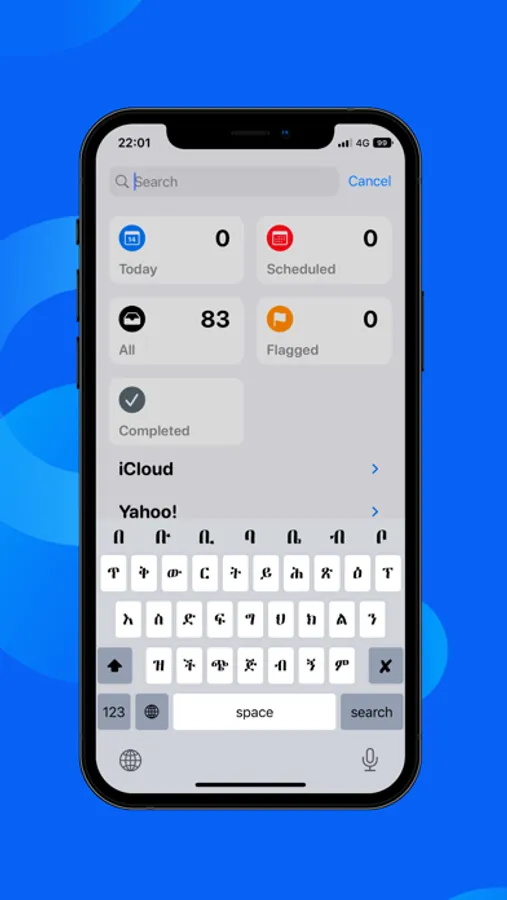
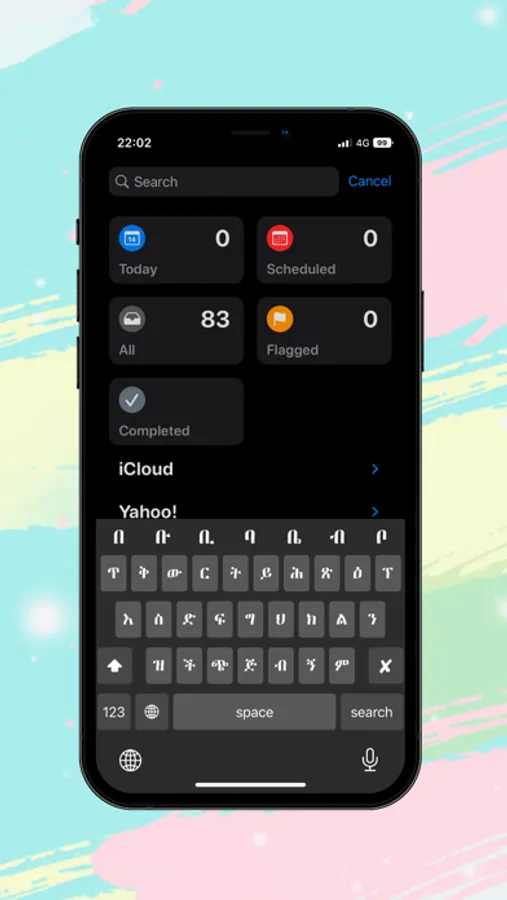
Geez keyboard - Geez Input Method enables you to type in geez (Geez phonetics).
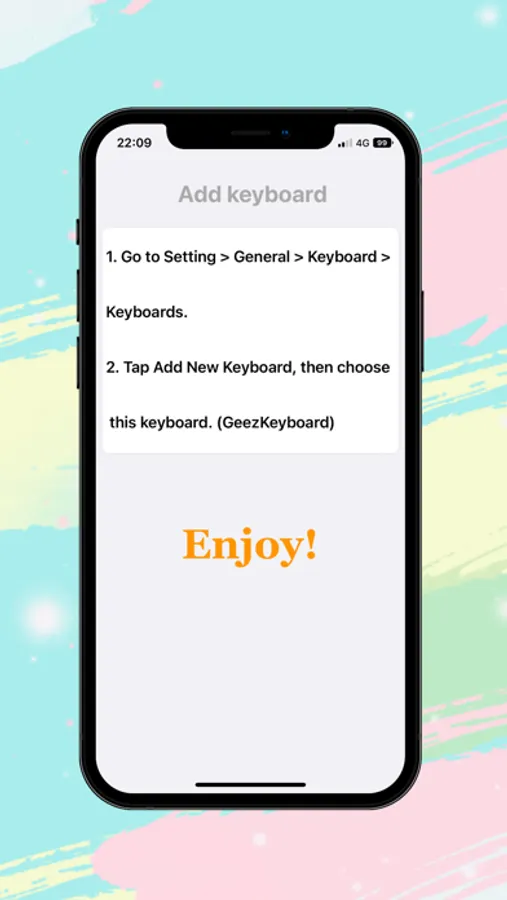
How to use:
1. Launch the Settings on your iPhone or iPad.
2. Tap on General.
3. Tap on Keyboard.
4. Tap on Keyboards at the top.
5. Tap on Add New Keyboard...
6. Under Third-Party Keyboards, tap on Geez Keyboard.
How to use:
1. Launch the Settings on your iPhone or iPad.
2. Tap on General.
3. Tap on Keyboard.
4. Tap on Keyboards at the top.
5. Tap on Add New Keyboard...
6. Under Third-Party Keyboards, tap on Geez Keyboard.