AppRecs review analysis
AppRecs rating 3.9. Trustworthiness 74 out of 100. Review manipulation risk 29 out of 100. Based on a review sample analyzed.
★★★☆☆
3.9
AppRecs Rating
Ratings breakdown
5 star
67%
4 star
9%
3 star
9%
2 star
0%
1 star
15%
What to know
✓
Low review manipulation risk
29% review manipulation risk
✓
Credible reviews
74% trustworthiness score from analyzed reviews
✓
High user satisfaction
76% of sampled ratings are 4+ stars (4.1★ average)
About Nero Streaming Player Pro
-------------------------------------------------------
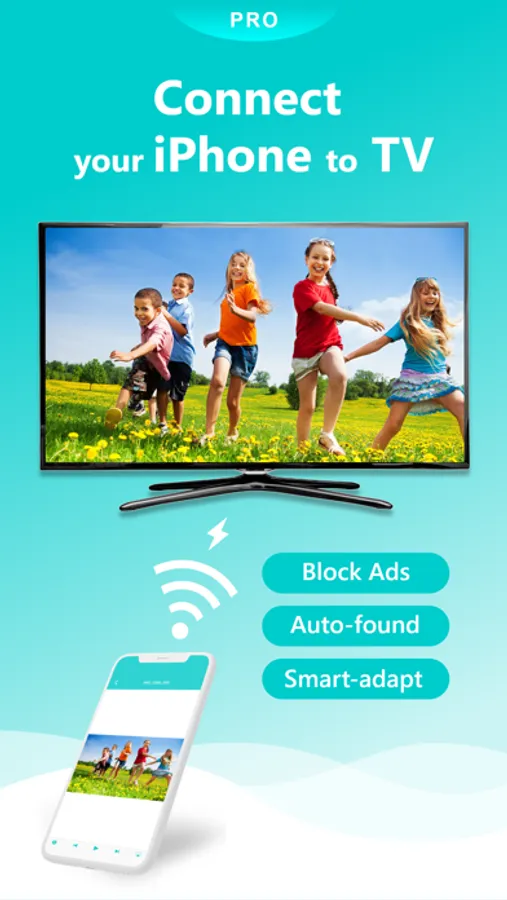
Compared to Nero Streaming Player, this PRO version blocks all advertisements!
* You can try Nero Streaming Player for free before paying PRO version.
-------------------------------------------------------
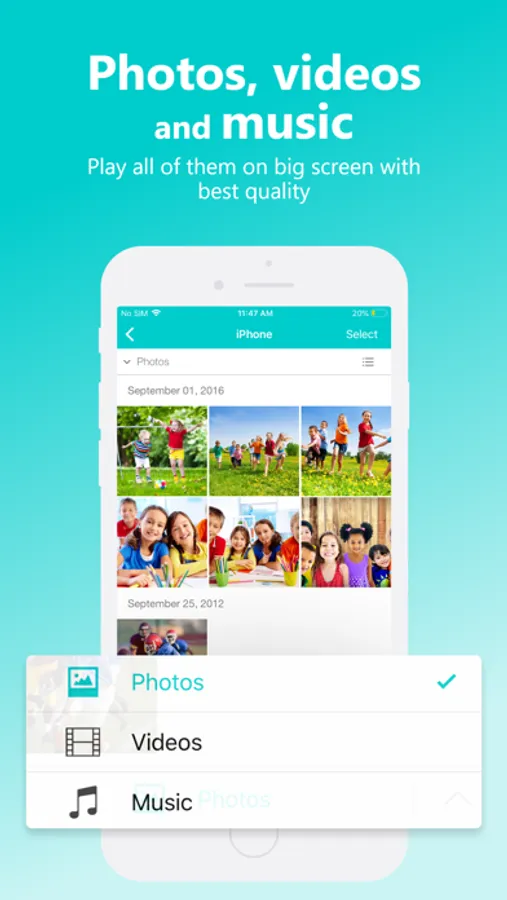
• Music streaming: play your favorite songs or playlists on your TV or connected speakers via WiFi.
• Photo casting: display your photos on the big screen – single or slideshow – with 4K support.
• Video casting: enjoy videos in Full HD & 4K on Smart TVs, Chromecast, Roku, Fire TV, and more.
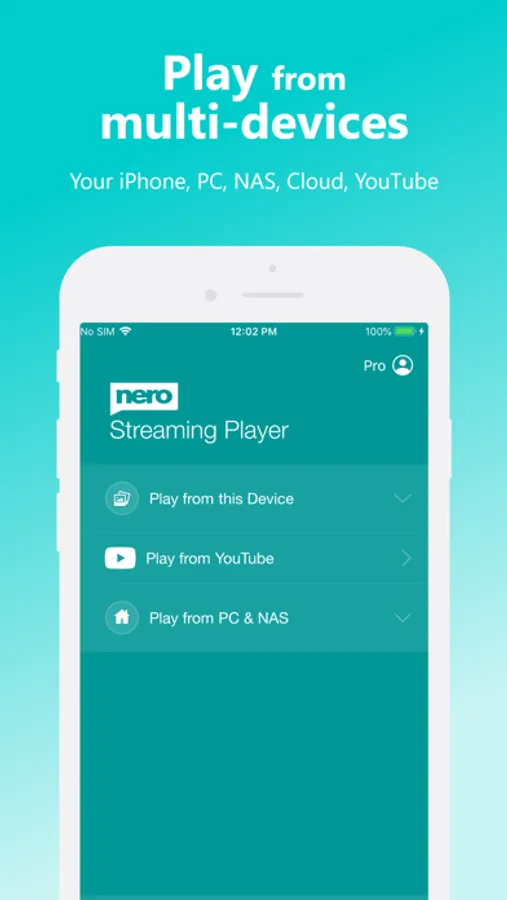
• Stream from iPhone/iPad, PC & NAS: access and play photos, HD movies, and TV shows stored on your devices – no phone storage used.
• Stream from SMB share: cast network-stored photos, movies, and music – easy setup.
• Stream from iOS Files & iCloud: access media stored on iCloud Drive, OneDrive, and other cloud services.
The easiest casting app for all your media – music, photos, videos, and more!
• NEW! SMB Sharing: stream files from network folders directly to your Smart TV.
• Supports Chromecast, Chromecast Audio, Sonos, and many other devices.
• Stream by category: select all files from a location or multiple albums at once.
• Launch other Nero mobile apps directly from Nero Streaming Player.
• Send feedback easily for improvements and issues.
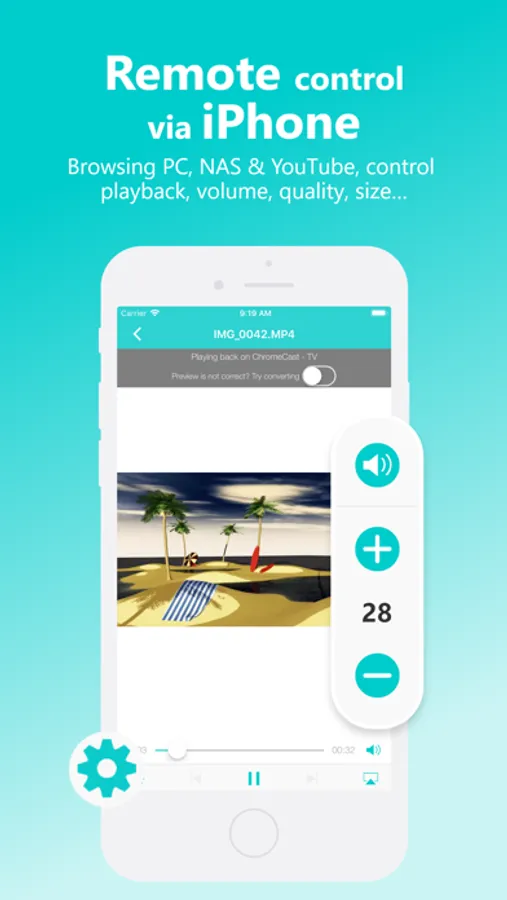
• Use your iPhone/iPad as a remote control: play, pause, stop, skip, adjust volume.
• Zoom & rotate photos with intuitive two-finger gestures while casting.
• Sort your music by artists, songs, albums, or genres and stream to Sonos or other supported devices.
Supported devices:
• Smart TVs from Samsung, Sony, LG, TCL, Panasonic, Sharp, and more
• AV devices from Yamaha, Onkyo, Sonos, Bose, Pioneer, and more
• Chromecast and other compatible streaming devices
• Media servers from Plex, Serviio, Subsonic, Twonky, Windows Media Player, and more
• NAS from Western Digital, Netgear, Synology, QNAP, Seagate, and more
PRO Features & VIP Privileges:
• No Ads – block all ads permanently
• Unlimited Streaming – browse and stream content from servers and YouTube without limits
• Advanced Player – support more formats, better quality playback
• Smart Casting – adaptive conversion for fast, smooth streaming
• VIP Customer Support
• Lifetime Updates – access all new features without limits
How it works:
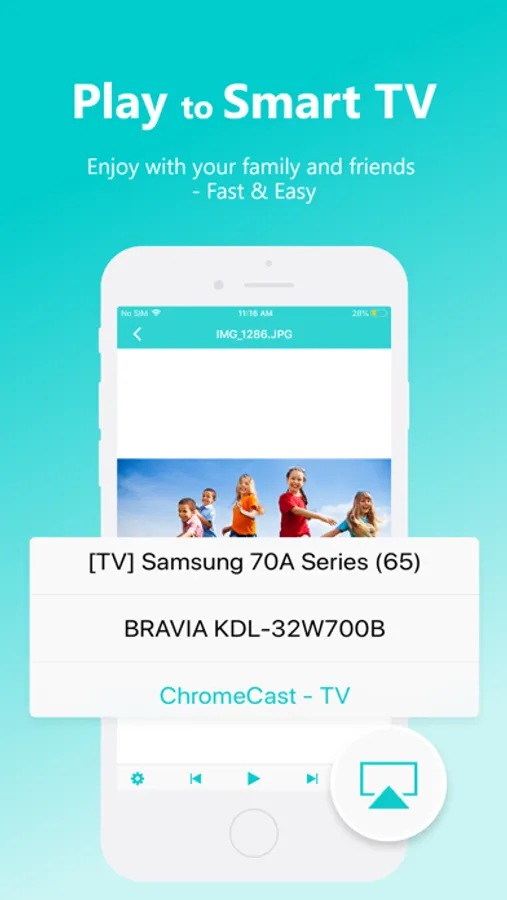
Install Nero Streaming Player Pro to cast photos, videos, and music from iPhone/iPad to your Smart TV. No HDMI cable or extra hardware needed. Connect iPhone, PC/NAS, and Smart TV to the same WiFi network. Open the app, select media, tap the TV icon, and choose a device to enjoy your content on the big screen or audio system.
PC & NAS streaming:
Launch a media server on your PC/NAS. Nero Streaming Player Pro displays all available servers. Select one and stream all media to your TV.
No media server yet?
Download and install Nero MediaHome (2016 or later) on PC. In Nero Streaming Player Pro, one touch brings you to the timeline of all your photos & videos. Enhanced features include:
• Face recognition to view family & friends
• Explore places you’ve visited
• Browse personal movie & TV show collections with poster thumbnails
• Listen to favorite songs & playlists
Compared to Nero Streaming Player, this PRO version blocks all advertisements!
* You can try Nero Streaming Player for free before paying PRO version.
-------------------------------------------------------
• Music streaming: play your favorite songs or playlists on your TV or connected speakers via WiFi.
• Photo casting: display your photos on the big screen – single or slideshow – with 4K support.
• Video casting: enjoy videos in Full HD & 4K on Smart TVs, Chromecast, Roku, Fire TV, and more.
• Stream from iPhone/iPad, PC & NAS: access and play photos, HD movies, and TV shows stored on your devices – no phone storage used.
• Stream from SMB share: cast network-stored photos, movies, and music – easy setup.
• Stream from iOS Files & iCloud: access media stored on iCloud Drive, OneDrive, and other cloud services.
The easiest casting app for all your media – music, photos, videos, and more!
• NEW! SMB Sharing: stream files from network folders directly to your Smart TV.
• Supports Chromecast, Chromecast Audio, Sonos, and many other devices.
• Stream by category: select all files from a location or multiple albums at once.
• Launch other Nero mobile apps directly from Nero Streaming Player.
• Send feedback easily for improvements and issues.
• Use your iPhone/iPad as a remote control: play, pause, stop, skip, adjust volume.
• Zoom & rotate photos with intuitive two-finger gestures while casting.
• Sort your music by artists, songs, albums, or genres and stream to Sonos or other supported devices.
Supported devices:
• Smart TVs from Samsung, Sony, LG, TCL, Panasonic, Sharp, and more
• AV devices from Yamaha, Onkyo, Sonos, Bose, Pioneer, and more
• Chromecast and other compatible streaming devices
• Media servers from Plex, Serviio, Subsonic, Twonky, Windows Media Player, and more
• NAS from Western Digital, Netgear, Synology, QNAP, Seagate, and more
PRO Features & VIP Privileges:
• No Ads – block all ads permanently
• Unlimited Streaming – browse and stream content from servers and YouTube without limits
• Advanced Player – support more formats, better quality playback
• Smart Casting – adaptive conversion for fast, smooth streaming
• VIP Customer Support
• Lifetime Updates – access all new features without limits
How it works:
Install Nero Streaming Player Pro to cast photos, videos, and music from iPhone/iPad to your Smart TV. No HDMI cable or extra hardware needed. Connect iPhone, PC/NAS, and Smart TV to the same WiFi network. Open the app, select media, tap the TV icon, and choose a device to enjoy your content on the big screen or audio system.
PC & NAS streaming:
Launch a media server on your PC/NAS. Nero Streaming Player Pro displays all available servers. Select one and stream all media to your TV.
No media server yet?
Download and install Nero MediaHome (2016 or later) on PC. In Nero Streaming Player Pro, one touch brings you to the timeline of all your photos & videos. Enhanced features include:
• Face recognition to view family & friends
• Explore places you’ve visited
• Browse personal movie & TV show collections with poster thumbnails
• Listen to favorite songs & playlists