AppRecs review analysis
AppRecs rating 3.0. Trustworthiness 71 out of 100. Review manipulation risk 26 out of 100. Based on a review sample analyzed.
★★★☆☆
3.0
AppRecs Rating
Ratings breakdown
5 star
50%
4 star
0%
3 star
10%
2 star
0%
1 star
40%
What to know
✓
Low review manipulation risk
26% review manipulation risk
✓
Credible reviews
71% trustworthiness score from analyzed reviews
About Unity Reflect Review
Unity Reflect is a BIM design and coordination solution that connects all project members on one immersive, collaborative, real-time platform regardless of device, model size, or geographic-location. Transfer your BIM data from Revit, Navisworks, SketchUp, and Rhino into real-time 3D experiences on a range of devices in AR and VR to bridge the gap between design and construction.
Unity Reflect allows you to:
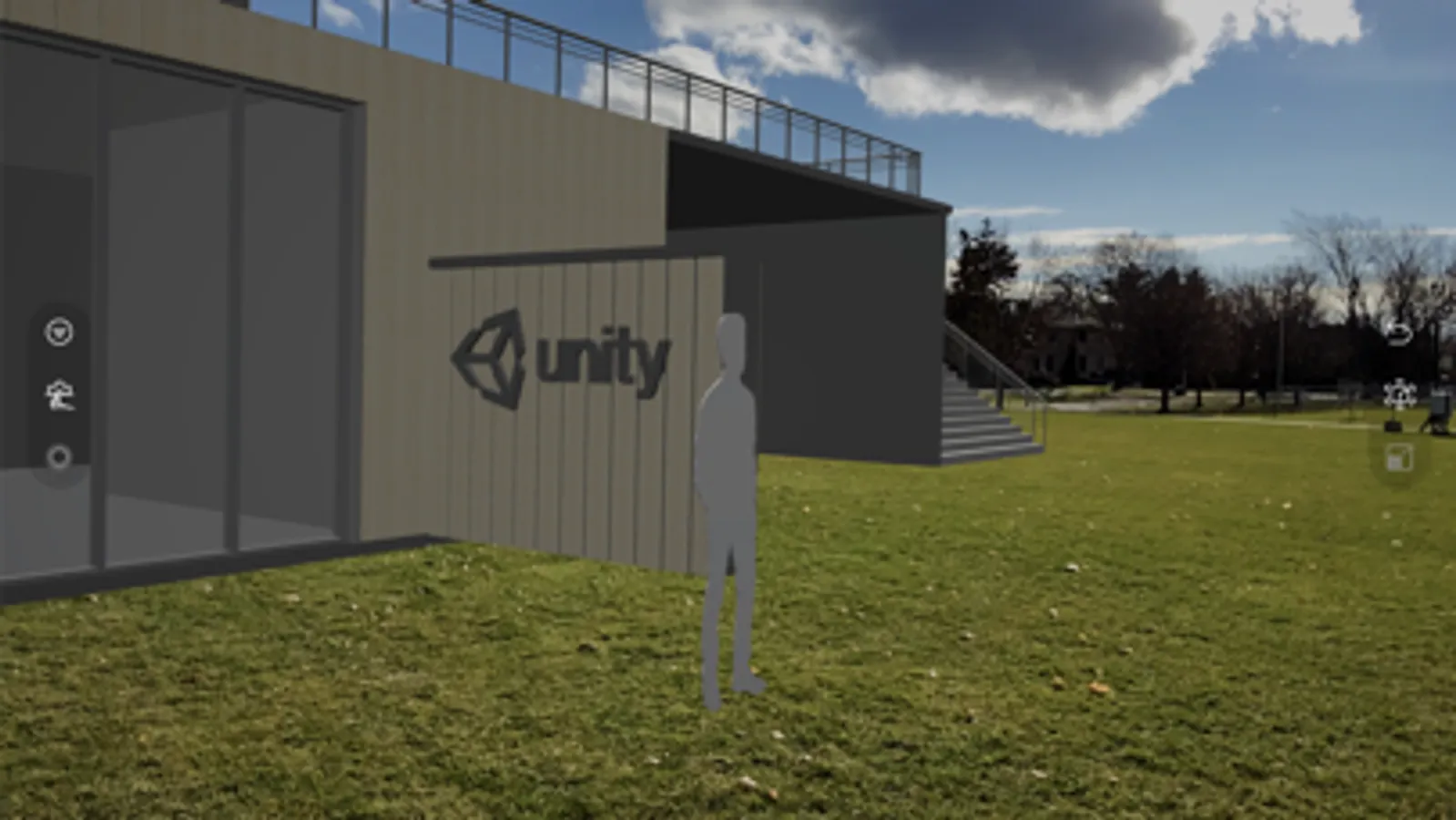
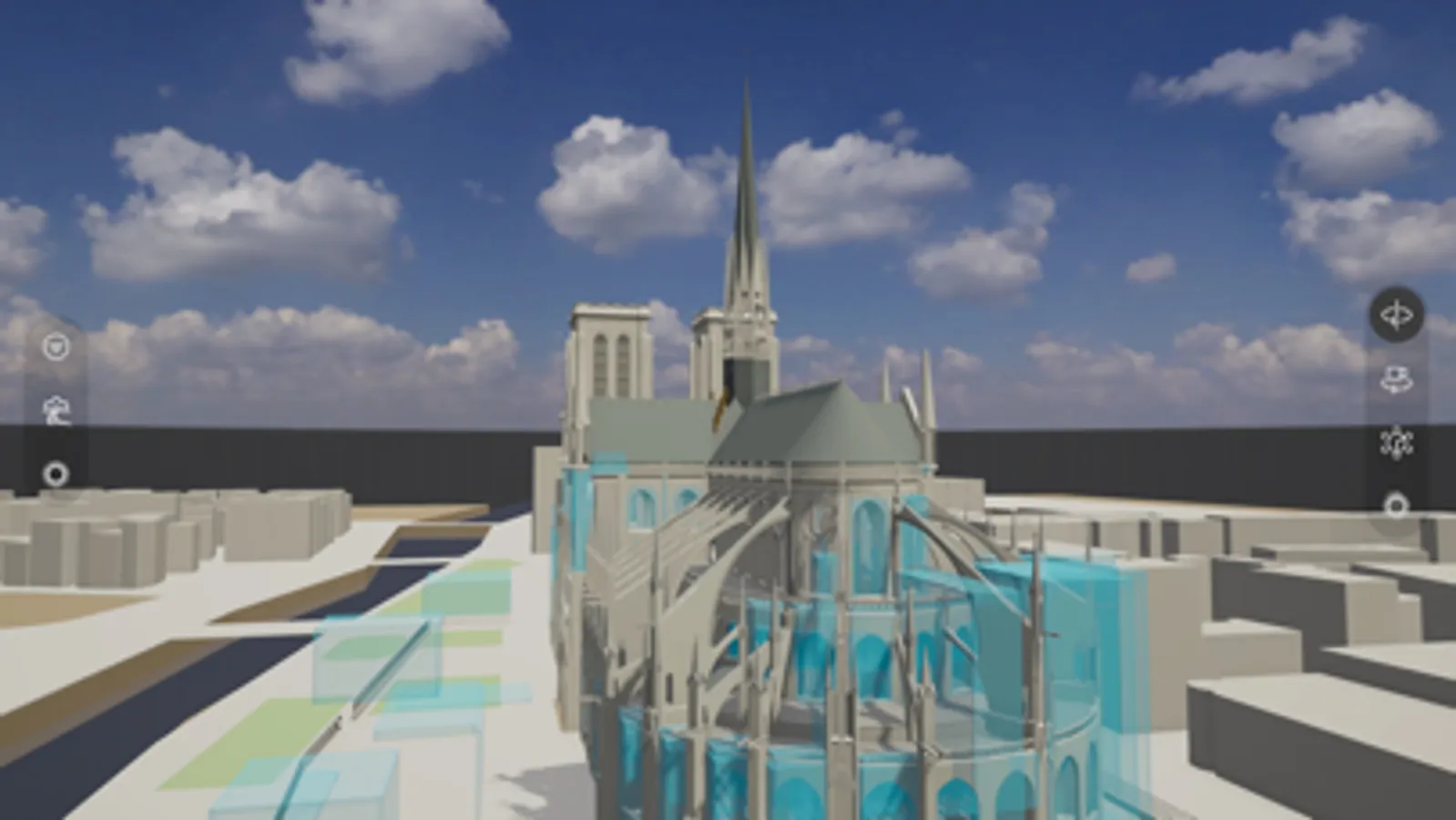
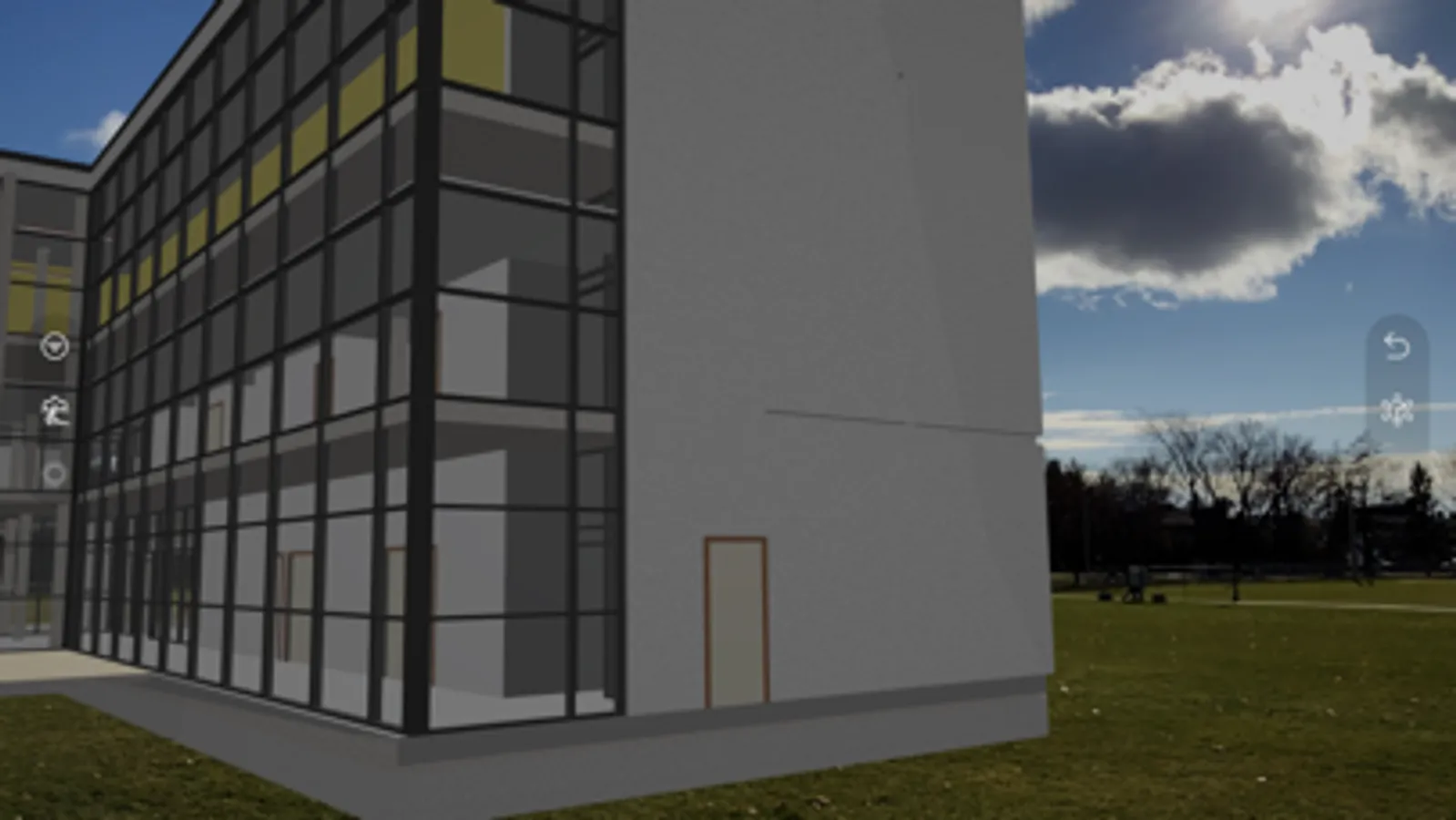
• Visualize BIM (Building Information Modelling) models on your phone or tablet by connecting to a Unity Reflect server.
• Open a live link and see changes made to the model in your design application reflected in real time in the Unity Reflect app.
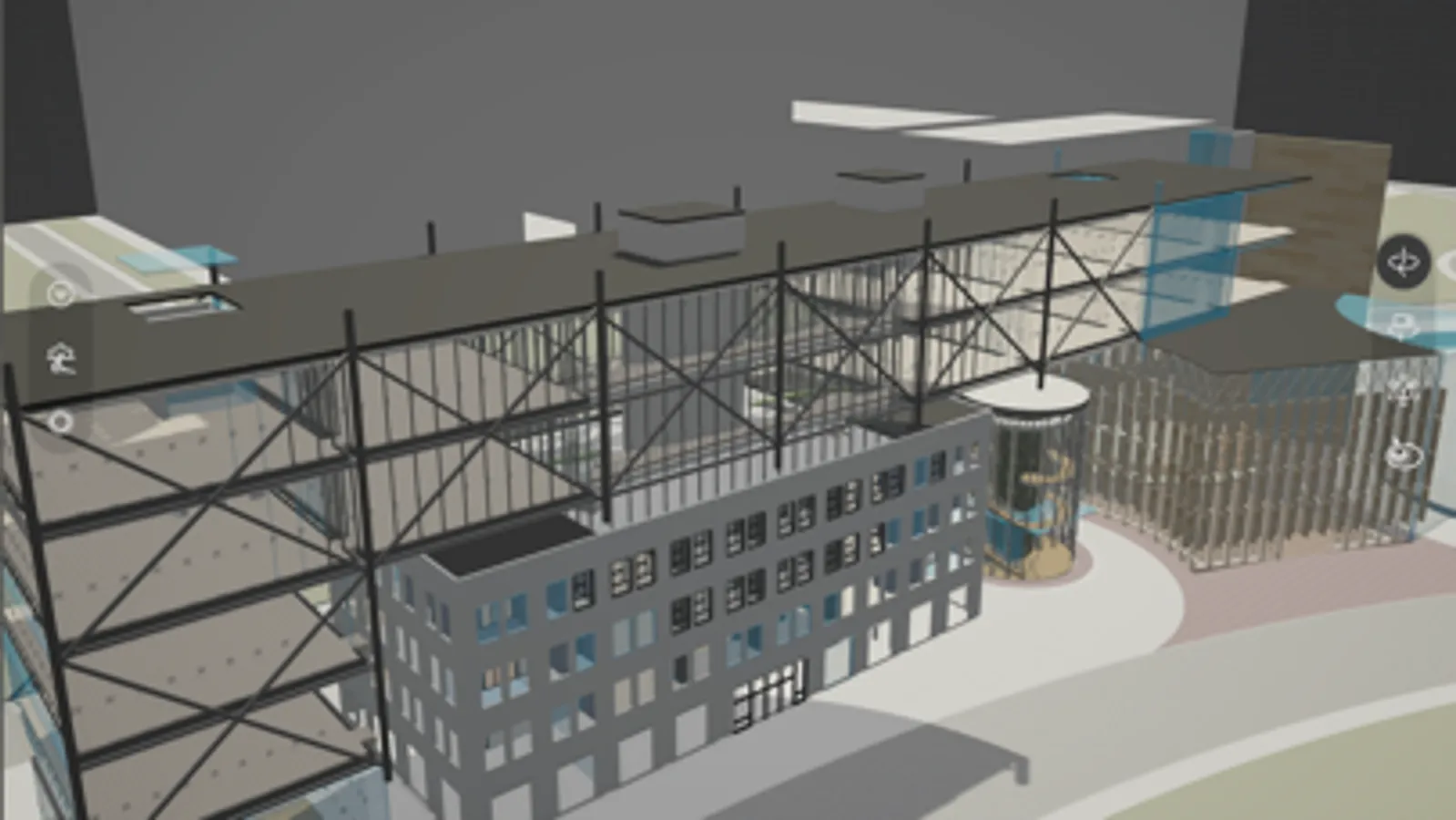
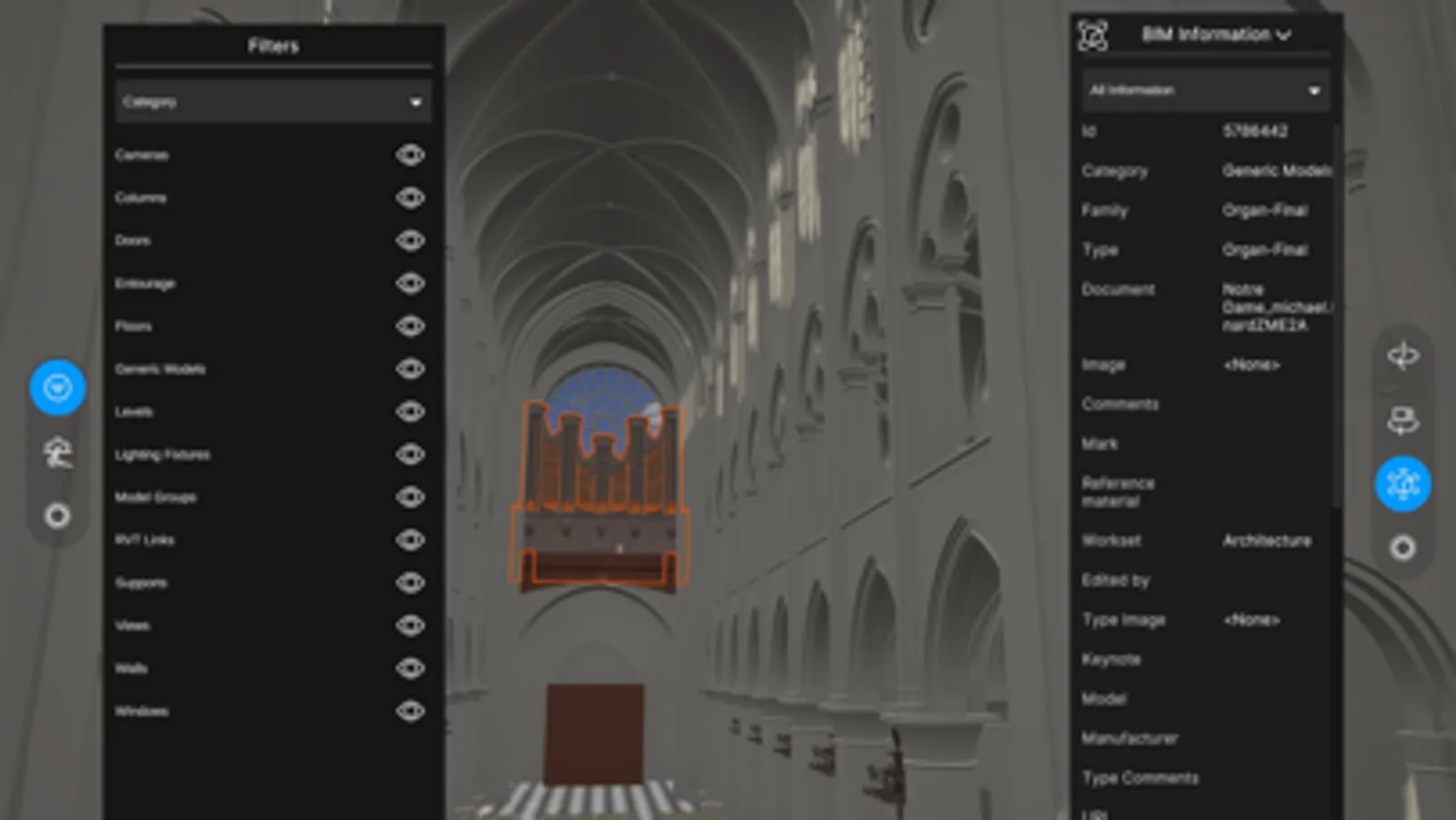
• Filter your model based on its BIM metadata and highlight systems and components independently.
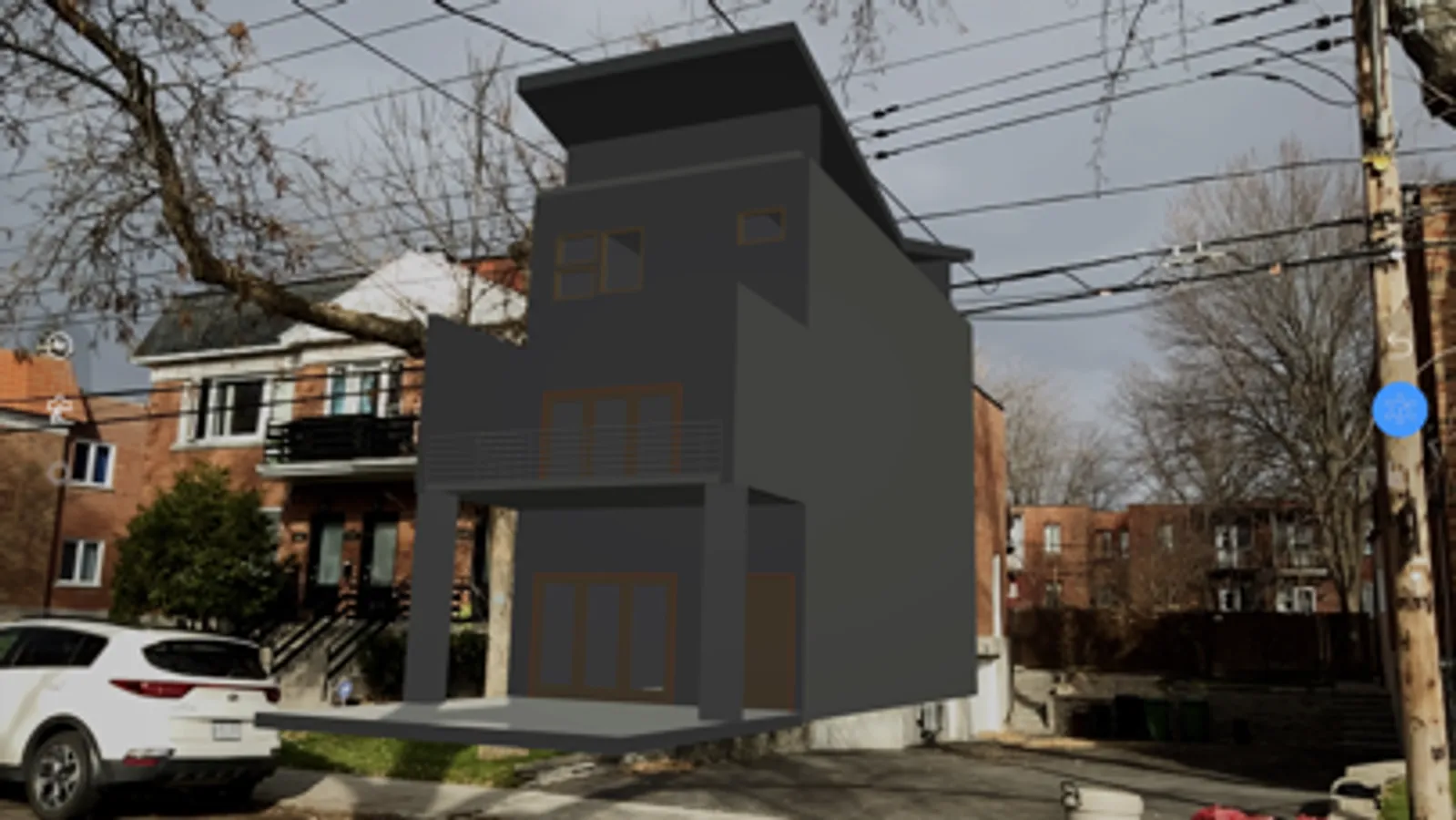
• View your model in augmented reality in world-scale
In order to make your model available to the Unity Reflect app, you must first publish it to a Unity Reflect server. To do so, simply install a Unity Reflect plugin in your design application (Revit, Navisworks, BIM360, Sketchup, Rhino) and tap the Export or the Sync button.
Unity Reflect allows you to:
• Visualize BIM (Building Information Modelling) models on your phone or tablet by connecting to a Unity Reflect server.
• Open a live link and see changes made to the model in your design application reflected in real time in the Unity Reflect app.
• Filter your model based on its BIM metadata and highlight systems and components independently.
• View your model in augmented reality in world-scale
In order to make your model available to the Unity Reflect app, you must first publish it to a Unity Reflect server. To do so, simply install a Unity Reflect plugin in your design application (Revit, Navisworks, BIM360, Sketchup, Rhino) and tap the Export or the Sync button.