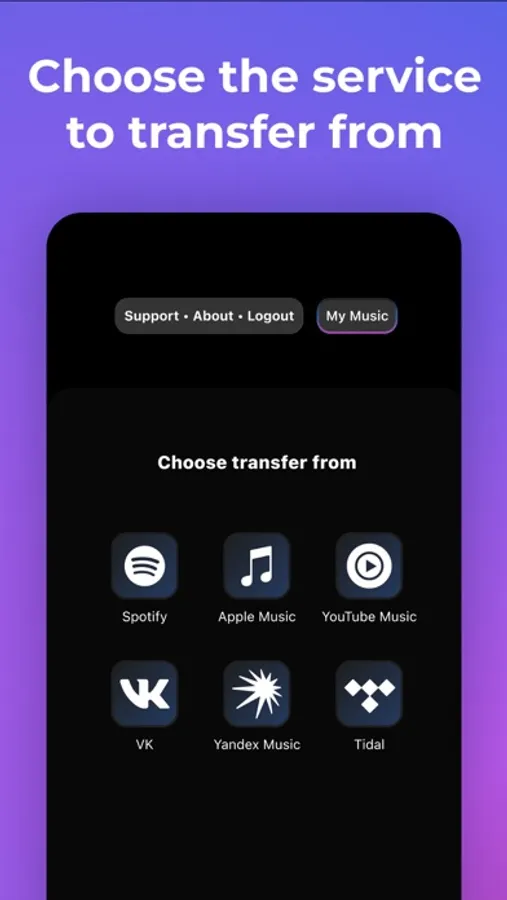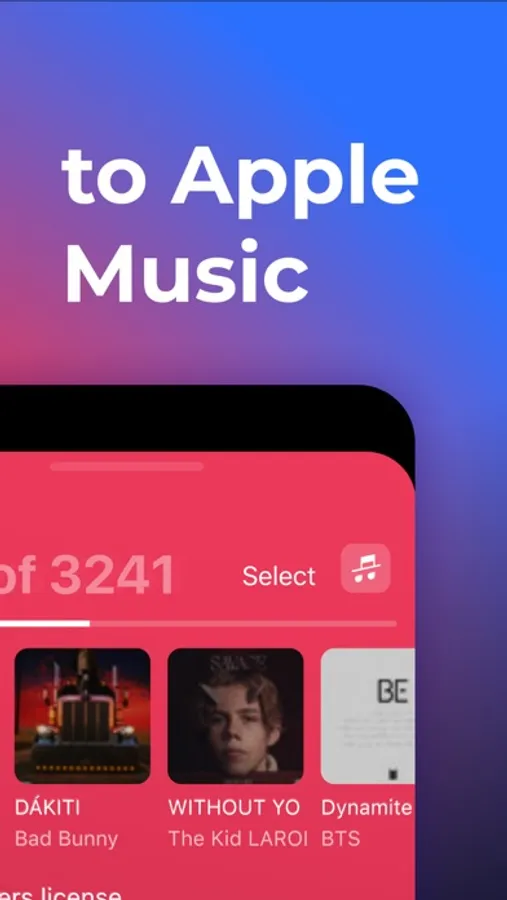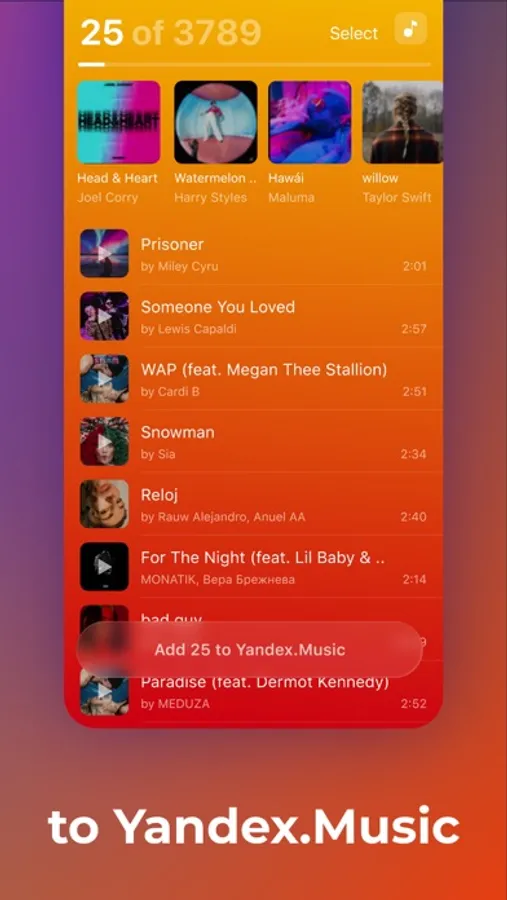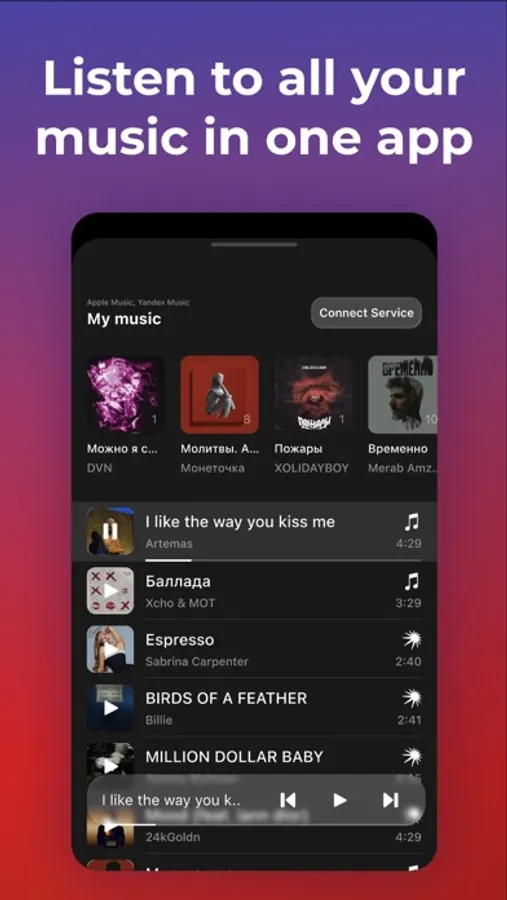
With this app, you can transfer music tracks between different streaming services by searching and selecting your desired songs or playlists. Includes source selection, search functionality, and options to move individual tracks or entire libraries.
AppRecs review analysis
AppRecs rating 3.9. Trustworthiness 78 out of 100. Review manipulation risk 29 out of 100. Based on a review sample analyzed.
★★★☆☆
3.9
AppRecs Rating
Ratings breakdown
5 star
77%
4 star
10%
3 star
4%
2 star
2%
1 star
8%
What to know
✓
Low review manipulation risk
29% review manipulation risk
⚠
Ad complaints
Many low ratings mention excessive ads
⚠
Pricing complaints
Many low ratings mention paywalls or pricing
About Transfer Music
Whether you’re using Spotify, Apple Music, YouTube Music, Amazon Music, Tidal, SoundCloud or Yandex Music, your tracks will always be with you.
New Feature: Enjoy all your tracks in one single app!
• Pick your source
• Let the search do its thing
• Choose your favorite tracks or grab them all!
• Hit the Add button
With Transfer, you can:
• Switch to a new music service effortlessly
• Take your entire music library with you
• Move just the tracks you want
• Select specific playlists or transfer everything
• Change your mind? You can always switch back
Remember, you’ll need an active subscription for the destination app. Yes, subscriptions are paid.
And don't worry if some tracks are missing — it depends on the track names and what’s available in your region.
New Feature: Enjoy all your tracks in one single app!
• Pick your source
• Let the search do its thing
• Choose your favorite tracks or grab them all!
• Hit the Add button
With Transfer, you can:
• Switch to a new music service effortlessly
• Take your entire music library with you
• Move just the tracks you want
• Select specific playlists or transfer everything
• Change your mind? You can always switch back
Remember, you’ll need an active subscription for the destination app. Yes, subscriptions are paid.
And don't worry if some tracks are missing — it depends on the track names and what’s available in your region.