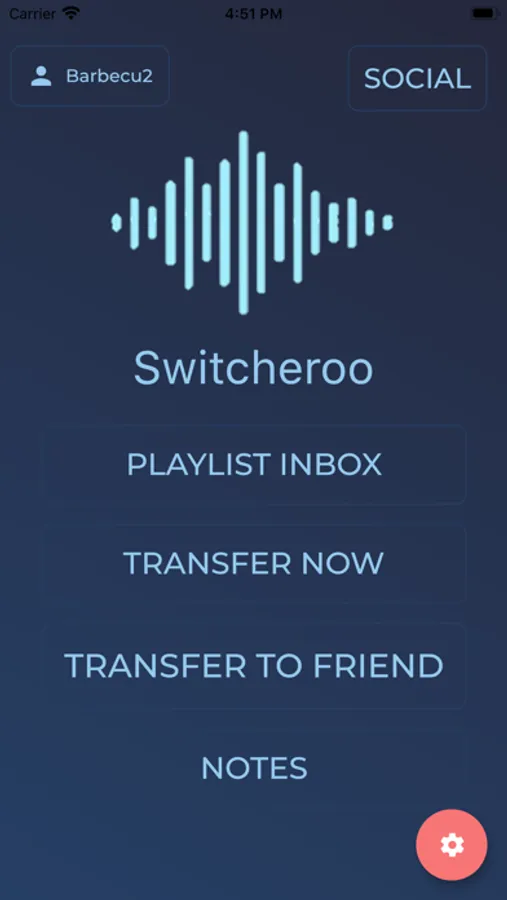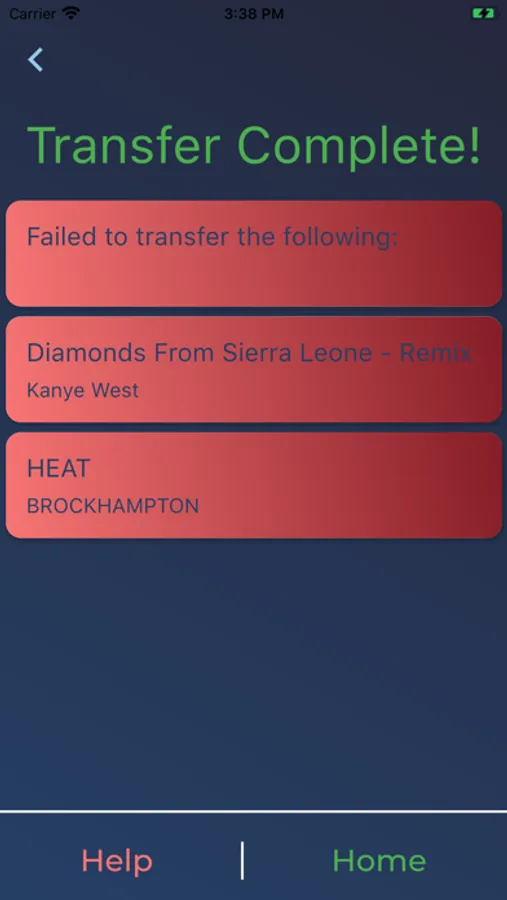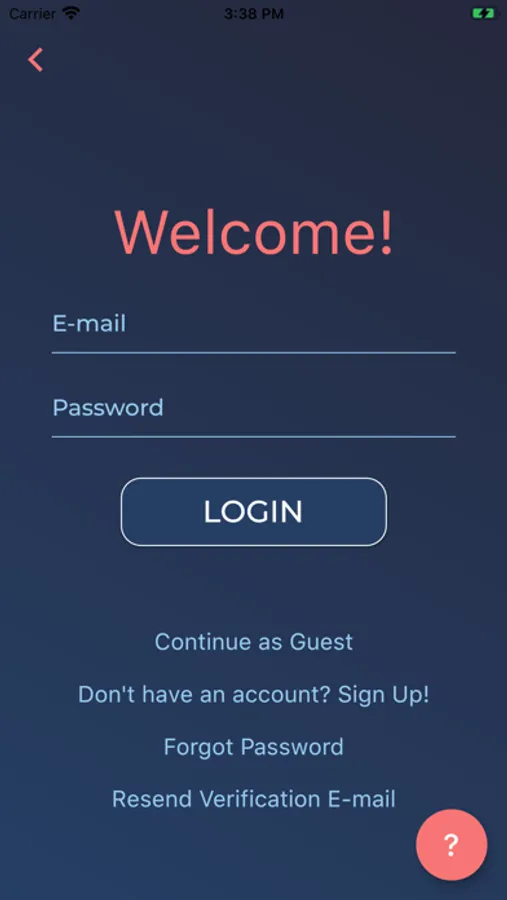
In this playlist transfer app, you can select playlists, log into streaming services, and migrate your music instantly. Includes support for multiple streaming platforms and sharing options.
AppRecs review analysis
AppRecs rating 3.4. Trustworthiness 77 out of 100. Review manipulation risk 24 out of 100. Based on a review sample analyzed.
★★★☆☆
3.4
AppRecs Rating
Ratings breakdown
5 star
67%
4 star
6%
3 star
2%
2 star
3%
1 star
22%
What to know
✓
Low review manipulation risk
24% review manipulation risk
✓
Credible reviews
77% trustworthiness score from analyzed reviews
✓
Good user ratings
73% positive sampled reviews
About Switcheroo Transfer
Switcheroo provides a simple and free to use playlist transfer service with just a few easy steps that will allow you to migrate between streaming services instantly!
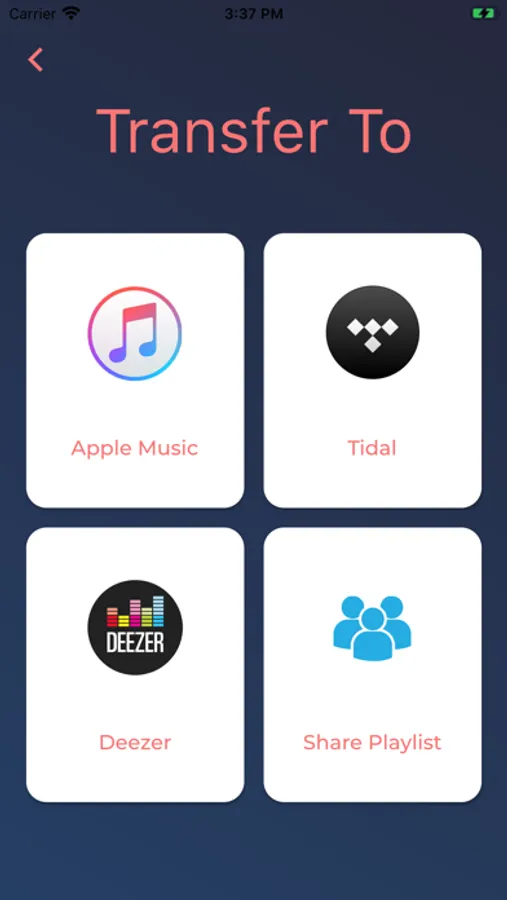
Additionally, Switcheroo offers an intuitive way to share your favorite playlists with friends!
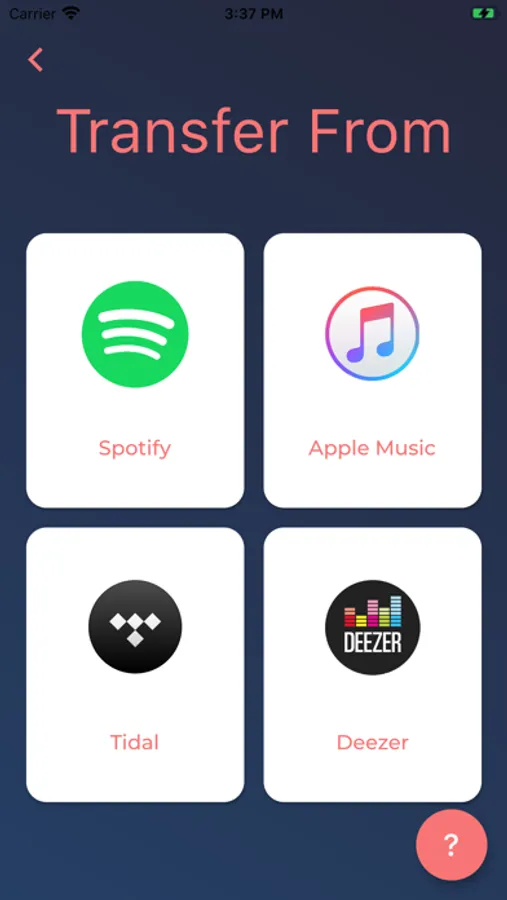
Supported services currently include:
-Apple Music
-Spotify
-Tidal
-Deezer
- YouTube
How To:
First select what service you would like to transfer from, then log in.
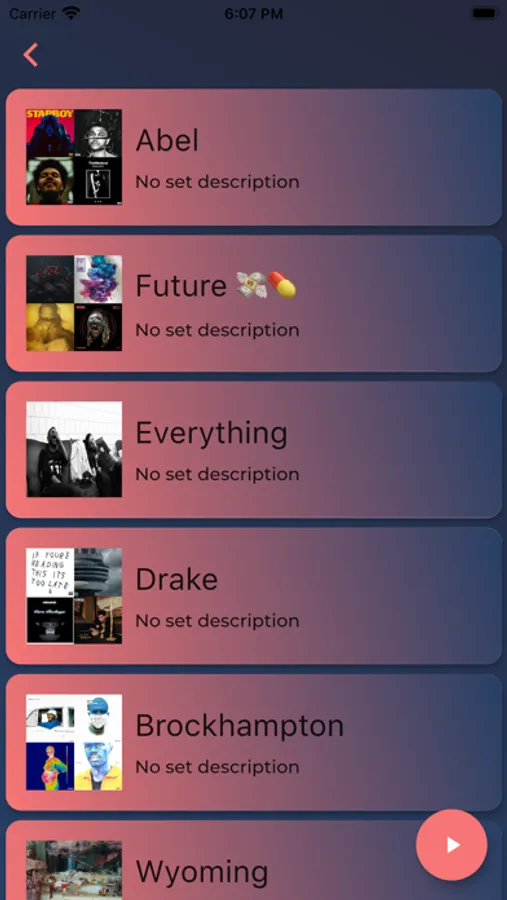
Afterwards a list of your playlists will appear, select the ones you would like to transfer and continue by touching the "next" button.
Finally select the destination for the playlists and log in. Then sit back, relax and we'll do the rest! once the process is complete you will be notified if any songs could not be transferred.
Additionally, Switcheroo offers an intuitive way to share your favorite playlists with friends!
Supported services currently include:
-Apple Music
-Spotify
-Tidal
-Deezer
- YouTube
How To:
First select what service you would like to transfer from, then log in.
Afterwards a list of your playlists will appear, select the ones you would like to transfer and continue by touching the "next" button.
Finally select the destination for the playlists and log in. Then sit back, relax and we'll do the rest! once the process is complete you will be notified if any songs could not be transferred.