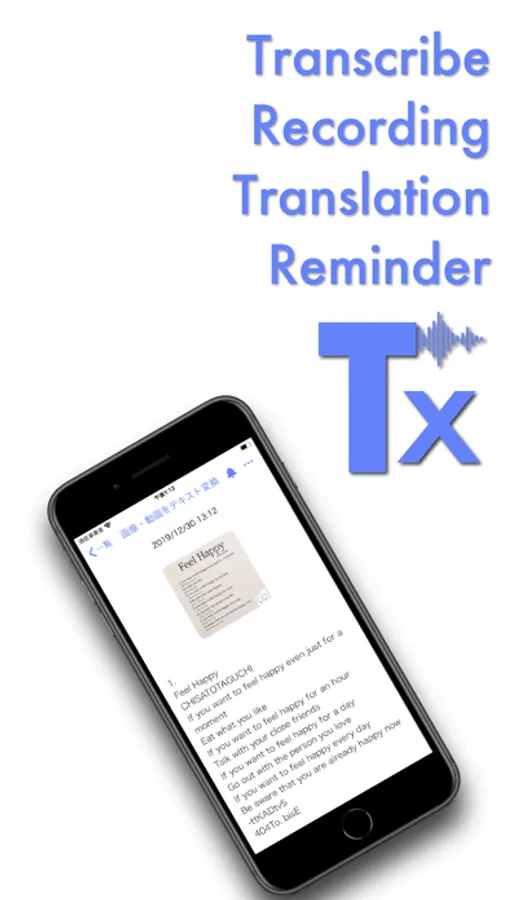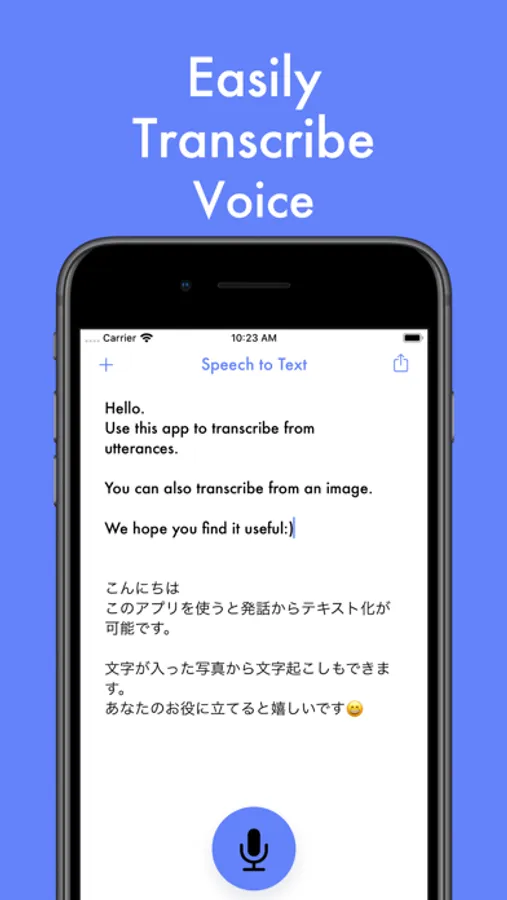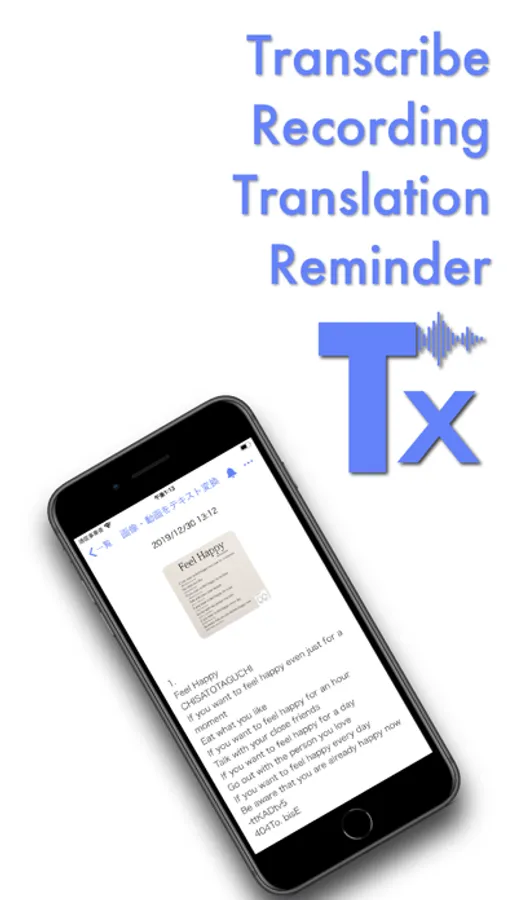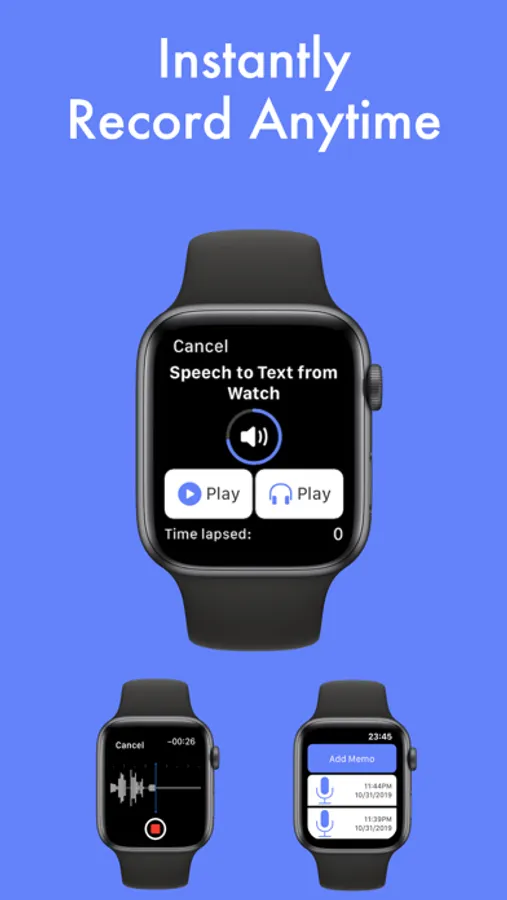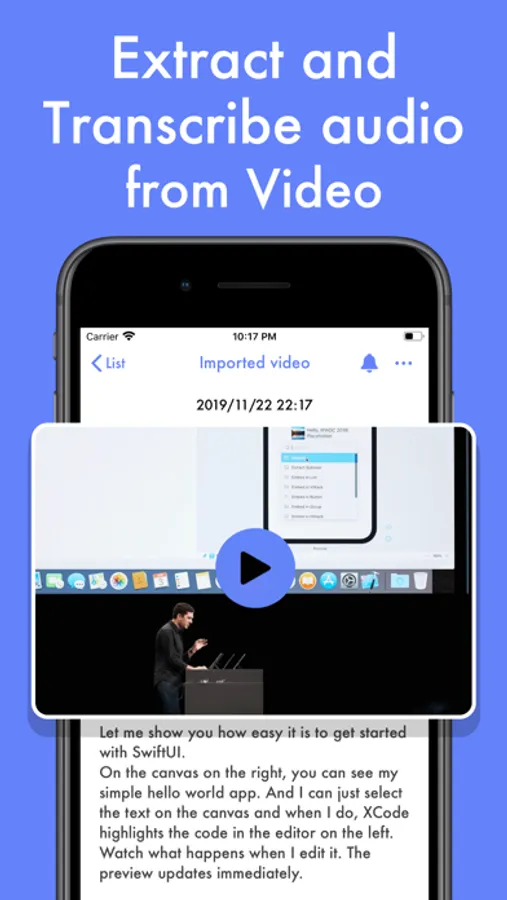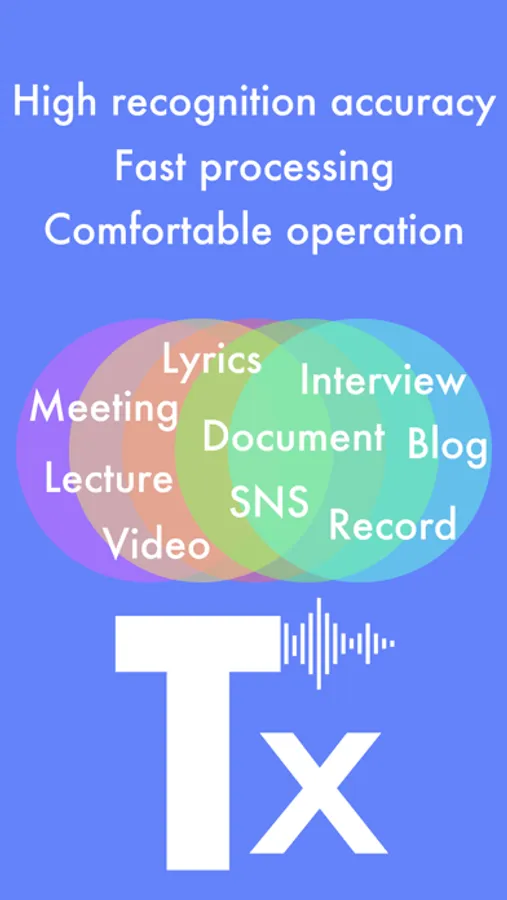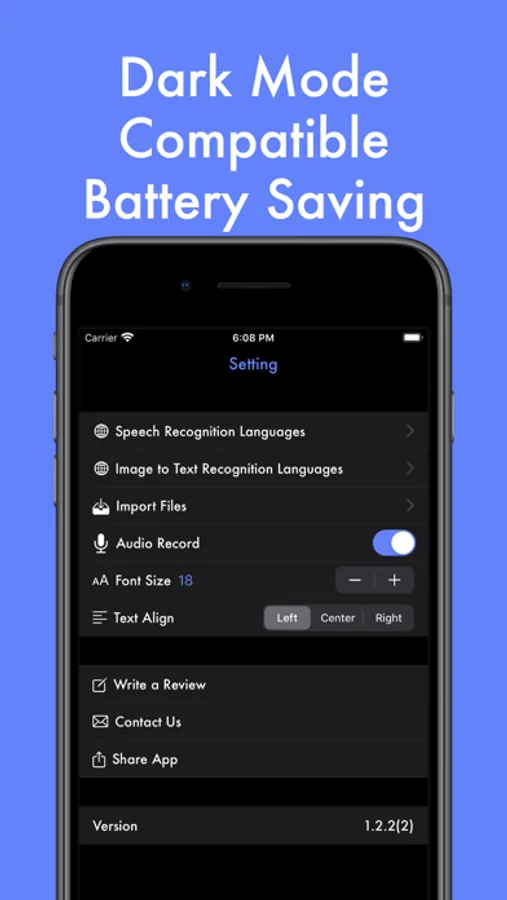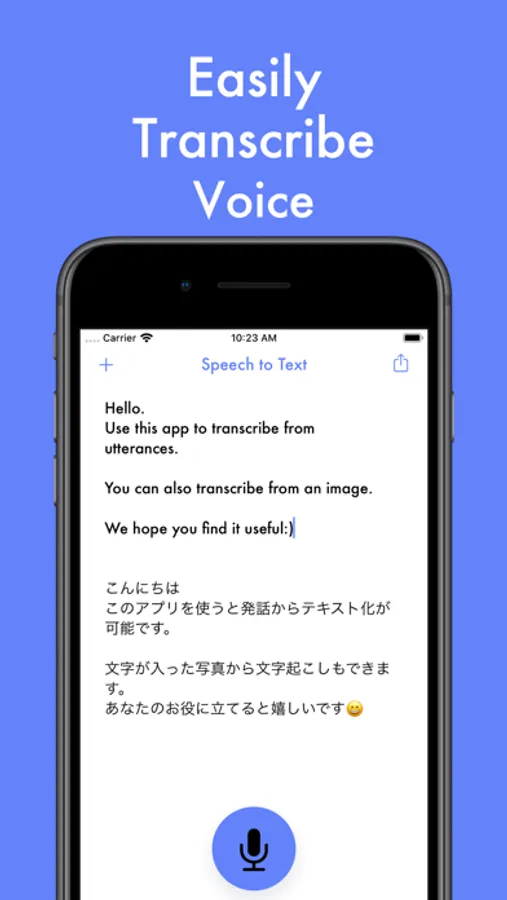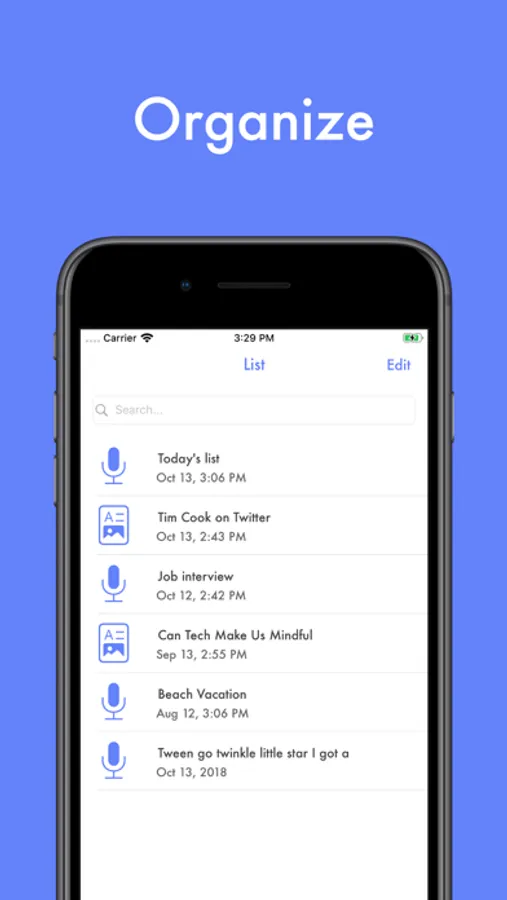
In this transcription app, you can convert audio, images, and video into editable text using AI, while managing workflow with features like subtitle generation and sentence-based editing. Includes AI summaries, word cloud visualization, and silence removal tools.
AppRecs review analysis
AppRecs rating 4.1. Trustworthiness 80 out of 100. Review manipulation risk 21 out of 100. Based on a review sample analyzed.
★★★★☆
4.1
AppRecs Rating
Ratings breakdown
5 star
65%
4 star
9%
3 star
8%
2 star
4%
1 star
14%
What to know
✓
Low review manipulation risk
21% review manipulation risk
✓
Credible reviews
80% trustworthiness score from analyzed reviews
✓
High user satisfaction
74% of sampled ratings are 4+ stars (4.1★ average)
About Texter: Audio & Video to Text
Are you spending countless hours transcribing meetings, interviews or lectures
Texter is an AI transcription app that turns audio, images and video into editable text with a single tap. From meeting minutes and interview notes to subtitles and SRT files, you can handle your entire workflow in one place.
Key new features
・Word Cloud (Added in v2.8.98)
Visualize frequent keywords from your notes. Tap any word to highlight it in your text and grasp long content at a glance.
・Summary Template Feature (Added in v2.8.92)
Instantly summarize your transcriptions with 20 specialized AI templates. Choose from templates optimized for meeting notes, interview Q&A, MECE analysis, and more. Auto-structure meeting memos or convert interviews to Q&A format with ease. Premium users enjoy unlimited access to all templates.
・Silence cut
Automatically detects and removes silent sections in audio and video. Perfect for meetings and lectures with long pauses. Choose from three presets Low, Standard and High and preview the result in real time.
・Synced subtitles on video import
Generate subtitles with timestamps when you import a video. Subtitles stay in sync as you play, which makes reviewing and editing much easier for lectures, interviews and recorded meetings.
・Sentence based view and editing
Display your transcript as a list of sentences. Jump to the exact playback position for each sentence with one tap, so you can quickly find, fix and share just the parts you need, even in long multi speaker recordings.
・Improved high accuracy speech recognition
Latest speech recognition technology, including on device models on supported devices, gives you fast and readable transcripts. Clean subtitles make editing, summarizing and searching much smoother.
Why people choose Texter
・Highly accurate transcription with the latest AI and on device technology
・Extract audio from video, auto create subtitles and edit by sentence with time jump
・Summarize and translate transcripts to turn them into clean meeting minutes (20 summary templates available)
・Real time translation using DeepL and Google, both online and offline
・Turn images, photos, PDFs and screenshots into text with multi page PDF support
・Real time transcription that can also support people with hearing difficulties
Use cases
・Meetings
Import recordings, review subtitles and the sentence list, then share only the important parts. Auto-structure meeting notes with summary templates.
・Interviews and journalism
Split by speaker, edit by sentence and dramatically cut down editing time. Easily organize interviews with Q&A templates.
・Classes and lectures
Pull out key points from lecture videos and make searchable, summarized notes.
・Creators
Convert video to text, edit subtitles and export clips for social media, all in one app.
・Export
Export transcripts as PDF or SRT subtitle files and use them directly in documents or video editing.
Texter Premium
・Unlimited access to 20 summary templates
・Remove limits on real time transcription and image text recognition
・Increase maximum length for imported audio
・Remove ads for a smoother experience
Notes
・Some advanced features work even better on newer iOS devices and OS versions.
・Transcription and subtitle accuracy depends on recording quality, such as noise level and clarity of speech. You can always edit the text later.
We will keep improving Texter based on your feedback. Please give it a try.
Terms of Use
https://sites.google.com/view/texter-voice-to-text/terms-of-service
Personal Information Protection Policy
https://sites.google.com/view/texter-voice-to-text/privacy-policy#h.p_xa805c26EeZ5
Texter is an AI transcription app that turns audio, images and video into editable text with a single tap. From meeting minutes and interview notes to subtitles and SRT files, you can handle your entire workflow in one place.
Key new features
・Word Cloud (Added in v2.8.98)
Visualize frequent keywords from your notes. Tap any word to highlight it in your text and grasp long content at a glance.
・Summary Template Feature (Added in v2.8.92)
Instantly summarize your transcriptions with 20 specialized AI templates. Choose from templates optimized for meeting notes, interview Q&A, MECE analysis, and more. Auto-structure meeting memos or convert interviews to Q&A format with ease. Premium users enjoy unlimited access to all templates.
・Silence cut
Automatically detects and removes silent sections in audio and video. Perfect for meetings and lectures with long pauses. Choose from three presets Low, Standard and High and preview the result in real time.
・Synced subtitles on video import
Generate subtitles with timestamps when you import a video. Subtitles stay in sync as you play, which makes reviewing and editing much easier for lectures, interviews and recorded meetings.
・Sentence based view and editing
Display your transcript as a list of sentences. Jump to the exact playback position for each sentence with one tap, so you can quickly find, fix and share just the parts you need, even in long multi speaker recordings.
・Improved high accuracy speech recognition
Latest speech recognition technology, including on device models on supported devices, gives you fast and readable transcripts. Clean subtitles make editing, summarizing and searching much smoother.
Why people choose Texter
・Highly accurate transcription with the latest AI and on device technology
・Extract audio from video, auto create subtitles and edit by sentence with time jump
・Summarize and translate transcripts to turn them into clean meeting minutes (20 summary templates available)
・Real time translation using DeepL and Google, both online and offline
・Turn images, photos, PDFs and screenshots into text with multi page PDF support
・Real time transcription that can also support people with hearing difficulties
Use cases
・Meetings
Import recordings, review subtitles and the sentence list, then share only the important parts. Auto-structure meeting notes with summary templates.
・Interviews and journalism
Split by speaker, edit by sentence and dramatically cut down editing time. Easily organize interviews with Q&A templates.
・Classes and lectures
Pull out key points from lecture videos and make searchable, summarized notes.
・Creators
Convert video to text, edit subtitles and export clips for social media, all in one app.
・Export
Export transcripts as PDF or SRT subtitle files and use them directly in documents or video editing.
Texter Premium
・Unlimited access to 20 summary templates
・Remove limits on real time transcription and image text recognition
・Increase maximum length for imported audio
・Remove ads for a smoother experience
Notes
・Some advanced features work even better on newer iOS devices and OS versions.
・Transcription and subtitle accuracy depends on recording quality, such as noise level and clarity of speech. You can always edit the text later.
We will keep improving Texter based on your feedback. Please give it a try.
Terms of Use
https://sites.google.com/view/texter-voice-to-text/terms-of-service
Personal Information Protection Policy
https://sites.google.com/view/texter-voice-to-text/privacy-policy#h.p_xa805c26EeZ5