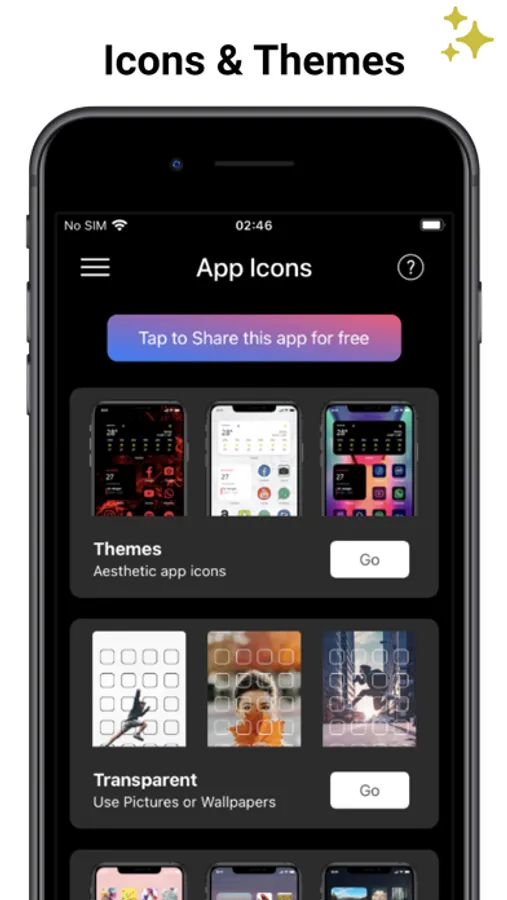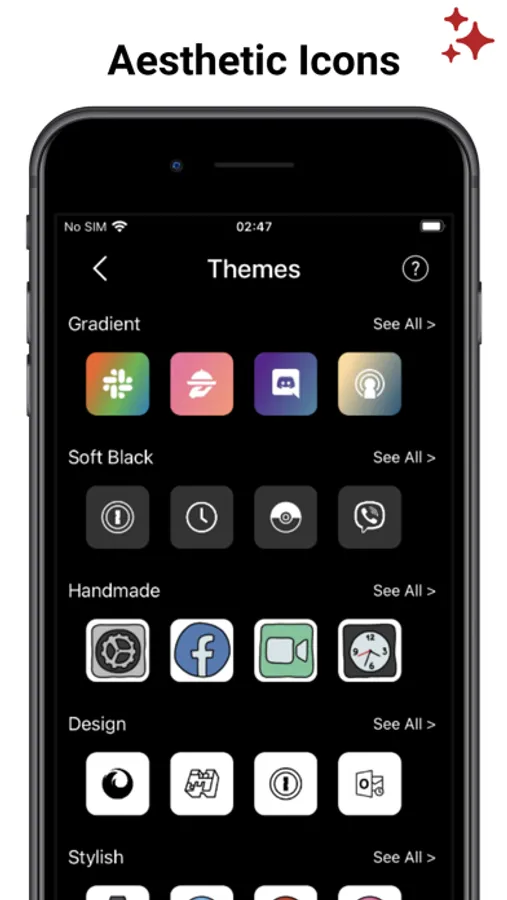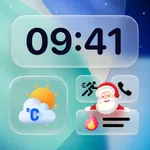
With this app, you can customize your home screen using transparent icons and themes. Includes thousands of icon packs, wallpapers, and options to import personal images.
AppRecs review analysis
AppRecs rating 3.6. Trustworthiness 66 out of 100. Review manipulation risk 38 out of 100. Based on a review sample analyzed.
★★★☆☆
3.6
AppRecs Rating
Ratings breakdown
5 star
76%
4 star
13%
3 star
6%
2 star
2%
1 star
3%
What to know
✓
High user satisfaction
76% of sampled ratings are 5 stars
⚠
Pricing complaints
Many low ratings mention paywalls or pricing
⚠
Review quality concerns
68% of sampled 5-star reviews are very short
About App Icons & Transparent Theme
+ Create liquid home screen with Transparent Icons !
+ Choose cool App Icons Themes to express your style.
"It is amazing how my screens looks with TRANSPARENT App Icons!!!"
FEATURES:
- Thousands of Aesthetic icons packs. Choose per category and create your custom home screen. Themes also includes great Wallpapers.
- Create a minimalist home screen with Transparent icons. You can choose one of our curated wallpapers to create stunning liquid transparent home screen.
- Import your own photo to create a wallpaper and transparent app icons skins
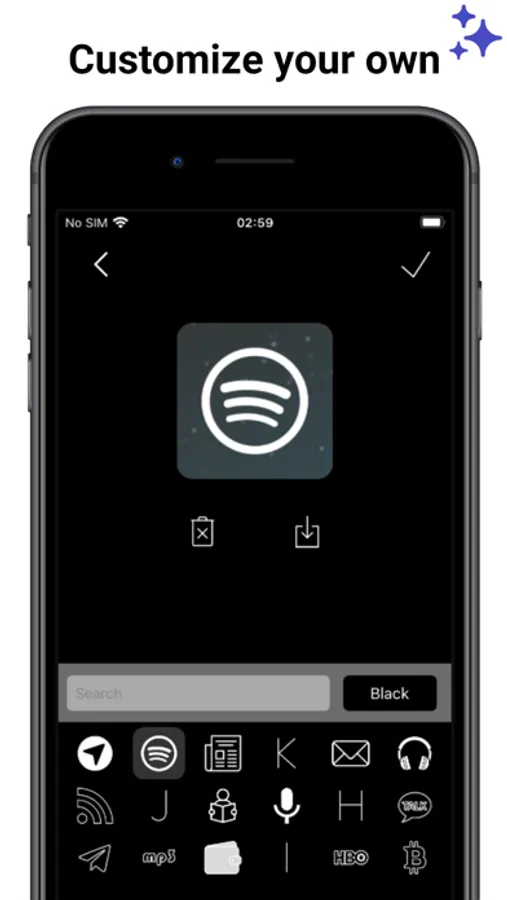
- Use our icon builder to change and save your own icons board.
Download and create a unique Aesthetic Home Screen design!
NB:
Shortcuts can be implemented from iOS14, to customize your screen with icons kit
SUBSCRIPTION:
We offer 2 auto-renewing subscriptions:
- Length: weekly and yearly
- Payment will be charged to iTunes Account at confirmation of purchase
- You will be able to access the Premium features of the app for the duration of the subscription
- Subscription automatically renews for the same price and duration period as the original period unless auto-renew is turned off at least 24-hours before the end of the current period
- The account will be charged for renewal within 24-hours prior to the end of the current period at the cost of the chosen package.
- Subscriptions may be managed by the user and auto-renewal may be turned off by going to the user's iTunes Account Settings after purchase
- No cancellation of the current subscription is allowed during the active subscription period
- You may cancel a subscription during its free trial period via the subscription setting through your Apple account. This must be done 24 hours before the end of the subscription period to avoid being charged. Please visit https://support.apple.com/en-us/HT202039 for more information on how to proceed.
- You may turn off the auto-renewal of your subscription via your Apple Account Settings. However, you are not able to cancel the current subscription during its active period
- Any unused portion of a free-trial period will be forfeited when the user purchases a subscription.
Privacy Policy: https://planecubes.com/privacy/
Terms of Use: https://planecubes.com/terms/
+ Choose cool App Icons Themes to express your style.
"It is amazing how my screens looks with TRANSPARENT App Icons!!!"
FEATURES:
- Thousands of Aesthetic icons packs. Choose per category and create your custom home screen. Themes also includes great Wallpapers.
- Create a minimalist home screen with Transparent icons. You can choose one of our curated wallpapers to create stunning liquid transparent home screen.
- Import your own photo to create a wallpaper and transparent app icons skins
- Use our icon builder to change and save your own icons board.
Download and create a unique Aesthetic Home Screen design!
NB:
Shortcuts can be implemented from iOS14, to customize your screen with icons kit
SUBSCRIPTION:
We offer 2 auto-renewing subscriptions:
- Length: weekly and yearly
- Payment will be charged to iTunes Account at confirmation of purchase
- You will be able to access the Premium features of the app for the duration of the subscription
- Subscription automatically renews for the same price and duration period as the original period unless auto-renew is turned off at least 24-hours before the end of the current period
- The account will be charged for renewal within 24-hours prior to the end of the current period at the cost of the chosen package.
- Subscriptions may be managed by the user and auto-renewal may be turned off by going to the user's iTunes Account Settings after purchase
- No cancellation of the current subscription is allowed during the active subscription period
- You may cancel a subscription during its free trial period via the subscription setting through your Apple account. This must be done 24 hours before the end of the subscription period to avoid being charged. Please visit https://support.apple.com/en-us/HT202039 for more information on how to proceed.
- You may turn off the auto-renewal of your subscription via your Apple Account Settings. However, you are not able to cancel the current subscription during its active period
- Any unused portion of a free-trial period will be forfeited when the user purchases a subscription.
Privacy Policy: https://planecubes.com/privacy/
Terms of Use: https://planecubes.com/terms/