With this smart home app, you can add and control multiple devices simultaneously and request control access from family members. Includes device pairing, control management, and voice command integration.
About Thamtu
How to use Thamtu app:
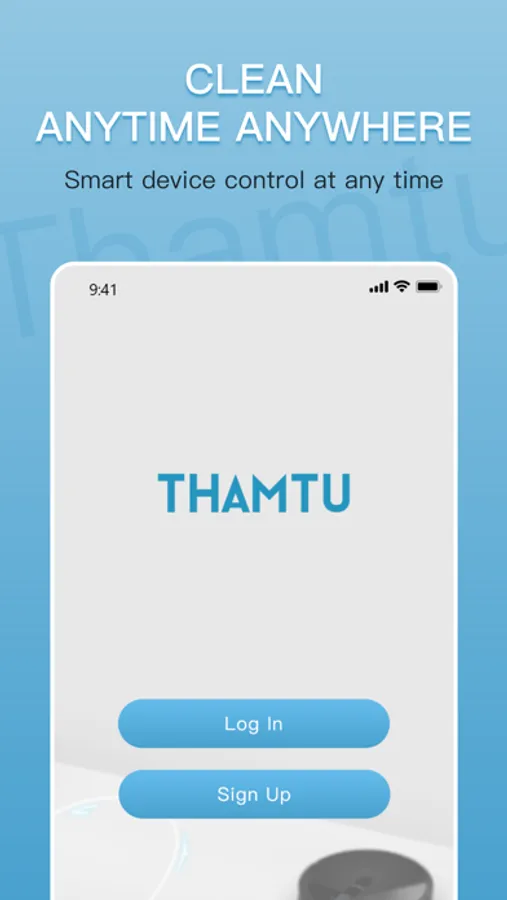
- Registering your account: After downloading the app, create and register an account with your Email address.
- Adding devices: Open the Thamtu app and follow the intuitive setup procedure to pair new devices with your smartphone. If a device has already been setup by another family member, you can request control access to operate that device from that family member.
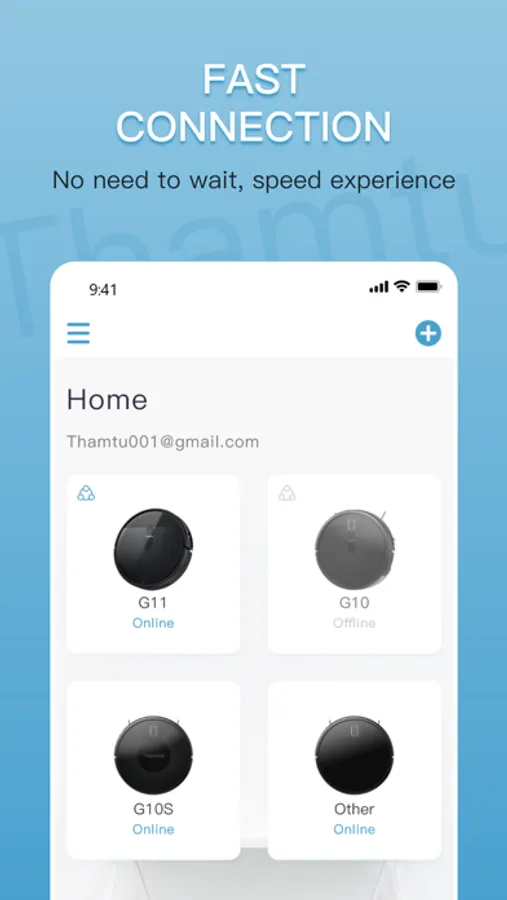
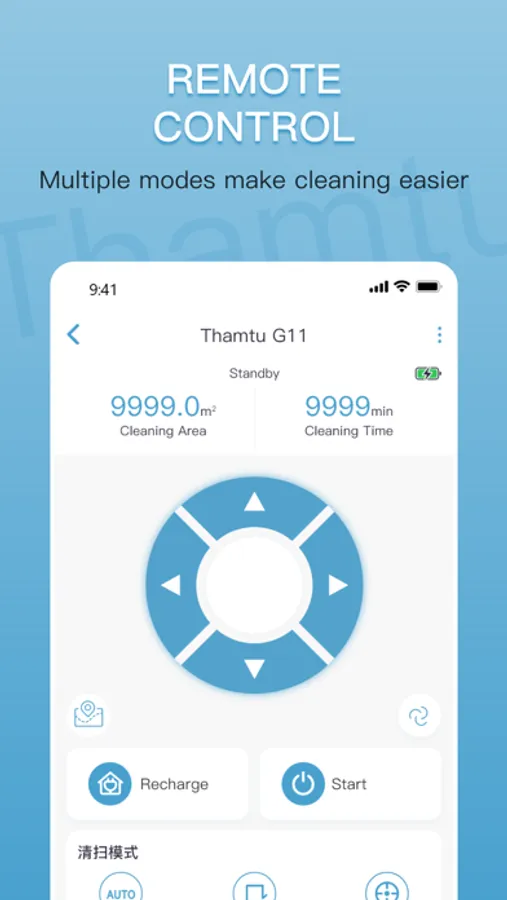
- Using devices: After successfully pairing the new device, it will show up in the device list. Simply tap the icon you wish to use and start enjoying the Thamtu smart home experience.
• Add and control multiple devices at once with one App.
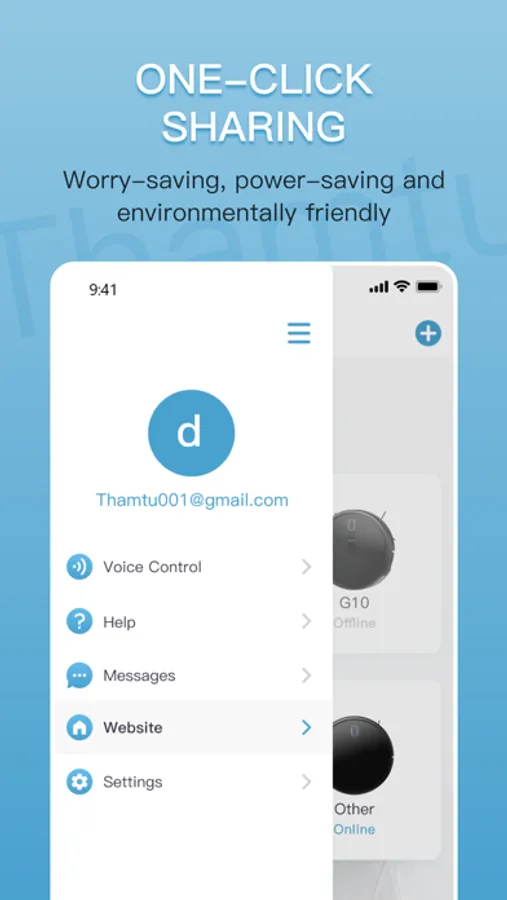
• Voice control via Amazon Echo and Google Home.
- Registering your account: After downloading the app, create and register an account with your Email address.
- Adding devices: Open the Thamtu app and follow the intuitive setup procedure to pair new devices with your smartphone. If a device has already been setup by another family member, you can request control access to operate that device from that family member.
- Using devices: After successfully pairing the new device, it will show up in the device list. Simply tap the icon you wish to use and start enjoying the Thamtu smart home experience.
• Add and control multiple devices at once with one App.
• Voice control via Amazon Echo and Google Home.