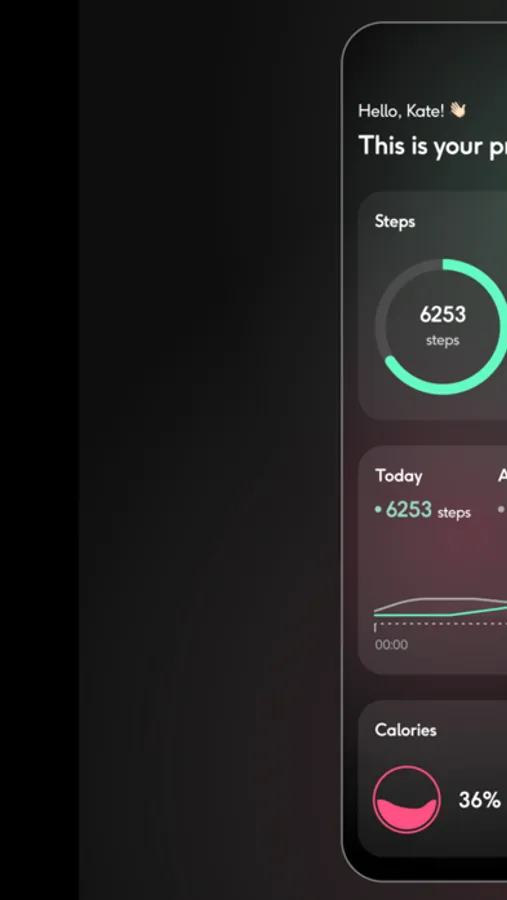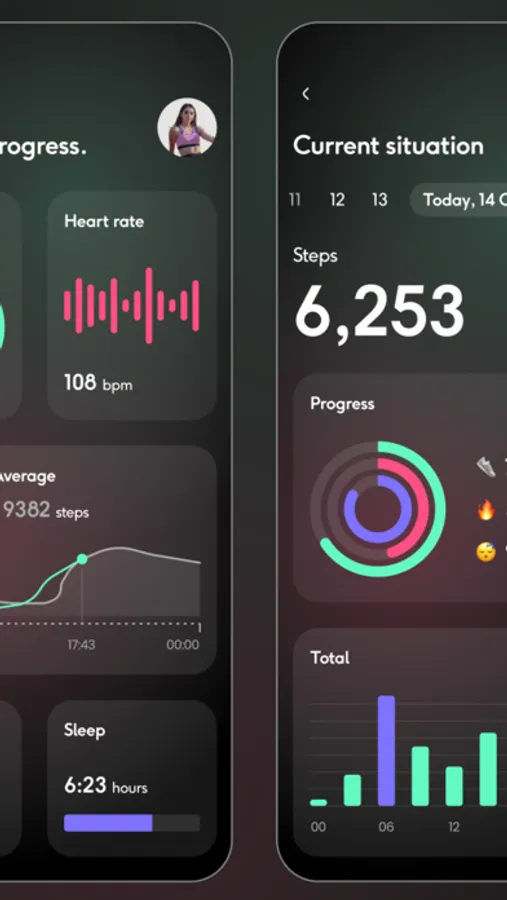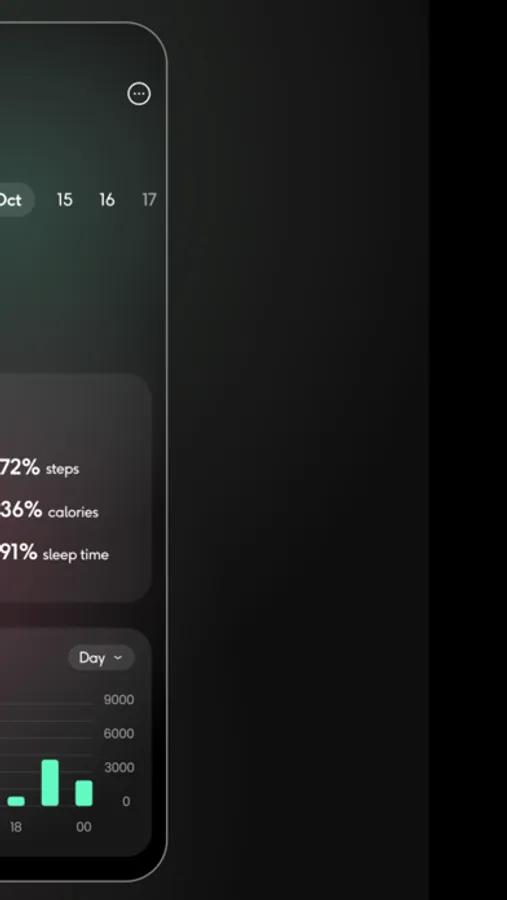
With this app, you can connect your smartwatch to your smartphone, synchronize data, and set activity alarms. Includes device pairing, activity tracking, and data transfer features.
AppRecs review analysis
AppRecs rating 2.9. Trustworthiness 65 out of 100. Review manipulation risk 27 out of 100. Based on a review sample analyzed.
★★☆☆☆
2.9
AppRecs Rating
Ratings breakdown
5 star
64%
4 star
7%
3 star
5%
2 star
5%
1 star
20%
What to know
✓
Low review manipulation risk
27% review manipulation risk
⚠
Pricing complaints
Many low ratings mention paywalls or pricing
⚠
Review quality concerns
50% of sampled 5-star reviews are very short
About SmartWatch Sync BT Notifier
Connect smart watch to smartphone for track, sync & transfer all data. Set up alarm notifier for your activities: walk, run, gym, swimming,... Records & tracking your path of activity, and measure your speed with your iOS device using location service
Steps to use:
• Turn on your Bluetooth service on iPhone / iPad & your watch.
• Open app and click Connect to see a list of watch devices that are near you.
• Click on your device to open a Smartwatch Sync dashboard.
In case you have any other problems or suggestions for improvements feel free to contact me via email. duongtunglam30121994@outlook.com.vn
I will try to answer as soon as possible!
Information about the auto-renewal of subscription:
– Subscribe to get unlimited access to ALL of the app’s features.
– Subscription plans are in 2 options: Monthly for $4.99 and Yearly for $12.99
– Payment will be charged to iTunes Account at confirmation of purchase (After free trial period if offered).
– Subscription automatically renews unless auto-renew is turned off at least 24-hours before the end of the current period.
– Account will be charged for renewal within 24-hours prior to the end of the current period, and identify the cost of the renewal.
– Subscriptions may be managed by the user and auto-renewal may be turned off by going to the user’s Account Settings after purchase.
– Any unused portion of a free trial period, if offered, will be forfeited when the user purchases a subscription to that publication, where applicable.
Term of Use:
https://telegra.ph/App-Term-Of-Use-03-05
Privacy Policy:
https://telegra.ph/App-Privacy-Policy-03-05
Steps to use:
• Turn on your Bluetooth service on iPhone / iPad & your watch.
• Open app and click Connect to see a list of watch devices that are near you.
• Click on your device to open a Smartwatch Sync dashboard.
In case you have any other problems or suggestions for improvements feel free to contact me via email. duongtunglam30121994@outlook.com.vn
I will try to answer as soon as possible!
Information about the auto-renewal of subscription:
– Subscribe to get unlimited access to ALL of the app’s features.
– Subscription plans are in 2 options: Monthly for $4.99 and Yearly for $12.99
– Payment will be charged to iTunes Account at confirmation of purchase (After free trial period if offered).
– Subscription automatically renews unless auto-renew is turned off at least 24-hours before the end of the current period.
– Account will be charged for renewal within 24-hours prior to the end of the current period, and identify the cost of the renewal.
– Subscriptions may be managed by the user and auto-renewal may be turned off by going to the user’s Account Settings after purchase.
– Any unused portion of a free trial period, if offered, will be forfeited when the user purchases a subscription to that publication, where applicable.
Term of Use:
https://telegra.ph/App-Term-Of-Use-03-05
Privacy Policy:
https://telegra.ph/App-Privacy-Policy-03-05