About vSharing Files Sharing
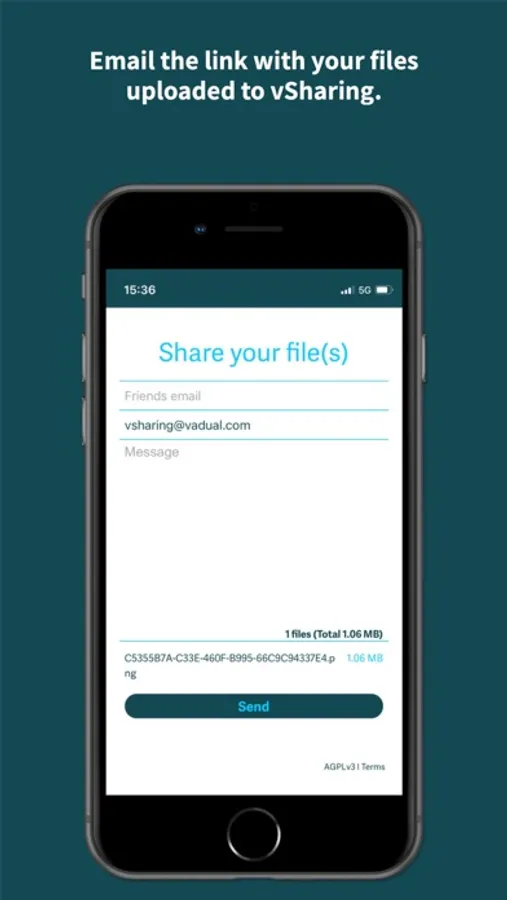
In just 4 steps you can send one or more files, via link or by sending an email to more people.
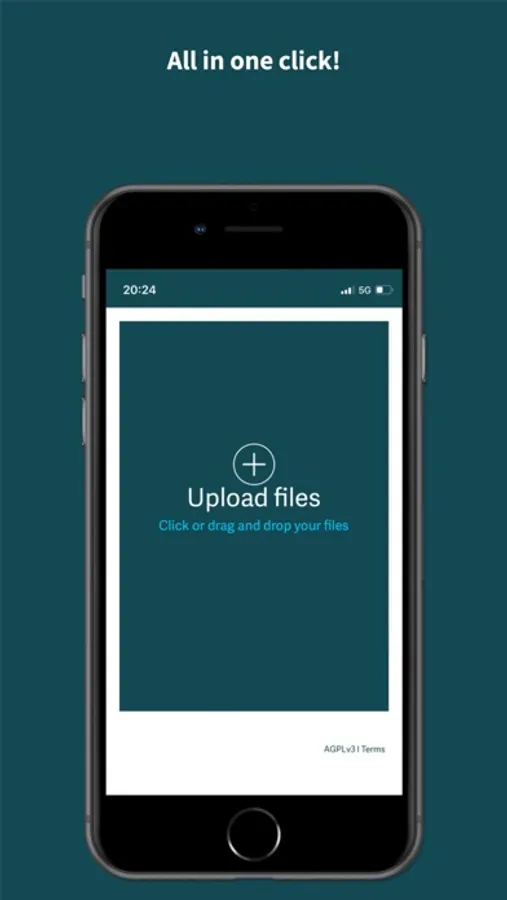
1) Click and select the source for sending (Photo Library, Take Photos or Videos, choose a Files). Select the files and add them to the upload, you can add more even after checking for upload, always with the same method (Photo Library, Take photos or videos, choose a Files).
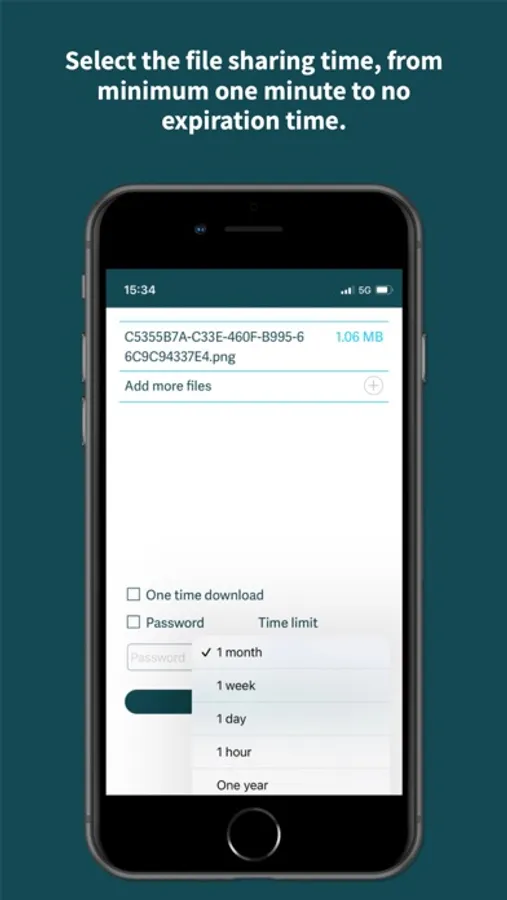
2) Select the validity time of the files and if you want you can also add a password in order to protect the files.
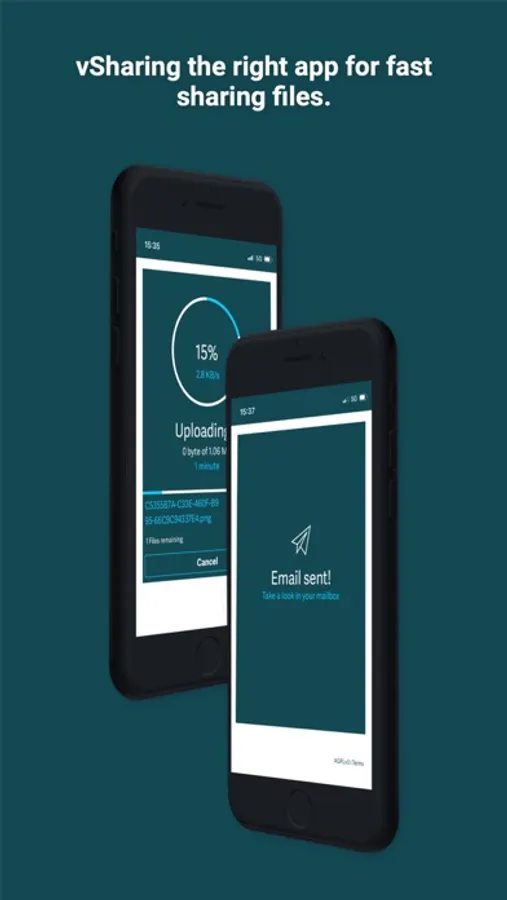
3) Wait for your files to load
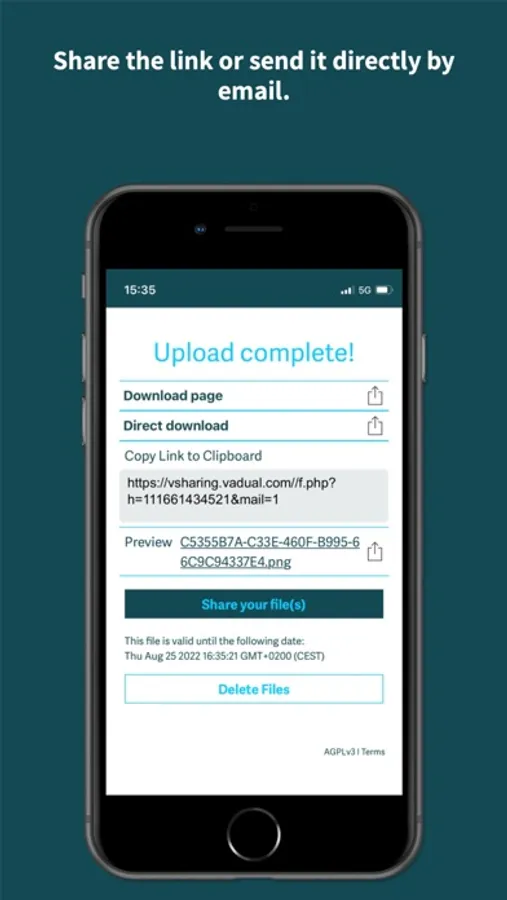
4) Copy the link to share it with whoever you want, or send the link via your contacts' email.
vSharing a fast and affordable application without registration.
1) Click and select the source for sending (Photo Library, Take Photos or Videos, choose a Files). Select the files and add them to the upload, you can add more even after checking for upload, always with the same method (Photo Library, Take photos or videos, choose a Files).
2) Select the validity time of the files and if you want you can also add a password in order to protect the files.
3) Wait for your files to load
4) Copy the link to share it with whoever you want, or send the link via your contacts' email.
vSharing a fast and affordable application without registration.