xTool Creative Space Mobile
Makeblock Co., Ltd.
4.7 ★
store rating
Free
AppRecs review analysis
AppRecs rating 4.2. Trustworthiness 81 out of 100. Review manipulation risk 22 out of 100. Based on a review sample analyzed.
★★★★☆
4.2
AppRecs Rating
Ratings breakdown
5 star
85%
4 star
9%
3 star
2%
2 star
1%
1 star
3%
What to know
✓
Low review manipulation risk
22% review manipulation risk
✓
Credible reviews
81% trustworthiness score from analyzed reviews
✓
High user satisfaction
85% of sampled ratings are 5 stars
About xTool Creative Space Mobile
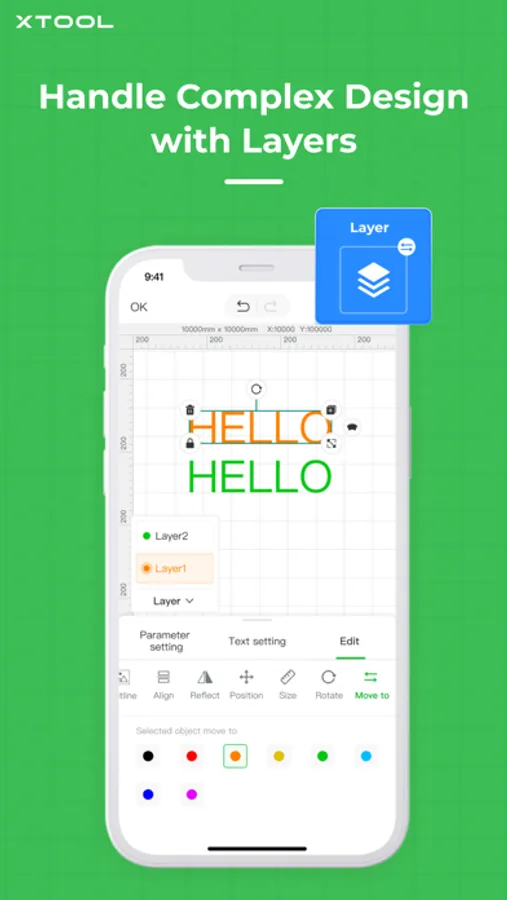
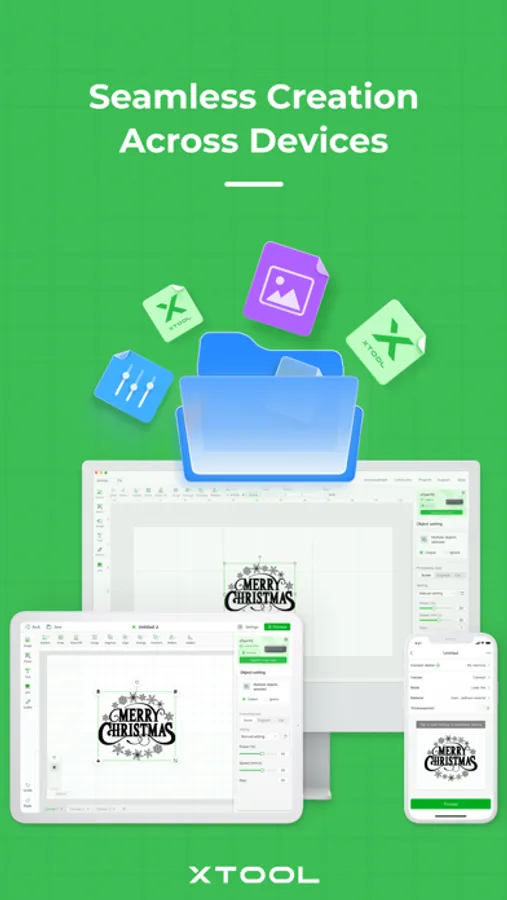
xTool Creative Space is developed for xTool laser machines. It integrates the functions of design, editing, and machine control. Experience a seamless, efficient workflow whether you're using a PC, iPad, or mobile.
Our iPhone app enables you to:
1. Snap & Process on the go, no need for a computer.
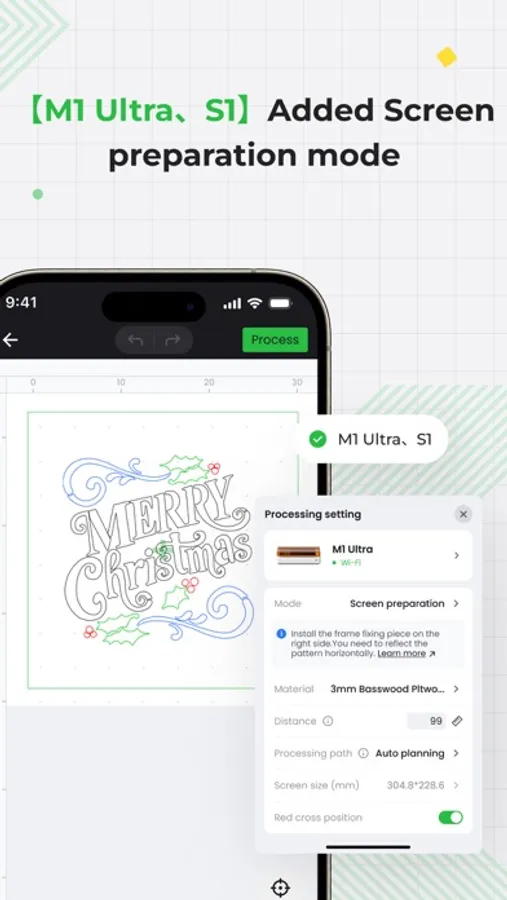
2. Connect your machine wirelessly. From editing to processing, your work follows you wherever you go.
3. Curve your text with a simple click & drag to add flair to your designs.
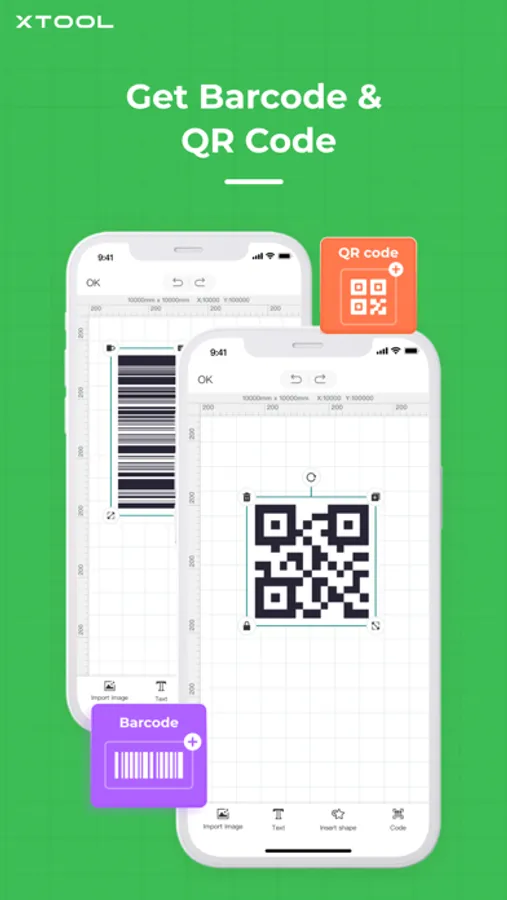
4. Generate barcodes and QR codes in one click, making your project more interactive.
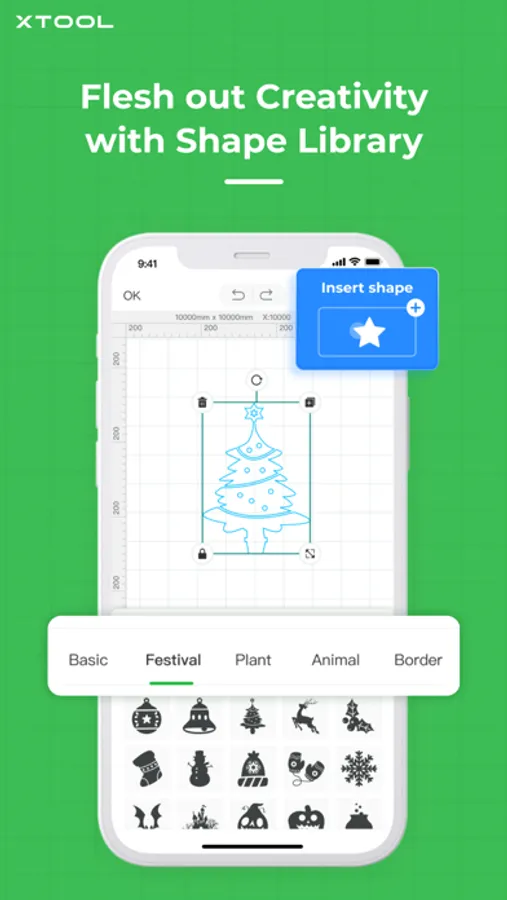
5. Explore a rich collection of shapes, including Borders, Plants, Animals, Festivals, and more!
6. Quickly upload and process images of multiple formats including XCS, SVG, DXF, PNG, JPG, and BMP.
On the iPad app, you'll get more powerful features:
1. Flesh out creativity with hand drawing, just as easy as drawing on a piece of paper.
2. Convert bitmap and sketches to vector path.
3. Create your own material test array with various processing parameters.
4. Tap into xTool Projects, get 1000+ project ideas, tutorials, and free design files created by xTool users.
Our iPhone app enables you to:
1. Snap & Process on the go, no need for a computer.
2. Connect your machine wirelessly. From editing to processing, your work follows you wherever you go.
3. Curve your text with a simple click & drag to add flair to your designs.
4. Generate barcodes and QR codes in one click, making your project more interactive.
5. Explore a rich collection of shapes, including Borders, Plants, Animals, Festivals, and more!
6. Quickly upload and process images of multiple formats including XCS, SVG, DXF, PNG, JPG, and BMP.
On the iPad app, you'll get more powerful features:
1. Flesh out creativity with hand drawing, just as easy as drawing on a piece of paper.
2. Convert bitmap and sketches to vector path.
3. Create your own material test array with various processing parameters.
4. Tap into xTool Projects, get 1000+ project ideas, tutorials, and free design files created by xTool users.