LaserBurn
Shenzhen Longer3D Technology Co., Ltd.
1.4 ★
store rating
Free
AppRecs review analysis
AppRecs rating 1.2. Trustworthiness 74 out of 100. Review manipulation risk 26 out of 100. Based on a review sample analyzed.
★☆☆☆☆
1.2
AppRecs Rating
Ratings breakdown
5 star
11%
4 star
0%
3 star
0%
2 star
0%
1 star
89%
What to know
✓
Low review manipulation risk
26% review manipulation risk
✓
Credible reviews
74% trustworthiness score from analyzed reviews
⚠
Mixed user feedback
Average 1.4★ rating suggests room for improvement
About LaserBurn
[Important Notice]
LaserBurn is only applicable to the LONGER Nano series, B1 series and RAY5 series.
For the required firmware for the B1 series, please visit the following link: https://bit.ly/48eaZw5 or contact official after-sales service at support@longer.net.
[Introduction]
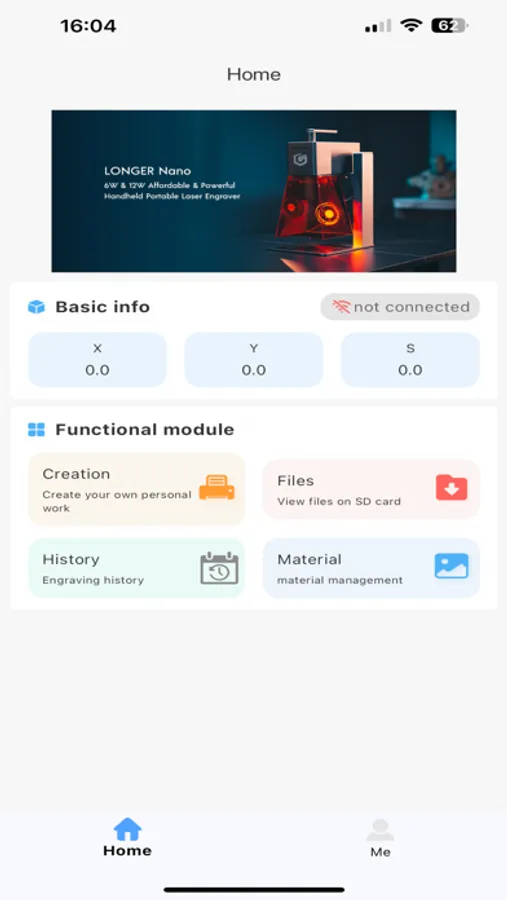
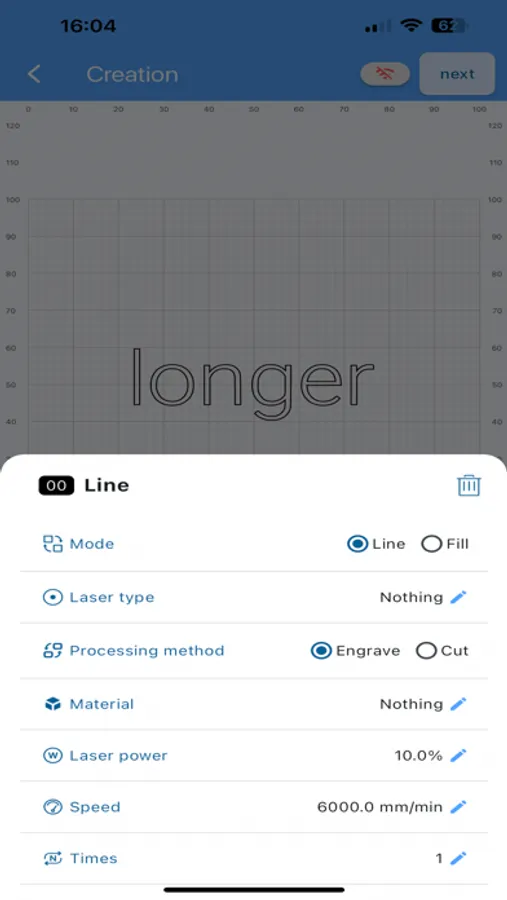
The LaserBurn app is designed specifically for LONGER laser engraving machines. With this app, you can connect and control your LONGER laser engraver, import or create designs, set engraving parameters, preview the engraving before starting, monitor progress in real-time, view engraving history, and even use offline engraving.
[Wi-Fi Setup]
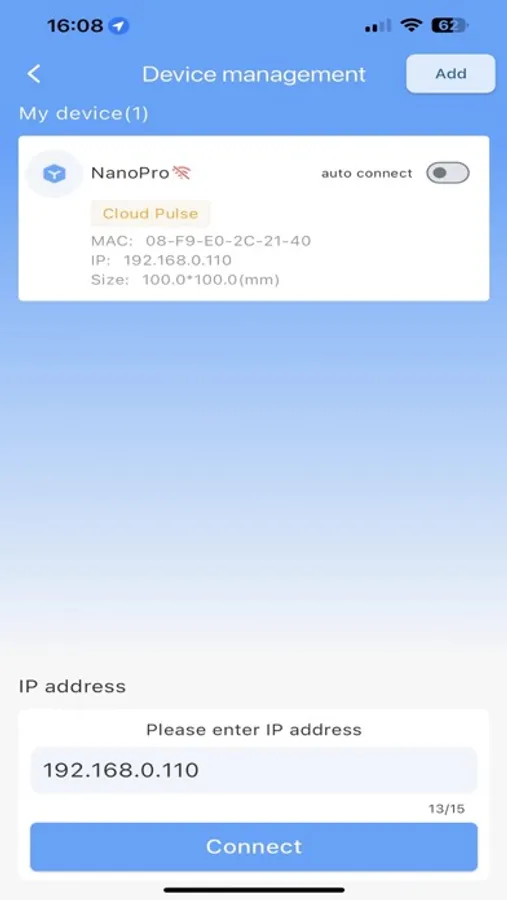
- Display network information, scan for available Wi-Fi networks automatically, or assign a network manually.
[Creation]
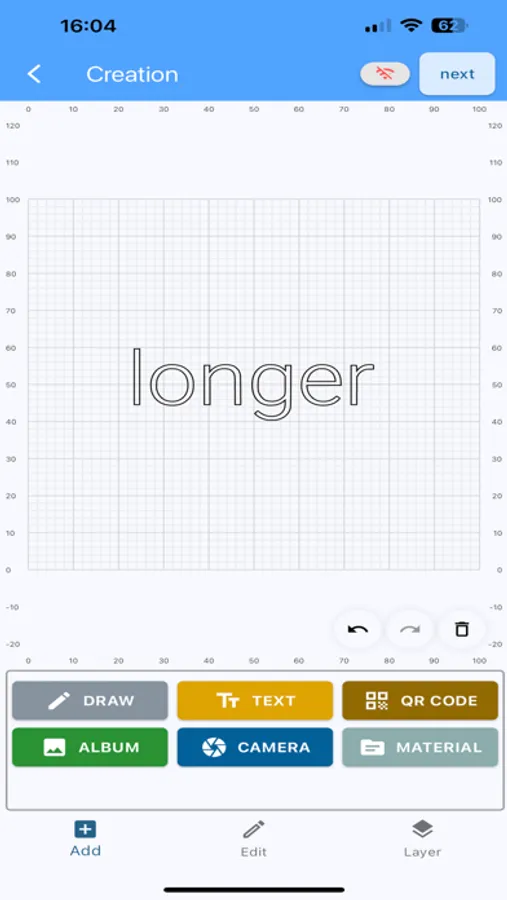
- Offers drawing tools for graffiti (lines and simple shapes), text, QR code creation, album import and editing, photo capture, a material library, and layer management.
[Preparation]
- Set the design's position and size, and preview the engraving pattern.
- Use border patrol to outline and adjust the engraving area.
- Configure engraving parameters (laser power, speed, precision, repetitions, etc.).
[Control]
- Displays the machine's current position, and allows you to set the zero point, zero the software/hardware, move the axis, and adjust the laser focus.
[Work]
- Shows engraving details, including machine status, time, repetitions, and coordinates.
- Adjust parameters such as laser power magnification, feed speed, and air assist.
- Provides pause, resume, and end engraving options.
[File]
- View a list of G-code files stored on the machine, including capacity, file size, and more.
- Select files for preview and engraving.
[History]
- Displays engraving history, including file names, times, and repetitions.
- Reuse history files for repeat engraving.
[Materials]
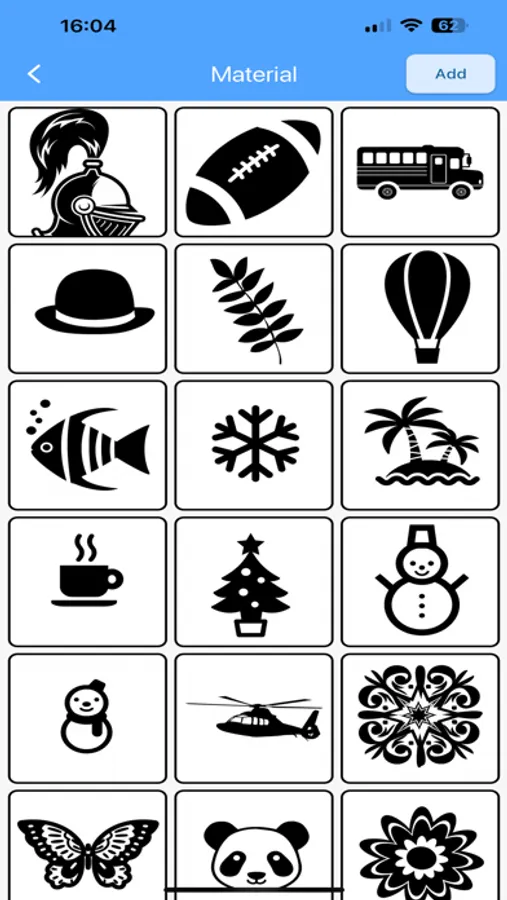
- Access built-in or custom patterns for easy reuse.
[Help]
- A wealth of tutorial videos and documents are available to help you quickly get started with your LONGER engraving machine and troubleshoot any issues.
LaserBurn is only applicable to the LONGER Nano series, B1 series and RAY5 series.
For the required firmware for the B1 series, please visit the following link: https://bit.ly/48eaZw5 or contact official after-sales service at support@longer.net.
[Introduction]
The LaserBurn app is designed specifically for LONGER laser engraving machines. With this app, you can connect and control your LONGER laser engraver, import or create designs, set engraving parameters, preview the engraving before starting, monitor progress in real-time, view engraving history, and even use offline engraving.
[Wi-Fi Setup]
- Display network information, scan for available Wi-Fi networks automatically, or assign a network manually.
[Creation]
- Offers drawing tools for graffiti (lines and simple shapes), text, QR code creation, album import and editing, photo capture, a material library, and layer management.
[Preparation]
- Set the design's position and size, and preview the engraving pattern.
- Use border patrol to outline and adjust the engraving area.
- Configure engraving parameters (laser power, speed, precision, repetitions, etc.).
[Control]
- Displays the machine's current position, and allows you to set the zero point, zero the software/hardware, move the axis, and adjust the laser focus.
[Work]
- Shows engraving details, including machine status, time, repetitions, and coordinates.
- Adjust parameters such as laser power magnification, feed speed, and air assist.
- Provides pause, resume, and end engraving options.
[File]
- View a list of G-code files stored on the machine, including capacity, file size, and more.
- Select files for preview and engraving.
[History]
- Displays engraving history, including file names, times, and repetitions.
- Reuse history files for repeat engraving.
[Materials]
- Access built-in or custom patterns for easy reuse.
[Help]
- A wealth of tutorial videos and documents are available to help you quickly get started with your LONGER engraving machine and troubleshoot any issues.