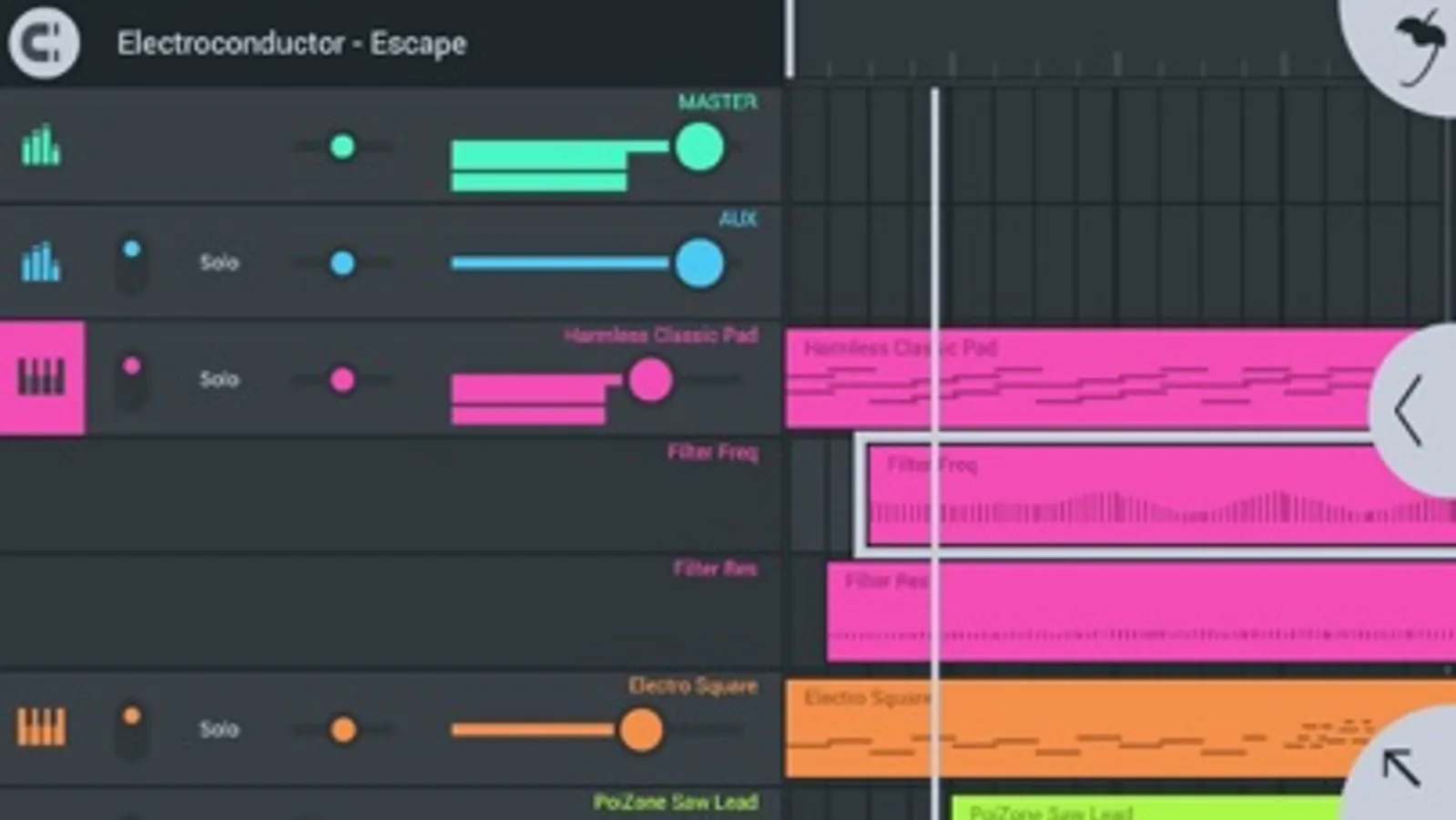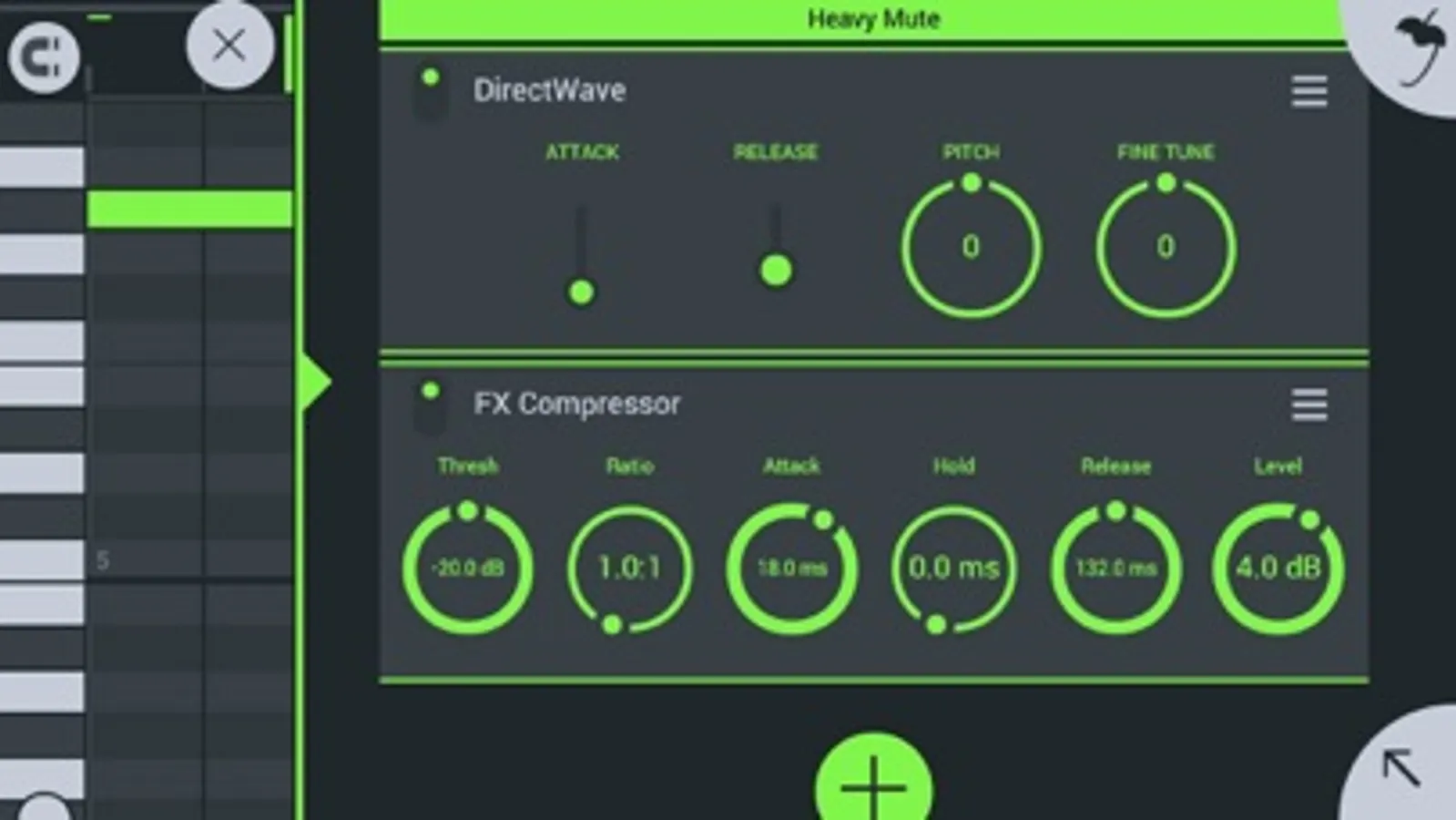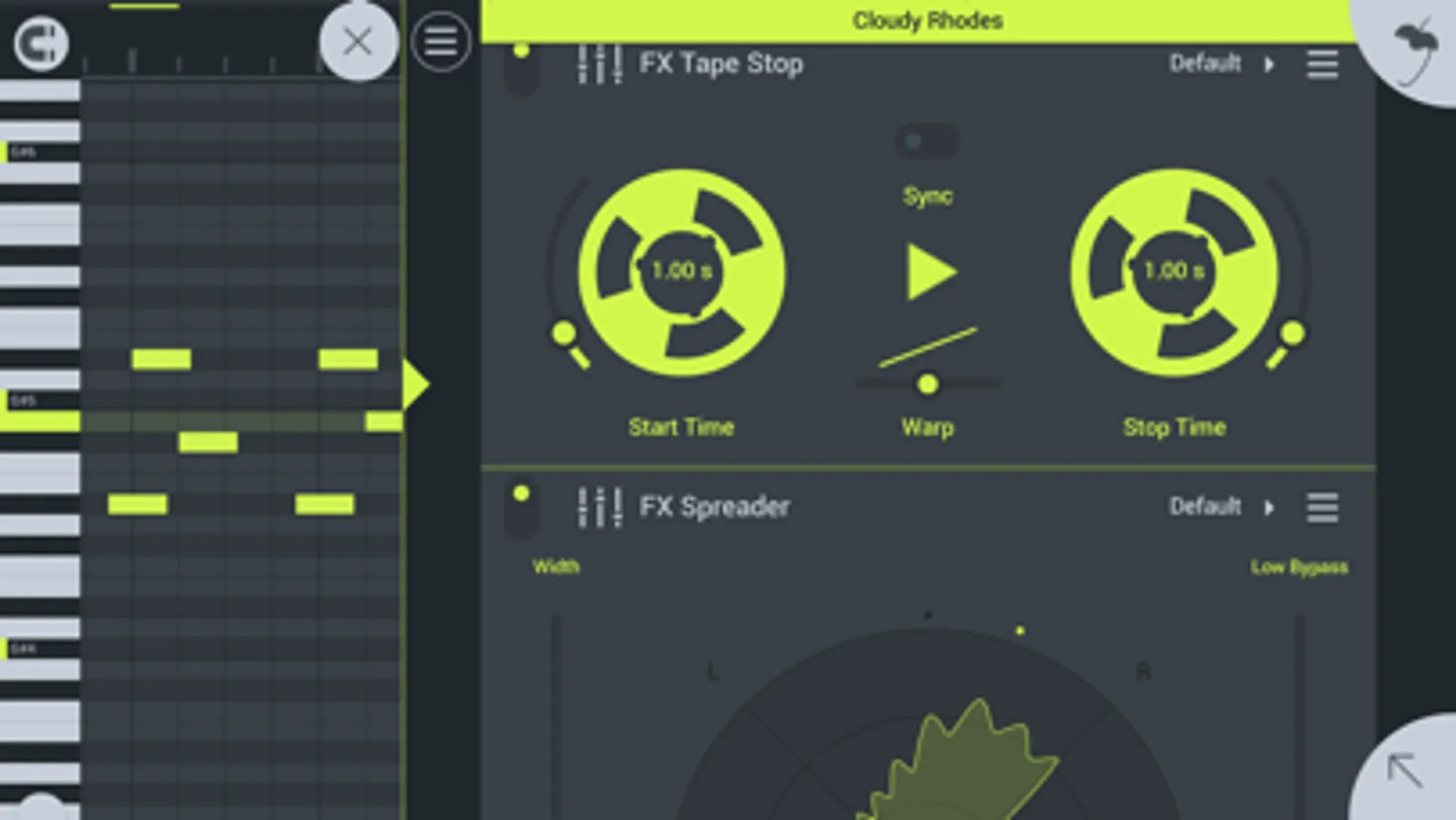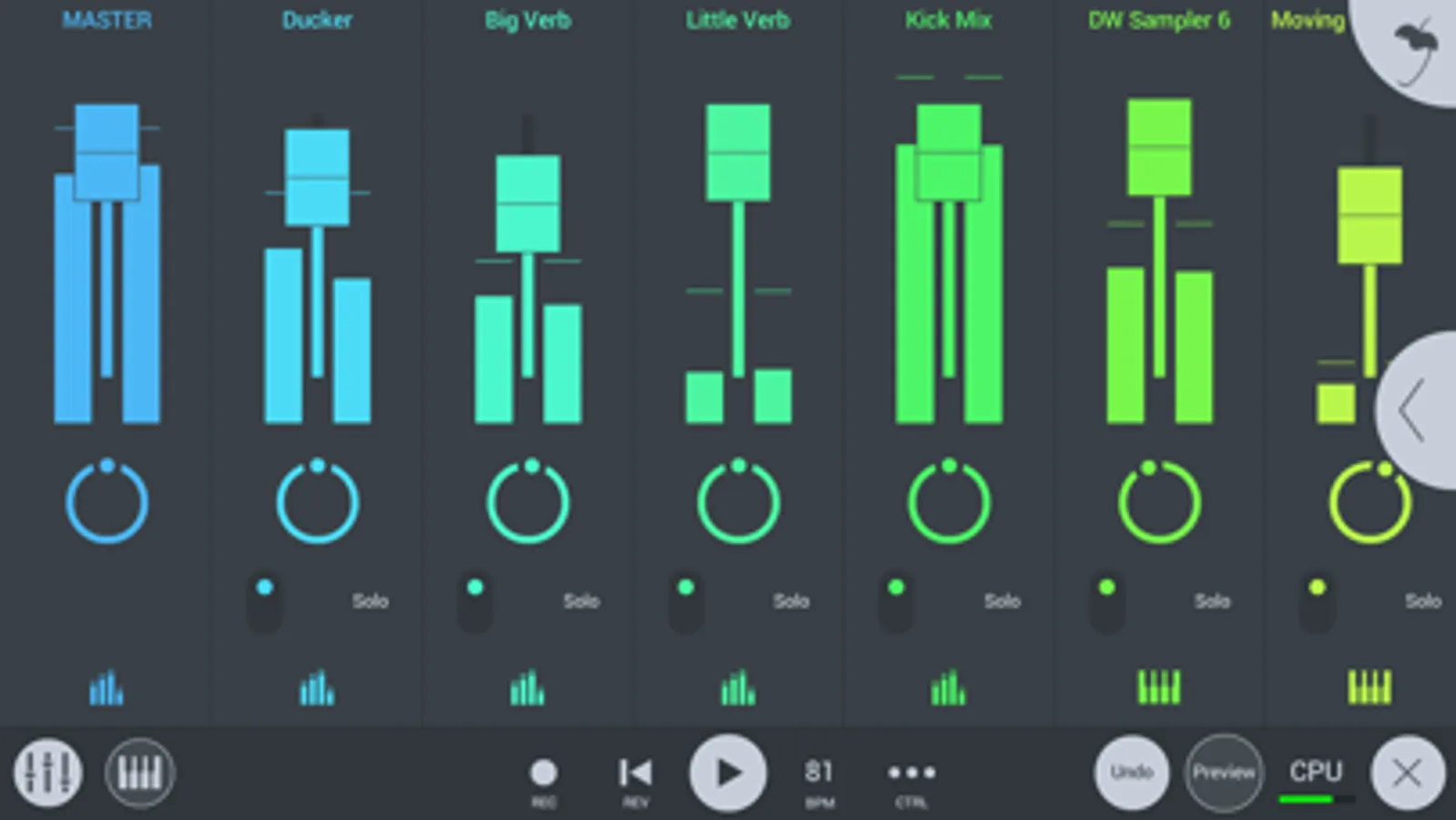
In this music production app, you can record, sequence, edit, and mix multiple tracks to create complete songs. Includes instrument modules, effect processors, sample browsing, and cloud sharing options.
AppRecs review analysis
AppRecs rating 3.2. Trustworthiness 78 out of 100. Review manipulation risk 22 out of 100. Based on a review sample analyzed.
★★★☆☆
3.2
AppRecs Rating
Ratings breakdown
5 star
49%
4 star
14%
3 star
12%
2 star
8%
1 star
18%
What to know
✓
Low review manipulation risk
22% review manipulation risk
✓
Credible reviews
78% trustworthiness score from analyzed reviews
✓
Good user ratings
63% positive sampled reviews
About FL Studio Mobile
Create and save complete multi-track music projects on your iPad, iPhone or Mac. Record, sequence, edit, mix and render complete songs.
FEATURE HIGHLIGHTS
* Audio recording, track-length stem/wav import
* Browse sample and presets with preview
* Effects modules (see Included Content)
* Full-screen MacBook and iMac Trackpad and Mouse support.
* High quality synthesizers, sampler, drum kits & sliced-loop beats
* Instrument modules (see Included Content)
* Load projects in the FL STUDIO** FREE Plugin version of this App
* MIDI controller support (class compliant). Automation support.
* MIDI file import and Export (Single-track or Multi-track)
* Mixer: Per-track mute, solo, effect bus, pan and volume adjustment
* Piano roll. Edit notes or capture recorded performances.
* Save and load WAV, MP3, AAC*, FLAC, MIDI
* Share your songs via Wi-Fi or Cloud to other Mobile 3 installations
* Step sequencer
* User interface configurable with all screen resolutions and sizes.
* Virtual piano-keyboard & Drumpads
* IAA App support (In/Out), Audiobus support (In/Out)
* Audio recording (external and internal sources)
* Share your songs via Sync to other Mobile 3 devices / installations
* Load your projects in the FL STUDIO* FREE 'Plugin' Version of this App#
IN APP PURCHASES & INCLUDED CONTENT
FL Studio Mobile includes in-app purchases for the DirectWave sample player. You can install your own samples and don’t need to buy content.
All Instrument modules are included: Drum Sampler, DirectWave Sample Player, GMS (Groove Machine Synth), Transistor Bass, MiniSynth & SuperSaw.
All Effect modules are included: Analyzer (visual), Auto Ducker, Auto-Pitch (pitch correction), Chorus, Compressor, Limiter, Distortion, Parametric Equalizer, Graphic Equalizer, Flanger, Reverb, Tuner (Guitar/Vocal/Inst), High-Pass/Low-Pass/Band-Pass/Formant (Vox) Filters, Delays, Phaser and Stereoizer.
Included Drum Samples: Cymbals, Hats, Kicks, Snares, Toms, Percussion, Risers, SFX
Included DirectWave Instruments: Guitars, Keyboards, Orchestral, Synth, Bass, Synth Keyboards, Synth Leads, Synth Pads, Sliced, Drums, Drum Kits and Effects.
Included MiniSynth Presets: Bass, Keys, Leads, Pads, SFX, Synths
Included SuperSaw Presets: Arps, Bass, Bells, SFX, Leads, Pads, Sequences, Synths
WANT TO TRY BEFORE YOU BUY?
Install FL STUDIO 20 for macOS / Windows and you can use the FL Studio Mobile Plugin. This is identical to the App, as a plugin inside FL Studio. Get it here: http://www.image-line.com/downloads/flstudiodownload.html
MANUAL / TRAINING / VIDEOS
http://support.image-line.com/redirect/flstudiomobile_help
http://support.image-line.com/redirect/flstudiomobile_videos
SUPPORT
Please help us to help you! In the App, tap 'Help > Users & Support Forums' to register FL Studio Mobile to your Image-Line account and gain access to the forum. You can then report bugs, make feature requests and access free downloadable content: http://support.image-line.com/redirect/flmobile_forum
FEATURE HIGHLIGHTS
* Audio recording, track-length stem/wav import
* Browse sample and presets with preview
* Effects modules (see Included Content)
* Full-screen MacBook and iMac Trackpad and Mouse support.
* High quality synthesizers, sampler, drum kits & sliced-loop beats
* Instrument modules (see Included Content)
* Load projects in the FL STUDIO** FREE Plugin version of this App
* MIDI controller support (class compliant). Automation support.
* MIDI file import and Export (Single-track or Multi-track)
* Mixer: Per-track mute, solo, effect bus, pan and volume adjustment
* Piano roll. Edit notes or capture recorded performances.
* Save and load WAV, MP3, AAC*, FLAC, MIDI
* Share your songs via Wi-Fi or Cloud to other Mobile 3 installations
* Step sequencer
* User interface configurable with all screen resolutions and sizes.
* Virtual piano-keyboard & Drumpads
* IAA App support (In/Out), Audiobus support (In/Out)
* Audio recording (external and internal sources)
* Share your songs via Sync to other Mobile 3 devices / installations
* Load your projects in the FL STUDIO* FREE 'Plugin' Version of this App#
IN APP PURCHASES & INCLUDED CONTENT
FL Studio Mobile includes in-app purchases for the DirectWave sample player. You can install your own samples and don’t need to buy content.
All Instrument modules are included: Drum Sampler, DirectWave Sample Player, GMS (Groove Machine Synth), Transistor Bass, MiniSynth & SuperSaw.
All Effect modules are included: Analyzer (visual), Auto Ducker, Auto-Pitch (pitch correction), Chorus, Compressor, Limiter, Distortion, Parametric Equalizer, Graphic Equalizer, Flanger, Reverb, Tuner (Guitar/Vocal/Inst), High-Pass/Low-Pass/Band-Pass/Formant (Vox) Filters, Delays, Phaser and Stereoizer.
Included Drum Samples: Cymbals, Hats, Kicks, Snares, Toms, Percussion, Risers, SFX
Included DirectWave Instruments: Guitars, Keyboards, Orchestral, Synth, Bass, Synth Keyboards, Synth Leads, Synth Pads, Sliced, Drums, Drum Kits and Effects.
Included MiniSynth Presets: Bass, Keys, Leads, Pads, SFX, Synths
Included SuperSaw Presets: Arps, Bass, Bells, SFX, Leads, Pads, Sequences, Synths
WANT TO TRY BEFORE YOU BUY?
Install FL STUDIO 20 for macOS / Windows and you can use the FL Studio Mobile Plugin. This is identical to the App, as a plugin inside FL Studio. Get it here: http://www.image-line.com/downloads/flstudiodownload.html
MANUAL / TRAINING / VIDEOS
http://support.image-line.com/redirect/flstudiomobile_help
http://support.image-line.com/redirect/flstudiomobile_videos
SUPPORT
Please help us to help you! In the App, tap 'Help > Users & Support Forums' to register FL Studio Mobile to your Image-Line account and gain access to the forum. You can then report bugs, make feature requests and access free downloadable content: http://support.image-line.com/redirect/flmobile_forum