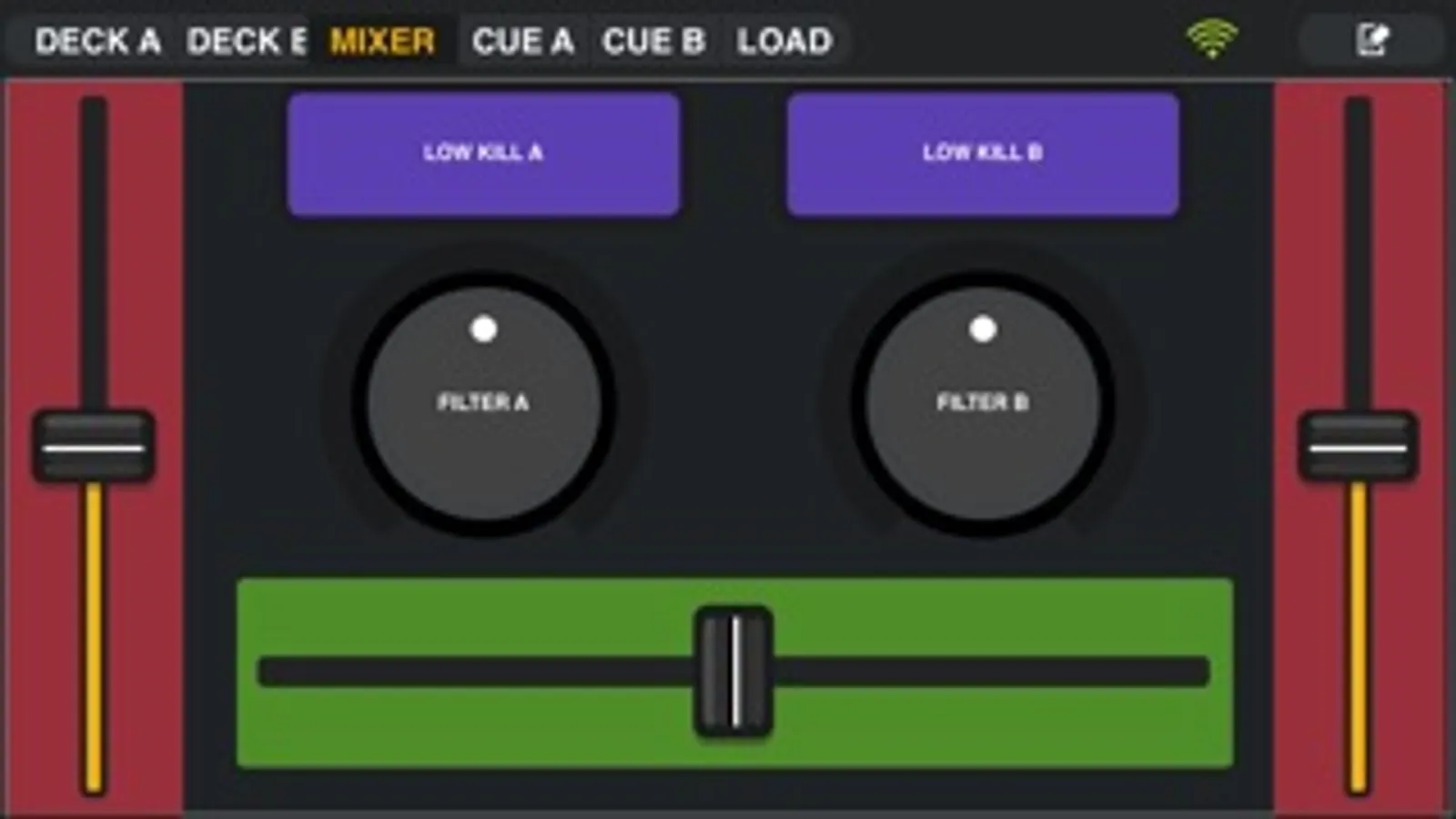
In this app, you can control FL Studio remotely using your device over Wi-Fi, adjusting transport, plugins, and mixer settings. Includes customizable control tabs, support for multiple devices, and various control types like faders, knobs, and keyboards.
AppRecs review analysis
AppRecs rating 3.0. Trustworthiness 79 out of 100. Review manipulation risk 24 out of 100. Based on a review sample analyzed.
★★★☆☆
3.0
AppRecs Rating
Ratings breakdown
5 star
42%
4 star
18%
3 star
8%
2 star
14%
1 star
17%
What to know
✓
Low review manipulation risk
24% review manipulation risk
✓
Credible reviews
79% trustworthiness score from analyzed reviews
⚠
High negative review ratio
31% of sampled ratings are 1–2 stars
About ILRemote
Image-Line Remote ( IL Remote ) is a free Wi-Fi MIDI controller for FL STUDIO on desktop and laptop computers. It works on Tablets or Phones. Just open FL Studio on your computer plus IL Remote on your iDevice and the connection is automatically made over your Wi-Fi network.
Control FL Studio instantly or link your favorite instrument and effect plugins just as you can with any MIDI controller. Use a phone, tablet or any combination with up to 15 devices simultaneously.
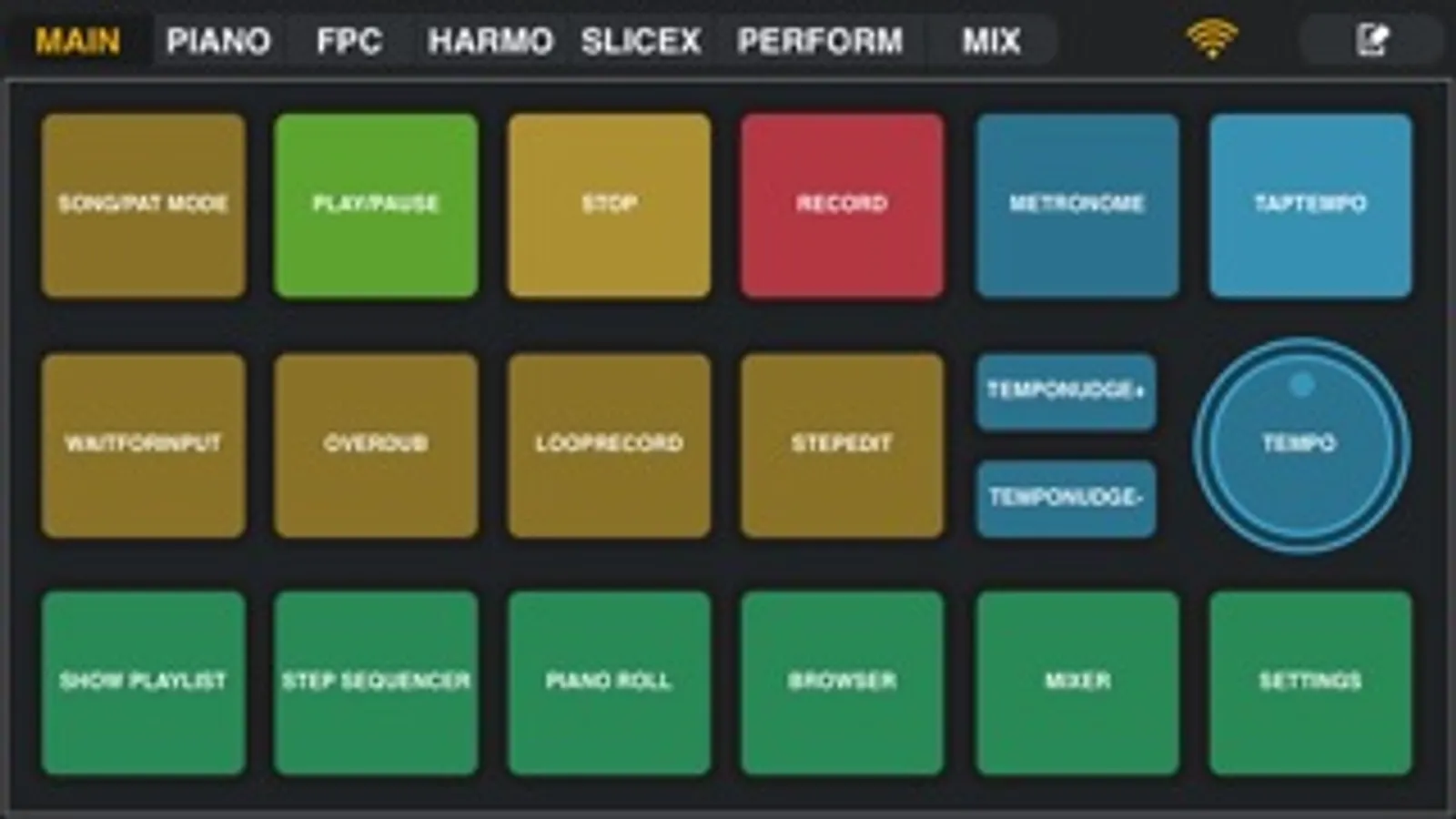
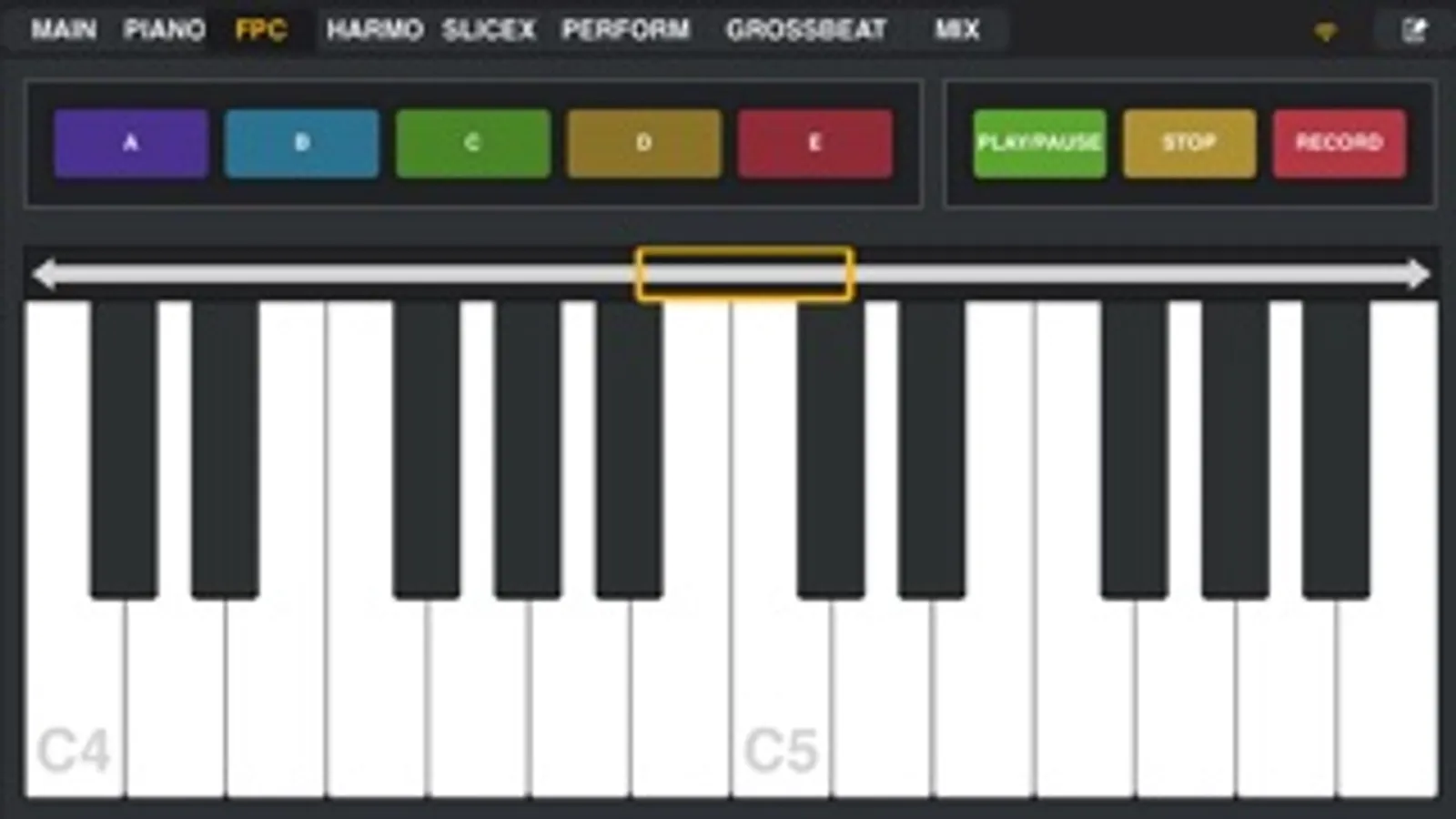
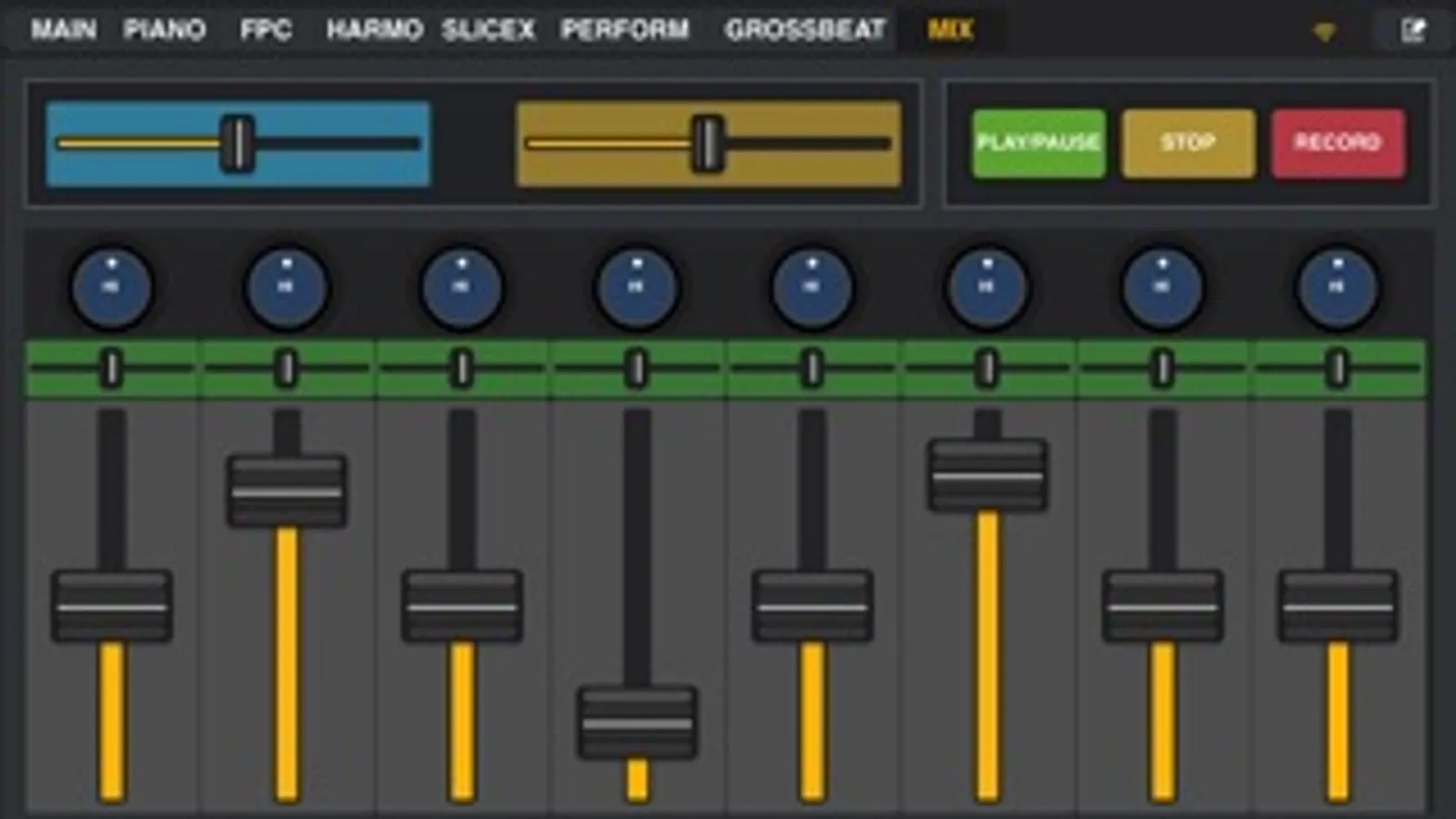
Use the included controller tabs covering functions including; Transport Controls, MIDI Keyboard, FPC control, Harmonizer Keyboard, Performance Mode (Clip Launcher), Gross Beat FX, Mixer and more. If the control you want isn’t available then you can create your own.
IL Remote allows you to add custom tabs and add controls including Pads, Faders, Knobs, Jog Wheels, Mixer, Clip Launcher, X/Y Controls, Piano Keyboard, Harmonic Grid and Containers. There is a complete range of customization options for each control so that you can create virtually any virtual MIDI controller to suit your needs.
For more details check the online manual here:
http://support.image-line.com/redirect/ILRemoteManual
See the video tutorial series here:
http://support.image-line.com/redirect/ILRemote_Videos
Control FL Studio instantly or link your favorite instrument and effect plugins just as you can with any MIDI controller. Use a phone, tablet or any combination with up to 15 devices simultaneously.
Use the included controller tabs covering functions including; Transport Controls, MIDI Keyboard, FPC control, Harmonizer Keyboard, Performance Mode (Clip Launcher), Gross Beat FX, Mixer and more. If the control you want isn’t available then you can create your own.
IL Remote allows you to add custom tabs and add controls including Pads, Faders, Knobs, Jog Wheels, Mixer, Clip Launcher, X/Y Controls, Piano Keyboard, Harmonic Grid and Containers. There is a complete range of customization options for each control so that you can create virtually any virtual MIDI controller to suit your needs.
For more details check the online manual here:
http://support.image-line.com/redirect/ILRemoteManual
See the video tutorial series here:
http://support.image-line.com/redirect/ILRemote_Videos