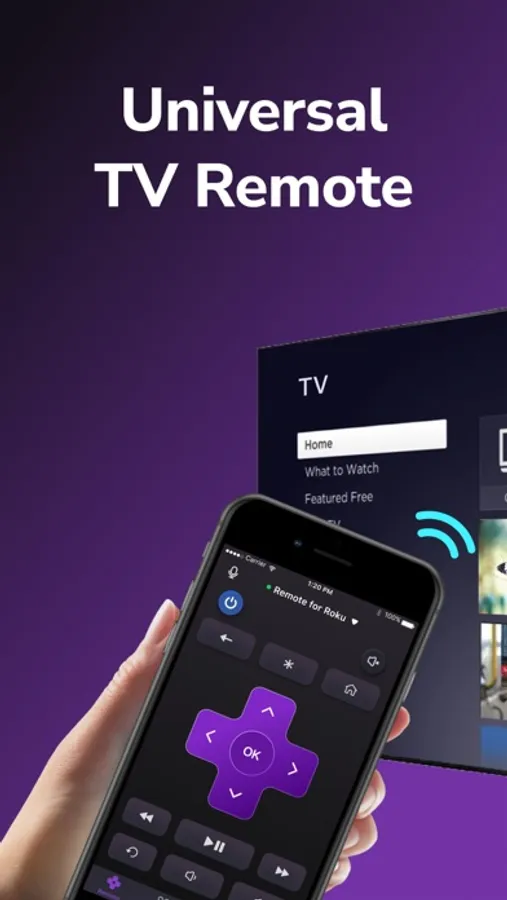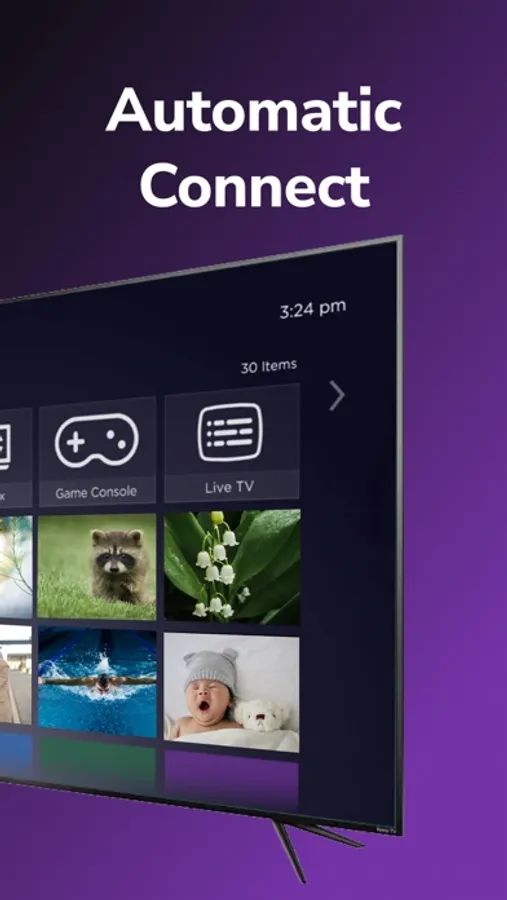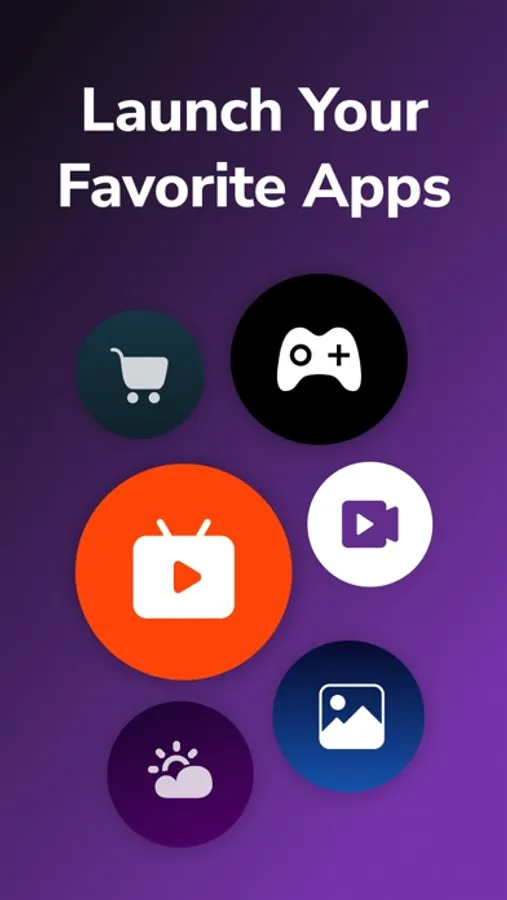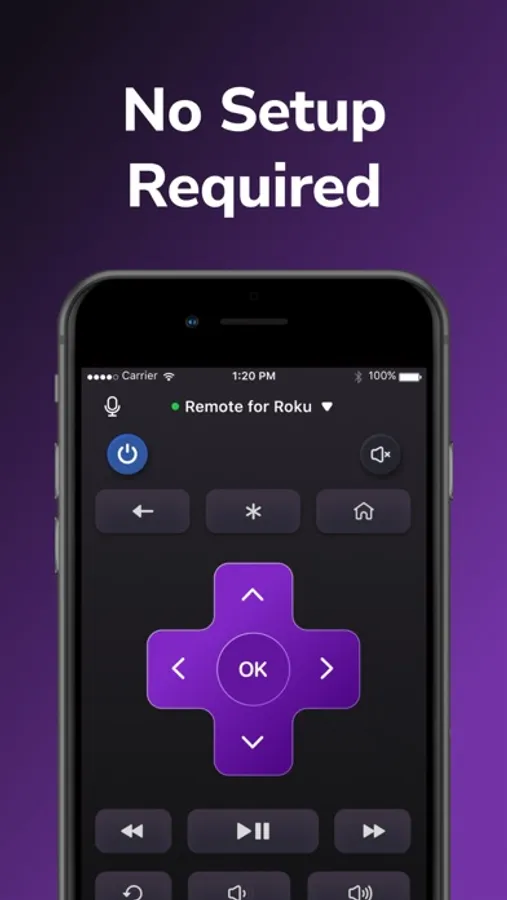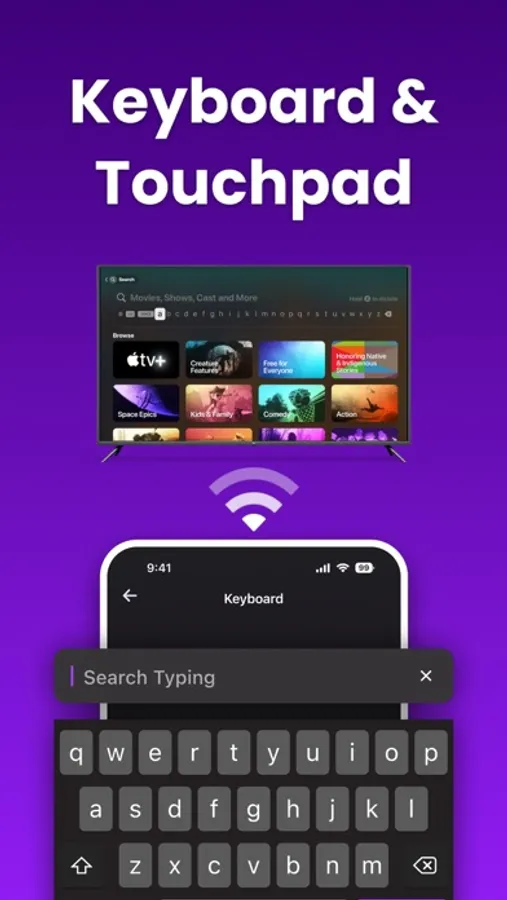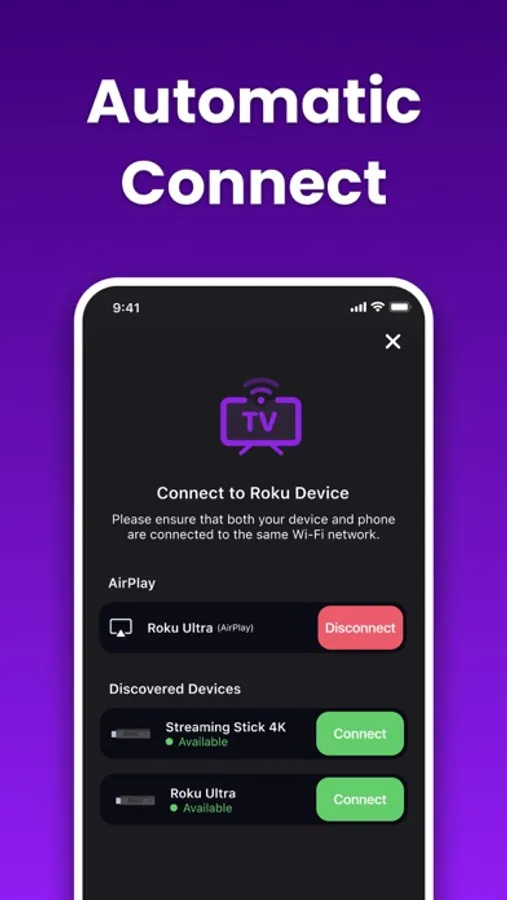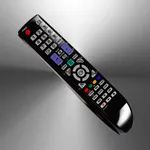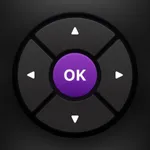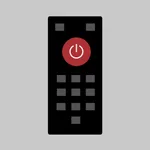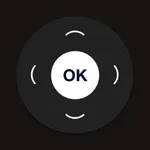
In this remote control app, you can connect your iPhone to your smart TV to adjust settings and launch streaming services. Includes automatic device detection and a user-friendly interface for quick control.
AppRecs review analysis
AppRecs rating 4.1. Trustworthiness 75 out of 100. Review manipulation risk 26 out of 100. Based on a review sample analyzed.
★★★★☆
4.1
AppRecs Rating
Ratings breakdown
5 star
83%
4 star
6%
3 star
3%
2 star
2%
1 star
6%
What to know
✓
Low review manipulation risk
26% review manipulation risk
⚠
Ad complaints
Many low ratings mention excessive ads
⚠
Pricing complaints
Many low ratings mention paywalls or pricing
About Universal Remote - Smart TV .
Our TV Remote Plus App allows you to easily control your smart TV. Whether you're watching a movie or catching up on your favorite show, our app makes it easy to adjust the volume, switch channels, and access streaming services.
Simply connect your iPhone to the same Wi-Fi network as your smart TV and the app will automatically detect it. Then just click "connect" and you're all set.
Key features:
- Streaming apps can be viewed easily
- Launch channels directly from the app
- Very fast response time
- The beautiful remote control interface
- Automatically detects smart TVs on the same Wi-Fi network
Subscription Terms:
- Payment will be charged to your iTunes Account at confirmation of purchase.
- You can cancel your subscription here: https://support.apple.com/en-us/HT202039
- Your subscription automatically renews unless auto-renew is turned off at least 24 hours before the end of the current period.
- Any unused portion of a free trial period, if offered, will be forfeited when you purchase a subscription, where applicable.
- Subscriptions may be managed by the user and auto-renewal may be turned off by going to the user's Account Settings after purchase
- When purchasing a subscription, any unused portion of a free trial period will be forfeited.
Read more about our terms and conditions here:
Terms of Service: www.flywisemobile.com/terms
Privacy Policy: www.flywisemobile.com/privacy
If you have any questions or feedback, contact us at support@flywisemobile.com
Simply connect your iPhone to the same Wi-Fi network as your smart TV and the app will automatically detect it. Then just click "connect" and you're all set.
Key features:
- Streaming apps can be viewed easily
- Launch channels directly from the app
- Very fast response time
- The beautiful remote control interface
- Automatically detects smart TVs on the same Wi-Fi network
Subscription Terms:
- Payment will be charged to your iTunes Account at confirmation of purchase.
- You can cancel your subscription here: https://support.apple.com/en-us/HT202039
- Your subscription automatically renews unless auto-renew is turned off at least 24 hours before the end of the current period.
- Any unused portion of a free trial period, if offered, will be forfeited when you purchase a subscription, where applicable.
- Subscriptions may be managed by the user and auto-renewal may be turned off by going to the user's Account Settings after purchase
- When purchasing a subscription, any unused portion of a free trial period will be forfeited.
Read more about our terms and conditions here:
Terms of Service: www.flywisemobile.com/terms
Privacy Policy: www.flywisemobile.com/privacy
If you have any questions or feedback, contact us at support@flywisemobile.com