TVD - Social Video Bookmarker
Aculix Technologies LLP
4.8 ★
store rating
Free
AppRecs review analysis
AppRecs rating 4.3. Trustworthiness 45 out of 100. Review manipulation risk 21 out of 100. Based on a review sample analyzed.
★★★★☆
4.3
AppRecs Rating
Ratings breakdown
5 star
89%
4 star
0%
3 star
11%
2 star
0%
1 star
0%
What to know
⚠
Rating authenticity concerns
High rating concentration (89% 5-star) in sampled ratings
About TVD - Social Video Bookmarker
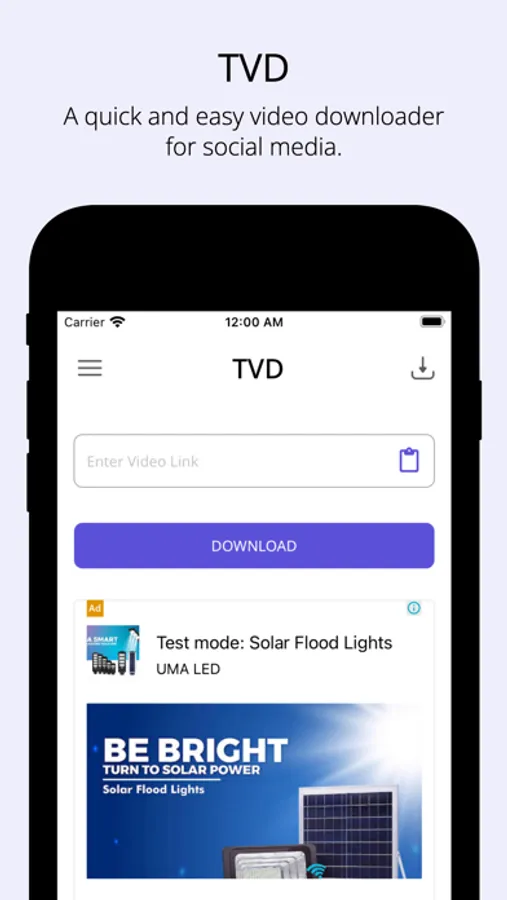
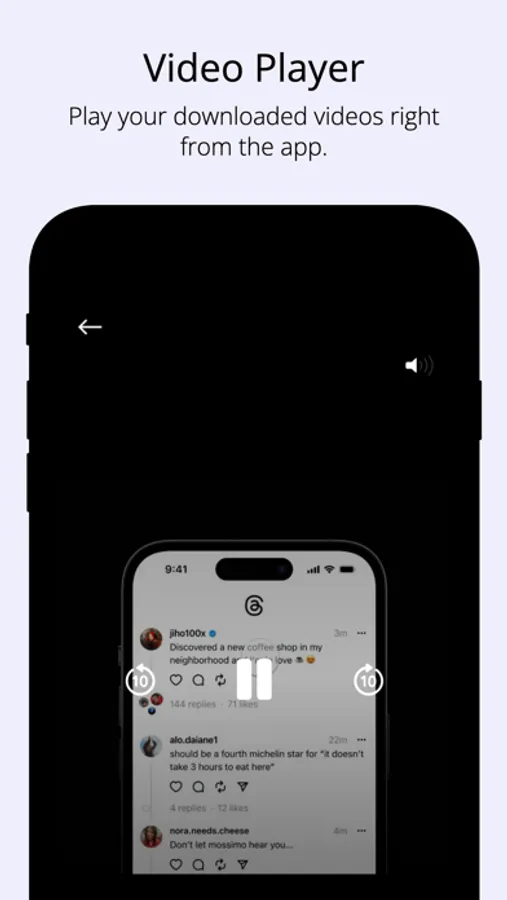
TVD offers a quick and easy way to bookmark videos and GIFs from social media. TVD makes it a breeze to collect GIFs and videos from social media.
Features:
- Easily bookmark GIFs and videos from social media.
- Bookmark videos from social posts containing multiple videos.
- Share the links to any app directly from the TVD app.
- Organize all your links inside the TVD app.
How to use:
Method - 1 (Recommended)
1. Open the social media post with the video that you want to bookmark.
2. Tap on the 'Share' icon below the post to open the share sheet.
2. Select TVD from the list of apps to begin bookmarking the link.
Method - 2
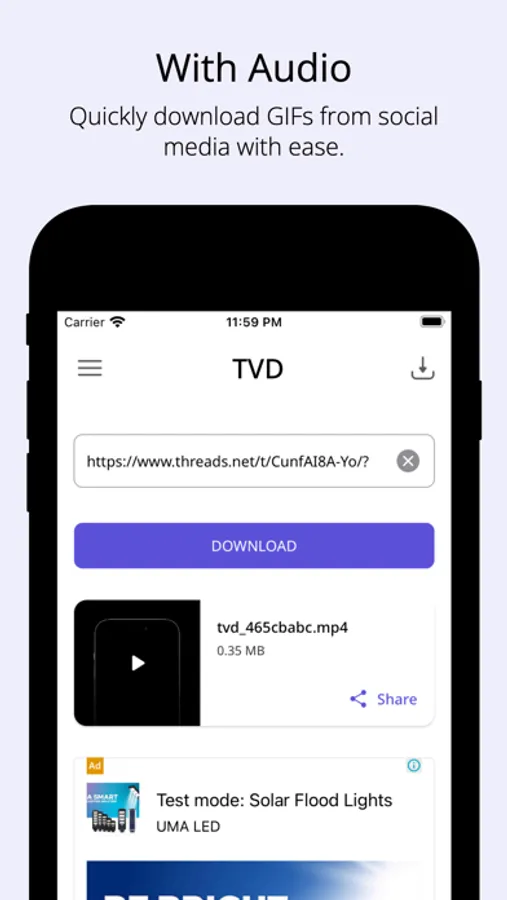
1. Copy the link to the post with the video that you want to bookmark.
2. Open the TVD app and use the clipboard icon to paste the link.
3. Tap on the Find button to begin collecting the link inside the app.
Cheers! :)
Features:
- Easily bookmark GIFs and videos from social media.
- Bookmark videos from social posts containing multiple videos.
- Share the links to any app directly from the TVD app.
- Organize all your links inside the TVD app.
How to use:
Method - 1 (Recommended)
1. Open the social media post with the video that you want to bookmark.
2. Tap on the 'Share' icon below the post to open the share sheet.
2. Select TVD from the list of apps to begin bookmarking the link.
Method - 2
1. Copy the link to the post with the video that you want to bookmark.
2. Open the TVD app and use the clipboard icon to paste the link.
3. Tap on the Find button to begin collecting the link inside the app.
Cheers! :)