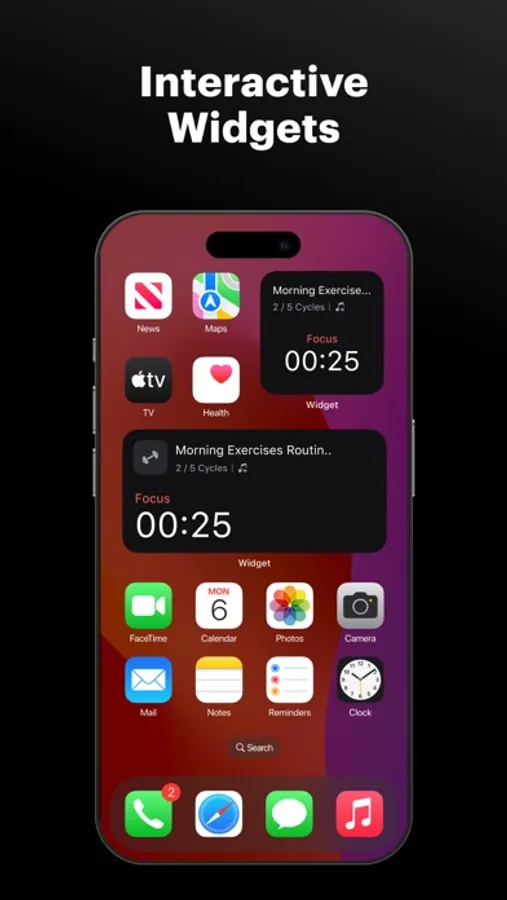
In this productivity app, you can set and customize focus timers for different tasks and break periods. Includes options to add sub-tasks, play ambient sounds, and track focus sessions with statistics.
AppRecs review analysis
AppRecs rating 4.7. Trustworthiness 72 out of 100. Review manipulation risk 28 out of 100. Based on a review sample analyzed.
★★★★☆
4.7
AppRecs Rating
Ratings breakdown
5 star
85%
4 star
9%
3 star
3%
2 star
1%
1 star
2%
What to know
✓
Low review manipulation risk
28% review manipulation risk
✓
Credible reviews
72% trustworthiness score from analyzed reviews
✓
High user satisfaction
85% of sampled ratings are 5 stars
About Tomato Timer ۬
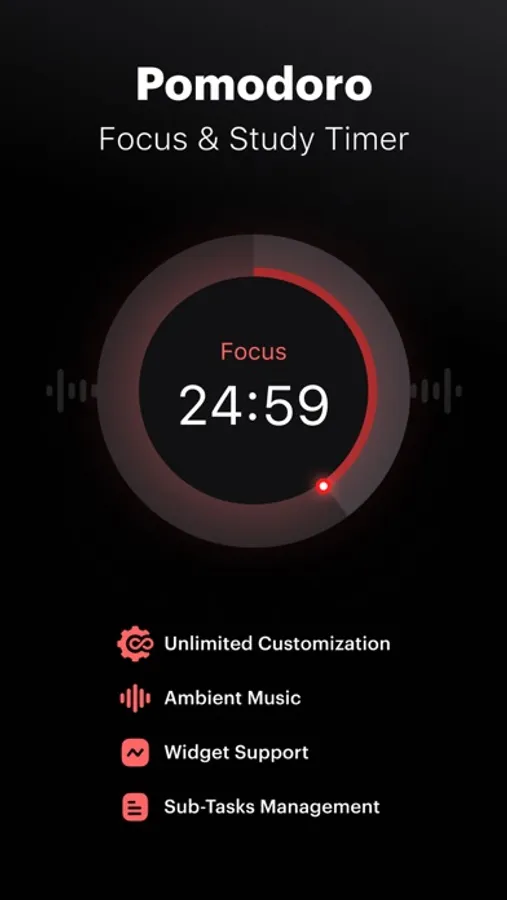
Pomodoro is an age-old time management and effective focus-improvement technique. Our Pomodoro Timer app brings that technique right to your iPhone/iPad.
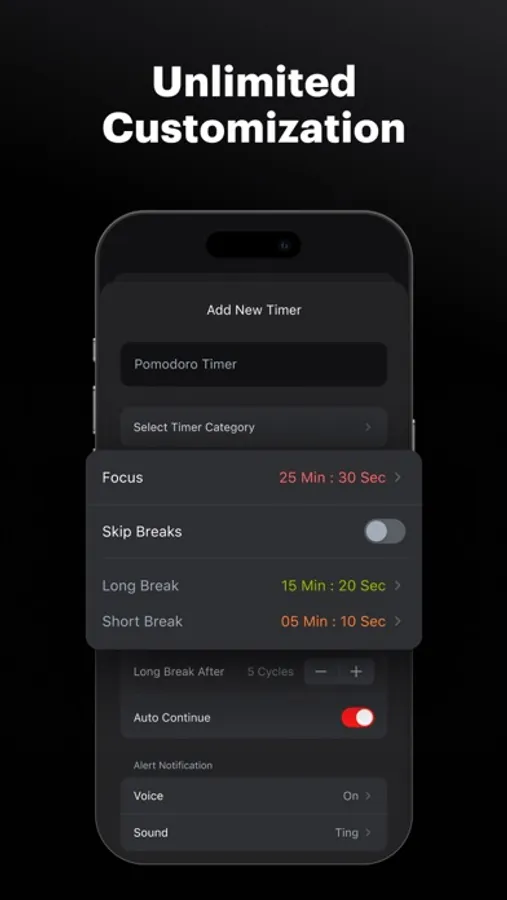
Besides other traditional focus timer apps, our app actually includes the default pomodoro timer, but also allows you to create your own timers and customize the length of your focus session, short break, long break, etc.
It might look like a very small app, but it isn’t one, it has options to add sub-tasks, play multiple ambient sounds at once, and track all your focus sessions using our advanced statistics manager (pro-users)
Key Features
> Default Pomodoro Timer: This is a default timer created which allows people to just download the app and start the pomodoro technique based timer.
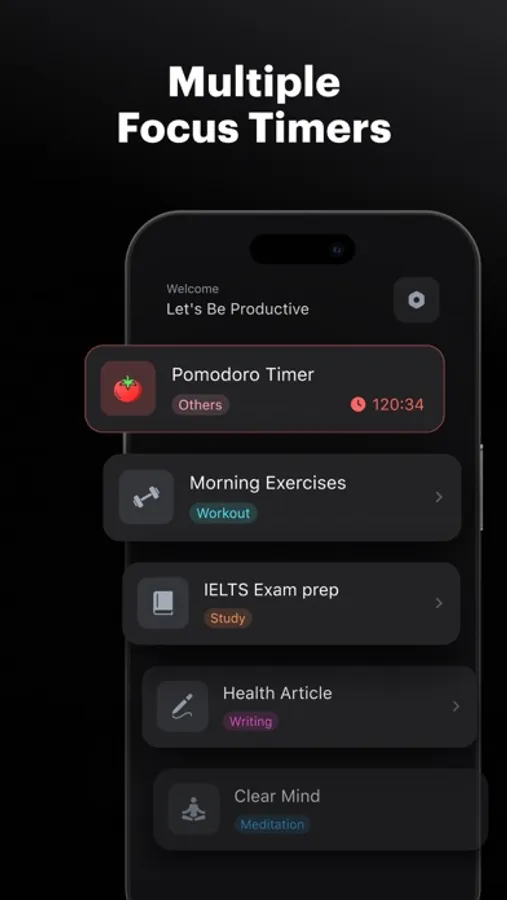
> Create Multiple Timers: Create multiple Pomodoros or timers for different tasks. So whether you want to improve focus during a workout or study time, create a timer, set focus time, short breaks, long breaks, and you’re done! Do this for all the activities which require high-quality focus time.
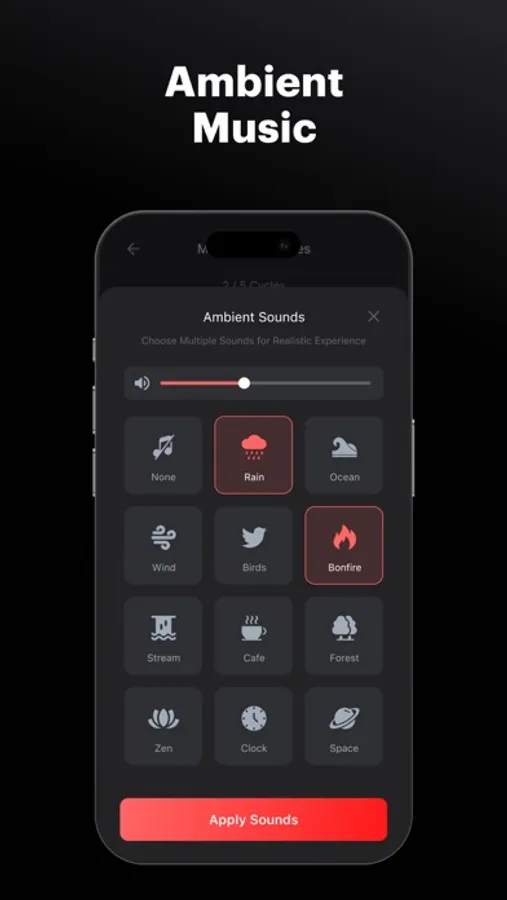
> Play multiple Ambient sounds at once: Currently our app has recordings of 15 different natural sounds, you can pick multiple For instance, you can play forest, thunderstorm, and bonfire. According to research, music of the right choice can boost focus by 30%.
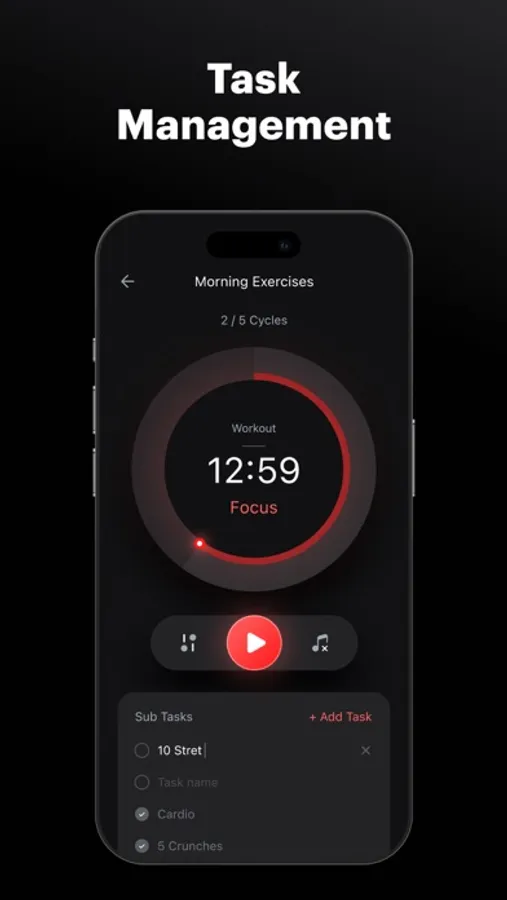
> Add Sub-Tasks: There’s always a micro-task under your main task which you forget, that’s why we’ve added the “add sub-tasks” functionality. Basically, you can add sub-tasks for your main tasks and mark them as done on the go.
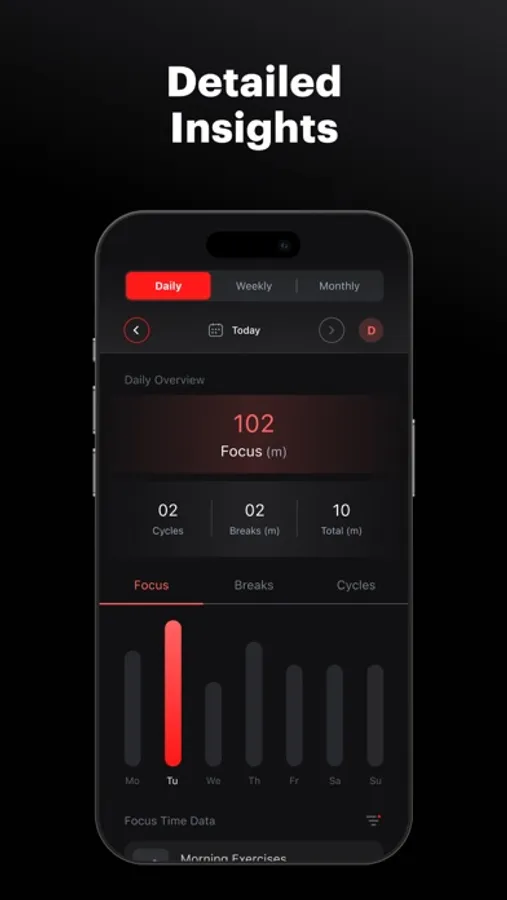
> Advanced Statistics: Do you want to calculate the time you’ve spent focusing on different tasks? How much is your break time, how many hours of focus did you take on a given day, what was the “Category” which requires more of your focus time, etc.? Well, this app is what you need.
What is the Pomodoro Technique?
It’s an old technique that helps people to stay focused, boost productivity. How does it work?
1. Choose a task
2. Set a 25-minute timer and work on it.
3. Take a 5 minute “short” break after 25 minutes of focus.
4. Take a long break after you’ve completed 4 focus sessions.
It might look like a very basic technique, people who’ve implemented this technique in their lives noticed an improvement in their focus by 20-45%. What are you waiting for? Install the app now.
Privacy Policy: https://pomodoro-timer.appstraw.com/privacy-policy
Terms of Use: https://pomodoro-timer.appstraw.com/terms-conditions
Besides other traditional focus timer apps, our app actually includes the default pomodoro timer, but also allows you to create your own timers and customize the length of your focus session, short break, long break, etc.
It might look like a very small app, but it isn’t one, it has options to add sub-tasks, play multiple ambient sounds at once, and track all your focus sessions using our advanced statistics manager (pro-users)
Key Features
> Default Pomodoro Timer: This is a default timer created which allows people to just download the app and start the pomodoro technique based timer.
> Create Multiple Timers: Create multiple Pomodoros or timers for different tasks. So whether you want to improve focus during a workout or study time, create a timer, set focus time, short breaks, long breaks, and you’re done! Do this for all the activities which require high-quality focus time.
> Play multiple Ambient sounds at once: Currently our app has recordings of 15 different natural sounds, you can pick multiple For instance, you can play forest, thunderstorm, and bonfire. According to research, music of the right choice can boost focus by 30%.
> Add Sub-Tasks: There’s always a micro-task under your main task which you forget, that’s why we’ve added the “add sub-tasks” functionality. Basically, you can add sub-tasks for your main tasks and mark them as done on the go.
> Advanced Statistics: Do you want to calculate the time you’ve spent focusing on different tasks? How much is your break time, how many hours of focus did you take on a given day, what was the “Category” which requires more of your focus time, etc.? Well, this app is what you need.
What is the Pomodoro Technique?
It’s an old technique that helps people to stay focused, boost productivity. How does it work?
1. Choose a task
2. Set a 25-minute timer and work on it.
3. Take a 5 minute “short” break after 25 minutes of focus.
4. Take a long break after you’ve completed 4 focus sessions.
It might look like a very basic technique, people who’ve implemented this technique in their lives noticed an improvement in their focus by 20-45%. What are you waiting for? Install the app now.
Privacy Policy: https://pomodoro-timer.appstraw.com/privacy-policy
Terms of Use: https://pomodoro-timer.appstraw.com/terms-conditions