AppRecs review analysis
AppRecs rating 4.5. Trustworthiness 65 out of 100. Review manipulation risk 28 out of 100. Based on a review sample analyzed.
★★★★☆
4.5
AppRecs Rating
Ratings breakdown
5 star
100%
4 star
0%
3 star
0%
2 star
0%
1 star
0%
What to know
✓
Low review manipulation risk
28% review manipulation risk
✓
High user satisfaction
100% of sampled ratings are 5 stars
About Thermostat Controller
This app lets you view the data from and control your Venstar thermostat locally.
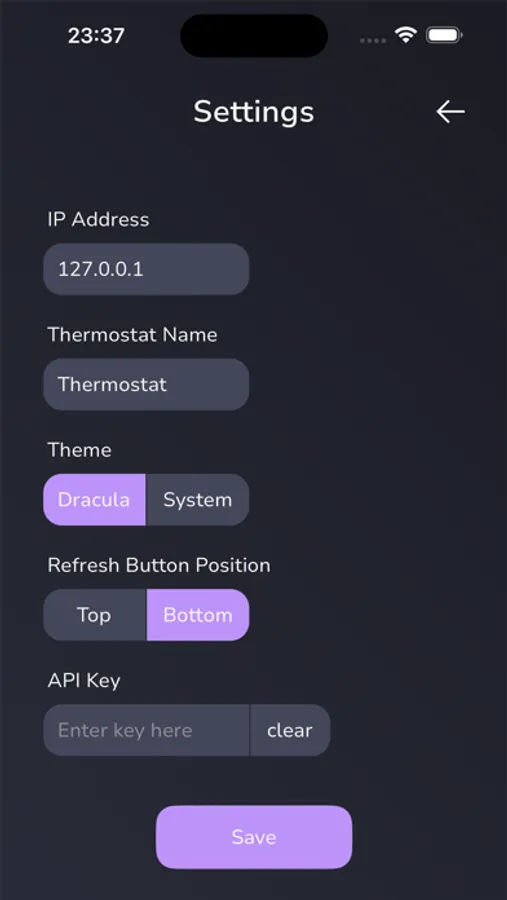
Note: "Locally" refers to the fact that your Venstar thermostat has a local API. This app is interacting with this local API. Meaning, unless you have remote mode enabled and are running the companion app on a computer, then, if your phone isn't connected to the same Wi-Fi network as your thermostat, you won't be able to read from it or control it.
Data you can view:
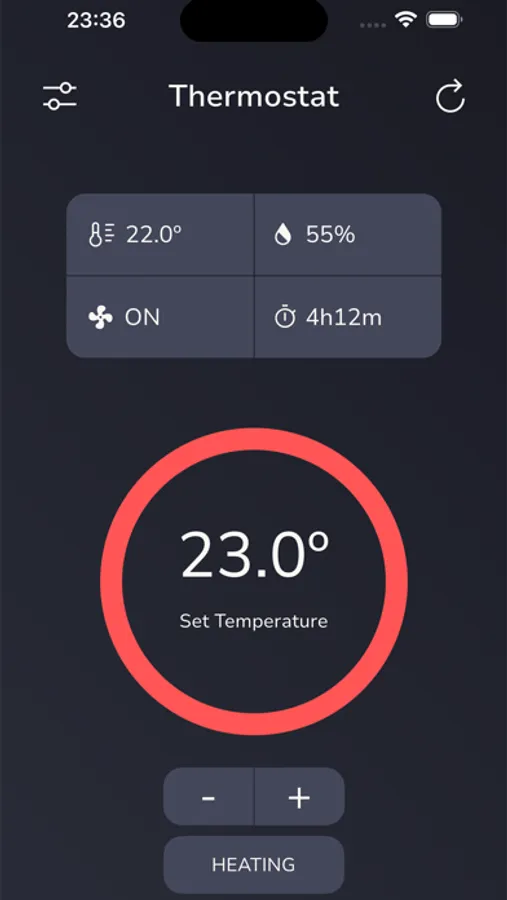
* Current temperature
* Set temperature
* Humidity
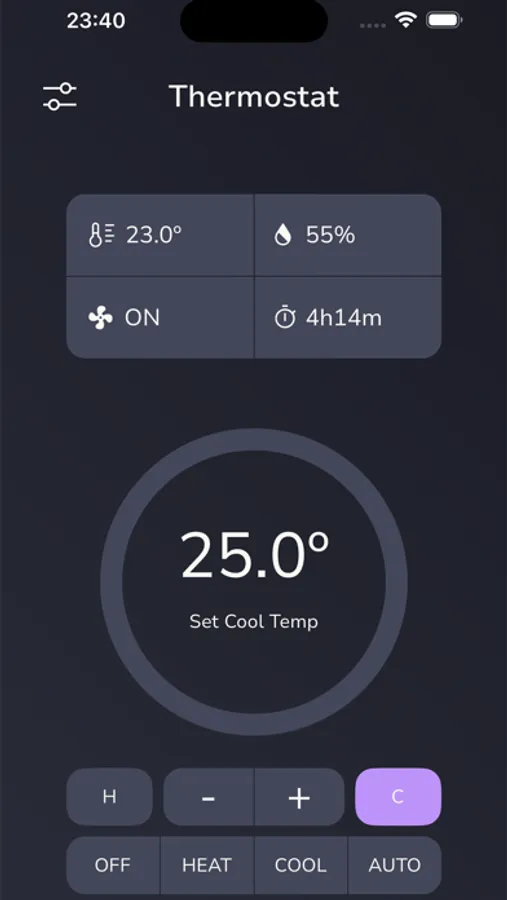
* Mode (heat, cool, auto)
* Fan state
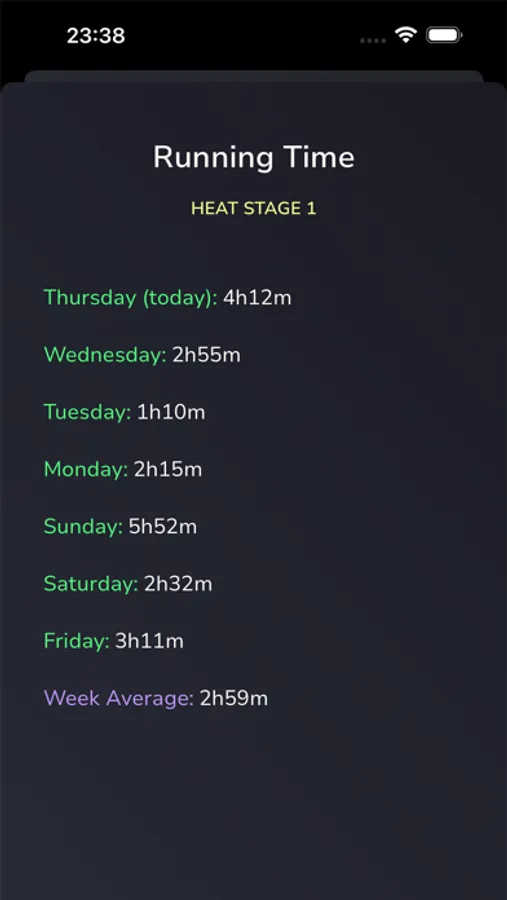
* Today’s runtime
* Runtime for each day of the past week
* The average daily runtime for the past week
What you can control:
* Increase/decrease the set temperature
* Change the mode (heating, cooling, auto)
* Change the fan mode (always on or auto)
Optional push notifications are available to let you know when the thermostat state changes from idle to active (e.g. heating or cooling) or vice versa. These push notifications require the companion app to be running on a computer as well as an API key. More info here: https://thermostat-controller.studiojq.io/push
An optional remote mode is now also available, which lets you view your thermostat data while not on the same Wi-Fi network as the thermostat (i.e. from anywhere). This remote mode requires the companion app to be running on a computer as well as an API key. The remote mode is view only. You cannot control your thermostat remotely. More info here: https://thermostat-controller.studiojq.io/remote
Documentation: https://thermostat-controller.studiojq.io
Note: "Locally" refers to the fact that your Venstar thermostat has a local API. This app is interacting with this local API. Meaning, unless you have remote mode enabled and are running the companion app on a computer, then, if your phone isn't connected to the same Wi-Fi network as your thermostat, you won't be able to read from it or control it.
Data you can view:
* Current temperature
* Set temperature
* Humidity
* Mode (heat, cool, auto)
* Fan state
* Today’s runtime
* Runtime for each day of the past week
* The average daily runtime for the past week
What you can control:
* Increase/decrease the set temperature
* Change the mode (heating, cooling, auto)
* Change the fan mode (always on or auto)
Optional push notifications are available to let you know when the thermostat state changes from idle to active (e.g. heating or cooling) or vice versa. These push notifications require the companion app to be running on a computer as well as an API key. More info here: https://thermostat-controller.studiojq.io/push
An optional remote mode is now also available, which lets you view your thermostat data while not on the same Wi-Fi network as the thermostat (i.e. from anywhere). This remote mode requires the companion app to be running on a computer as well as an API key. The remote mode is view only. You cannot control your thermostat remotely. More info here: https://thermostat-controller.studiojq.io/remote
Documentation: https://thermostat-controller.studiojq.io