With this music production app, you can create beats using samples, sequences, and effects. Includes editable programs, sequences, sound library, and sampling options.
AppRecs review analysis
AppRecs rating 2.3. Trustworthiness 76 out of 100. Review manipulation risk 23 out of 100. Based on a review sample analyzed.
★★☆☆☆
2.3
AppRecs Rating
Ratings breakdown
5 star
29%
4 star
7%
3 star
17%
2 star
11%
1 star
36%
What to know
⚠
Ad complaints
Many low ratings mention excessive ads
⚠
Pricing complaints
Many low ratings mention paywalls or pricing
⚠
Mixed user feedback
Average 2.8★ rating suggests room for improvement
About iMPC for iPhone
Turn your iPhone into an MPC with more than 600 samples, 47 editable programs, 80 editable sequences, and iconic MPC workflow.
Need help? Have an issue or question? Please email us at support@retronyms.com.
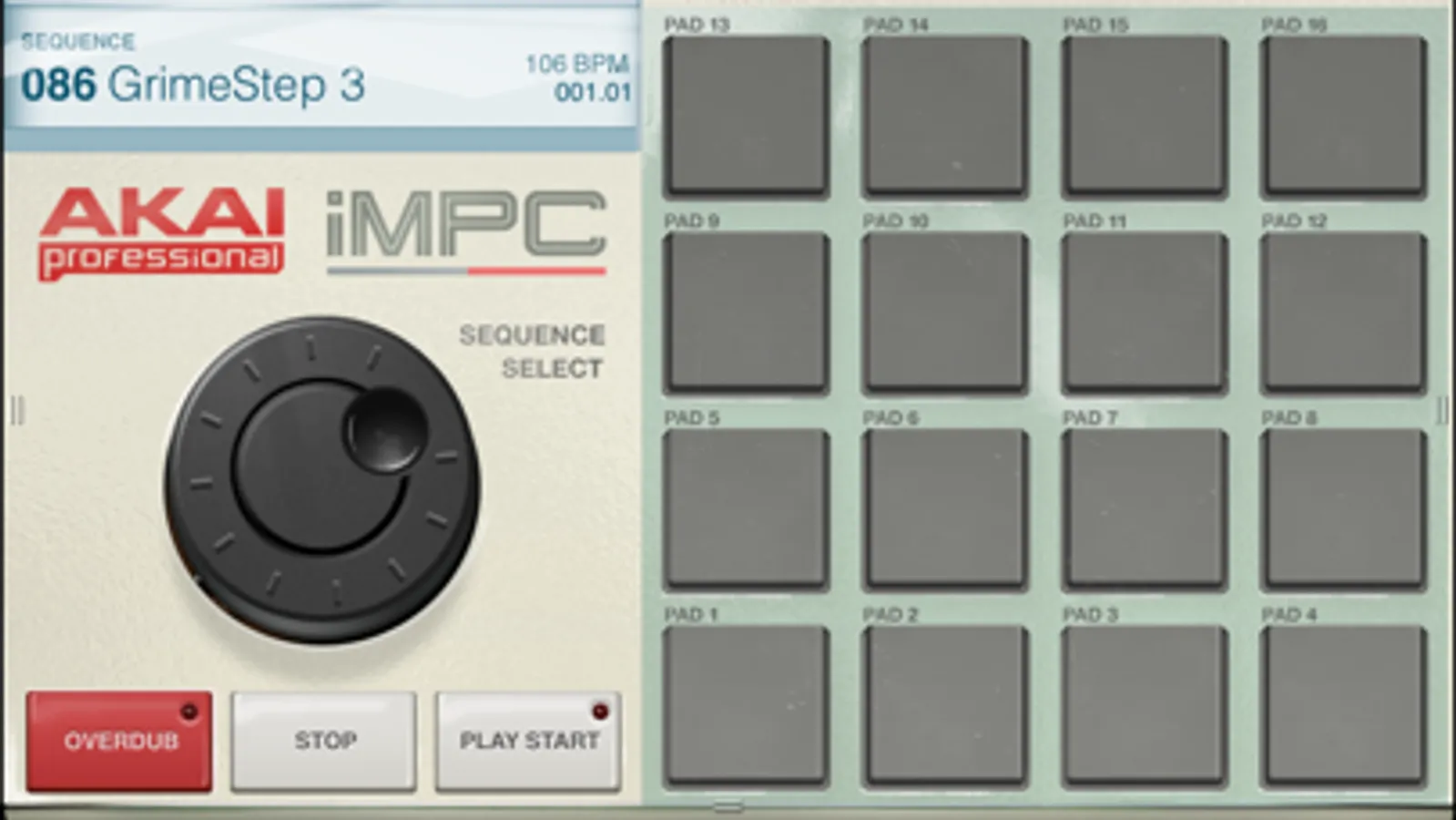
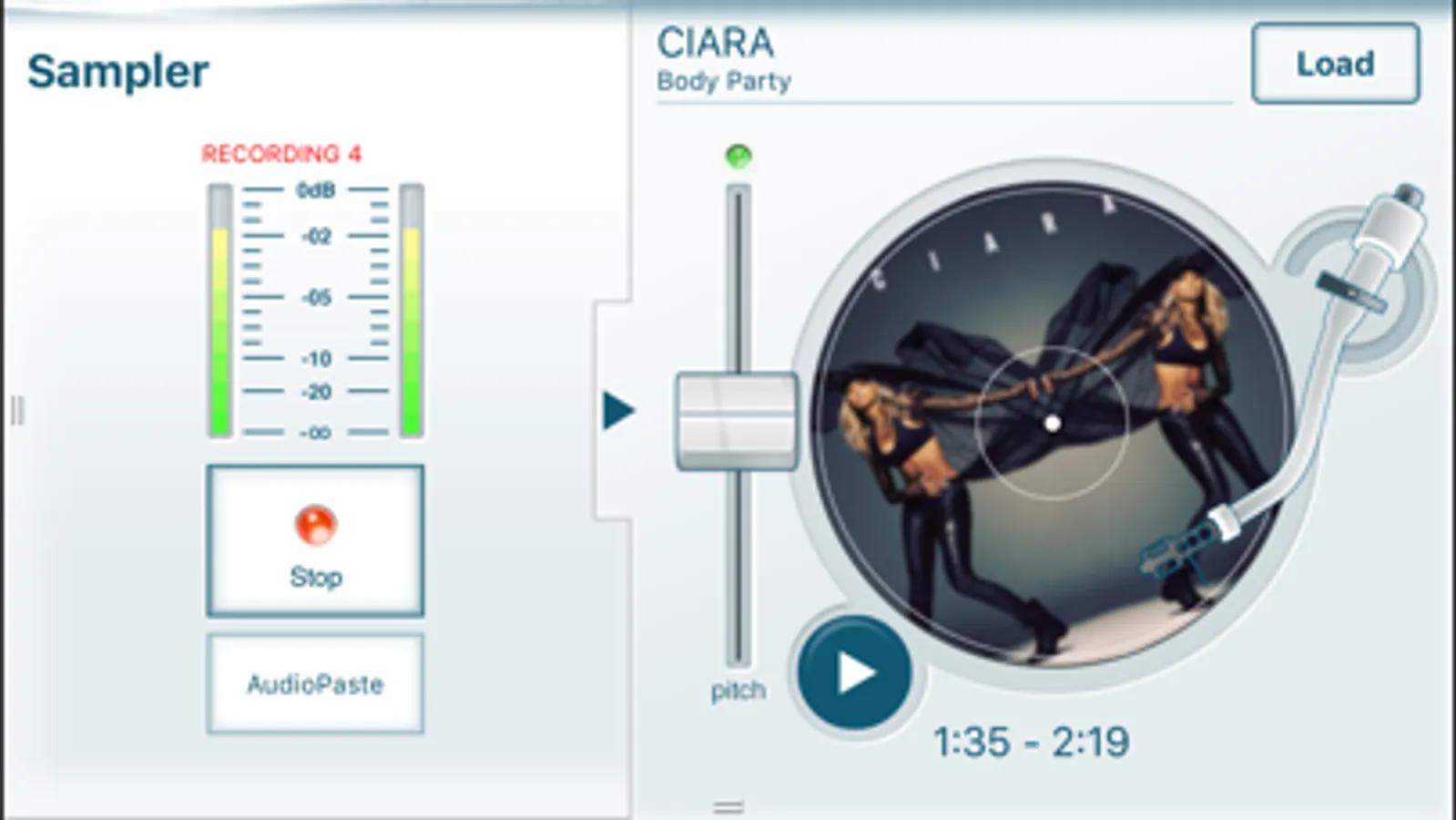
iMPC brings the look and feel of the classic Akai Pro MPC to your iPhone. iMPC includes everything you need to create a beat quickly and easily. With features including built-in effects, plus the ability to create new sequences and record and overdub beats, the possibilities are endless. The app’s built-in sampler can record samples three different ways: using the mic on the iPhone, using the line input on the iPhone, or using the multi-touch turntable interface in iMPC to record samples directly from iTunes or other music libraries.
- Exclusive iMPC sound set and classic Akai Professional sound library
- "3D Perform" controls -- use your iPhone's motion sensors to control parameters
- Export tracks to MPC Software for use with MPC Renaissance and MPC Studio
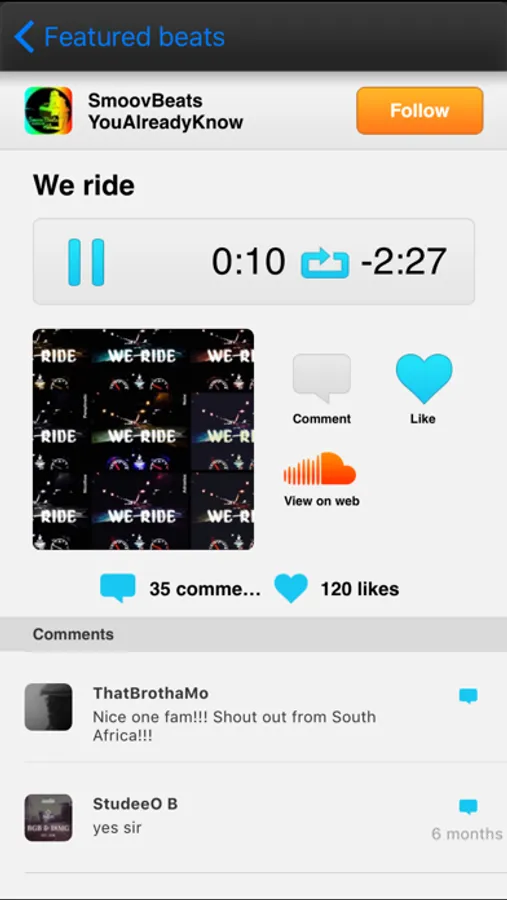
- Share on SoundCloud, Facebook, Twitter, Tumblr, or export to your computer
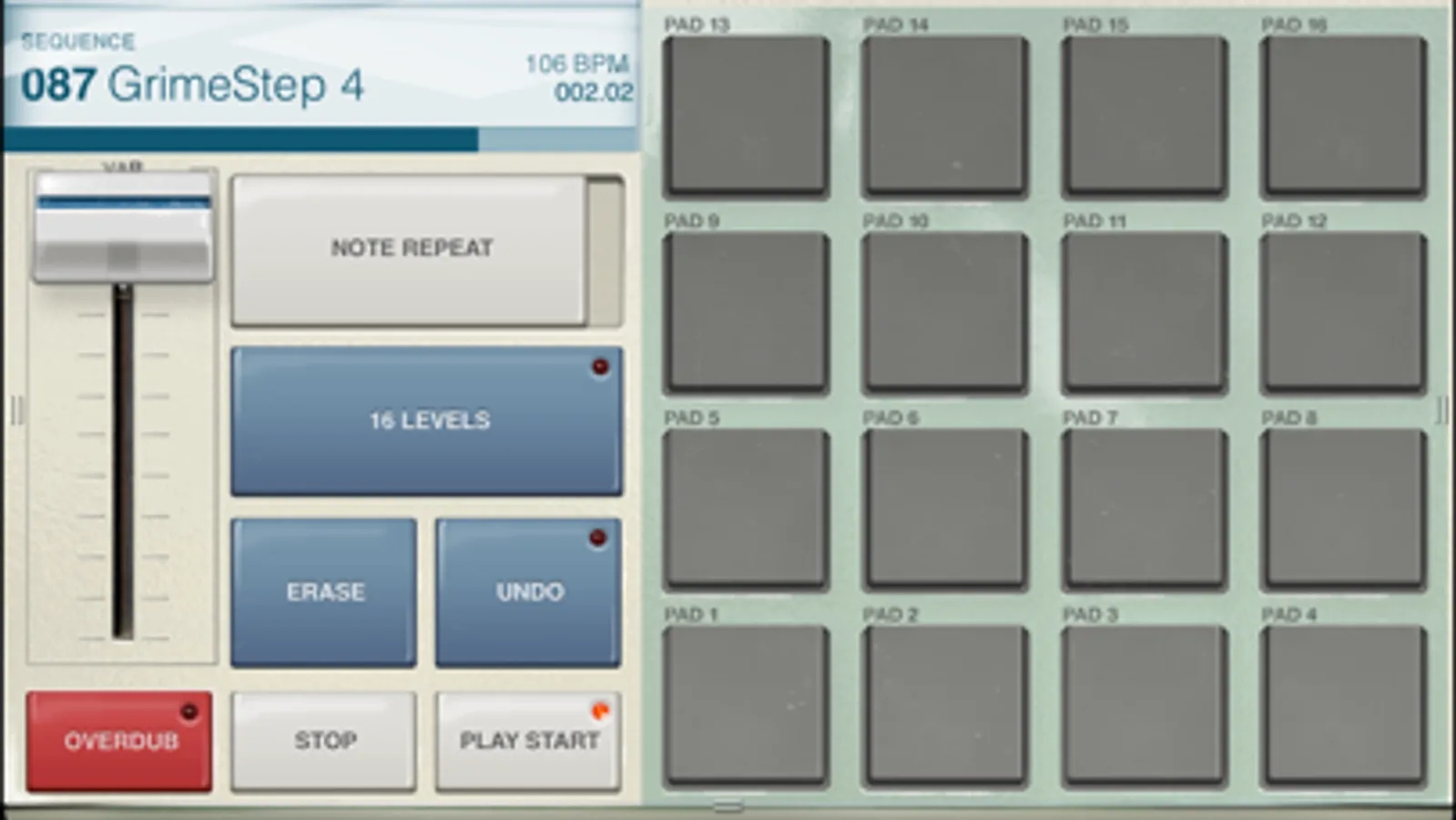
- 16 Levels mode: 16 levels of attack, velocity, length, and tuning
- Note Variation slider: adjust attack, velocity, length, and tuning as you play
- Trim and categorize samples, undo takes and erase samples
- Create new sequences, record and overdub beats
- Live Sequence queuing for real-time performance and playback
- Simple drag and drop program creation
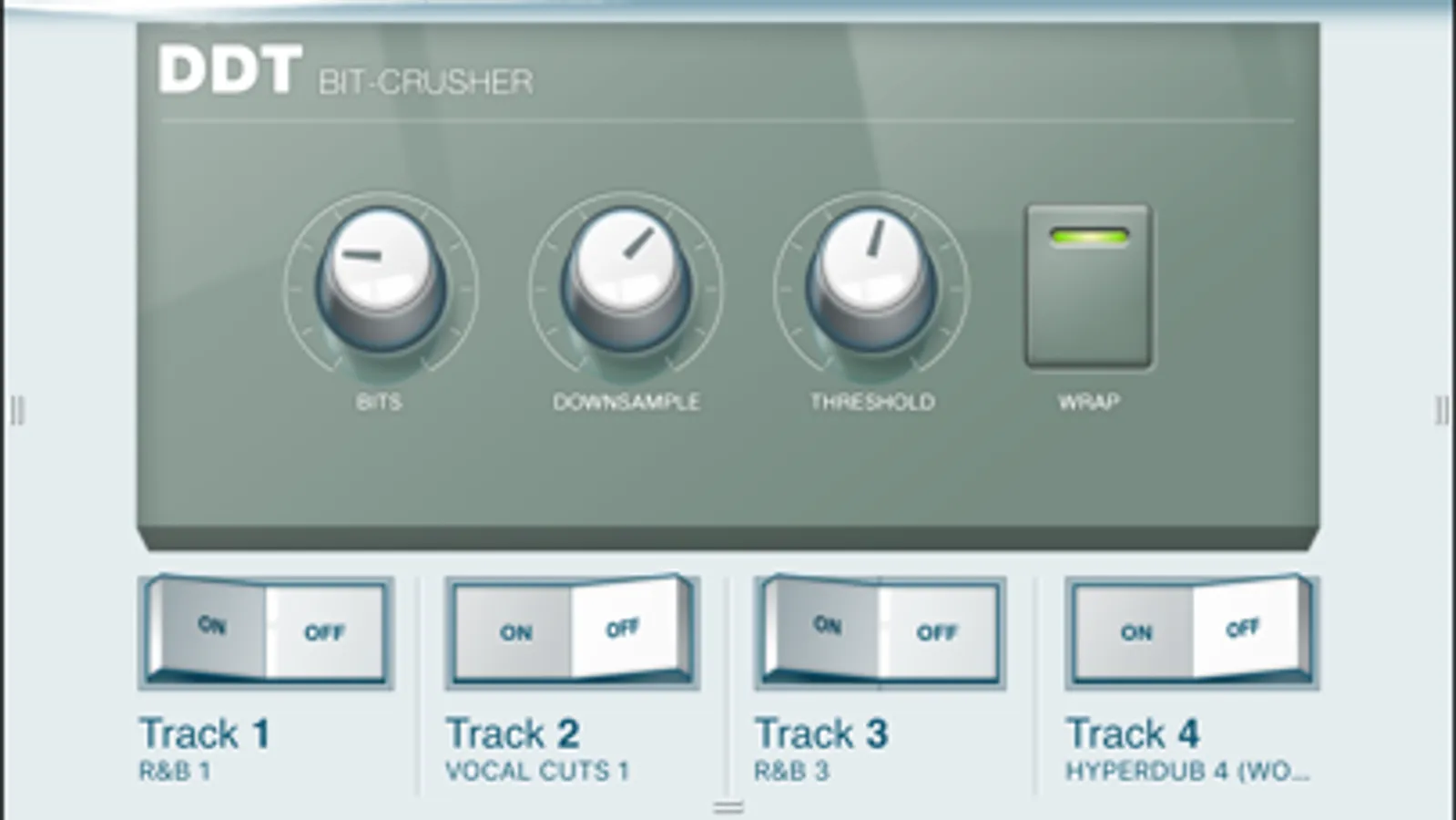
- Effects include delay, bit crusher, master compressor/limiter
- Time correct: 1/8 note - 1/32T with variable swing
- Note Repeat: 1/8 note - 1/32T timing, with latch
- AudioCopy beats and sequences to compatible apps
- AudioPaste samples from hundreds of compatible apps
Need help? Have an issue or question? Please email us at support@retronyms.com.
iMPC brings the look and feel of the classic Akai Pro MPC to your iPhone. iMPC includes everything you need to create a beat quickly and easily. With features including built-in effects, plus the ability to create new sequences and record and overdub beats, the possibilities are endless. The app’s built-in sampler can record samples three different ways: using the mic on the iPhone, using the line input on the iPhone, or using the multi-touch turntable interface in iMPC to record samples directly from iTunes or other music libraries.
- Exclusive iMPC sound set and classic Akai Professional sound library
- "3D Perform" controls -- use your iPhone's motion sensors to control parameters
- Export tracks to MPC Software for use with MPC Renaissance and MPC Studio
- Share on SoundCloud, Facebook, Twitter, Tumblr, or export to your computer
- 16 Levels mode: 16 levels of attack, velocity, length, and tuning
- Note Variation slider: adjust attack, velocity, length, and tuning as you play
- Trim and categorize samples, undo takes and erase samples
- Create new sequences, record and overdub beats
- Live Sequence queuing for real-time performance and playback
- Simple drag and drop program creation
- Effects include delay, bit crusher, master compressor/limiter
- Time correct: 1/8 note - 1/32T with variable swing
- Note Repeat: 1/8 note - 1/32T timing, with latch
- AudioCopy beats and sequences to compatible apps
- AudioPaste samples from hundreds of compatible apps