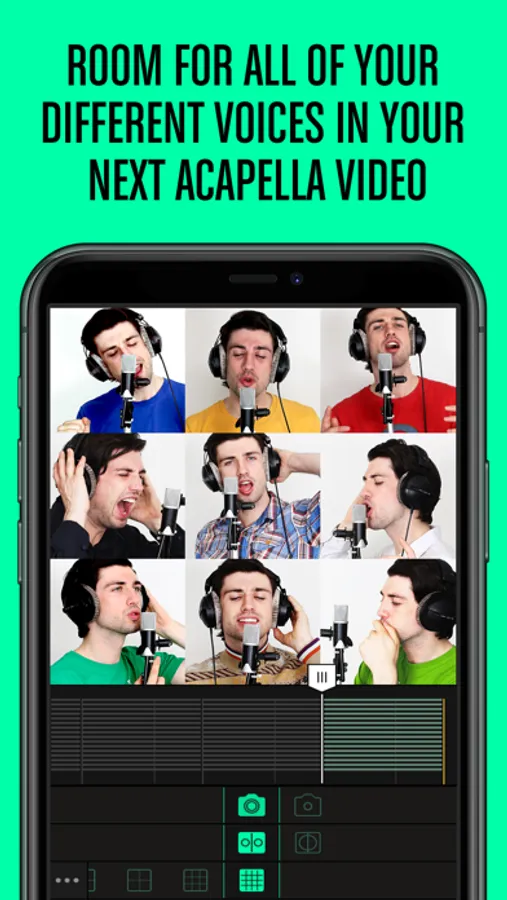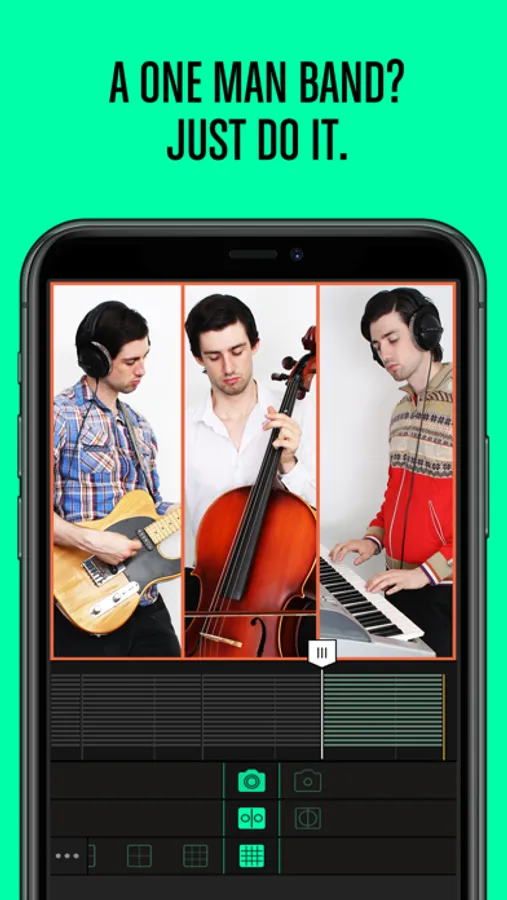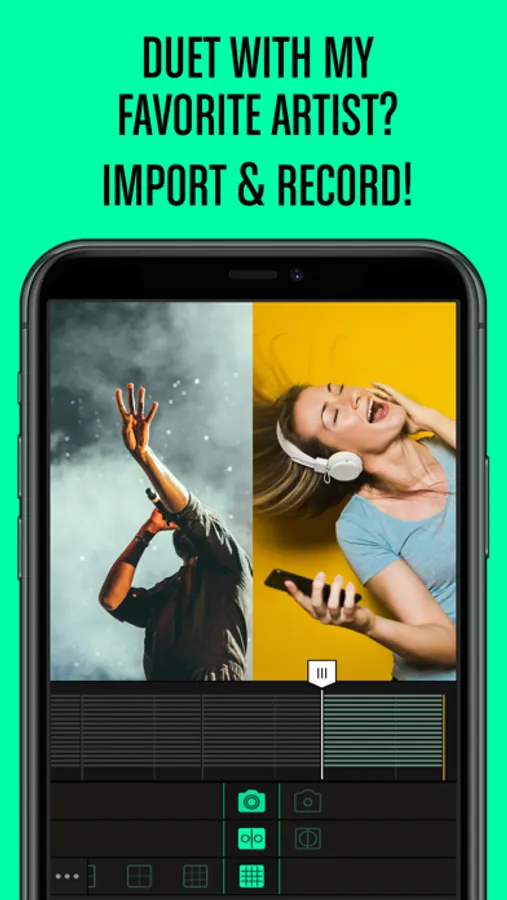
Create quick-cut style music videos using a grid layout with this app. Includes options for trimming clips, adjusting scale and sound, and sharing to multiple platforms.
AppRecs review analysis
AppRecs rating 2.3. Trustworthiness 75 out of 100. Review manipulation risk 25 out of 100. Based on a review sample analyzed.
★★☆☆☆
2.3
AppRecs Rating
Ratings breakdown
5 star
23%
4 star
8%
3 star
6%
2 star
13%
1 star
49%
What to know
⚠
Pricing complaints
Many low ratings mention paywalls or pricing
⚠
Mixed user feedback
Average 2.4★ rating suggests room for improvement
⚠
High negative review ratio
62% of sampled ratings are 1–2 stars
About Gridplay
Make quality quick-cut style music videos straight from your phone with Gridplay.
Giving even the most experienced filmmakers a new experience,
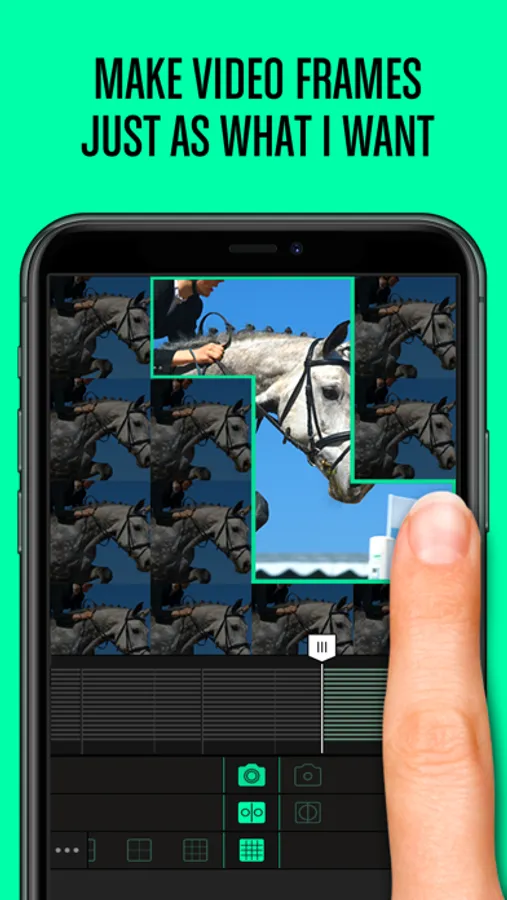
the innovative grid screen allows users to combine and divide cells at will in order to create dynamic videos.
Add a song, trim clips, and adjust and scale each cell for extra flair.
Turn your inspirational moments into the movie of your life with Gridplay.
Features:
1. Takes up to 16 4x4 videoclips (These can be recorded or uploaded.)
2. Swipe to combine or divide the cells
3. Create and edit a timeline with multiple frames
4. Optimized for low-resolution (640p) on Instagram
5. Records up to 15 seconds. (5 minutes with extension)
6. Self-timer
7. Each clip has an independent sound control
8. Ability to save video to camera roll
9. Frame thickness and color settings
10. Automatically saves rough draft
11. Rotate, adjust, scale, and mirror each clip
12. Share to Vine
Instructions:
1. Pick a cell and choose the camera mode. (Full screen vs. split screen, and back camera vs. front camera)
2. Swipe to combine cells, and swipe again to divide.
3. Press the "Film" button.
4. Set the timer up to 15 seconds. (If you have unlocked the extension, you can set the timer up to 5 minutes.)
5. When you finish with one frame, it will go to the next automatically. You need to set the timer for each frame.
6. If you don't like what you have recorded, tap to delete. If you don't want to fill up the other cells? No problem, just go to the next step.
7. Adjust the volume and position of each clip.
8. Trim the clips and add background music.
9. Save and share on Vine, Instagram, Facebook, Youtube, Tumblr, and email.
Giving even the most experienced filmmakers a new experience,
the innovative grid screen allows users to combine and divide cells at will in order to create dynamic videos.
Add a song, trim clips, and adjust and scale each cell for extra flair.
Turn your inspirational moments into the movie of your life with Gridplay.
Features:
1. Takes up to 16 4x4 videoclips (These can be recorded or uploaded.)
2. Swipe to combine or divide the cells
3. Create and edit a timeline with multiple frames
4. Optimized for low-resolution (640p) on Instagram
5. Records up to 15 seconds. (5 minutes with extension)
6. Self-timer
7. Each clip has an independent sound control
8. Ability to save video to camera roll
9. Frame thickness and color settings
10. Automatically saves rough draft
11. Rotate, adjust, scale, and mirror each clip
12. Share to Vine
Instructions:
1. Pick a cell and choose the camera mode. (Full screen vs. split screen, and back camera vs. front camera)
2. Swipe to combine cells, and swipe again to divide.
3. Press the "Film" button.
4. Set the timer up to 15 seconds. (If you have unlocked the extension, you can set the timer up to 5 minutes.)
5. When you finish with one frame, it will go to the next automatically. You need to set the timer for each frame.
6. If you don't like what you have recorded, tap to delete. If you don't want to fill up the other cells? No problem, just go to the next step.
7. Adjust the volume and position of each clip.
8. Trim the clips and add background music.
9. Save and share on Vine, Instagram, Facebook, Youtube, Tumblr, and email.